ASUS ROG G712LV-EV081T-BE RAM upgrade specifications


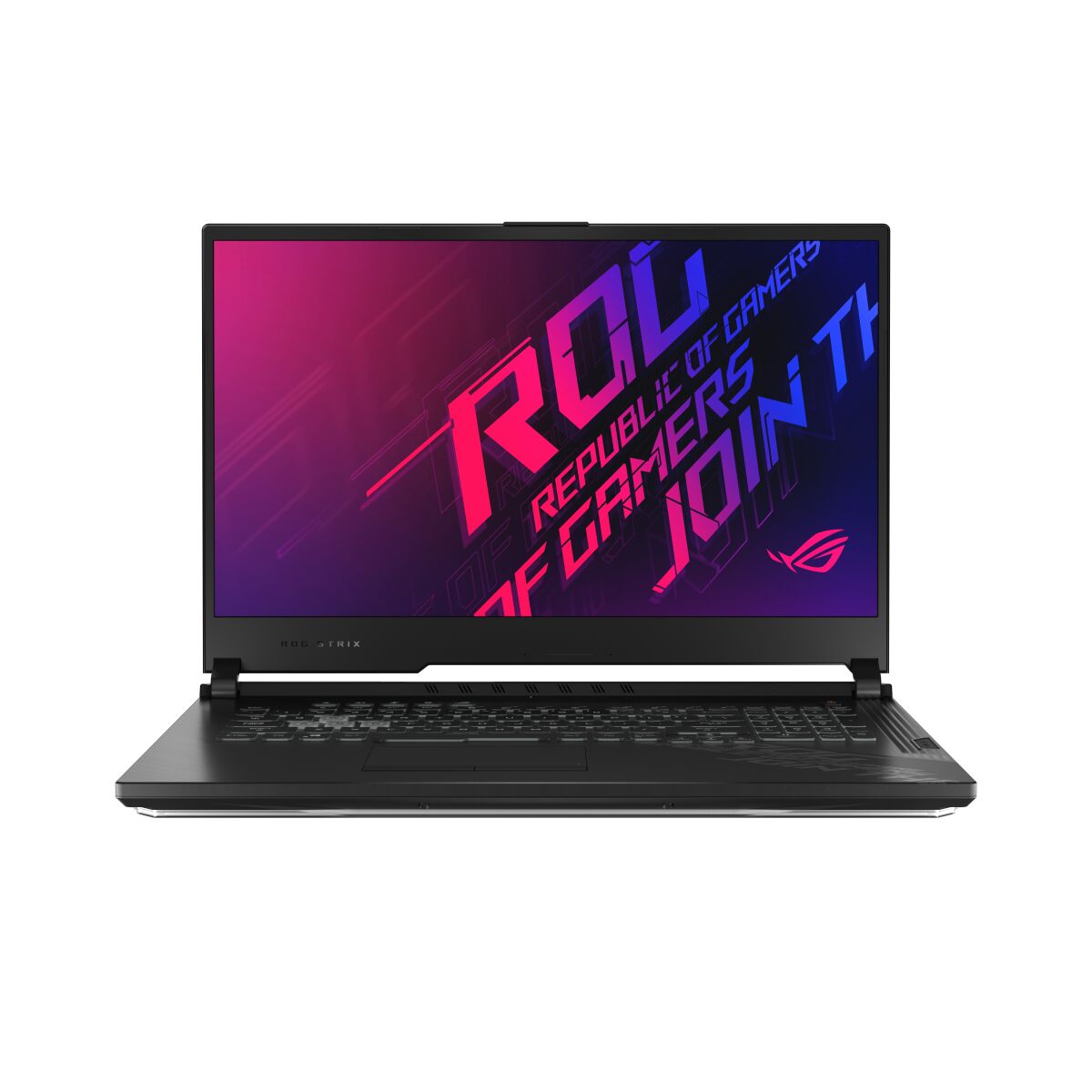
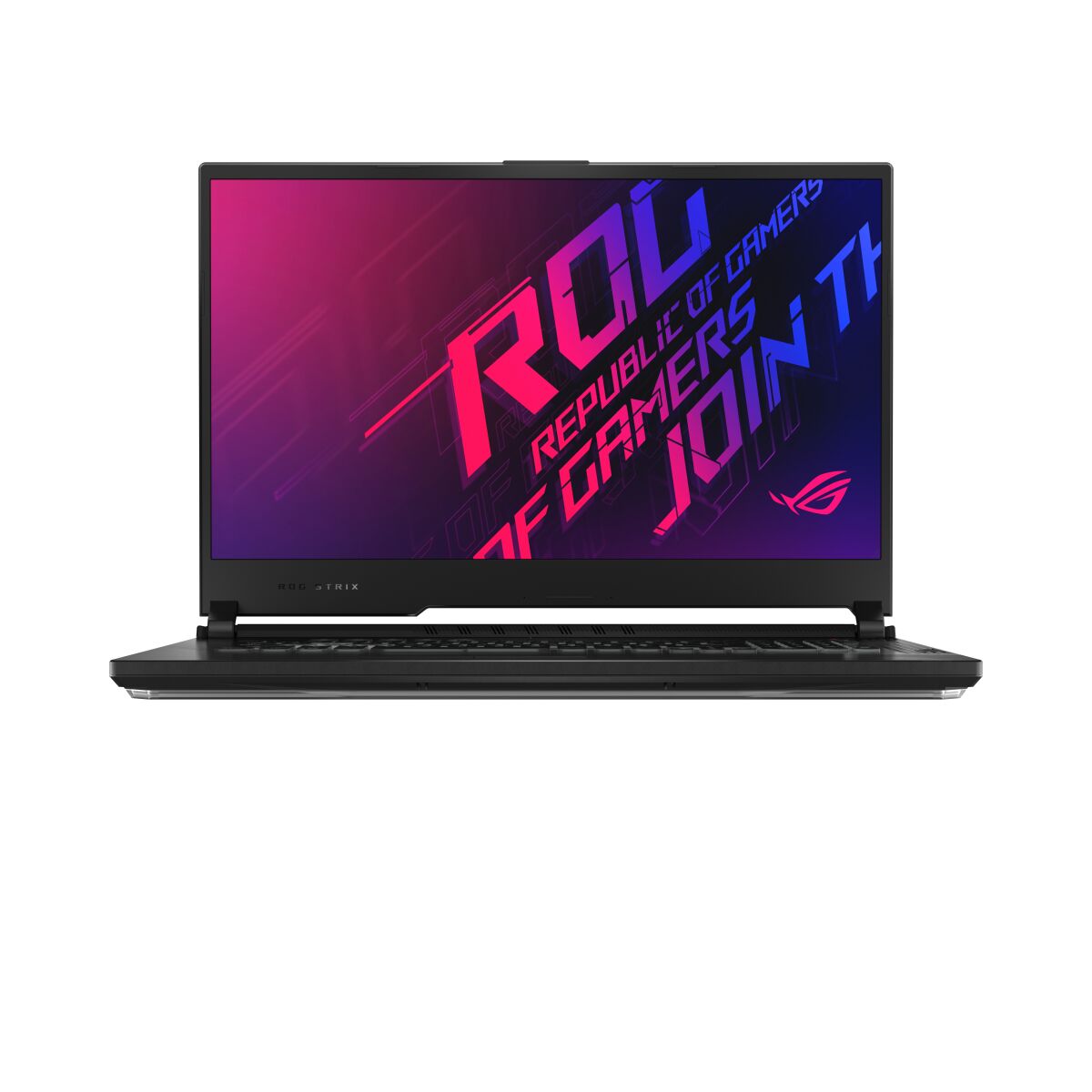

The ASUS ROG Strix G17 G712LV-EV081T-BE laptop features DDR4-SDRAM memory upgrade capabilities with 2x SO-DIMM slots. Maximum supported RAM capacity reaches 32 GB total. Compatible memory modules operate at 3200 MHz frequency. The SO-DIMM form factor specifications enable modular memory expansion for enhanced performance. Upgrade specifications are designed to accommodate the laptop's processing demands and multitasking requirements.
Memory Upgrade Specifications
| Specification | Value |
|---|---|
| Memory slots | 2x SO-DIMM |
| Form factor | SO-DIMM |
| Memory type | DDR4-SDRAM |
| Frequency | 3200 MHz |
| Maximum RAM | 32 GB |
| Voltage | 1.2V |
| Number of pins | 260-pin |
| Interface | PC4 |
| PC Speed Rating | PC4-3200 (PC4-25600) |
| Bandwidth | 25.6 GB/s |
| Laptop Release date | 26 June 2020 |
Additional Notes
- The ASUS ROG G712LV-EV081T-BE uses laptop-class SO-DIMM slots rather than desktop DIMM form factors, restricting upgrade sources to mobile memory modules and preventing use of standard desktop RAM.
- DDR4-3200 specification indicates the motherboard controller supports this speed natively; aftermarket modules rated above 3200 MHz will downclock to 3200 MHz or operate outside manufacturer specifications, potentially affecting stability and warranty coverage.
- Dual SO-DIMM architecture means maximum capacity of 32 GB is only achievable with 2x 16 GB modules; single-module upgrades cap usable memory at 16 GB, leaving the second slot occupied by original equipment that may operate at reduced performance if speed-mismatched.
- The 2-slot configuration provides no redundancy; failure of either module results in complete system malfunction, unlike larger laptops with 4+ slots where partial degradation remains possible.
- SO-DIMM modules occupy minimal physical space but require precise seating and removal; improper installation angles risk bent connector pins on the module itself, which cannot be repaired and may void hardware warranties if installation damage occurs.
- Upgrading from factory configuration requires removal of existing modules and complete power-down; BIOS does not recognize mixed DDR4 speeds in dual-channel mode, so mismatched frequency pairs will default to the lower speed across both slots.