ASUS ROG GA401QM-K2069T RAM upgrade specifications


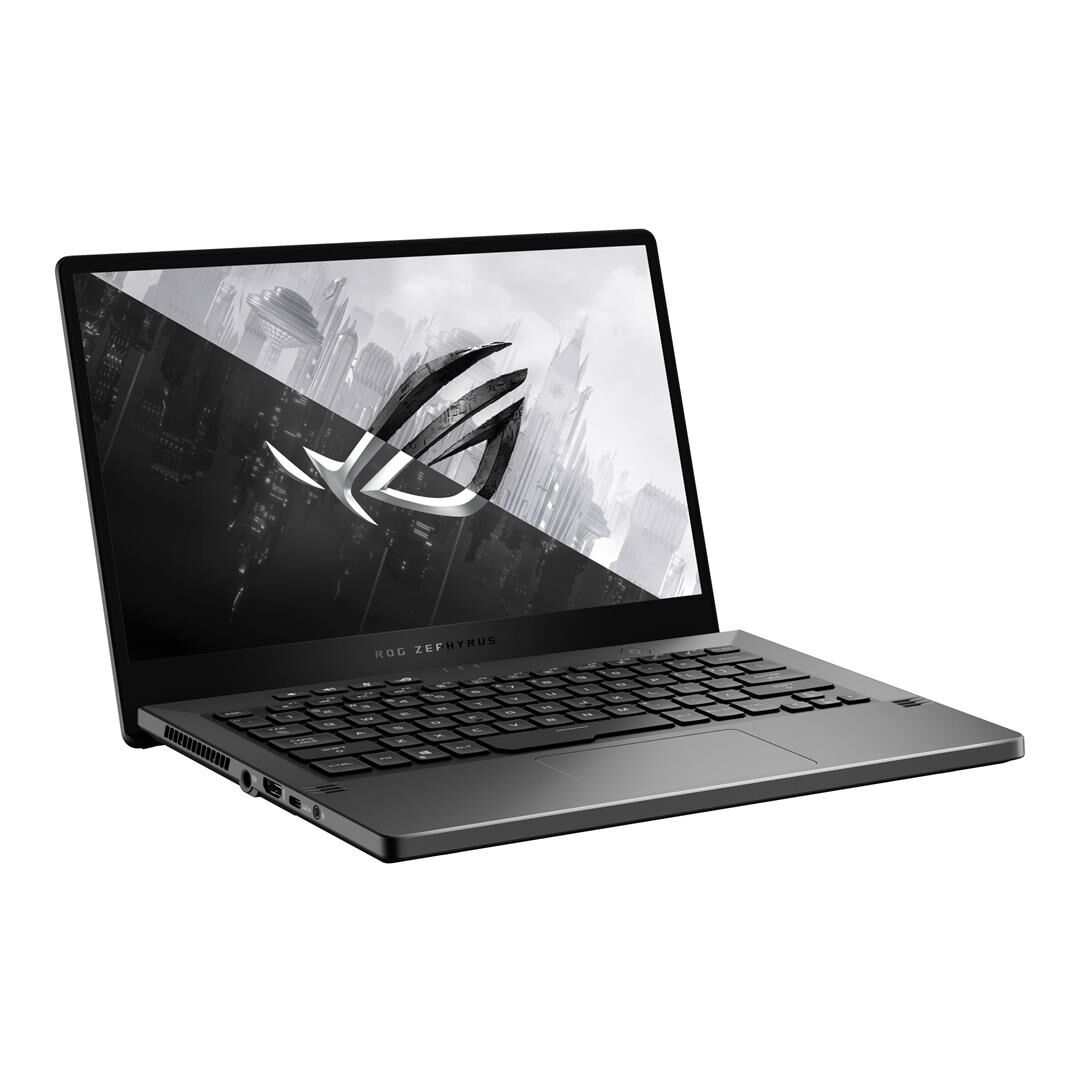
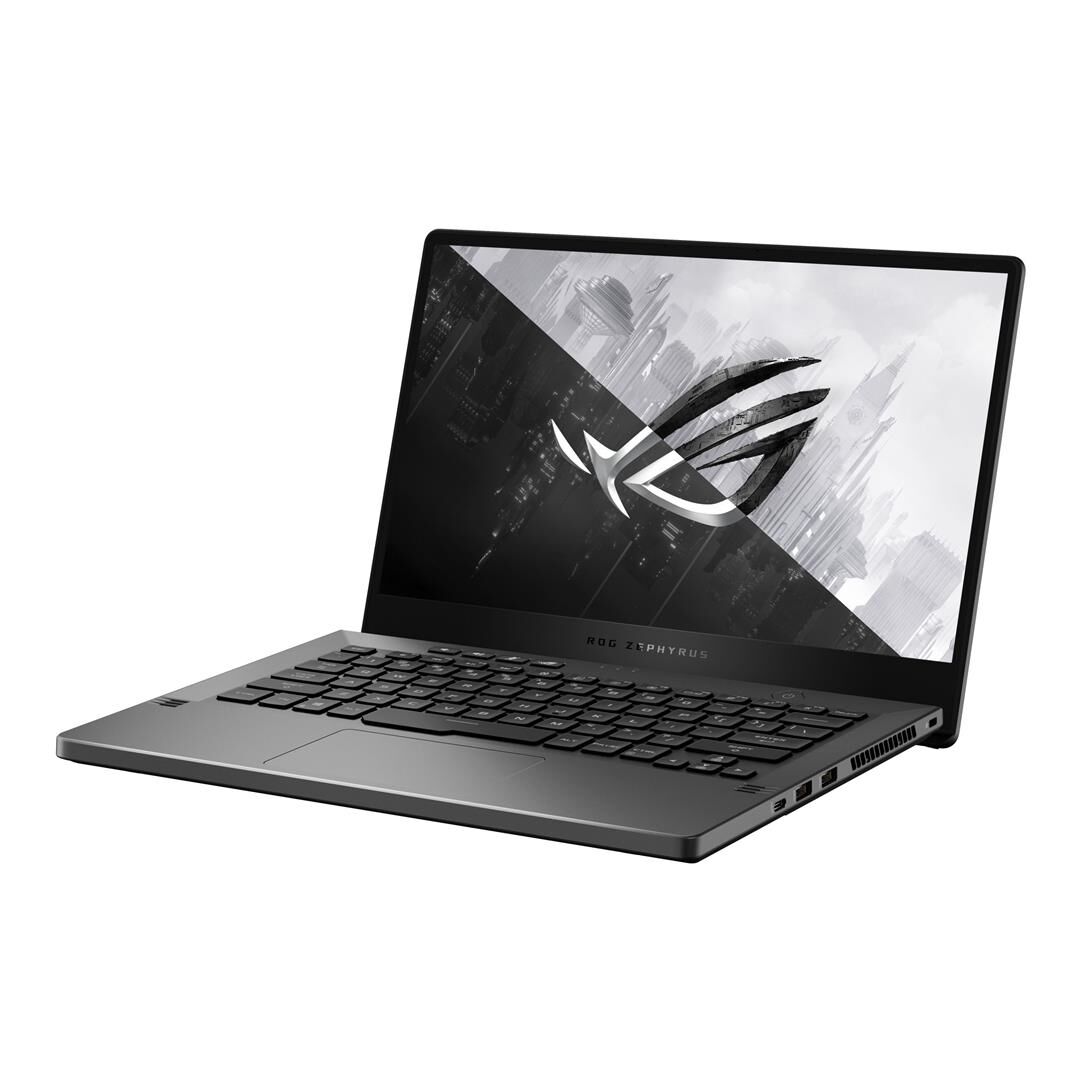
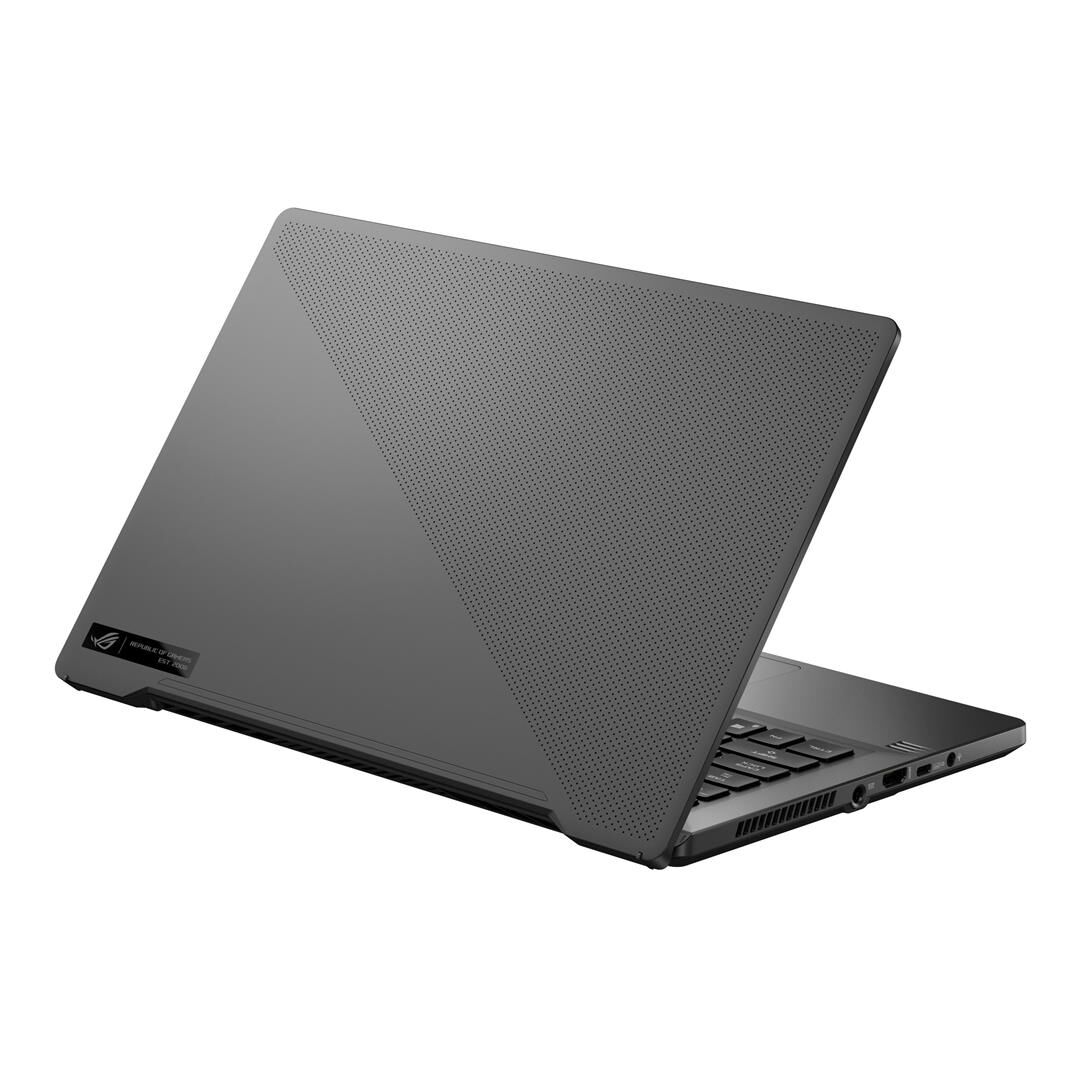
ASUS ROG Zephyrus G14 GA401QM-K2069T RAM upgrade specifications include one SO-DIMM slot compatible with DDR4-SDRAM memory operating at 3200 MHz frequency. Maximum memory capacity reaches 24 GB through upgrade installation. The laptop features on-board memory combined with expandable SO-DIMM slot configuration. Compatible DDR4 modules can be installed in the single available slot to enhance system memory specifications and upgrade performance capabilities.
Memory Upgrade Specifications
| Specification | Value |
|---|---|
| Memory slots | 1x SO-DIMM |
| Form factor | On-board + SO-DIMM |
| Memory type | DDR4-SDRAM |
| Frequency | 3200 MHz |
| Maximum RAM | 24 GB |
| Voltage | 1.2V |
| Number of pins | 260-pin |
| Interface | PC4 |
| PC Speed Rating | PC4-3200 (PC4-25600) |
| Bandwidth | 25.6 GB/s |
| Laptop Release date | 20 March 2021 |
Additional Notes
- The ASUS ROG GA401QM-K2069T contains soldered on-board memory paired with a single accessible SO-DIMM slot, meaning maximum expansion capacity is constrained by a fixed on-board allocation that cannot be removed or replaced.
- Upgrading to the 24 GB ceiling requires installing a 16 GB DDR4-SDRAM module in the SO-DIMM slot, as the on-board portion is non-upgradeable and accounts for the remaining 8 GB of the total capacity.
- The 3200 MHz specification applies uniformly across both on-board and SO-DIMM memory; installing a module rated below this frequency will not degrade performance, but modules exceeding 3200 MHz will operate at the lower specification due to memory controller limitations.
- SO-DIMM DDR4 modules are physically shorter than standard DIMM form factors, making them incompatible with desktop memory slots; replacement modules must be sourced specifically as laptop-grade SO-DIMM variants.
- The single SO-DIMM slot creates a single point of failure for the upgradeable portion of the system; total memory capacity cannot be redundantly distributed across multiple accessible slots.
- Warranty coverage for user-installed RAM upgrades depends on manufacturer policy; SO-DIMM replacement typically remains within the scope of user-serviceable components on gaming laptops, but verification is necessary before installation.