DELL Latitude E7240 RAM upgrade specifications
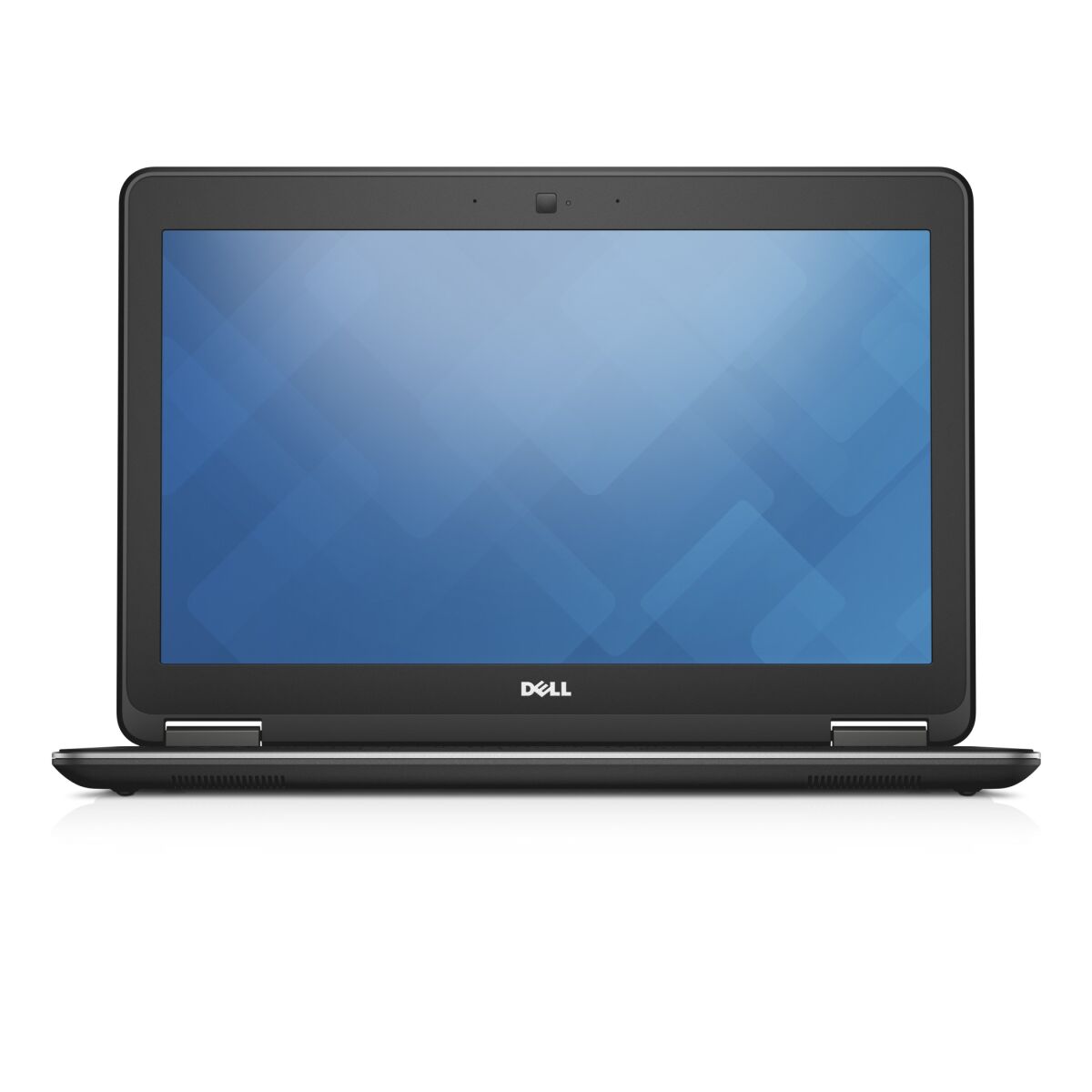
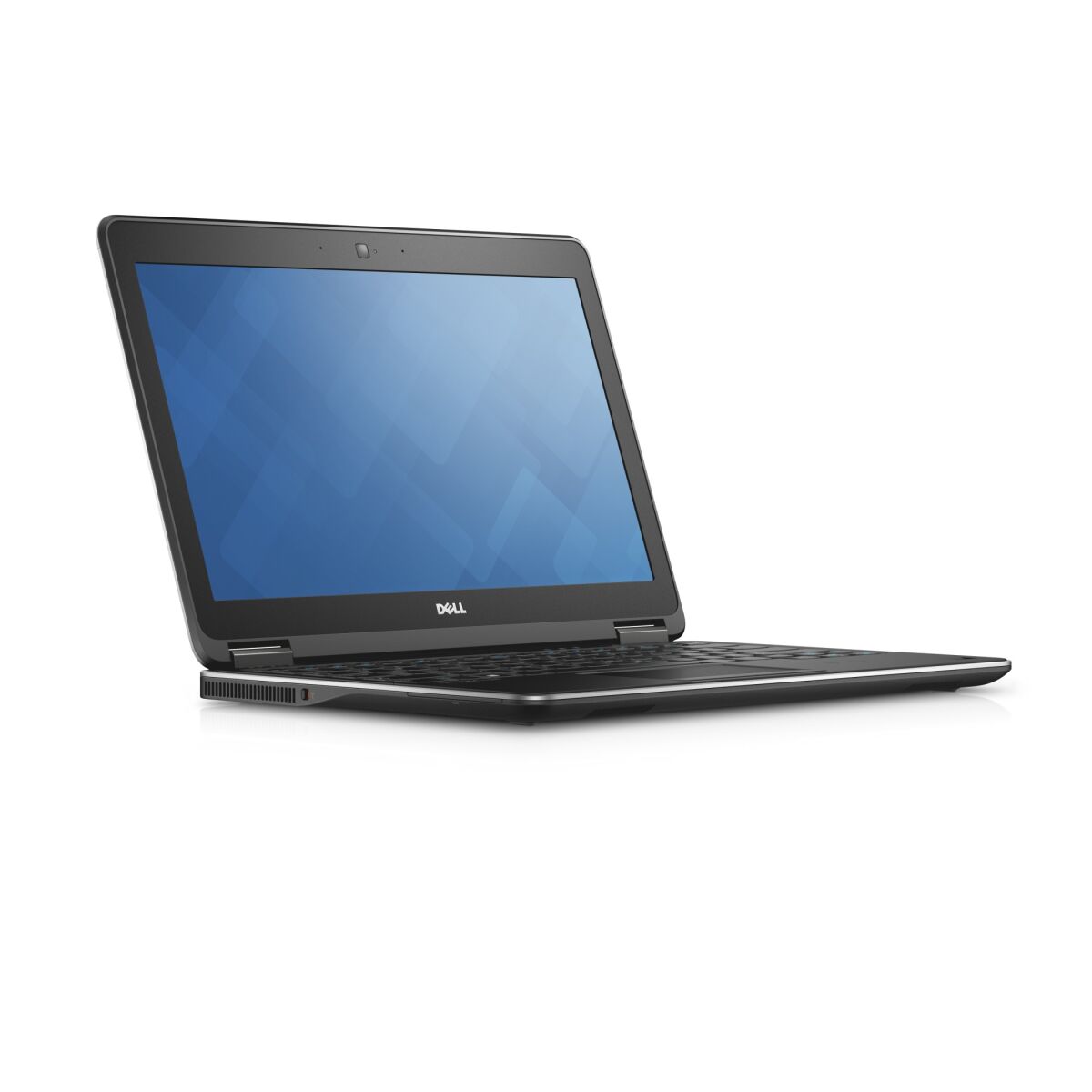
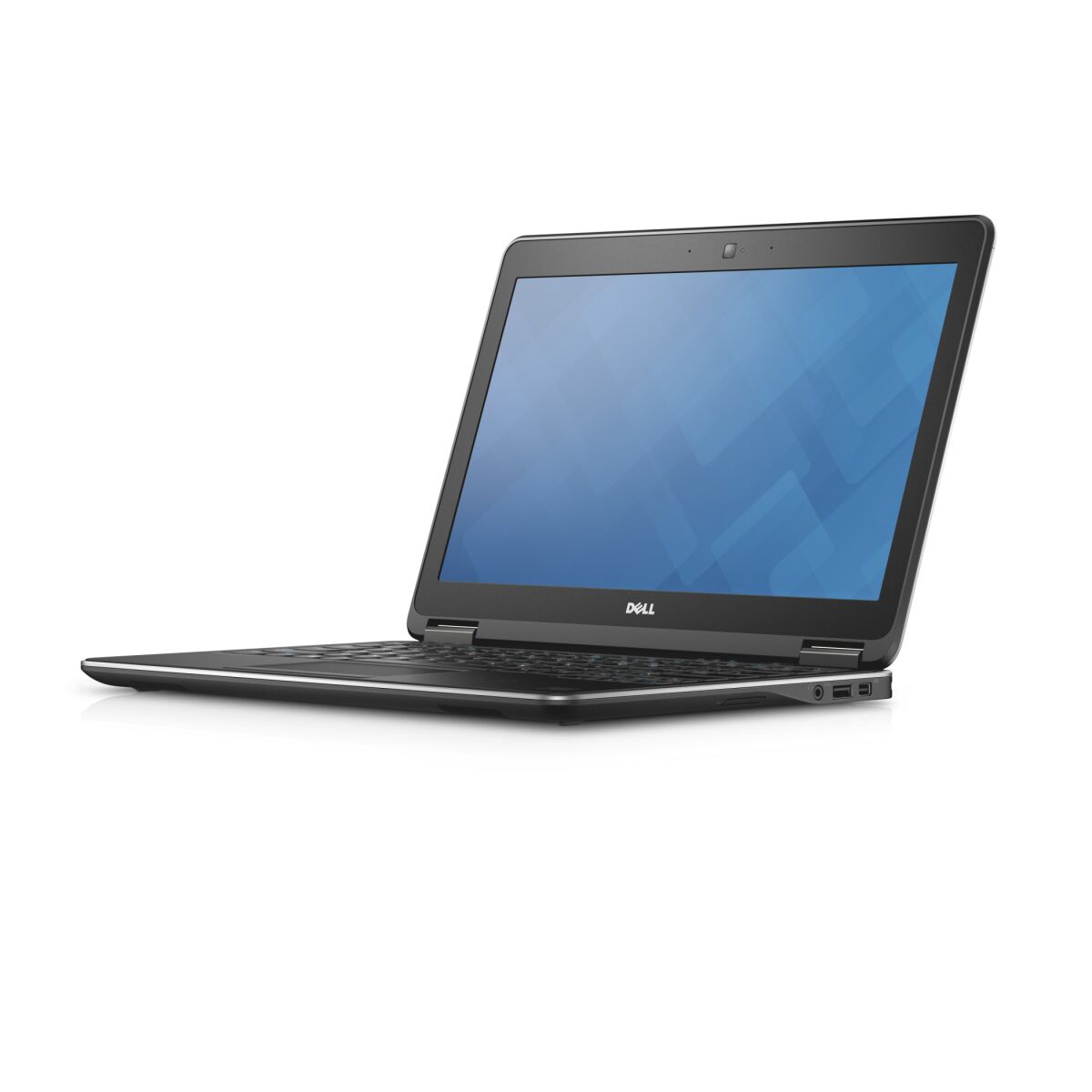
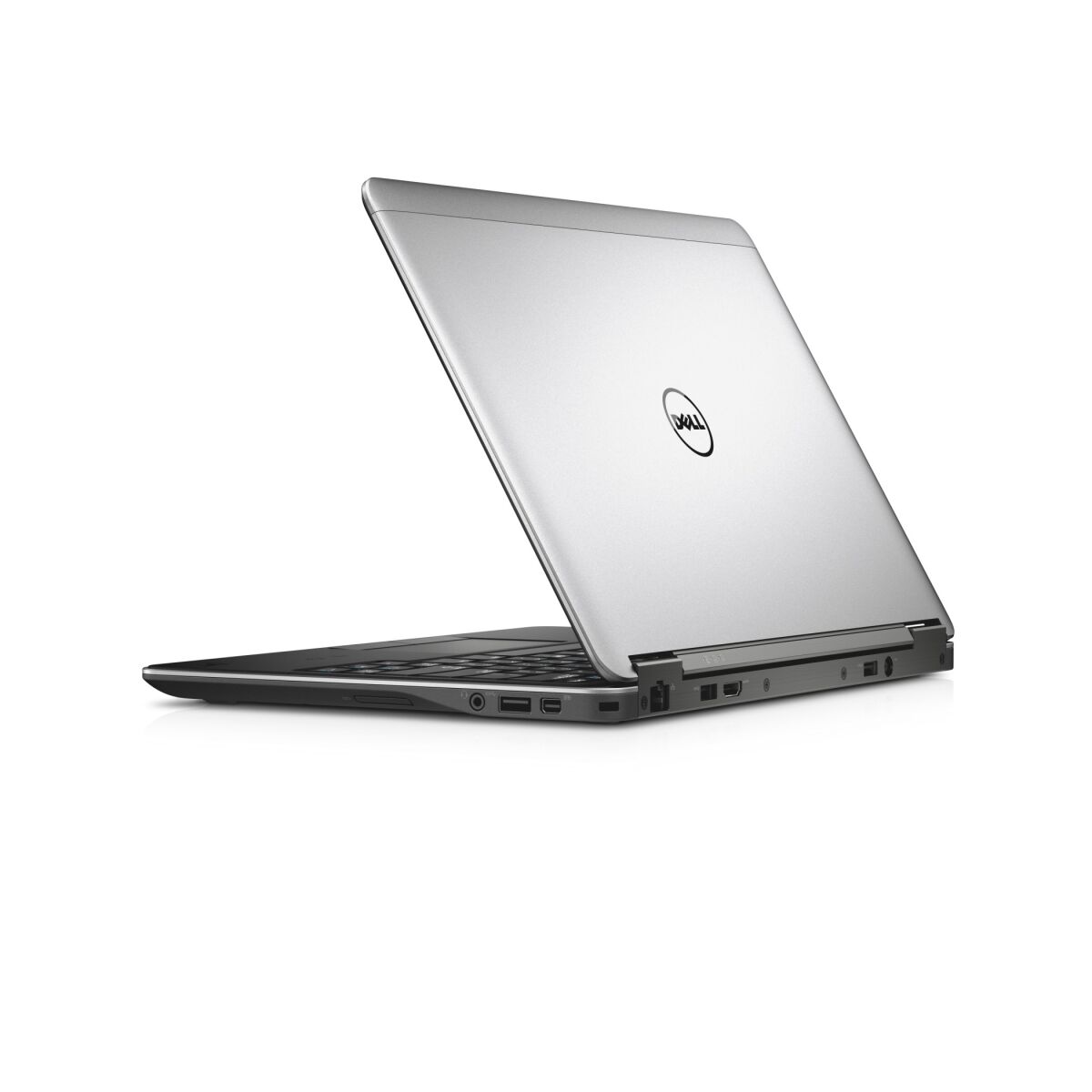
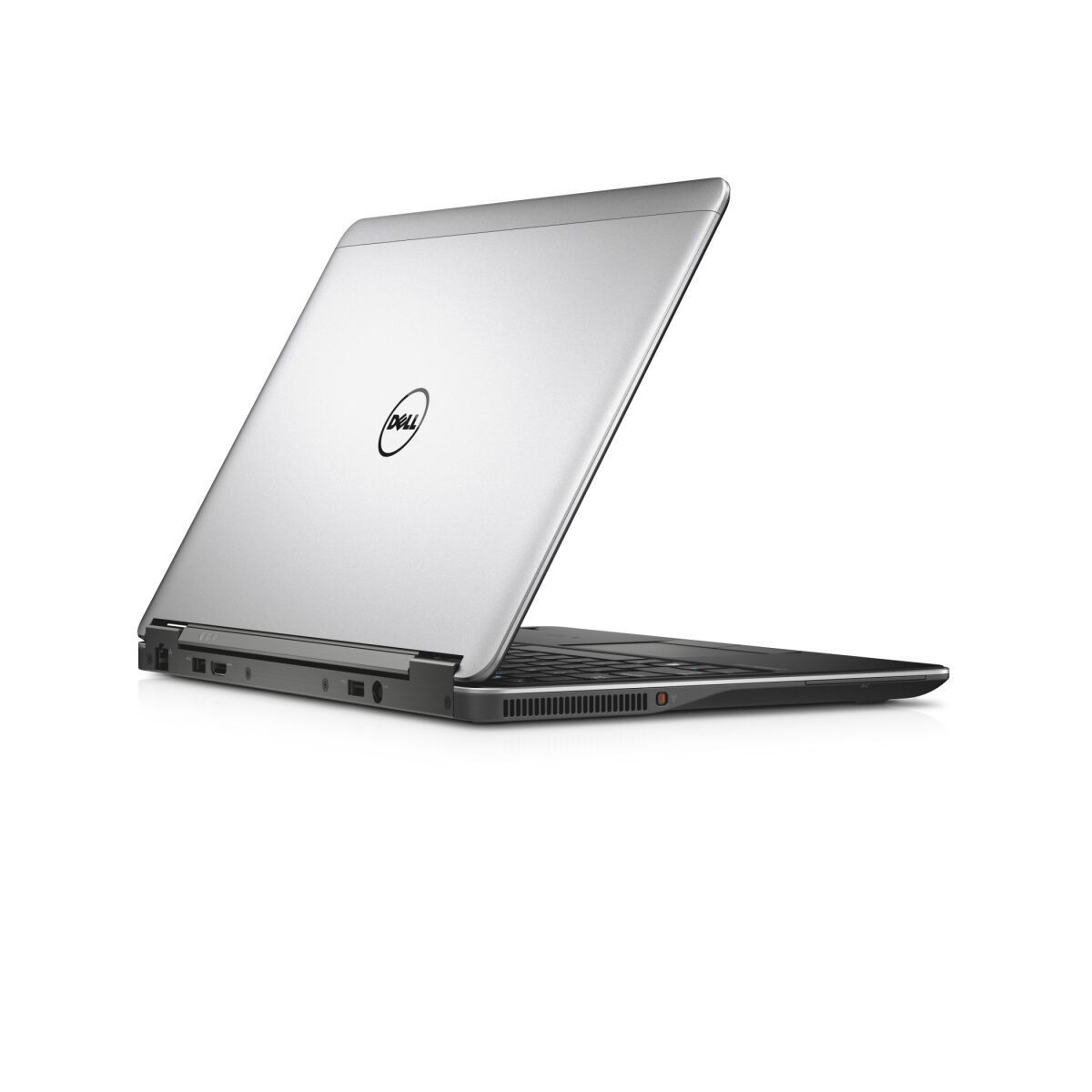
Dell Latitude 7000 Series E7240 supports DDR3-SDRAM memory upgrades with maximum capacity of 16 GB. The laptop features two SO-DIMM slots for RAM installation. Compatible memory modules operate at 1600 MHz frequency. Upgrade specifications allow installation of DDR3-SDRAM modules in the available slots to reach maximum supported capacity. SO-DIMM form factor memory is required for compatibility with this model.
Memory Upgrade Specifications
| Specification | Value |
|---|---|
| Memory slots | 2x SO-DIMM |
| Form factor | SO-DIMM |
| Memory type | DDR3-SDRAM |
| Frequency | 1600 MHz |
| Maximum RAM | 16 GB |
| Voltage | 1.5V |
| Number of pins | 204-pin |
| Interface | PC3 |
| PC Speed Rating | PC3-1600 (PC3-12800) |
| Bandwidth | 12.8 GB/s |
| Laptop Release date | 16 May 2020 |
Additional Notes
- The Dell Latitude E7240 uses SO-DIMM slots, which restricts upgrade options to laptop-specific memory modules rather than standard desktop DDR3 variants, limiting supplier availability and typically increasing per-gigabyte costs.
- DDR3-1600 memory operates at a frequency ceiling established by the system's memory controller; upgrading to faster DDR3 modules will downclock automatically to 1600 MHz, eliminating performance gains from higher-speed purchases.
- Dual SO-DIMM architecture means each slot handles half the system bandwidth; single-module upgrades will operate in asymmetrical mode, reducing effective throughput compared to matched dual-channel configurations at identical capacity.
- The 16 GB maximum capacity constraint is a hardware limitation tied to the memory controller and BIOS design; third-party claims of higher capacity support on this model typically reflect data corruption or unstable operation rather than validated functionality.
- DDR3-based systems cannot be upgraded to DDR4 memory without replacing the motherboard entirely, making the upgrade path locked to DDR3 supply chains that are increasingly phased out in the replacement parts market after 2020.
- SO-DIMM installation in ultraportable form factors typically involves removing keyboard bezels or access panels; any upgrade attempt carries risk of disconnecting internal ribbon cables or damaging low-profile components near the memory slots.
- Warranty preservation requires sourcing memory from Dell's qualified vendor list or equivalent tier-1 OEM suppliers; consumer-grade or unbranded SO-DIMM modules may trigger warranty voidance even if technically compatible.