MSI Gaming GE63 8SE-055IT Raider RGB RAM upgrade specifications


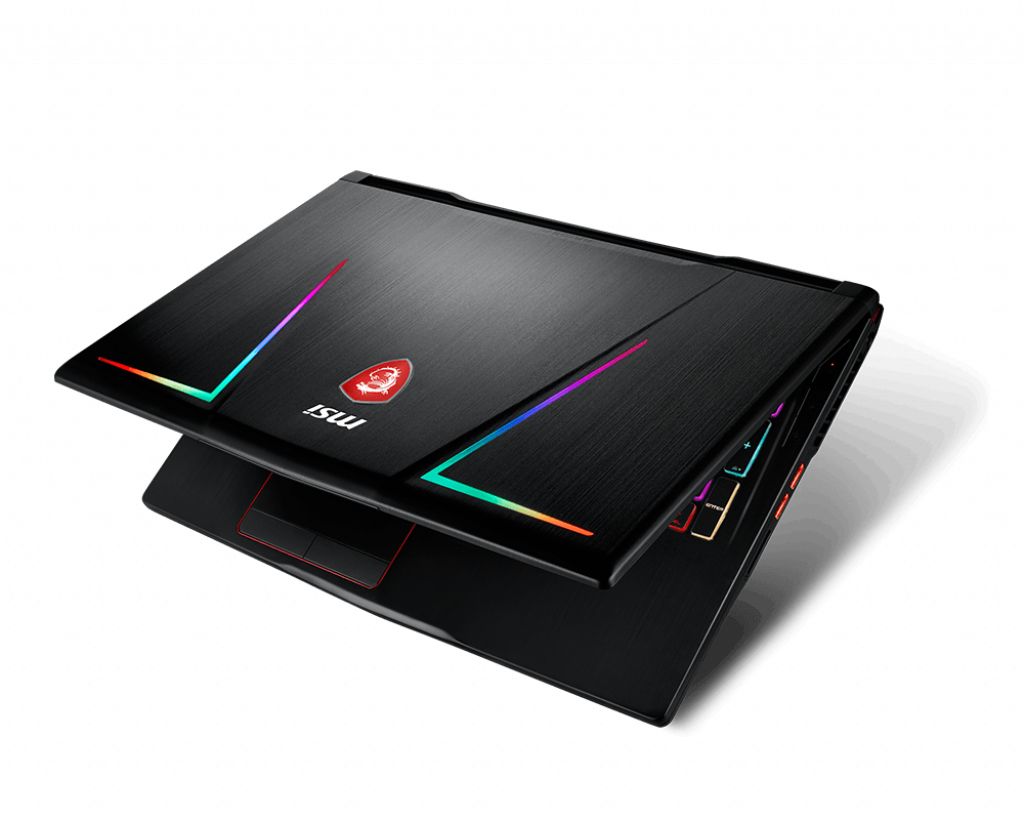
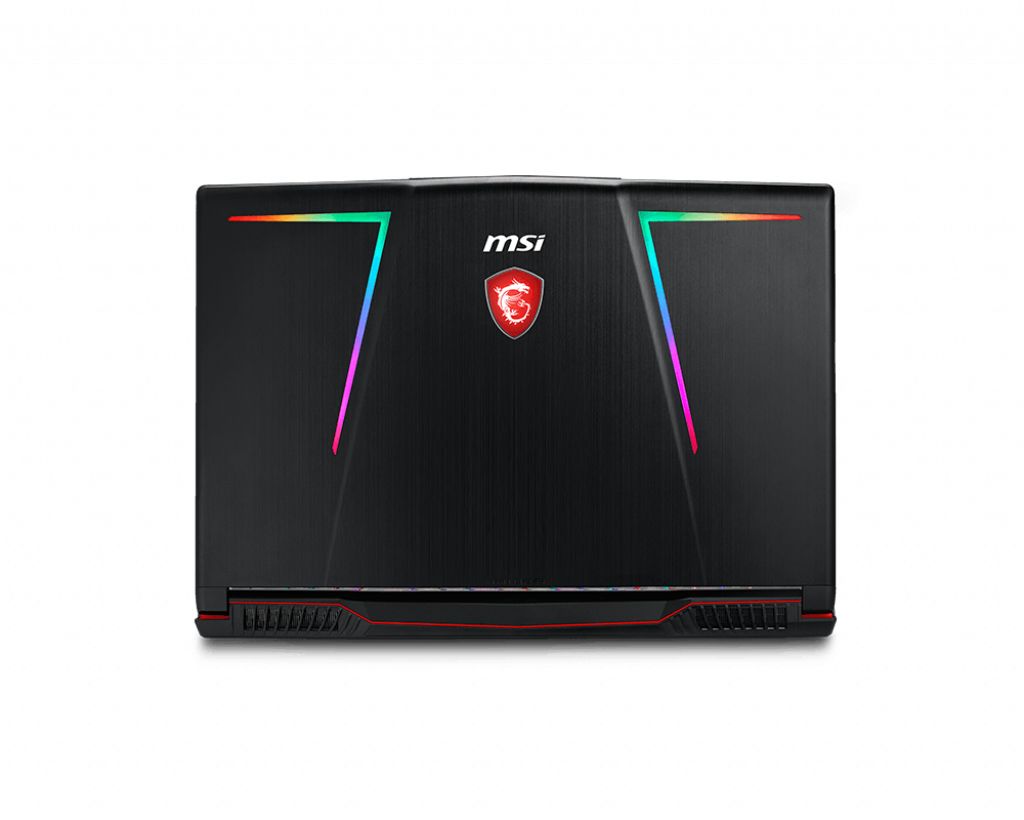
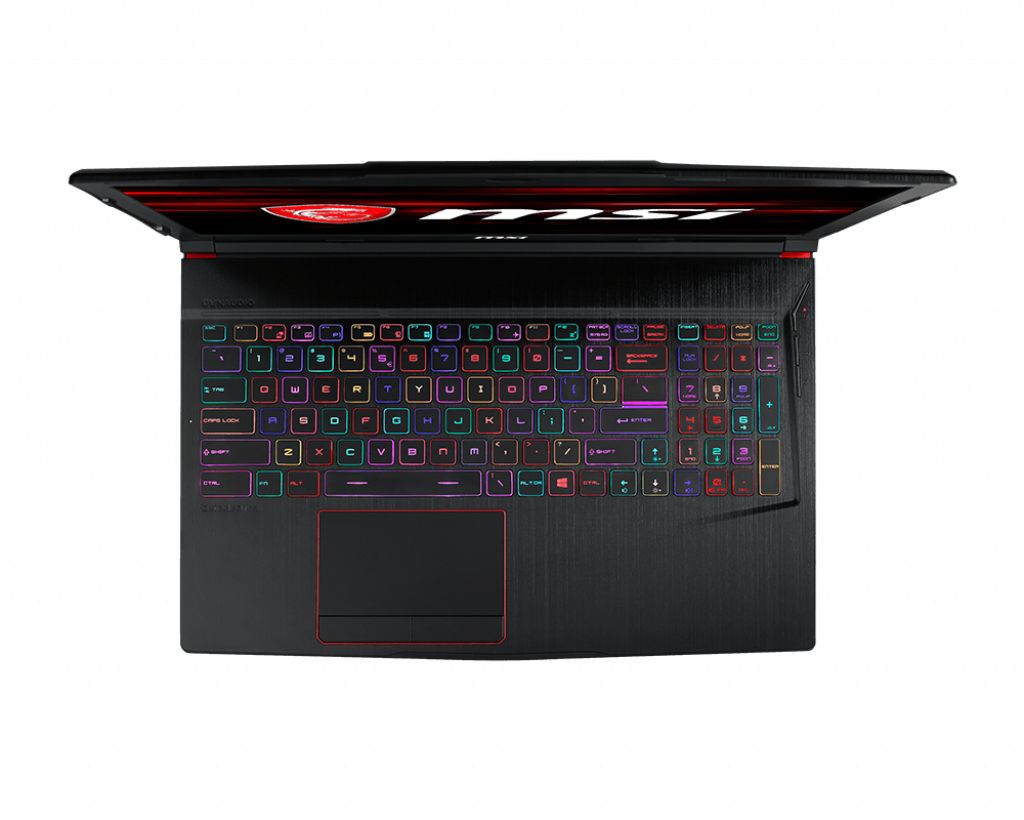
The MSI GE63 8SE-055IT Raider RGB Gaming series laptop features DDR4-SDRAM memory upgrade specifications with two SO-DIMM slots supporting a maximum RAM capacity of 32 GB. Compatible memory modules operate at 2666 MHz frequency. The upgrade configuration allows for modular memory expansion on the GE63 8SE-055IT model, with specifications indicating SO-DIMM form factor compatibility for the Gaming family series. Maximum memory capacity and dual slot configuration enable flexible RAM upgrade options for the Raider RGB laptop platform.
Memory Upgrade Specifications
| Specification | Value |
|---|---|
| Memory slots | 2x SO-DIMM |
| Form factor | SO-DIMM |
| Memory type | DDR4-SDRAM |
| Frequency | 2666 MHz |
| Maximum RAM | 32 GB |
| Voltage | 1.2V |
| Number of pins | 260-pin |
| Interface | PC4 |
| PC Speed Rating | PC4-2666 (PC4-21328) |
| Bandwidth | 21.3 GB/s |
| Laptop Release date | 16 January 2019 |
Additional Notes
- The 2666 MHz frequency represents the maximum officially supported speed, meaning that modules rated at 3200 MHz or higher will downclock to match this specification, resulting in no performance advantage from premium memory kits.
- The dual-slot SO-DIMM configuration requires both slots to be populated with identically specified modules to enable dual-channel operation, which effectively doubles memory bandwidth compared to single-channel configurations.
- Reaching the 32 GB ceiling on the MSI GE63 8SE-055IT Raider RGB necessitates installing two 16 GB modules, leaving no room for future capacity expansion without replacing existing memory.
- Non-matching module specifications between slots, such as differing voltages or timings, can force the system to operate at the lowest common denominator or fail to POST entirely.
- The SO-DIMM form factor physically differs from standard desktop DIMM modules, measuring approximately 67.6 mm in length versus 133.35 mm, making desktop memory incompatible regardless of electrical specifications.
- Mixing DDR4 generations, such as pairing existing modules with newer DDR5 technology, is electrically incompatible due to fundamental differences in pin configuration and operating voltage.
- Installation requires accessing the underside service panel, which may involve removing multiple screws and potentially disconnecting battery connectors depending on the internal layout, though this typically preserves manufacturer warranty when performed correctly.
- Operating voltage for DDR4-SDRAM typically runs at 1.2V, and higher-voltage XMP or overclocked modules may not function properly or could be rejected by the system firmware without manual BIOS adjustments.
- CAS latency values interact with the 2666 MHz clock speed to determine actual memory access times, where a CL19 module delivers approximately 14.3 nanoseconds of latency compared to 15 nanoseconds for CL20 at the same frequency.
- The two-slot limitation means that upgrading from a pre-installed 16 GB configuration (2x8 GB) to 32 GB results in the removal and replacement of perfectly functional modules, creating electronic waste.