MSI Gaming GS75 Stealth-204 RAM upgrade specifications
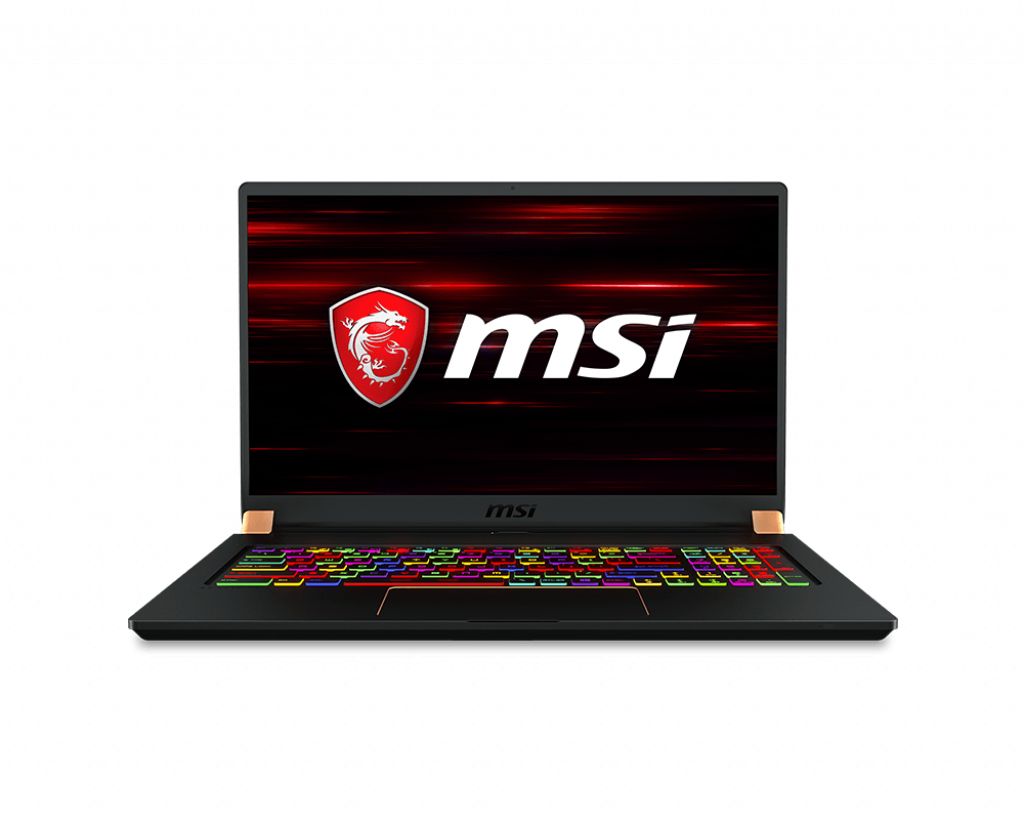
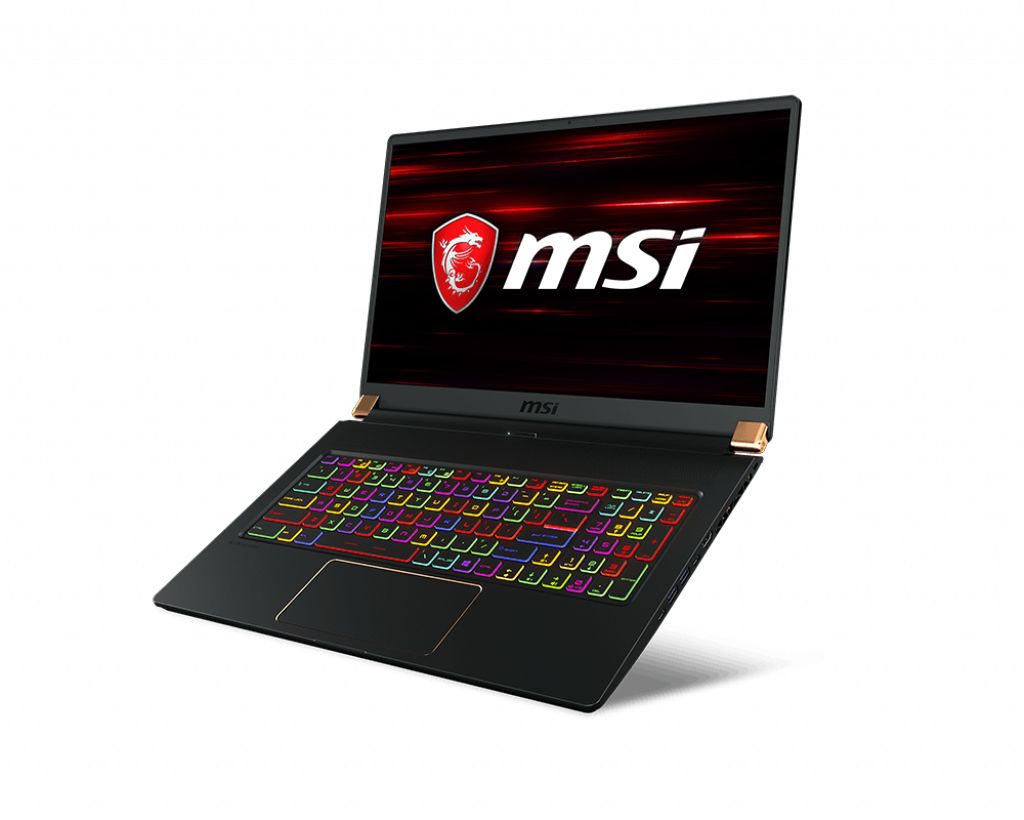
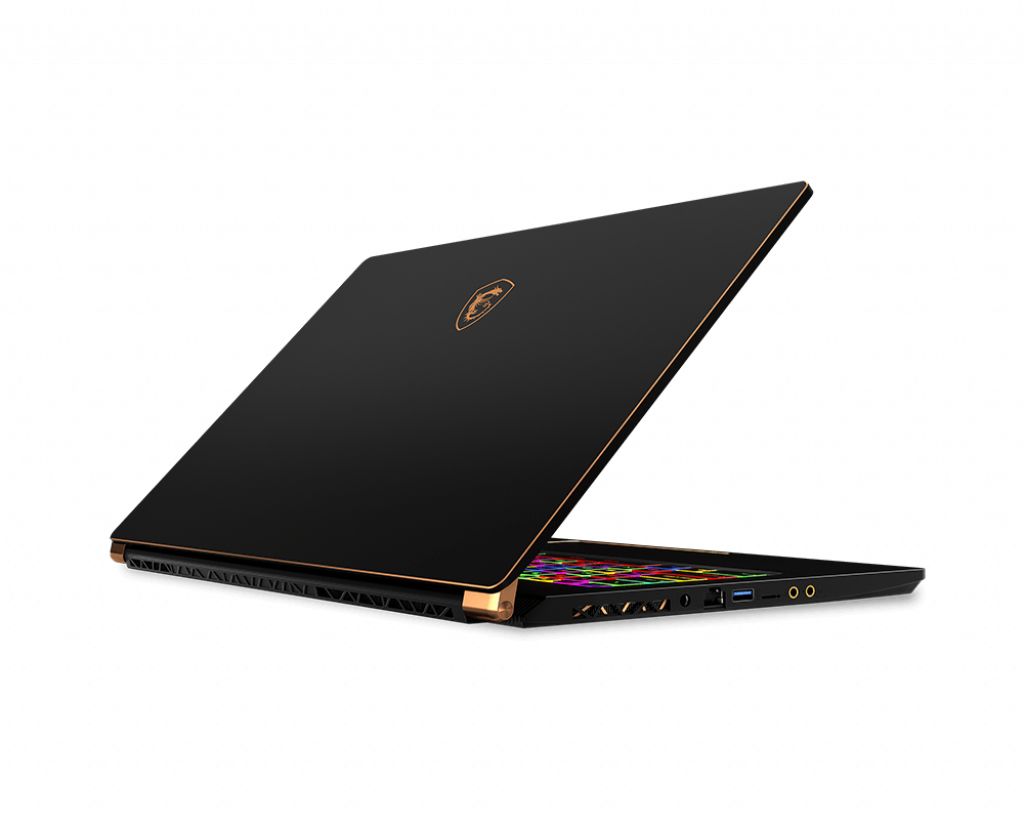
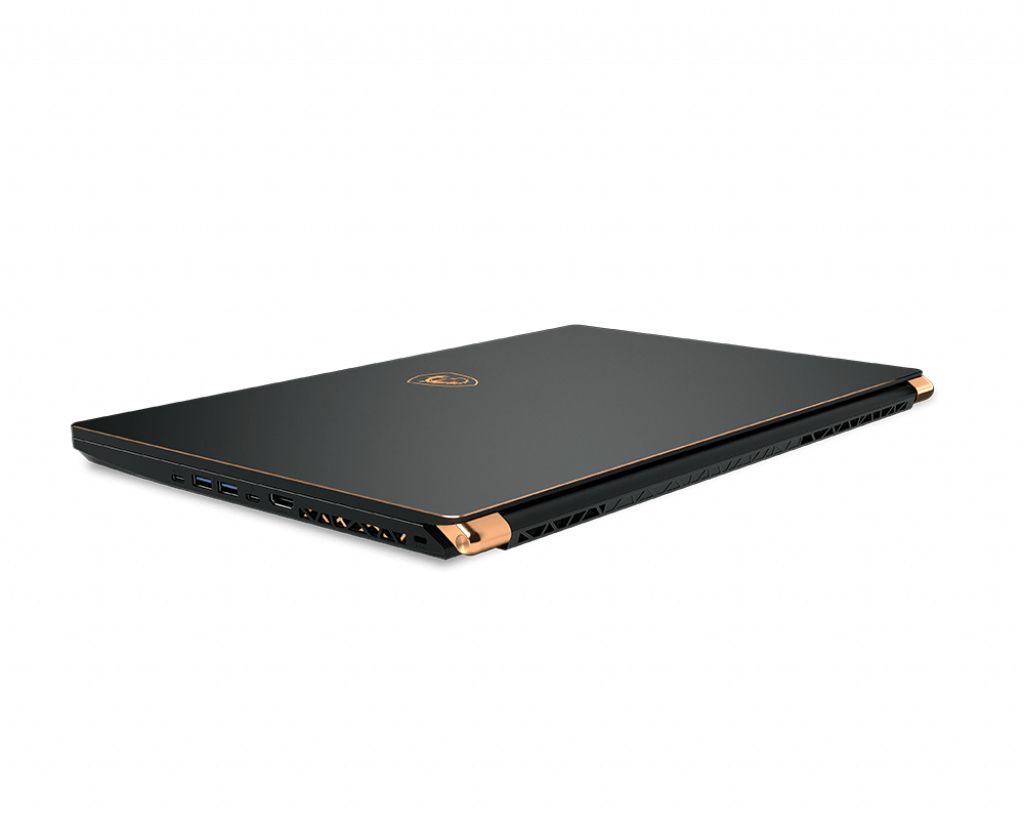
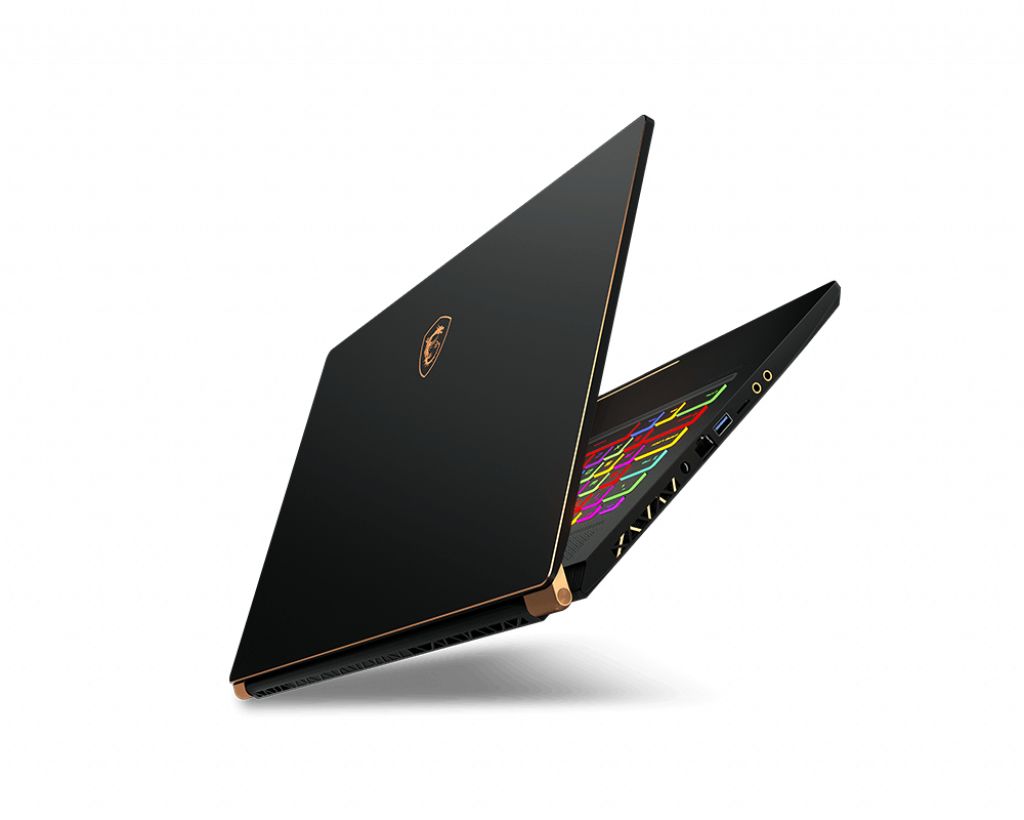
MSI GS75 Stealth-204 gaming laptop supports memory upgrades via two SO-DIMM slots. Compatible RAM specifications include DDR4-SDRAM operating at 2666 MHz. Maximum memory capacity reaches 32 GB total. Current upgrade options accommodate SO-DIMM form factor modules. Memory upgrade procedures require accessing internal components to replace or add compatible DDR4 memory modules to existing slots.
Memory Upgrade Specifications
| Specification | Value |
|---|---|
| Memory slots | 2x SO-DIMM |
| Form factor | SO-DIMM |
| Memory type | DDR4-SDRAM |
| Frequency | 2666 MHz |
| Maximum RAM | 32 GB |
| Voltage | 1.2V |
| Number of pins | 260-pin |
| Interface | PC4 |
| PC Speed Rating | PC4-2666 (PC4-21328) |
| Bandwidth | 21.3 GB/s |
| Laptop Release date | 09 April 2019 |
Additional Notes
- The MSI GS75 Stealth-204 uses laptop-grade SO-DIMM modules rather than desktop DIMMs, restricting sourcing to mobile-specific memory products and eliminating compatibility with standard desktop RAM.
- DDR4-2666 MHz frequency represents the baseline certified specification; aftermarket DDR4-3200 or DDR4-3000 SO-DIMMs may operate in this system but cannot be guaranteed to function at rated speeds without BIOS support for XMP/DOCP profiles, which gaming laptops often lack.
- The 2-slot configuration with a 32 GB maximum ceiling means total memory expansion is capped at 16 GB per module, requiring replacement of existing sticks rather than supplementary installation if upgrade beyond the current configuration is needed.
- DDR4 memory reaches end-of-life status in 2025 for mainstream manufacturing; sourcing replacement or upgrade modules will become progressively difficult and costlier within 2 to 3 years as DDR5 transitions dominate inventory.
- Thermal constraints inherent to the GS75 chassis may limit sustained memory performance gains during intensive gaming or rendering workloads, as SO-DIMM modules lack active cooling and rely on passive heat dissipation through proximity to the CPU.
- RAM upgrade operations on this model typically require removal of the bottom panel and may necessitate partial component displacement; warranty coverage depends on whether the service is performed by MSI or an authorized technician versus end-user installation.