ASUS ProArt StudioBook W700G3T-XH77 RAM upgrade specifications



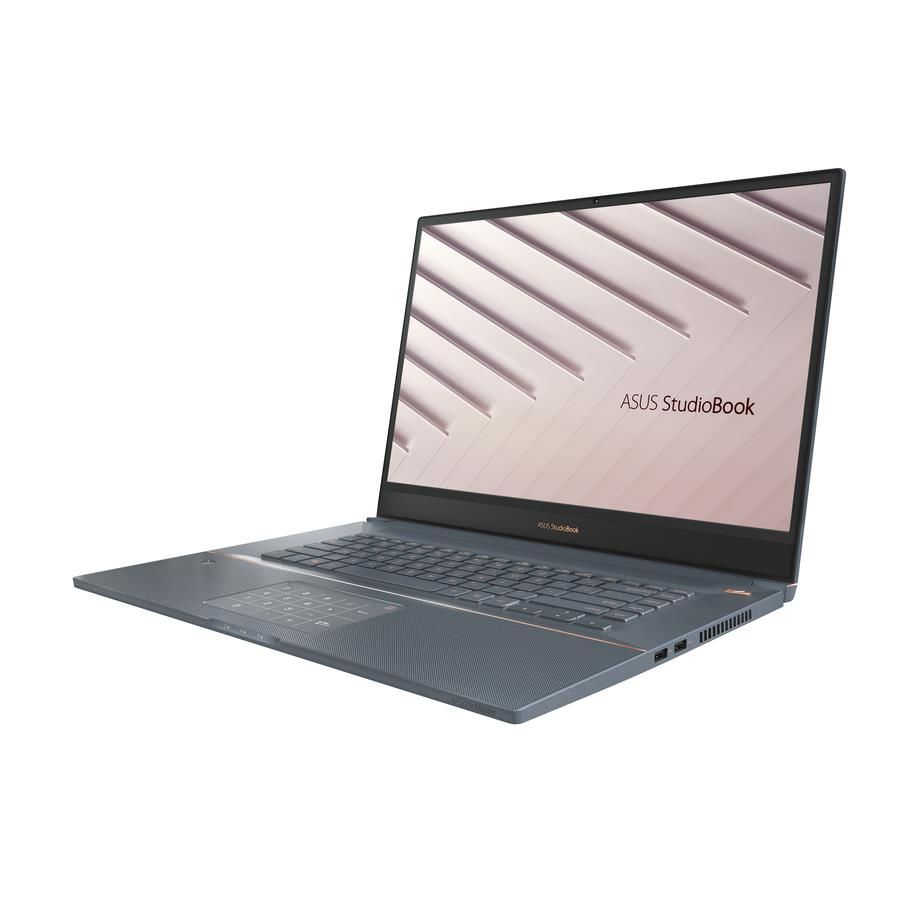

ASUS ProArt StudioBook Pro 17 model W700G3T-XH77 supports DDR4-SDRAM memory upgrades with maximum capacity of 64 GB. The workstation features 2x SO-DIMM slots for memory expansion. Compatible memory operates at 2666 MHz frequency and utilizes SO-DIMM form factor. Specifications allow for flexible RAM configuration within maximum capacity constraints. Memory upgrade compatibility requires DDR4-SDRAM modules matching the specified frequency and form factor requirements.
Memory Upgrade Specifications
| Specification | Value |
|---|---|
| Memory slots | 2x SO-DIMM |
| Form factor | SO-DIMM |
| Memory type | DDR4-SDRAM |
| Frequency | 2666 MHz |
| Maximum RAM | 64 GB |
| Voltage | 1.2V |
| Number of pins | 260-pin |
| Interface | PC4 |
| PC Speed Rating | PC4-2666 (PC4-21328) |
| Bandwidth | 21.3 GB/s |
| Laptop Release date | 11 November 2019 |
Additional Notes
- The presence of 2 SO-DIMM slots implies that reaching the maximum capacity requires the removal of existing modules rather than adding to them.
- Dual-channel memory architecture is standard for this configuration, meaning matched pairs are necessary to optimize memory bus bandwidth and prevent performance drops in data-heavy rendering tasks.
- The specific frequency indicates a hardware limitation where installing higher-speed modules will result in automatic downclocking to the 2666 MHz system ceiling.
- Large capacity upgrades to 64 GB on the ASUS ProArt StudioBook W700G3T-XH77 significantly increase heat dissipation requirements within the compact chassis during prolonged compute cycles.
- Standard DDR4 voltage requirements suggest that low-voltage variants are compatible but do not provide additional power savings over the baseline specification.
- Internal access for memory replacement necessitates a complete removal of the bottom panel, which involves navigating integrated thermal pads that may require replacement to maintain cooling efficiency.
- Mixing modules with different timings or densities can trigger system instability or force the internal controller to default to the slowest common denominator for latency.