ASUS ROG G814JU-N5059W RAM upgrade specifications
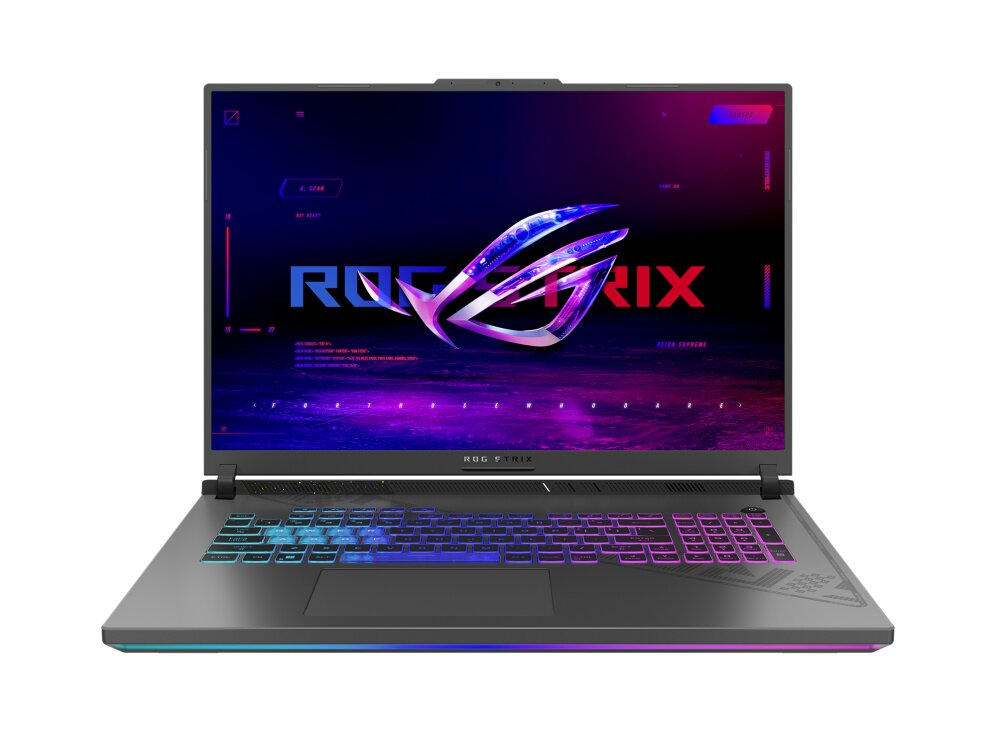
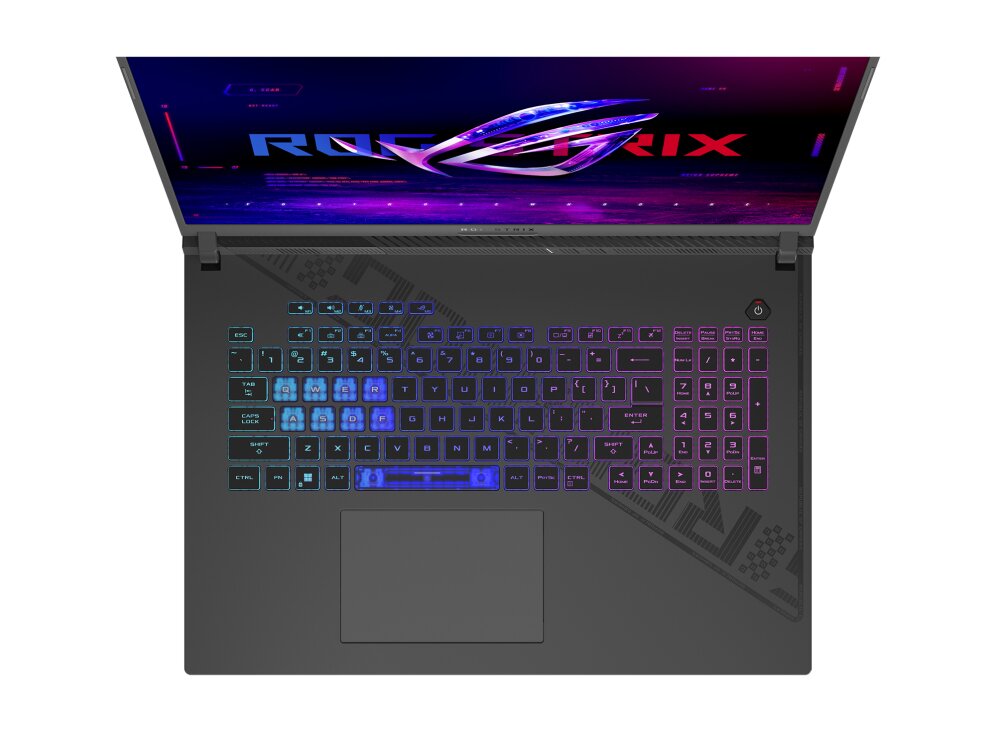
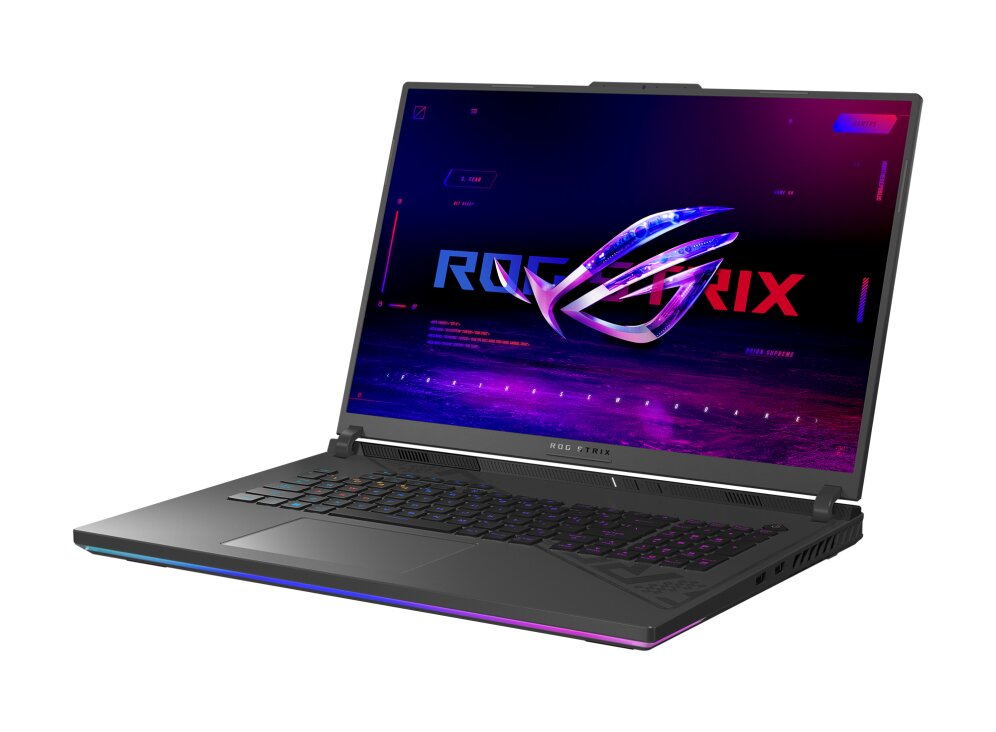
The ASUS ROG Strix G814JU-N5059W gaming laptop features DDR5-SDRAM memory upgrade specifications with dual SO-DIMM slots supporting maximum RAM capacity of 32 GB. Compatible memory modules operate at 4800 MHz frequency. The upgrade specifications enable users to expand system memory beyond factory configurations using standard SO-DIMM form factor DDR5 components for enhanced multitasking and performance capabilities.
Memory Upgrade Specifications
| Specification | Value |
|---|---|
| Memory slots | 2x SO-DIMM |
| Form factor | SO-DIMM |
| Memory type | DDR5-SDRAM |
| Frequency | 4800 MHz |
| Maximum RAM | 32 GB |
| Voltage | 1.1V |
| Number of pins | 262-pin |
| Interface | PC5 |
| PC Speed Rating | PC5-4800 (PC5-38400) |
| Bandwidth | 38.4 GB/s |
| Laptop Release date | 26 January 2023 |
Additional Notes
- The ASUS ROG G814JU-N5059W contains 2 memory slots with no additional expansion capacity beyond the 32 GB ceiling, meaning a single failed module cannot be supplemented with a third stick.
- DDR5-4800 modules operate at manufacturer-rated JEDEC specifications, but real-world bandwidth delivery depends on Intel 14th-gen Raptor Lake Refresh controller implementation; actual throughput may not scale linearly with frequency increases if the CPU memory controller lacks native support for XMP/DOCP profiles beyond JEDEC.
- SO-DIMM form factor requires laptop-specific memory modules that are not interchangeable with desktop DDR5 variants; standard full-size UDIMM sticks cannot physically install regardless of electrical compatibility.
- Upgrading to the 32 GB maximum requires replacing both existing modules rather than adding capacity incrementally, resulting in complete memory replacement rather than additive expansion.
- Installation of DDR5 modules in a 14th-gen Intel platform may trigger BIOS-level memory training on first boot, potentially causing extended POST times or requiring manual timing adjustments if non-standard frequencies are used; reverting to JEDEC defaults resolves most compatibility issues without warranty violation.
- Thermal proximity to the 14th-gen Intel CPU core means memory stability can degrade under sustained thermal load above 50 degrees Celsius; high-frequency operation combined with system heat output may necessitate profile downclocking during sustained gaming sessions.