DELL Inspiron 5501 RAM upgrade specifications
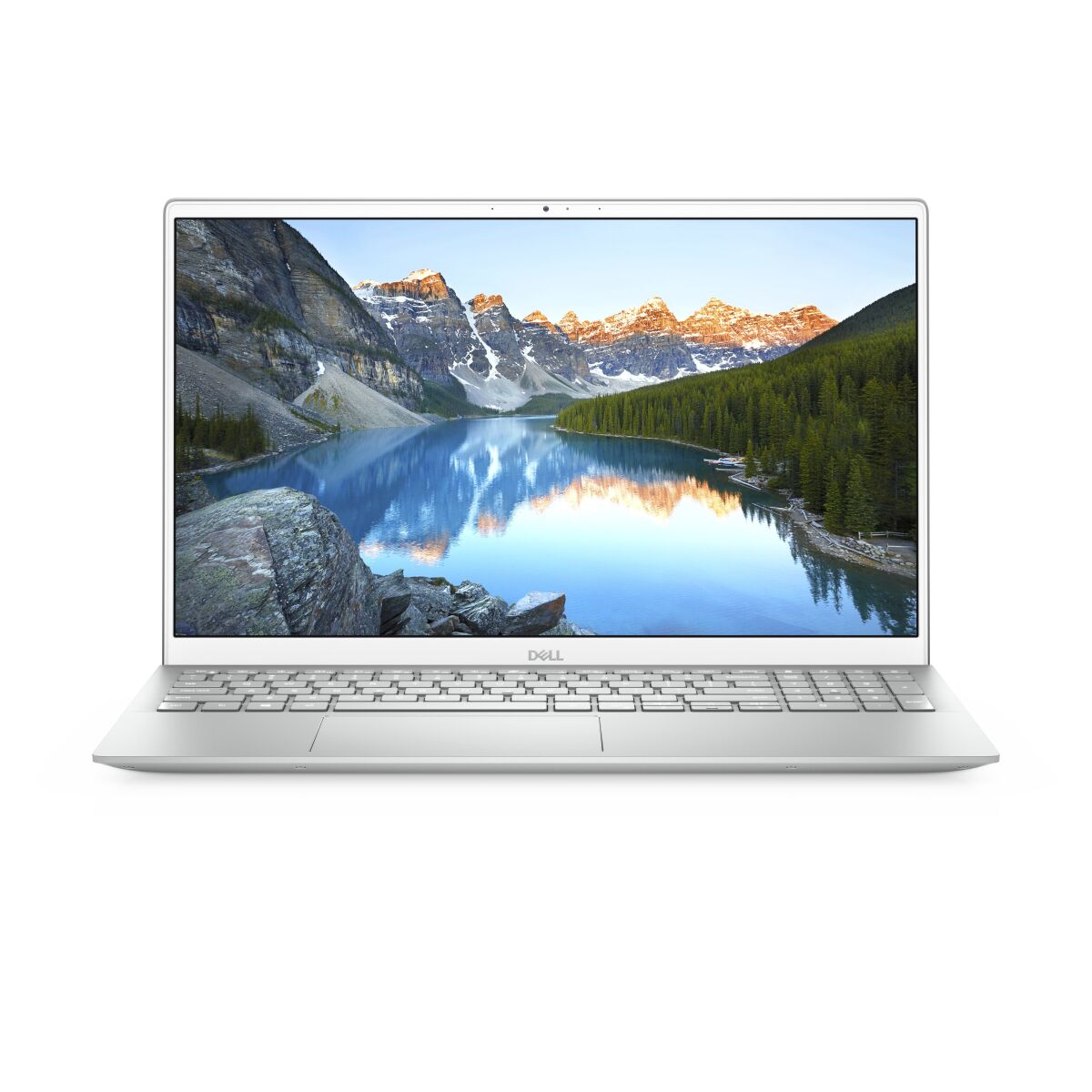
The DELL Inspiron 5000 Series 5501 laptop contains 2x SO-DIMM memory slots supporting DDR4-SDRAM modules. The maximum RAM capacity for this model is 32 GB total. Compatible memory upgrades must utilize SO-DIMM form factor specifications at 3200 MHz frequency. Specifications indicate the memory upgrade slots accommodate DDR4-SDRAM technology for enhanced performance and multitasking capabilities on the DELL 5501 platform.
Memory Upgrade Specifications
| Specification | Value |
|---|---|
| Memory slots | 2x SO-DIMM |
| Form factor | SO-DIMM |
| Memory type | DDR4-SDRAM |
| Frequency | 3200 MHz |
| Maximum RAM | 32 GB |
| Voltage | 1.2V |
| Number of pins | 260-pin |
| Interface | PC4 |
| PC Speed Rating | PC4-3200 (PC4-25600) |
| Bandwidth | 25.6 GB/s |
| Laptop Release date | 25 June 2020 |
Additional Notes
- The Dell Inspiron 5501 uses SO-DIMM form factor memory, which is physically smaller than standard DIMM modules and requires precise insertion into low-profile slots. Incorrect seating during installation risks damage to slot connectors and memory module contacts.
- With 2 memory slots and a 32 GB maximum capacity, the system supports only symmetrical configurations: either 2x16 GB or 2x8 GB modules. Populating a single slot leaves the second slot vacant, which may reduce memory bandwidth efficiency compared to dual-channel operation.
- DDR4-3200 MHz modules are standard for this generation, but compatibility extends to lower frequency bins (3000, 2933, 2666 MHz). Installing mixed-frequency modules forces the system to operate at the slowest module's rated speed, degrading performance from faster memory that cannot reach its specified frequency.
- Single-channel operation (one populated slot) creates a memory bandwidth bottleneck of approximately 12.8 GB/s versus 25.6 GB/s in dual-channel mode. This particularly impacts graphics performance when utilizing integrated graphics, as GPU memory access competes for bandwidth on the single populated channel.
- Upgrading from factory-installed RAM to the 32 GB maximum requires both slots to accept matching capacity modules. If the system shipped with a single lower-capacity module, installing a second module with mismatched capacity or speed will force downclocking to the slower specification, negating performance gains from added capacity.