DELL Inspiron 7510 RAM upgrade specifications

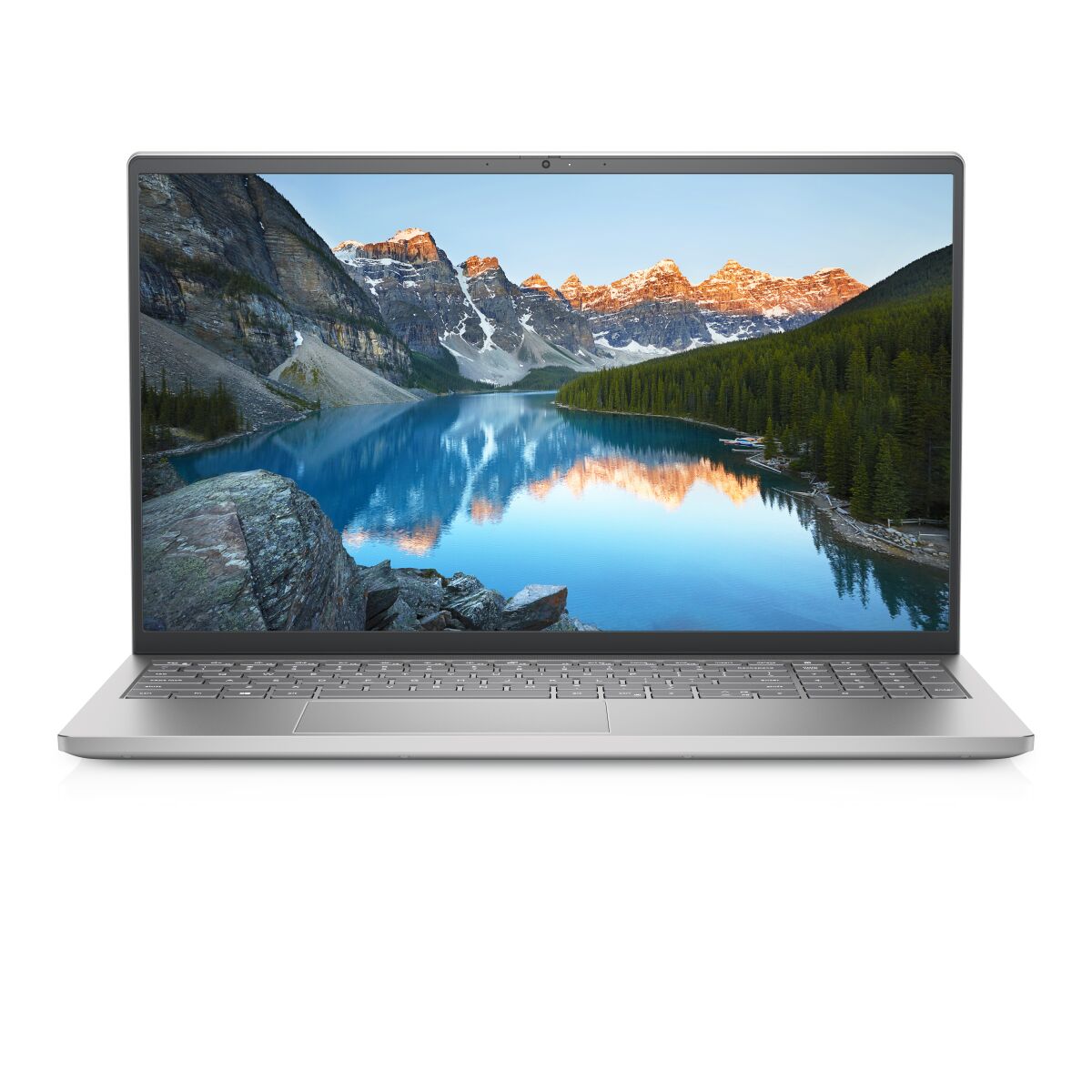
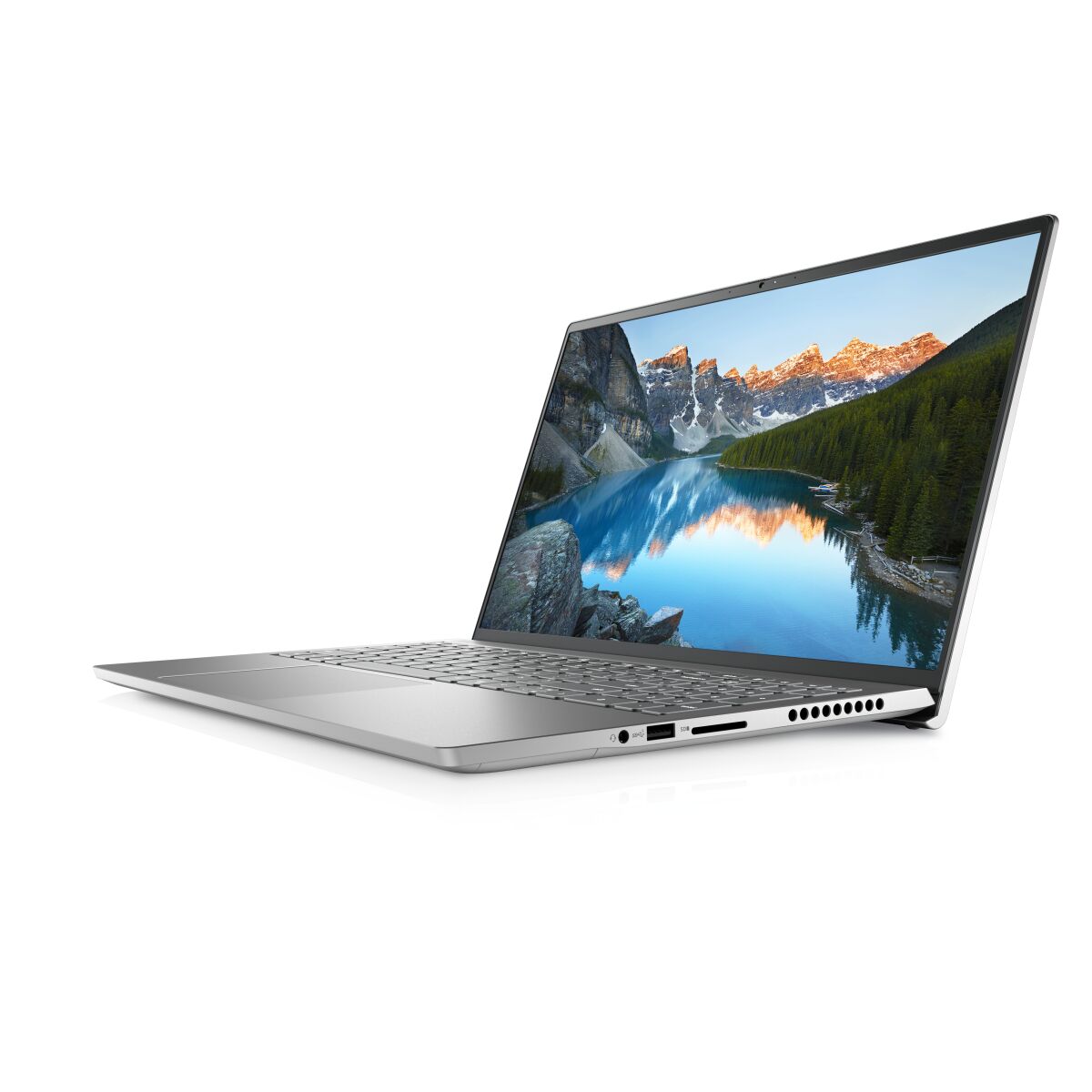
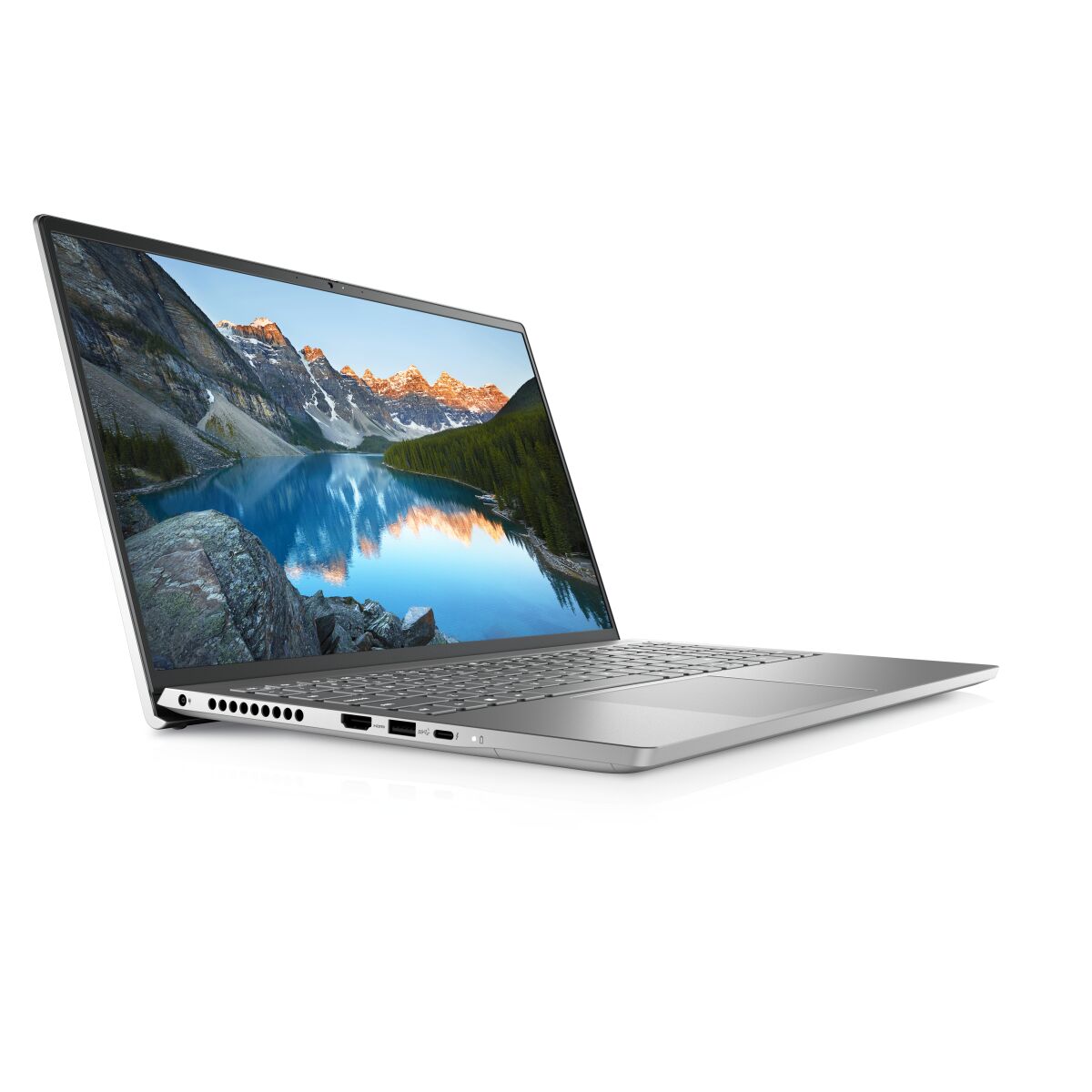
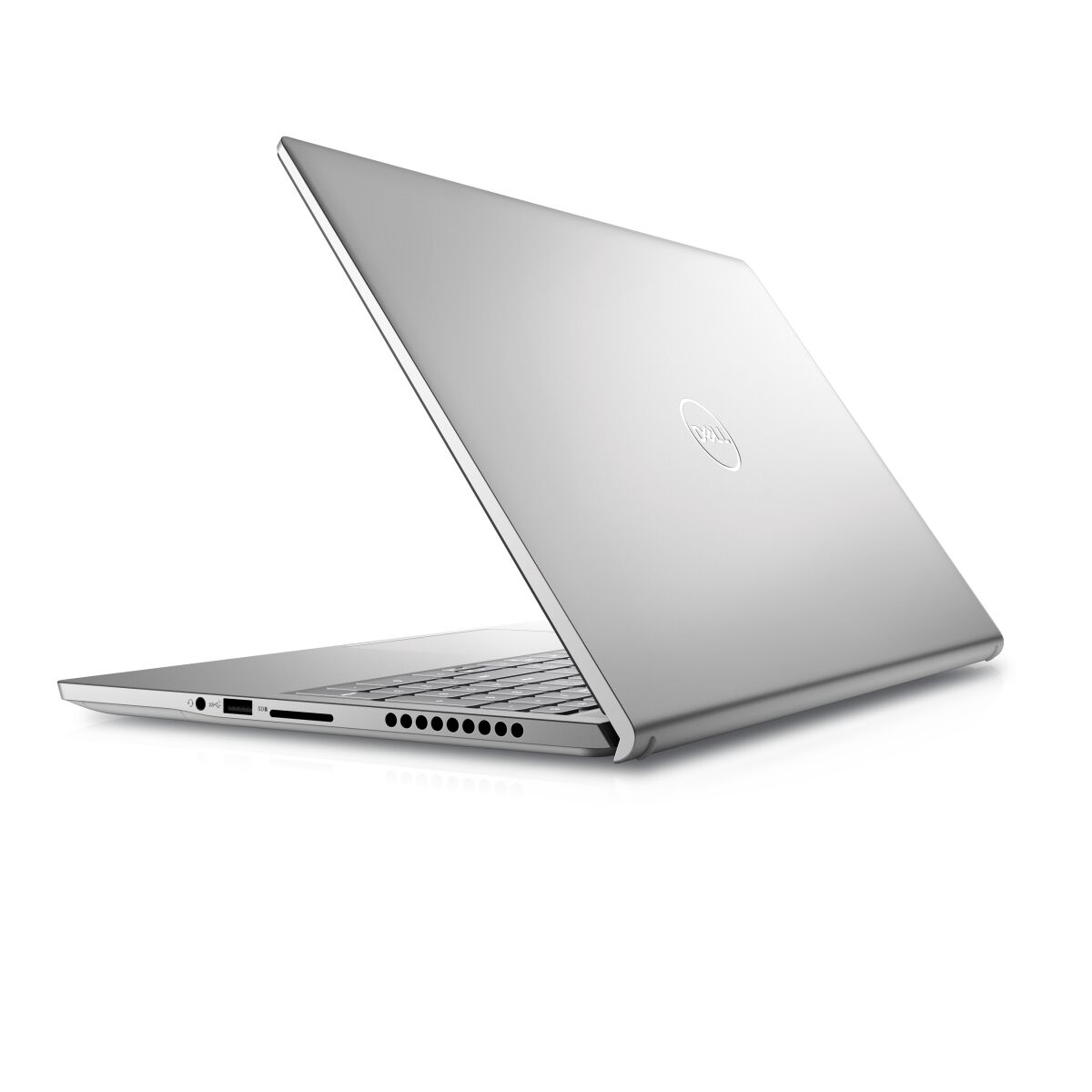
The Dell Inspiron 7510 laptop features DDR4-SDRAM memory upgrade specifications with two SO-DIMM slots supporting maximum capacity of 32 GB total RAM. Memory modules operate at 3200 MHz frequency and utilize the SO-DIMM form factor. Compatible RAM upgrades for the 7000 series model 7510 can be installed in both available slots to enhance system performance and multitasking capabilities.
Memory Upgrade Specifications
| Specification | Value |
|---|---|
| Memory slots | 2x SO-DIMM |
| Form factor | SO-DIMM |
| Memory type | DDR4-SDRAM |
| Frequency | 3200 MHz |
| Maximum RAM | 32 GB |
| Voltage | 1.2V |
| Number of pins | 260-pin |
| Interface | PC4 |
| PC Speed Rating | PC4-3200 (PC4-25600) |
| Bandwidth | 25.6 GB/s |
| Laptop Release date | 17 June 2021 |
Additional Notes
- The Dell Inspiron 7510 contains 2 SO-DIMM slots that operate at 3200 MHz, establishing a ceiling of 32 GB total capacity. Configurations exceeding 16 GB per module will require both slots to be populated simultaneously, eliminating single-slot expansion flexibility.
- DDR4-3200 modules function within a narrower compatibility window than mainstream desktop variants. Memory vendors prioritize laptop-grade SO-DIMM production at 2666 and 3000 MHz frequencies, making 3200 MHz units less readily available and potentially subject to longer lead times or premium pricing compared to alternate speed grades.
- Thermal design constraints inherent to compact laptop chassis mean SO-DIMM modules lack the surface area for active heat dissipation. High-capacity modules (16 GB) paired with sustained workloads may generate localized temperature rise near the memory slots, potentially affecting adjacent component longevity depending on internal airflow architecture.
- The 32 GB practical upper limit reflects DDR4 addressing constraints on this platform generation. Hybrid dual-capacity configurations (one 8 GB and one 16 GB module) will operate at the speed grade of the slower module, negating the 3200 MHz rating if mixed generations are installed.
- Warranty coverage for user-installed SO-DIMM upgrades typically remains intact; however, improper seating or ESD damage during installation voids protection. Dell factory configurations generally ship with matched pair modules, and replacement purchases should specify the same vendor and manufacturing date code to prevent latency compensation penalties.