HP Elitebook 655 G10 RAM upgrade specifications
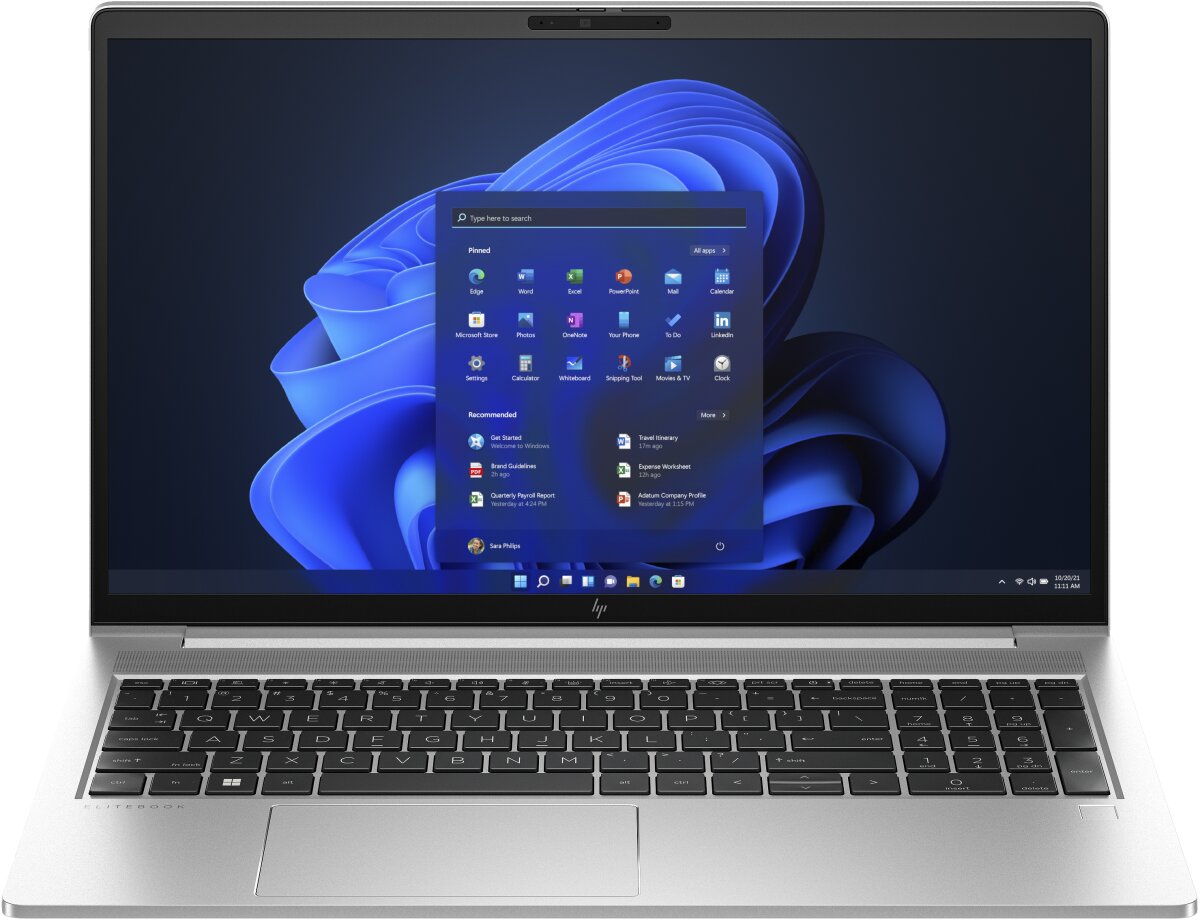
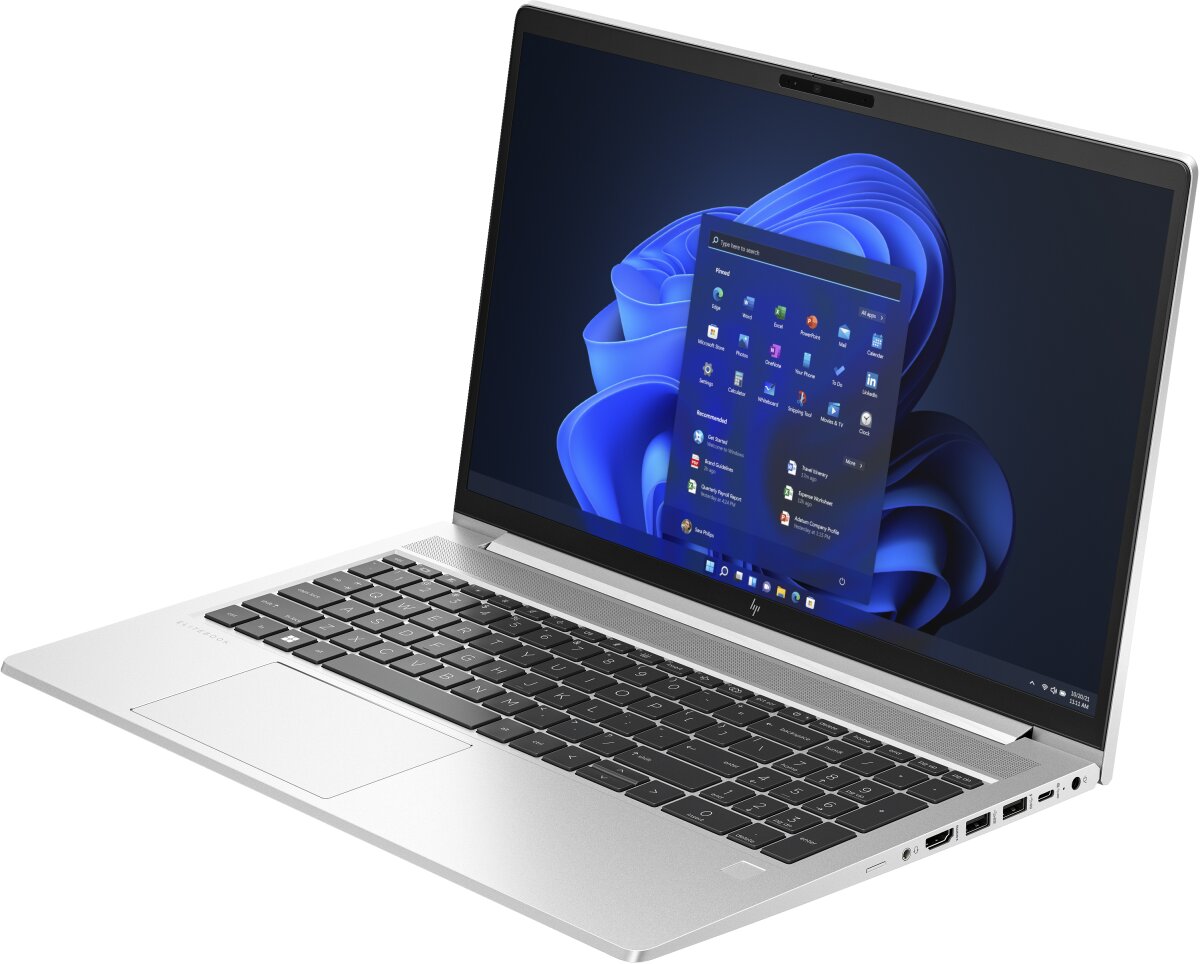
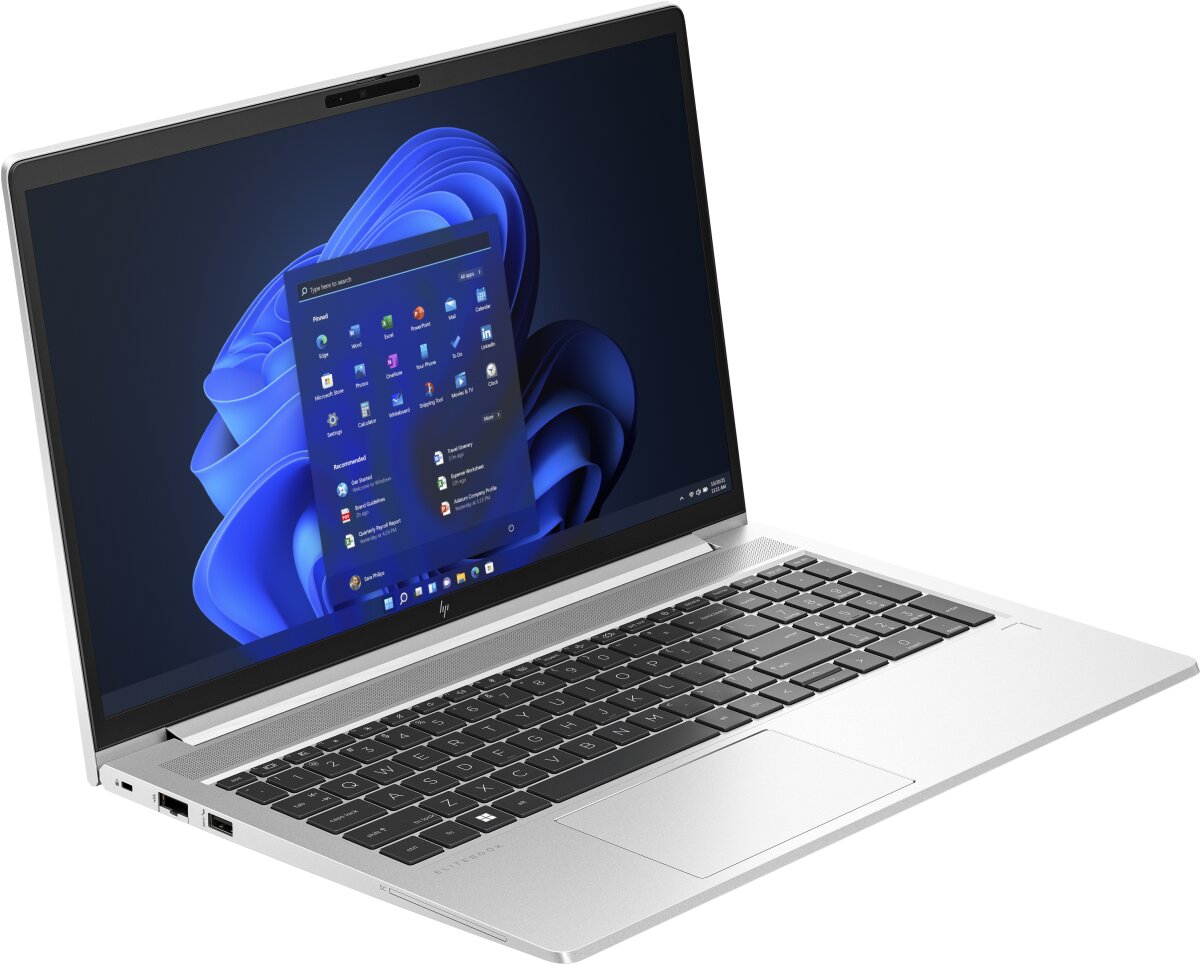

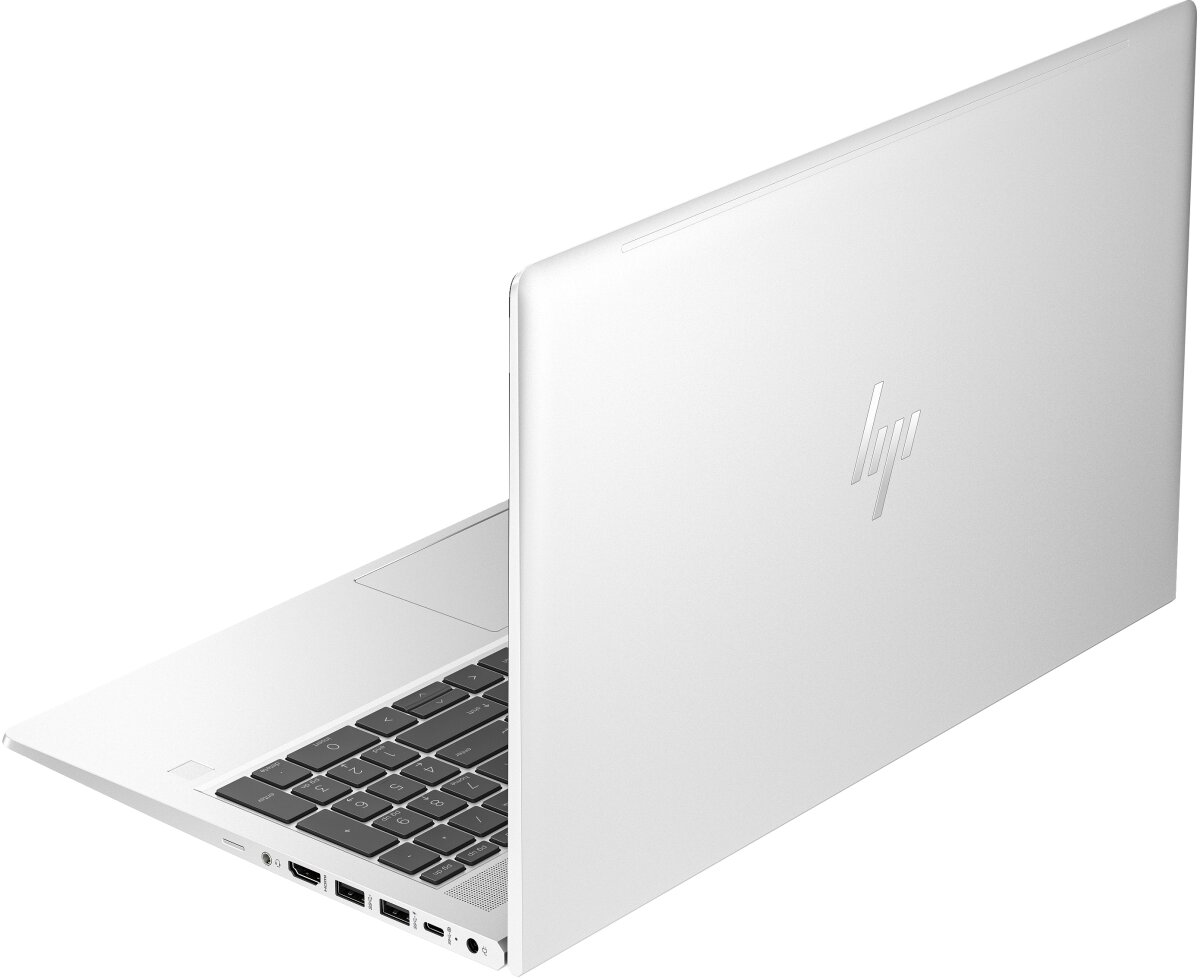
HP Elitebook 655 G10 supports DDR4-SDRAM memory upgrades with two SO-DIMM slots. Maximum compatible RAM capacity reaches 64 GB total. Memory specifications include 3200 MHz frequency support. The upgrade slots accommodate standard SO-DIMM form factor modules. Current memory configuration and available upgrade options depend on factory specifications of individual units. RAM upgrade procedures require compatible DDR4-SDRAM modules meeting HP's documented specifications for the 655 G10 model line.
Memory Upgrade Specifications
| Specification | Value |
|---|---|
| Memory slots | 2x SO-DIMM |
| Form factor | SO-DIMM |
| Memory type | DDR4-SDRAM |
| Frequency | 3200 MHz |
| Maximum RAM | 64 GB |
| Voltage | 1.2V |
| Number of pins | 260-pin |
| Interface | PC4 |
| PC Speed Rating | PC4-3200 (PC4-25600) |
| Bandwidth | 25.6 GB/s |
| Laptop Release date | 01 April 2023 |
Additional Notes
- The presence of 2 physical SO-DIMM slots in the HP Elitebook 655 G10 enables dual-channel memory architecture which significantly increases memory bandwidth compared to single-channel configurations.
- Upgrading to the 64 GB maximum capacity requires the replacement of all existing modules because all available slots must be occupied by 32 GB sticks.
- The hardware architecture utilizes DDR4 technology which operates at 1.2V resulting in lower power consumption and heat generation compared to older DDR3 standards.
- Installing modules with frequencies higher than 3200 MHz will result in a downclocking bottleneck as the system firmware limits the bus speed to the rated hardware specification.
- Serviceability is maintained through standardized SO-DIMM sockets allowing for non-destructive hardware refreshes without the need for specialized soldering equipment or motherboard replacements.
- System stability for professional workloads is contingent on using matched pairs of RAM to prevent timing discrepancies and latency issues within the memory controller.
- Accessing the memory slots for installation typically requires the removal of the base enclosure which is a standard procedure that does not void the manufacturer warranty if no internal components are damaged.