HP Spectre x360 15-eb0001na RAM upgrade specifications
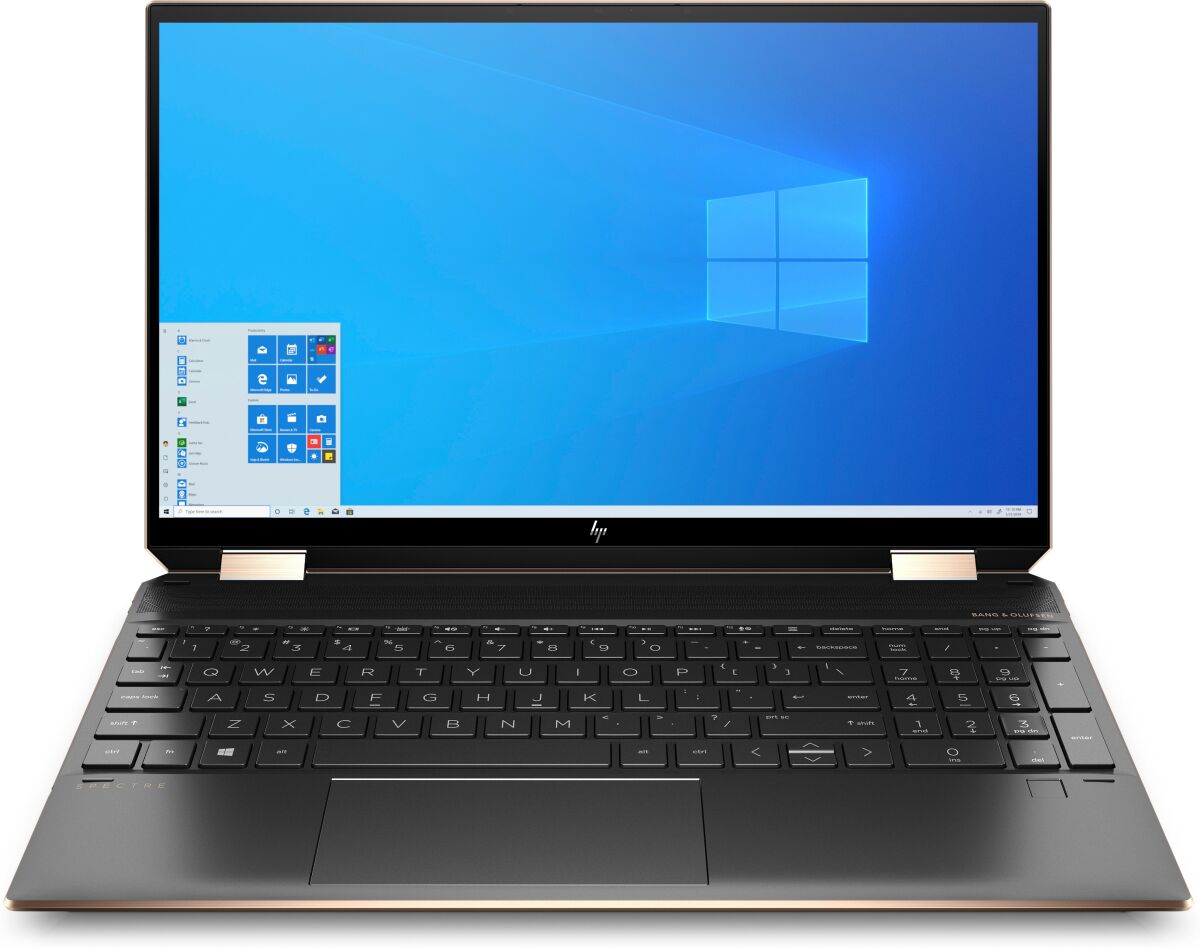
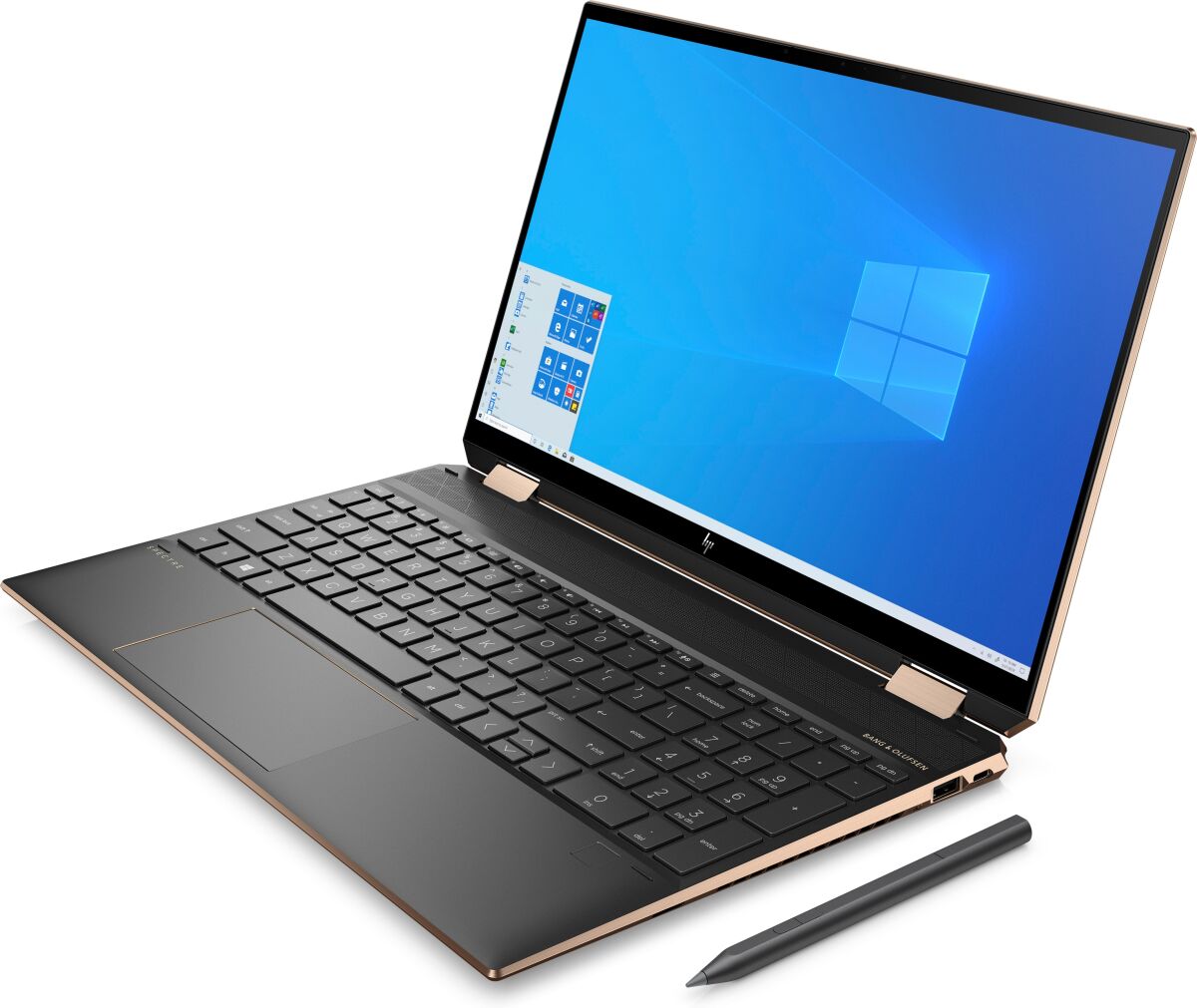
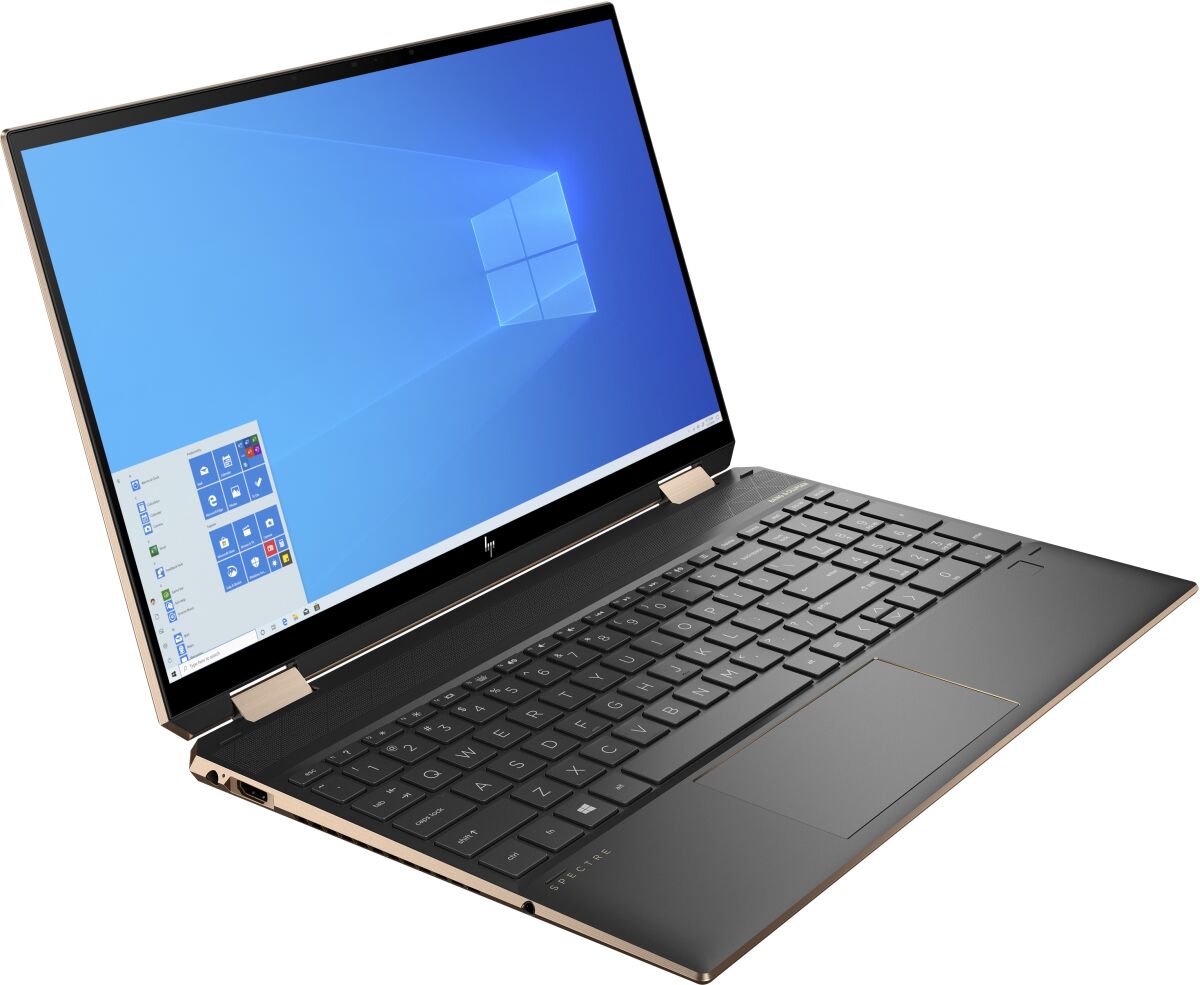


HP Spectre x360 15-eb0001na RAM upgrade specifications detail the memory configuration for this laptop model. The system features one SO-DIMM slot supporting DDR4-SDRAM memory modules at 2666 MHz frequency. Maximum RAM capacity compatible with the 15-eb0001na reaches 16 GB, representing the upper limit for memory expansion on specifications. Upgrade options require SO-DIMM form factor modules meeting DDR4 standards. Current specifications indicate single-slot configuration, limiting simultaneous memory installation to one module per upgrade cycle.
Memory Upgrade Specifications
| Specification | Value |
|---|---|
| Memory slots | 1x SO-DIMM |
| Form factor | SO-DIMM |
| Memory type | DDR4-SDRAM |
| Frequency | 2666 MHz |
| Maximum RAM | 16 GB |
| Voltage | 1.2V |
| Number of pins | 260-pin |
| Interface | PC4 |
| PC Speed Rating | PC4-2666 (PC4-21328) |
| Bandwidth | 21.3 GB/s |
| Laptop Release date | 15 May 2020 |
Additional Notes
- The HP Spectre x360 15-eb0001na contains a single memory slot, which means any RAM upgrade requires complete module replacement rather than additive expansion. The existing module cannot remain installed alongside a larger capacity upgrade.
- SO-DIMM form factor restricts compatible modules to laptop-specific memory variants. Desktop DDR4 modules (UDIMM) are physically incompatible and cannot be force-fitted into the available slot.
- The 2666 MHz frequency specification indicates DDR4-2666 memory compatibility. Modules rated for higher speeds (3000 MHz, 3200 MHz) will operate at reduced 2666 MHz speeds due to BIOS-level limitations, resulting in no performance gain from premium-tier memory purchases.
- Maximum capacity of 16 GB represents a hard firmware constraint within this system architecture. Modules exceeding 16 GB capacity will not be recognized by the BIOS, making such purchases incompatible regardless of physical form factor compliance.
- Upgrading from the original module to a 16 GB SO-DIMM creates a single point of failure for system memory. Loss or failure of the replacement module results in complete system memory loss, as no secondary module provides redundancy.
- Warranty considerations depend on manufacturer policy regarding memory upgrades. Opening the memory compartment for module replacement may void coverage if service is not performed by authorized technicians, depending on the specific warranty terms in effect.