MSI Creator 15 A10SGS-040 RAM upgrade specifications
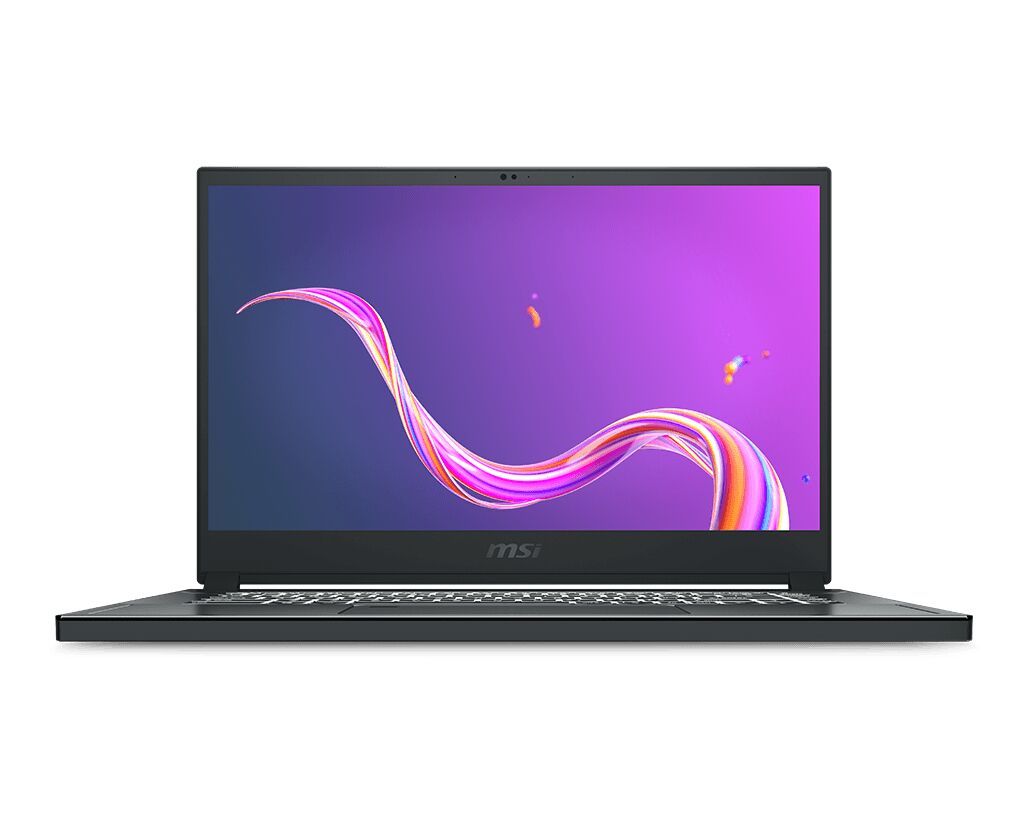
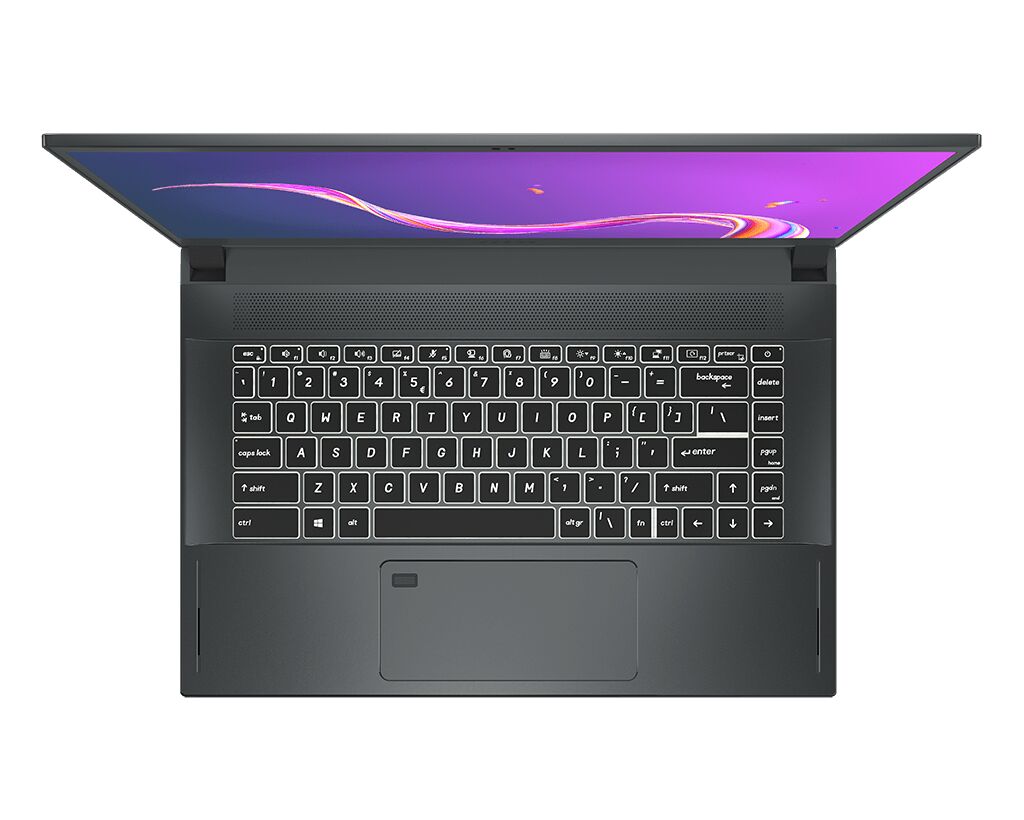
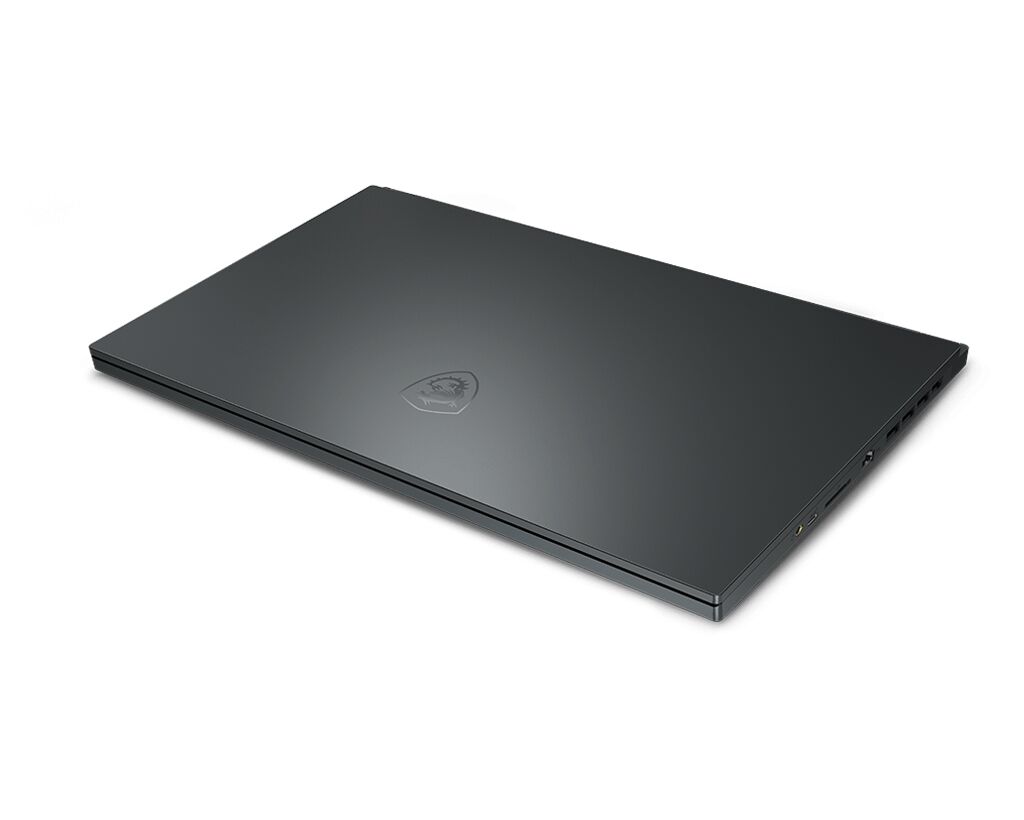
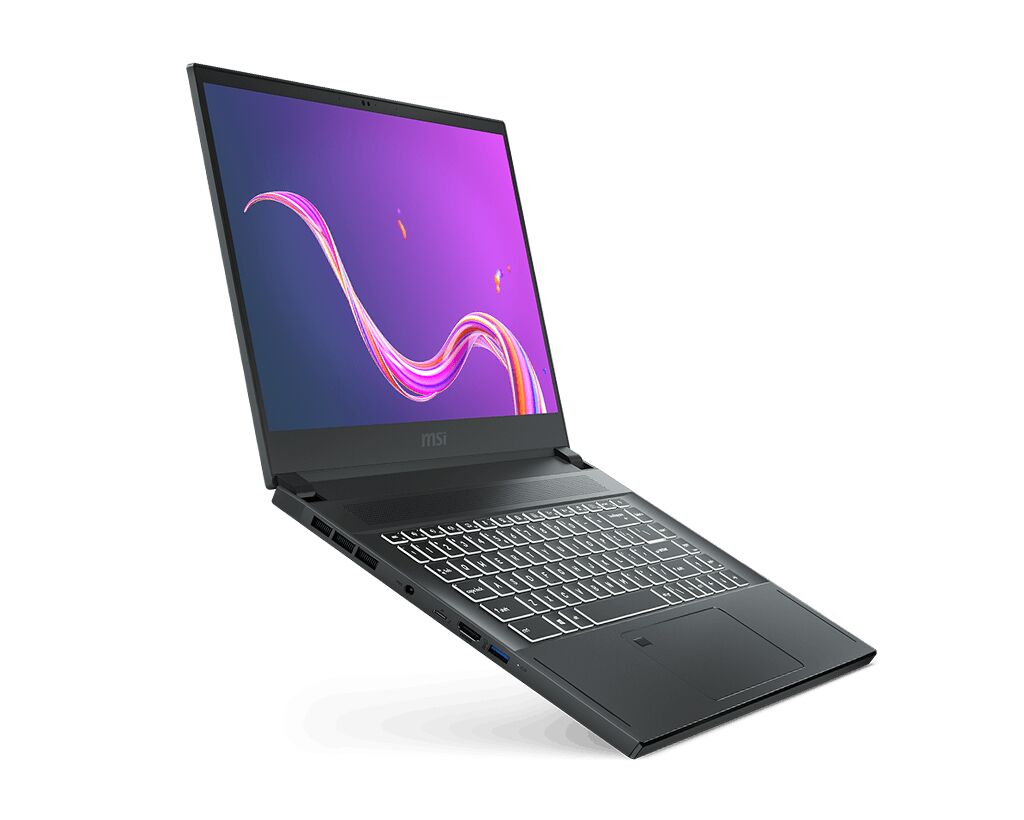
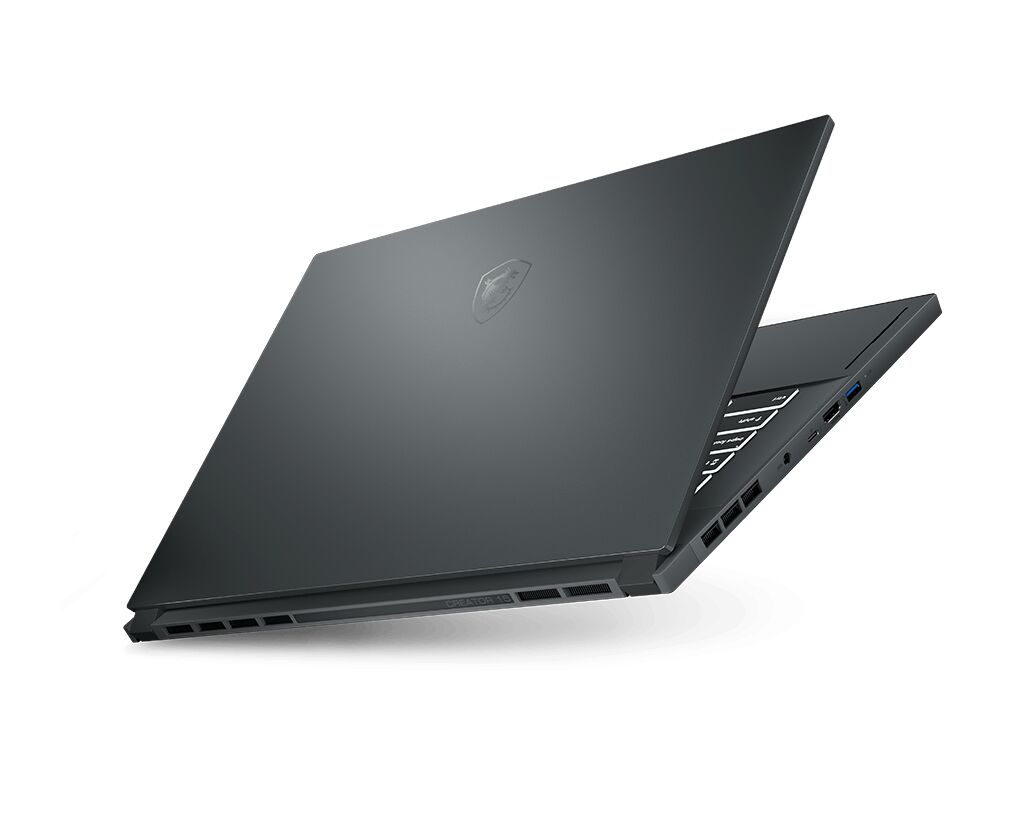
MSI Creator 15 A10SGS-040 laptop supports DDR4-SDRAM memory upgrades with 2x SO-DIMM slots. Maximum RAM capacity reaches 64 GB total. Compatible memory operates at 2666 MHz frequency. Memory form factor utilizes SO-DIMM configuration. Upgrade specifications enable expansion from factory baseline configuration to maximum supported capacity through compatible DDR4-SDRAM modules.
Memory Upgrade Specifications
| Specification | Value |
|---|---|
| Memory slots | 2x SO-DIMM |
| Form factor | SO-DIMM |
| Memory type | DDR4-SDRAM |
| Frequency | 2666 MHz |
| Maximum RAM | 64 GB |
| Voltage | 1.2V |
| Number of pins | 260-pin |
| Interface | PC4 |
| PC Speed Rating | PC4-2666 (PC4-21328) |
| Bandwidth | 21.3 GB/s |
| Laptop Release date | 03 August 2020 |
Additional Notes
- The MSI 15 A10SGS-040 uses SO-DIMM form factor exclusively, which restricts upgrade options to laptop-grade modules and eliminates compatibility with standard desktop DDR4 DIMMs.
- Operating at 2666 MHz, the memory bus represents a potential constraint for CPU-intensive creative workloads typical of the Creator series, as modern processors often support higher frequency ratings that would remain inaccessible with this platform.
- Two SO-DIMM slots with 64 GB maximum capacity allow for symmetrical dual-channel configurations up to 32 GB per module, though achieving maximum capacity requires purchasing matched high-density components that command premium pricing.
- Upgrading beyond the factory configuration necessitates removal of existing modules before installation, as both slots occupy adjacent positions with limited clearance typical of 15-inch mobile platforms.
- Single-module upgrades will create asymmetrical memory architecture, reducing inter-channel bandwidth efficiency and partially negating performance benefits compared to balanced configurations.
- DDR4 components for this platform remain widely available but are declining in production priority as DDR5 adoption accelerates, potentially affecting future replacement part accessibility and pricing stability.
- Warranty preservation typically requires installation without disassembly of internal components beyond the memory compartment; comprehensive documentation of the upgrade process is advised to maintain coverage eligibility.