MSI Crosshair 15 R6E B12UGZ-096PT RAM upgrade specifications
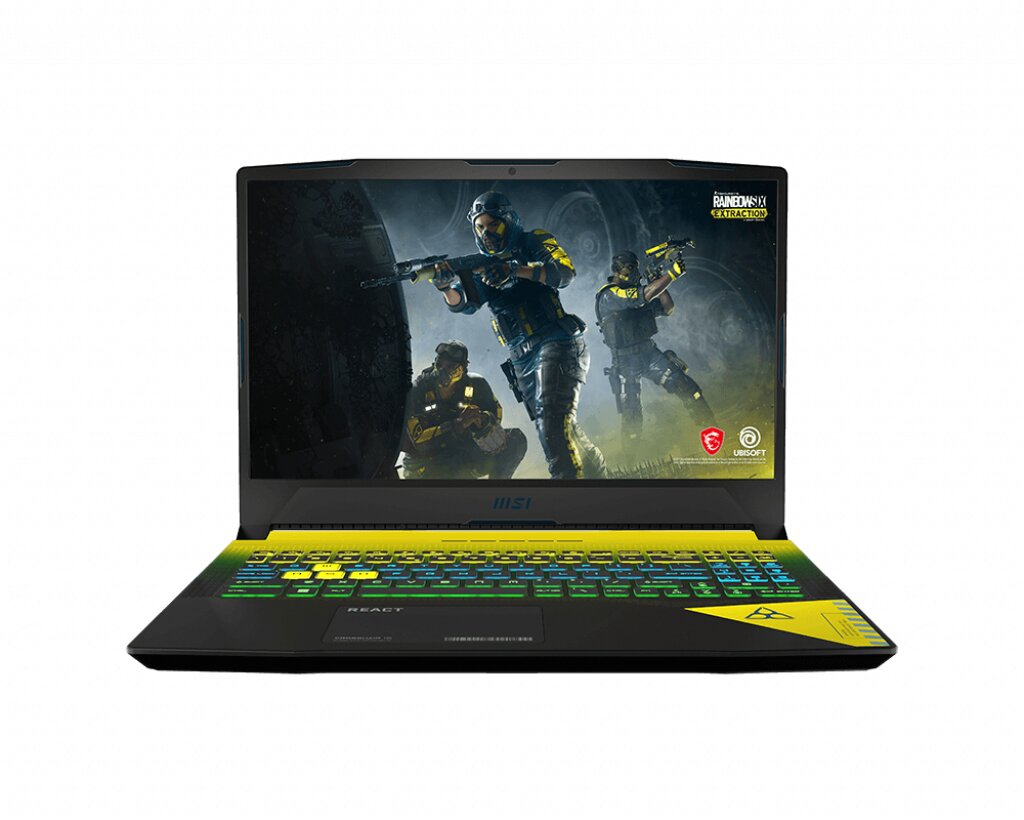
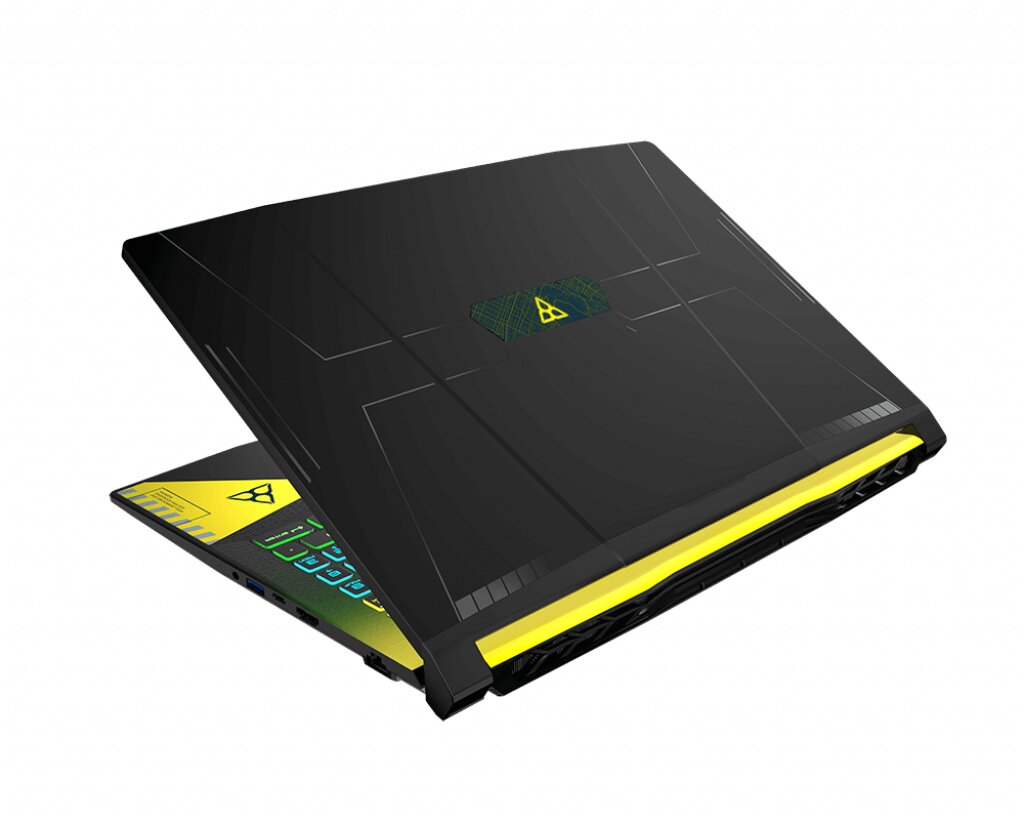
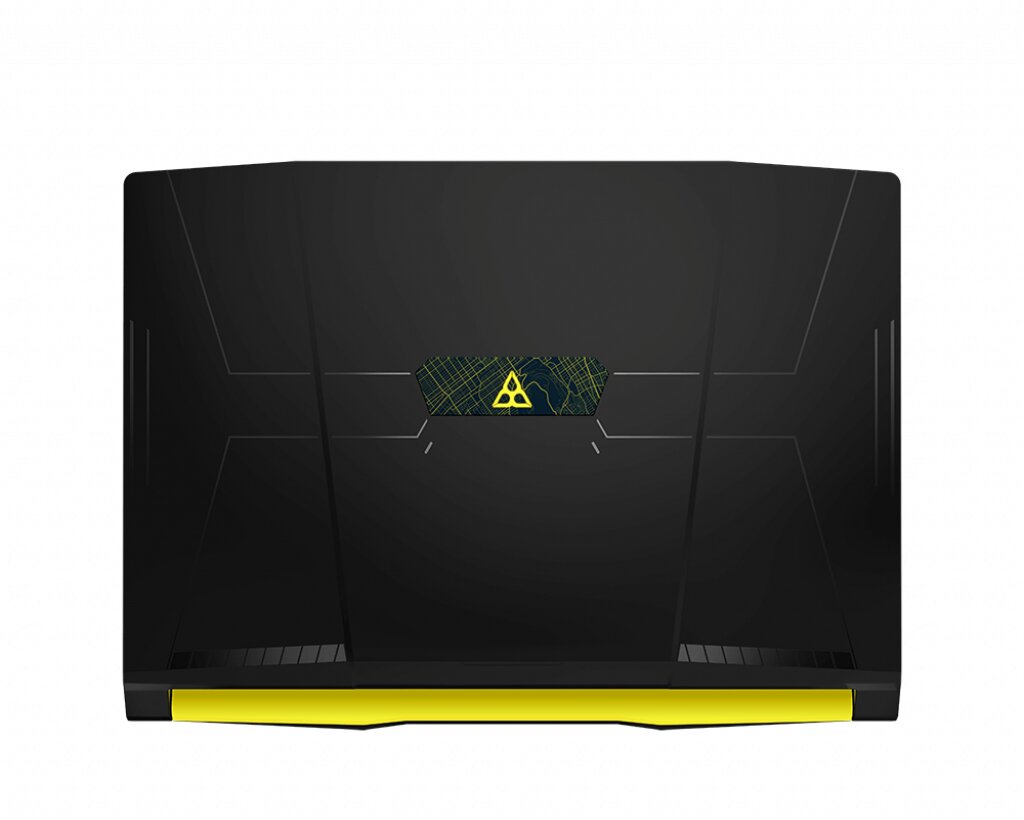
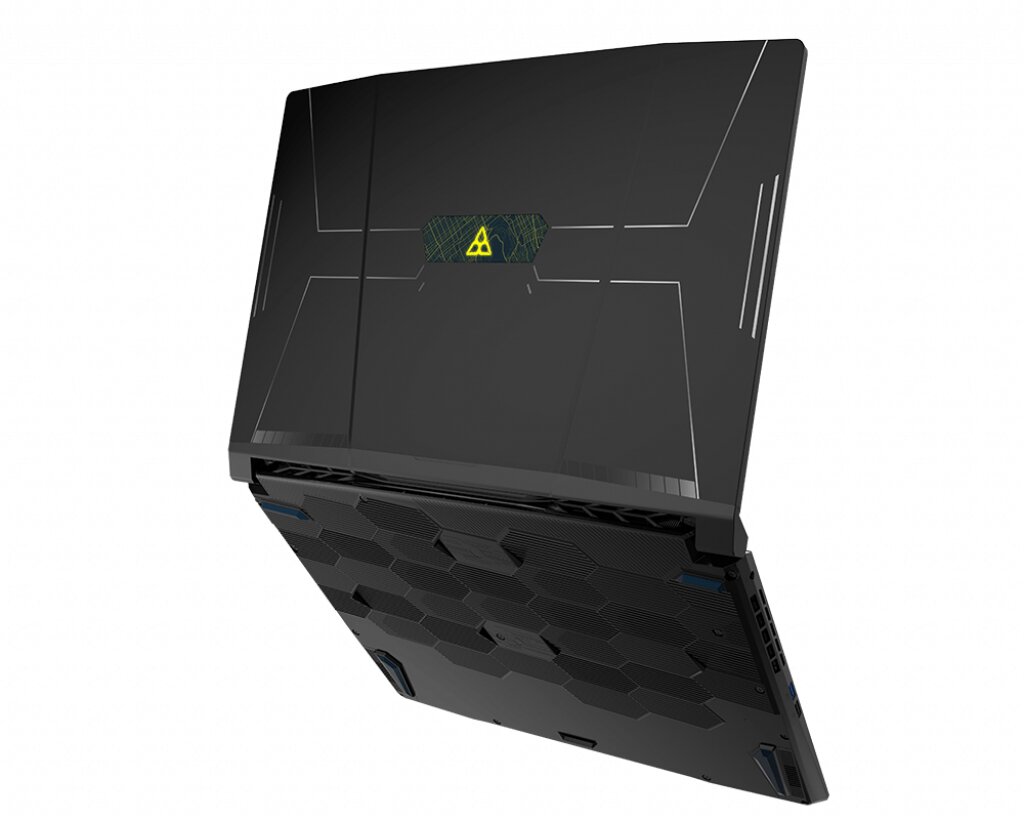
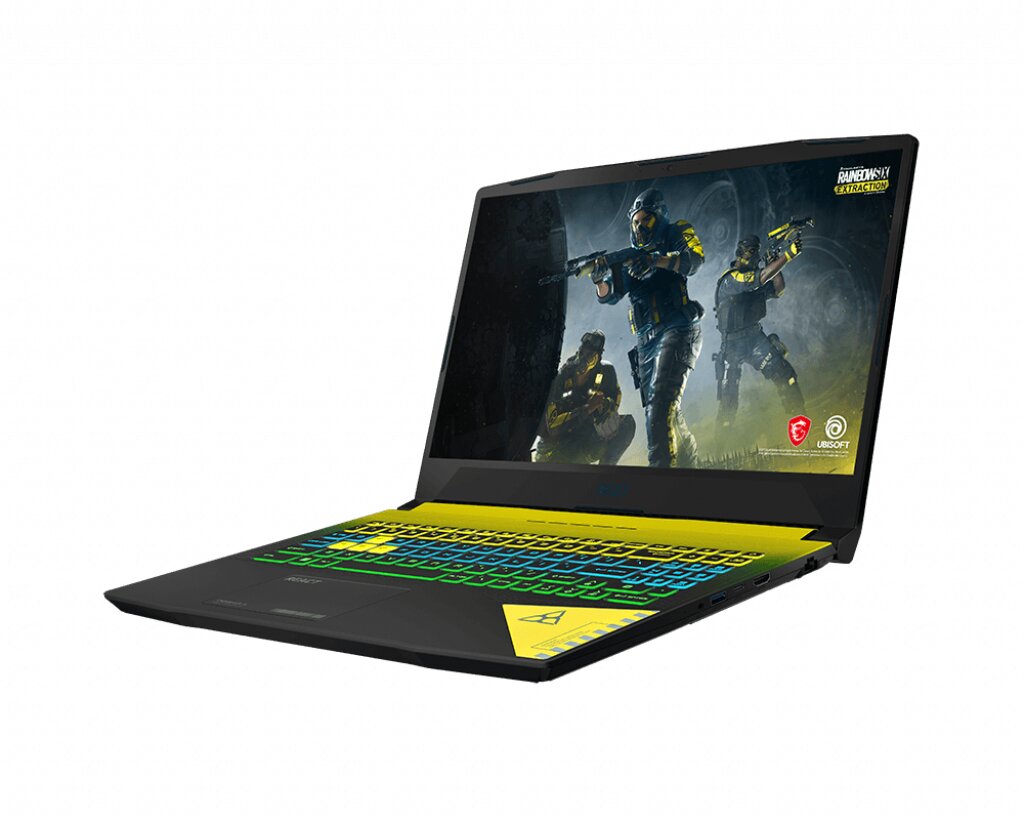
The MSI Crosshair 15 R6E B12UGZ-096PT laptop features DDR4-SDRAM memory upgrade specifications with two SO-DIMM slots for RAM expansion. The machine supports maximum memory capacity of 64 GB total, with compatible modules operating at 3200 MHz frequency. Each slot accommodates standard SO-DIMM form factor memory modules, enabling users to upgrade from factory-installed configurations to the full 64 GB specifications through compatible DDR4-SDRAM upgrades.
Memory Upgrade Specifications
| Specification | Value |
|---|---|
| Memory slots | 2x SO-DIMM |
| Form factor | SO-DIMM |
| Memory type | DDR4-SDRAM |
| Frequency | 3200 MHz |
| Maximum RAM | 64 GB |
| Voltage | 1.2V |
| Number of pins | 260-pin |
| Interface | PC4 |
| PC Speed Rating | PC4-3200 (PC4-25600) |
| Bandwidth | 25.6 GB/s |
| Laptop Release date | 28 October 2022 |
Additional Notes
- The 64 GB maximum capacity indicates chipset-level support for 32 GB density modules, which requires specific IC configurations not available in all SO-DIMM products marketed at that capacity.
- DDR4-3200 operation depends on JEDEC SPD profile compatibility, as XMP profiles designed for desktop systems may not initialize correctly in laptop BIOS implementations.
- The MSI Crosshair 15 R6E B12UGZ-096PT dual-channel configuration requires matched module pairs for optimal memory interleaving, as mismatched specifications can force the controller to operate in single-channel mode or at the speed of the slower module.
- SO-DIMM installation in this chassis typically requires complete bottom panel removal and potentially thermal pad preservation during reinstallation to maintain factory heat dissipation characteristics.
- Modules exceeding 1.2V standard DDR4 voltage may trigger thermal throttling in compact gaming laptop designs where memory shares thermal zones with GPU components.
- The 3200 MHz specification represents maximum rated speed, but actual operational frequency may be governed by CPU memory controller specifications and power management profiles active during different workload scenarios.
- Warranty preservation generally requires avoiding physical damage to retention clips and surrounding PCB components during module installation, as bent pins or cracked solder joints constitute user-induced damage.
- Systems shipped with 8 GB or 16 GB configurations may use single-module population, leaving one slot vacant for capacity expansion without requiring existing module replacement.
- Memory testing after installation should verify both capacity recognition and dual-channel operation through system information utilities, as improper seating can result in single-stick detection or reduced bandwidth operation.