MSI Gaming GF63 10SC-079XFR Thin RAM upgrade specifications
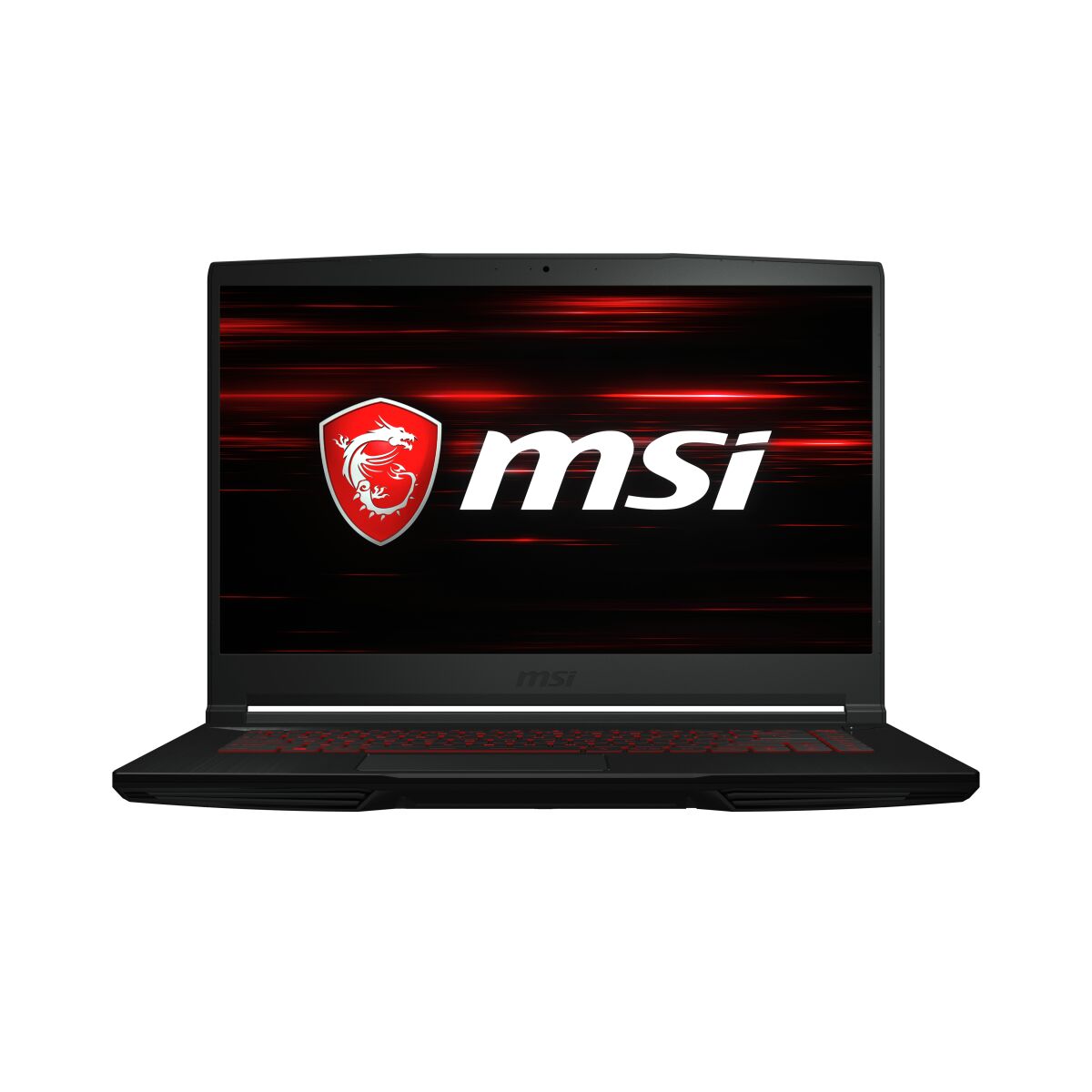
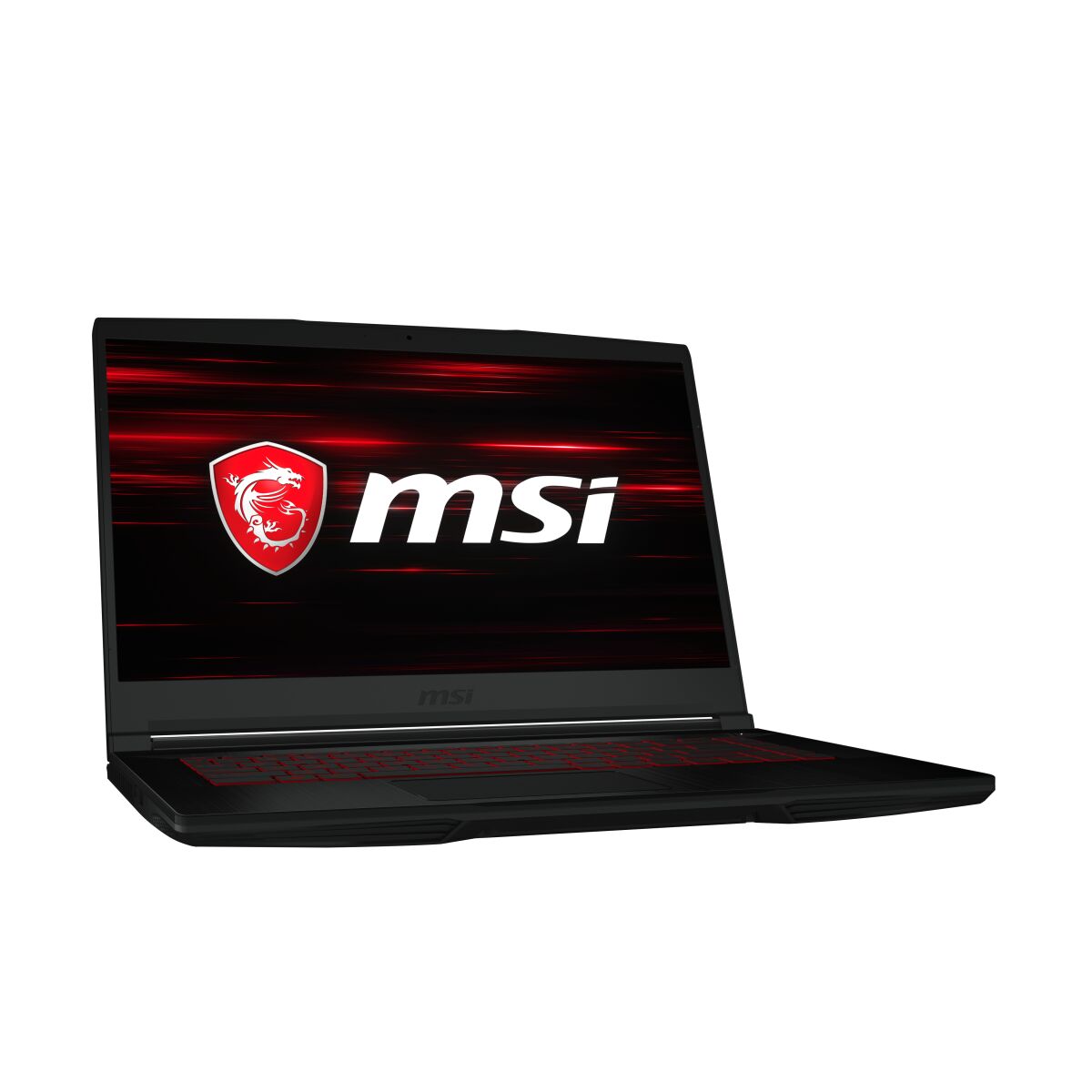
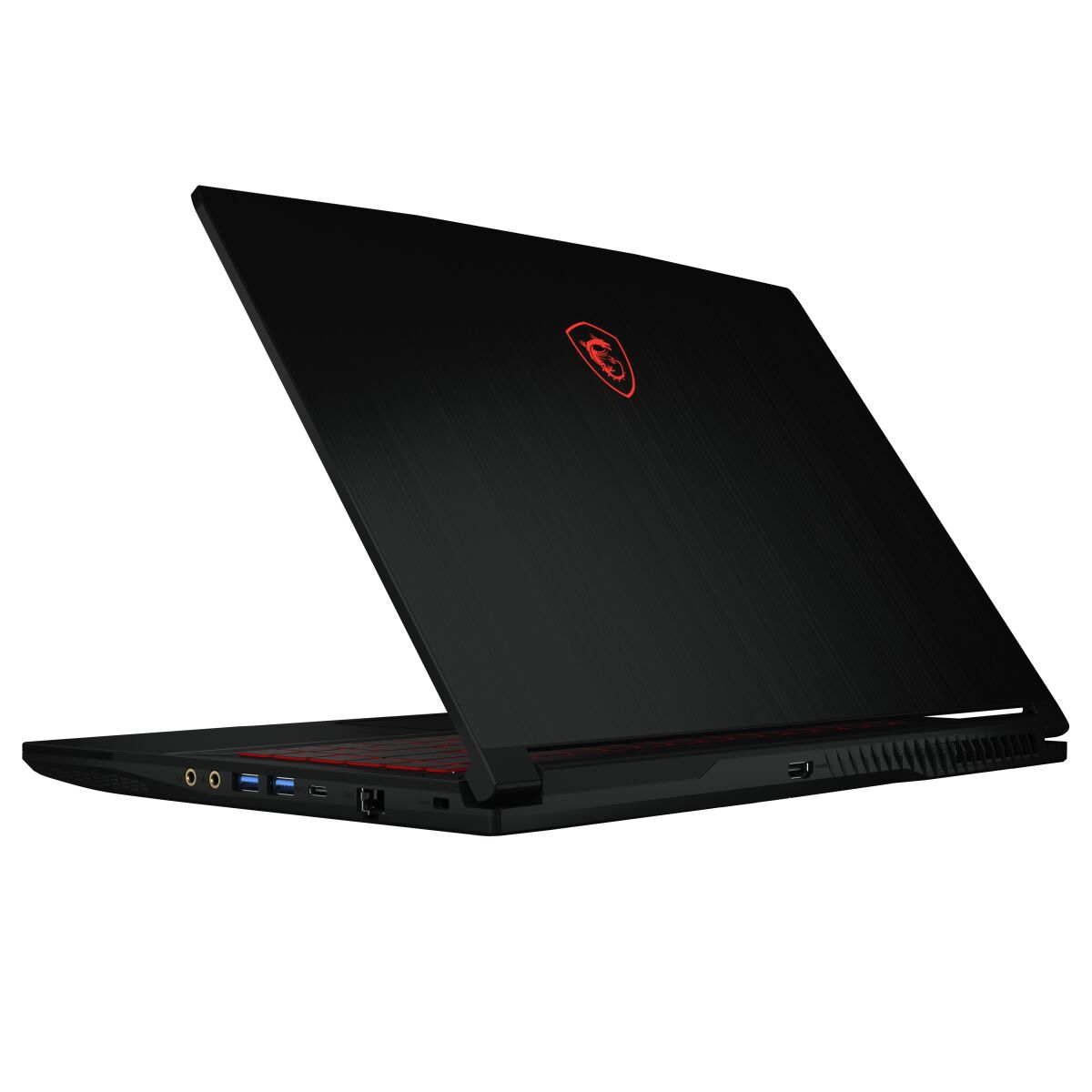
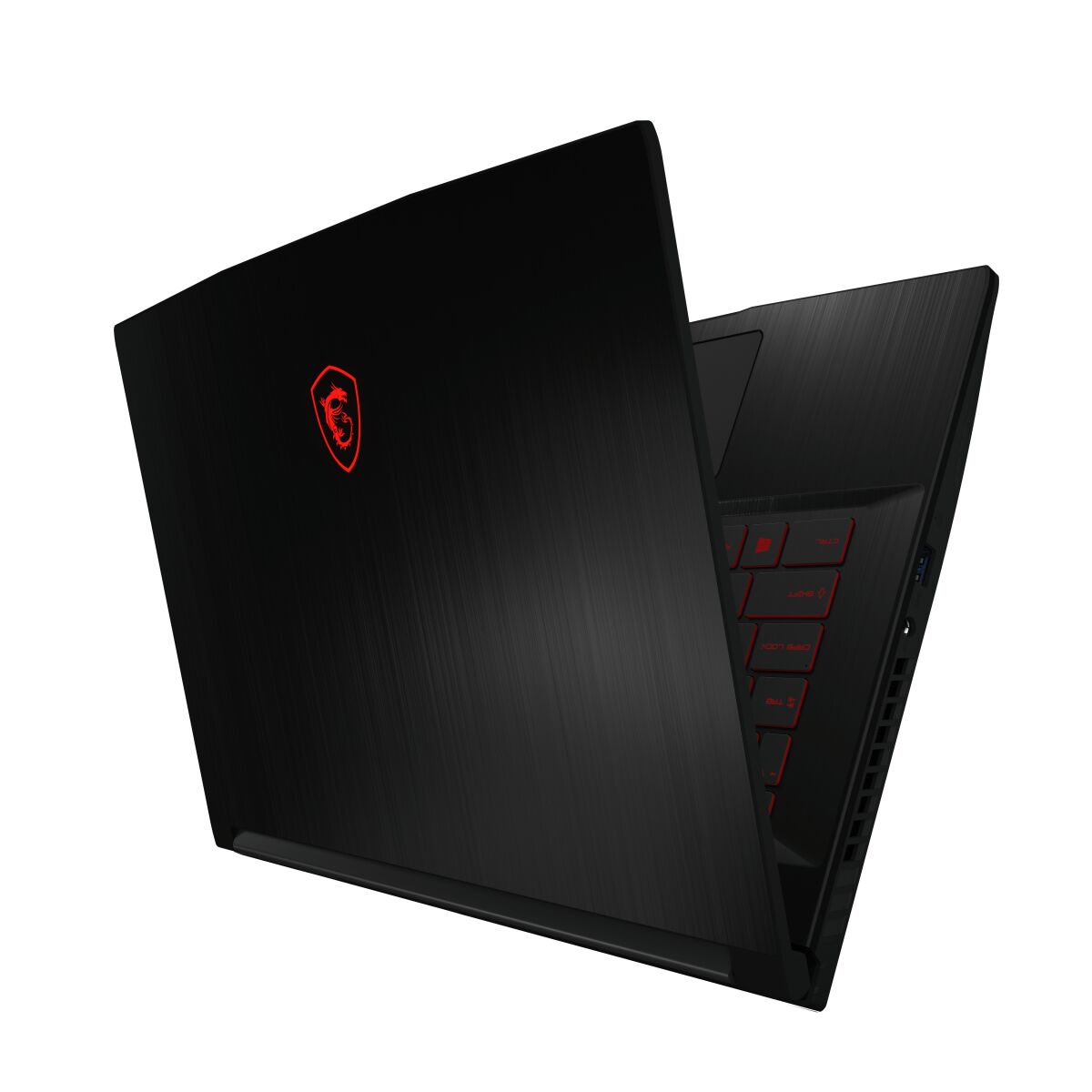
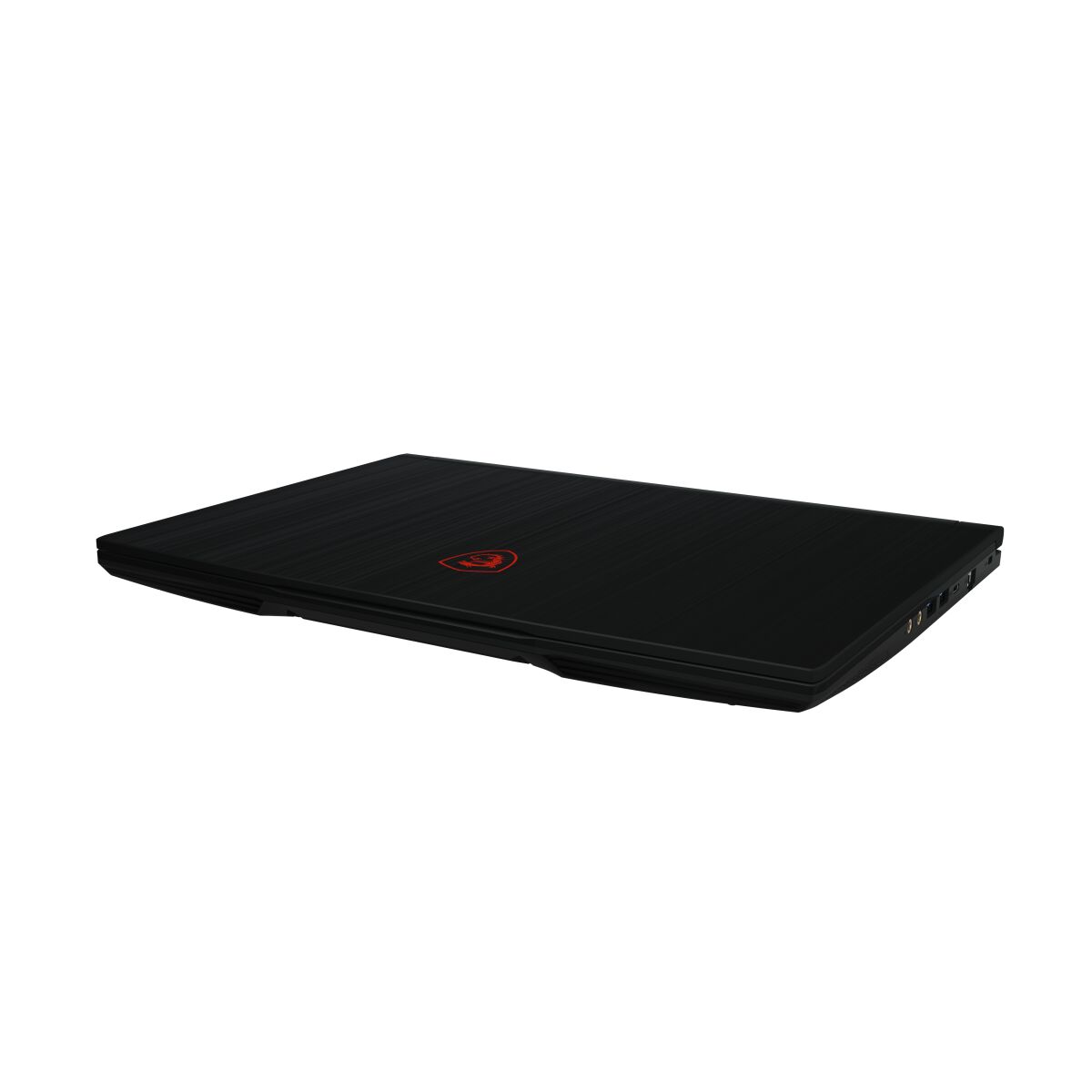
The MSI GF63 10SC-079XFR Thin gaming laptop features DDR4-SDRAM memory upgrade capabilities. The device contains 2x SO-DIMM slots for memory expansion. Maximum RAM capacity reaches 64 GB, with compatible DDR4 modules operating at 2666 MHz frequency. SO-DIMM form factor specifications define the memory upgrade requirements for the GF series model. The gaming laptop's memory slots support DDR4-SDRAM technology, enabling users to upgrade existing RAM modules to enhance system performance and multitasking capacity within the defined specifications.
Memory Upgrade Specifications
| Specification | Value |
|---|---|
| Memory slots | 2x SO-DIMM |
| Form factor | SO-DIMM |
| Memory type | DDR4-SDRAM |
| Frequency | 2666 MHz |
| Maximum RAM | 64 GB |
| Voltage | 1.2V |
| Number of pins | 260-pin |
| Interface | PC4 |
| PC Speed Rating | PC4-2666 (PC4-21328) |
| Bandwidth | 21.3 GB/s |
| Laptop Release date | 02 July 2021 |
Additional Notes
- The MSI GF63 10SC-079XFR Thin uses SO-DIMM form factor, which restricts upgrades to laptop-specific modules rather than standard desktop DDR4 sticks, limiting supplier options and typically increasing per-gigabyte costs relative to full-size DIMM alternatives.
- DDR4-2666 MHz frequency represents the baseline supported speed; modules rated above 2666 MHz may function at reduced speed or require BIOS configuration, potentially negating advertised performance gains from higher-frequency RAM purchases.
- With 2 SO-DIMM slots and a 64 GB ceiling, maximum capacity per module reaches 32 GB; single-slot population leaves 32 GB unused potential, while dual 32 GB modules demands simultaneous replacement of both existing sticks rather than incremental expansion.
- SO-DIMM installation requires removing the base panel and accessing confined internal space beneath the keyboard; limited clearance around slot contacts increases static discharge risk during handling compared to desktop upgrades, necessitating grounding precautions.
- A configuration starting below 64 GB indicates at least one underutilized slot; adding a second 16 GB or 32 GB module may trigger operating system recognition delays or require manual memory detection initialization rather than immediate availability.
- RAM upgrades on this model typically fall outside manufacturer warranty restrictions when performed by end users, provided no other components are disturbed; documentation review remains necessary to confirm specific warranty terms before proceeding.