MSI Gaming GF63 11UC-215XPL Thin RAM upgrade specifications

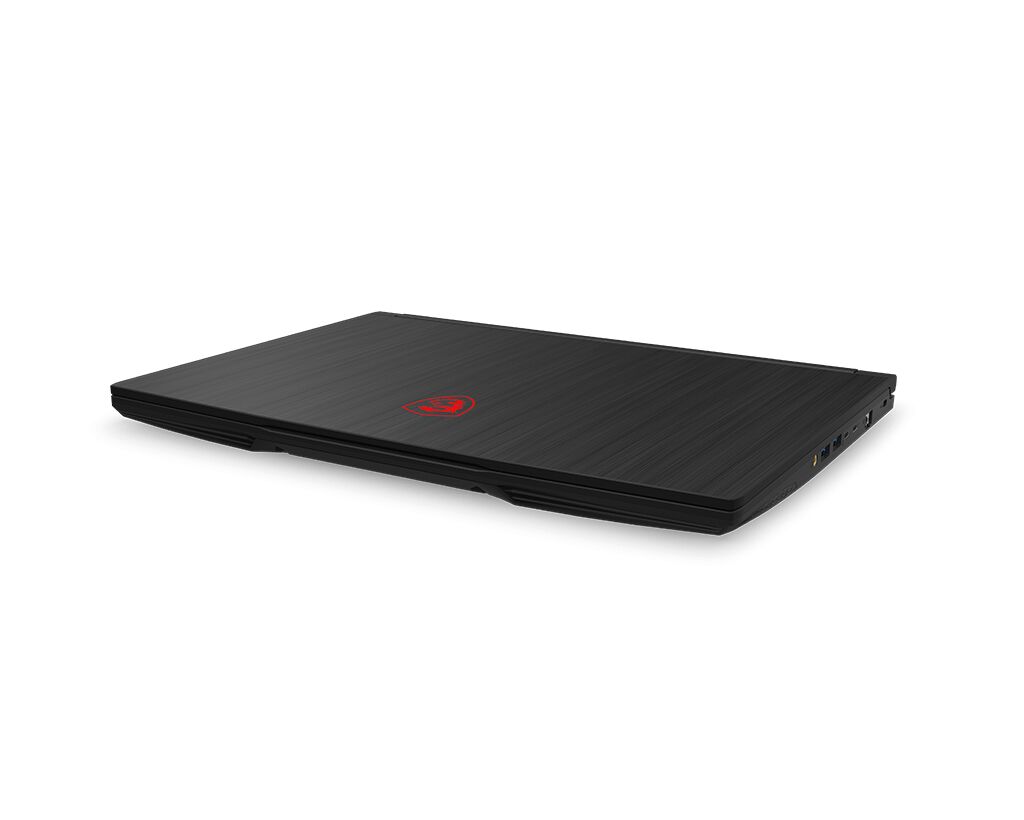

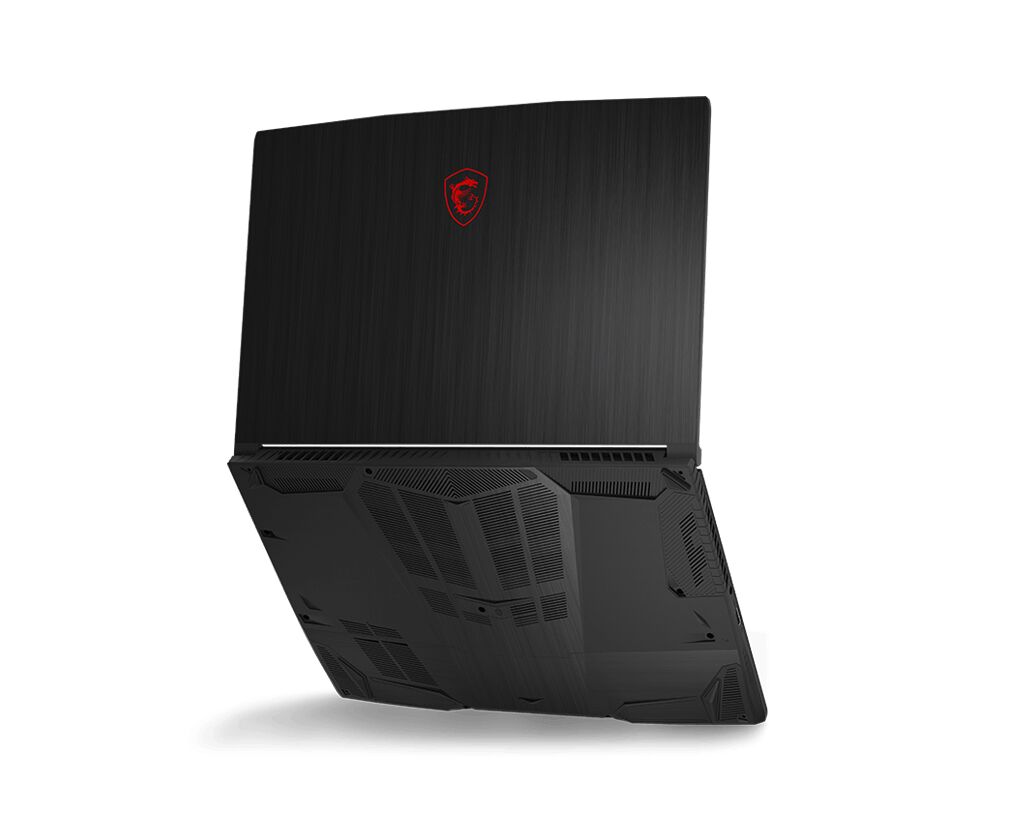

The MSI GF63 11UC-215XPL Thin gaming laptop features DDR4-SDRAM memory upgrade specifications with two SO-DIMM slots supporting a maximum RAM capacity of 64 GB. The memory operates at 3200 MHz frequency. Compatible DDR4 modules in SO-DIMM form factor can be installed in either slot to expand the system's memory capacity. The GF series laptop specifications allow for flexible memory configurations to meet performance requirements for gaming and multitasking applications.
Memory Upgrade Specifications
| Specification | Value |
|---|---|
| Memory slots | 2x SO-DIMM |
| Form factor | SO-DIMM |
| Memory type | DDR4-SDRAM |
| Frequency | 3200 MHz |
| Maximum RAM | 64 GB |
| Voltage | 1.2V |
| Number of pins | 260-pin |
| Interface | PC4 |
| PC Speed Rating | PC4-3200 (PC4-25600) |
| Bandwidth | 25.6 GB/s |
| Laptop Release date | 25 April 2022 |
Additional Notes
- The MSI GF63 11UC-215XPL Thin contains 2 SO-DIMM slots operating in dual-channel configuration, which means memory bandwidth doubles when both slots are populated compared to single-slot operation.
- DDR4-3200 memory modules are widely available and cost-effective, but forward compatibility with future DDR5 systems is not possible; any RAM upgrades will be confined to DDR4 ecosystems only.
- SO-DIMM form factor necessitates low-profile memory modules; standard desktop DDR4 DIMM sticks cannot be physically installed regardless of frequency or capacity matching.
- The 64 GB maximum capacity ceiling means upgrading both slots to 32 GB modules represents the practical upgrade limit; this constrains long-term expansion options for memory-intensive workloads.
- 3200 MHz operation on 11th-generation Intel processors (indicated by the "11UC" designation) operates at the native supported frequency, eliminating overclocking variables and ensuring stable performance without BIOS adjustments.
- Installing asymmetrical memory configurations (mismatched capacities or speeds in the 2 slots) forces the system to throttle both modules to the slowest module's specifications, reducing overall bandwidth efficiency.
- Warranty provisions typically permit RAM upgrades without voiding coverage; however, installation must avoid static discharge and ensure proper seating to prevent hardware damage claims from being rejected.