MSI Gaming GP65 9SD-285CA RAM upgrade specifications


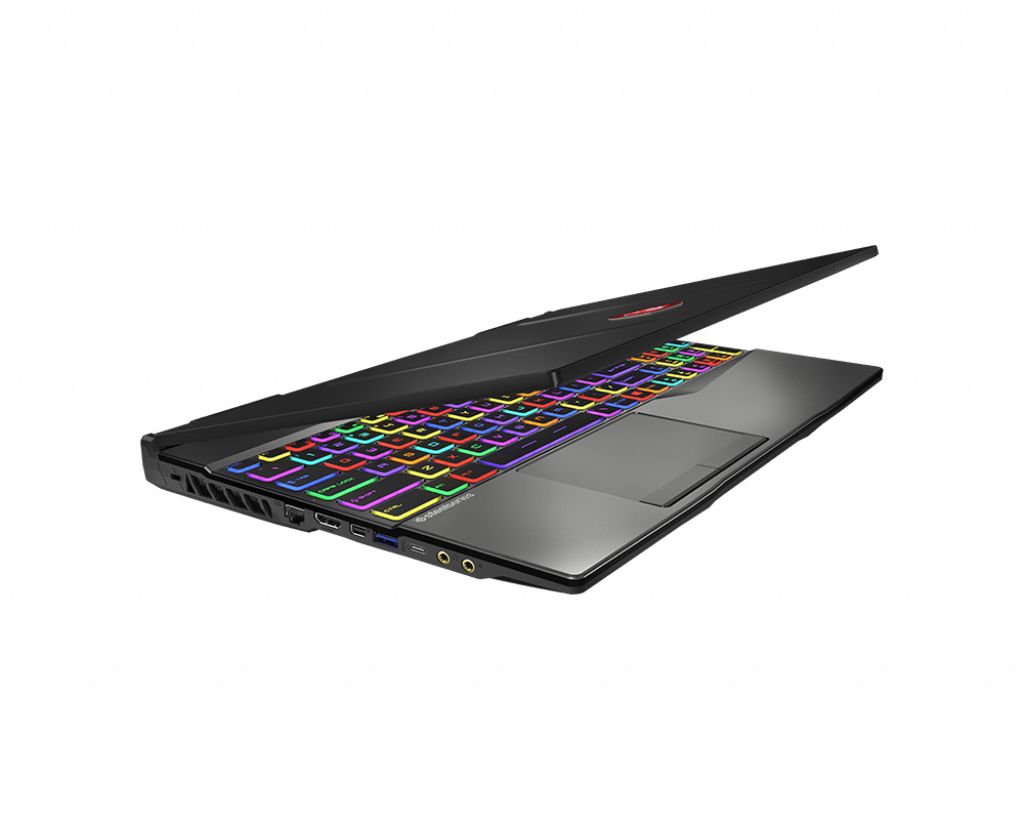


The MSI GP65 9SD-285CA Gaming series laptop features 2x SO-DIMM memory slots supporting DDR4-SDRAM technology at 2666 MHz frequency. Maximum RAM capacity for this model reaches 64 GB, enabling significant memory upgrade potential. Compatible memory modules must match SO-DIMM form factor specifications. RAM upgrade options allow users to expand the laptop's memory specifications beyond factory configurations for enhanced multitasking and performance capabilities. The GP65 9SD-285CA supports standard DDR4 memory modules within the specified frequency and capacity parameters.
Memory Upgrade Specifications
| Specification | Value |
|---|---|
| Memory slots | 2x SO-DIMM |
| Form factor | SO-DIMM |
| Memory type | DDR4-SDRAM |
| Frequency | 2666 MHz |
| Maximum RAM | 64 GB |
| Voltage | 1.2V |
| Number of pins | 260-pin |
| Interface | PC4 |
| PC Speed Rating | PC4-2666 (PC4-21328) |
| Bandwidth | 21.3 GB/s |
| Laptop Release date | 25 November 2019 |
Additional Notes
- The MSI GP65 9SD-285CA contains 2 SO-DIMM slots operating at 2666 MHz, which means both slots must be populated simultaneously to achieve dual-channel memory bandwidth. Single-slot configurations will result in 50% reduction in memory throughput compared to paired configurations.
- DDR4-2666 frequency represents a performance ceiling for this platform. Upgrading to faster DDR4 modules (3000 MHz, 3200 MHz) will not increase bandwidth because the memory controller locks to the lower specification, effectively wasting the additional frequency capability and associated cost.
- The 64 GB maximum capacity limit indicates the platform uses a 9th-generation Intel processor with restricted address lines. Purchasing modules larger than 32 GB per slot will not improve performance or usable capacity beyond this hard ceiling.
- SO-DIMM form factor requires laptop-specific modules rather than standard desktop RAM. Desktop DDR4 DIMM modules (full-size) are physically incompatible with the slot design and cannot be force-fitted without component damage.
- Memory slot accessibility typically requires keyboard and trackpad removal on this chassis design. Installation of replacement or additional modules should account for reassembly time and the risk of inverting ribbon cables during component reinsertion.
- Mixing memory modules of different capacities or speeds within the 2 slots will trigger the system to downclock all installed memory to the lowest common frequency specification, reducing overall system bandwidth relative to matched-pair configurations.