MSI Gaming GS77 RAM upgrade specifications
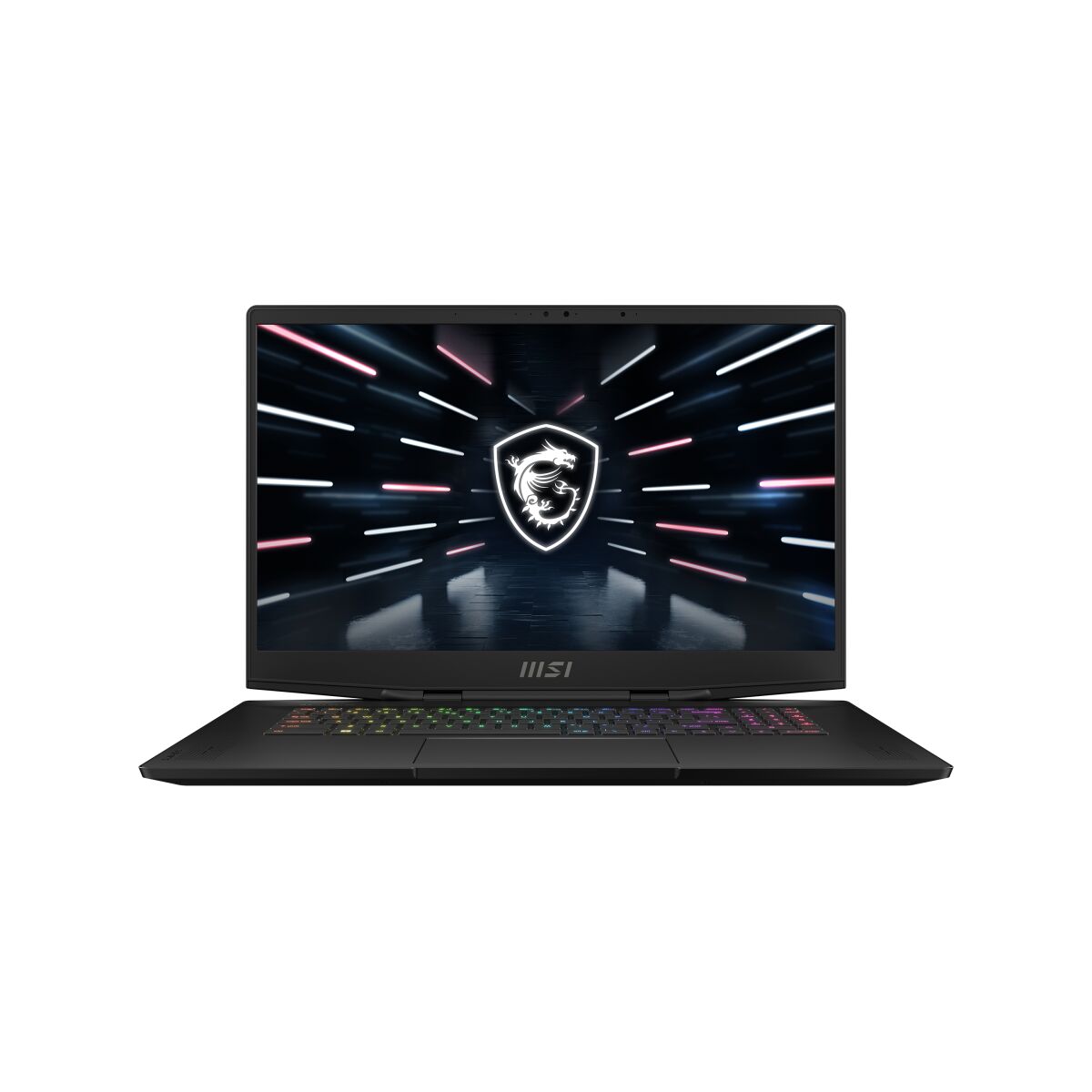
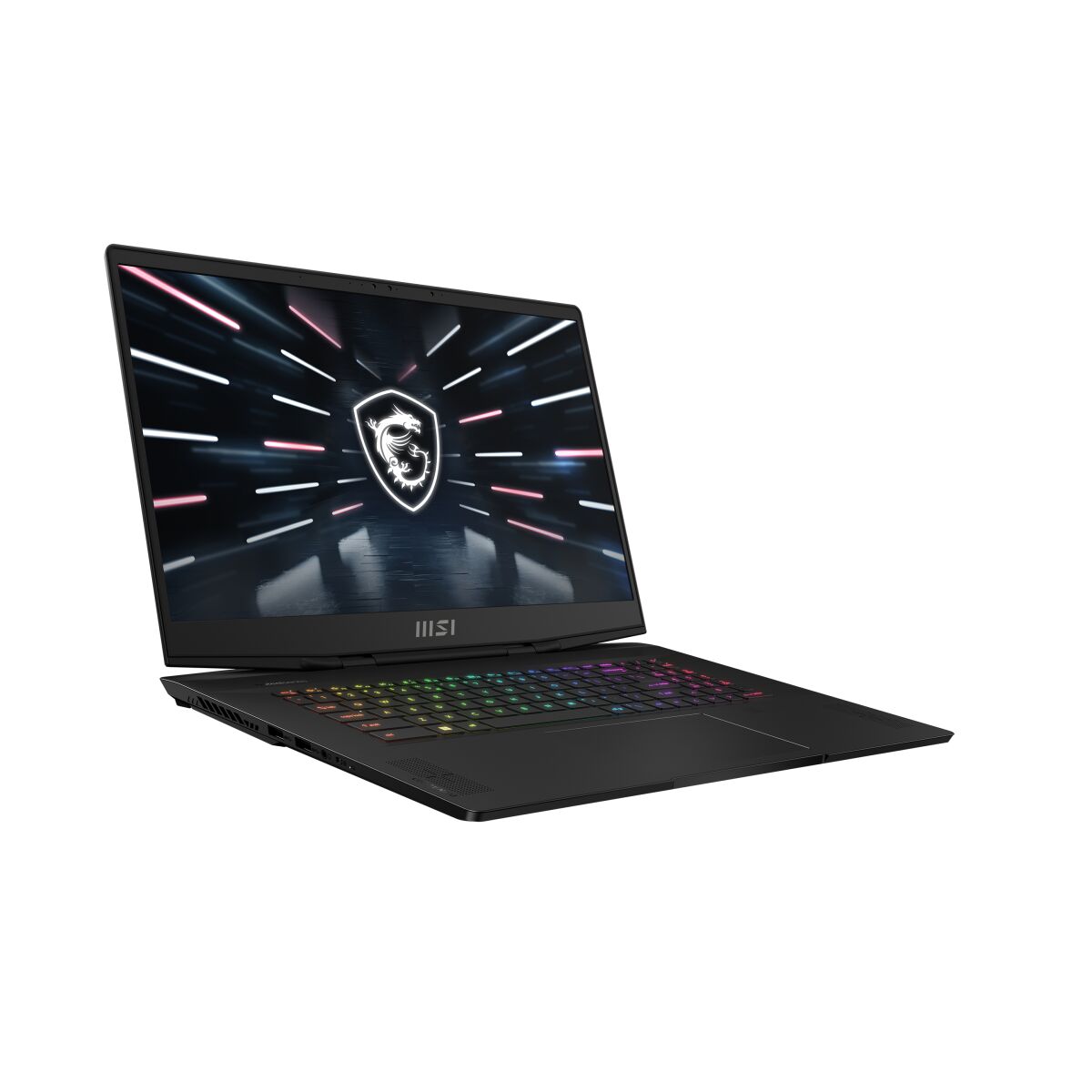
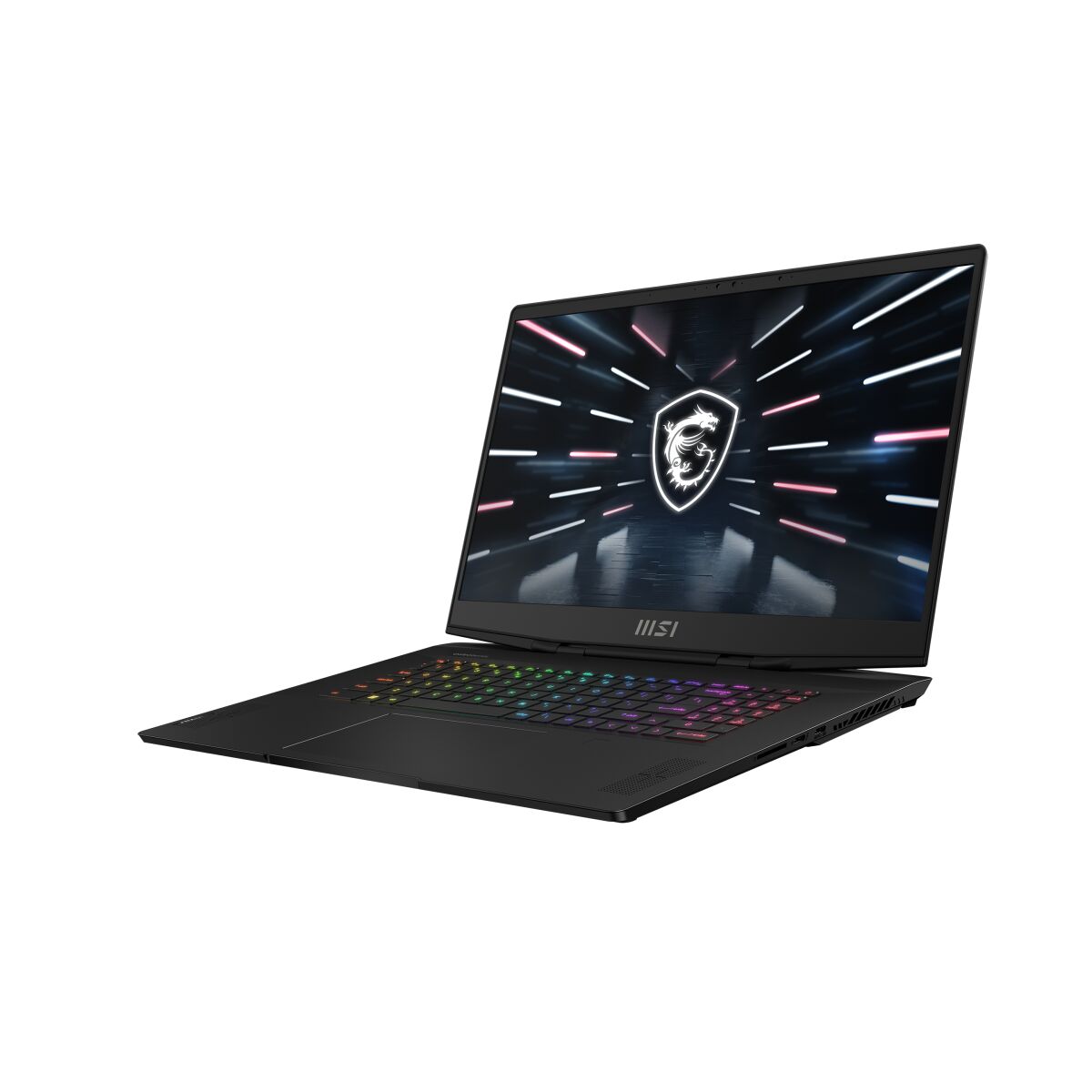
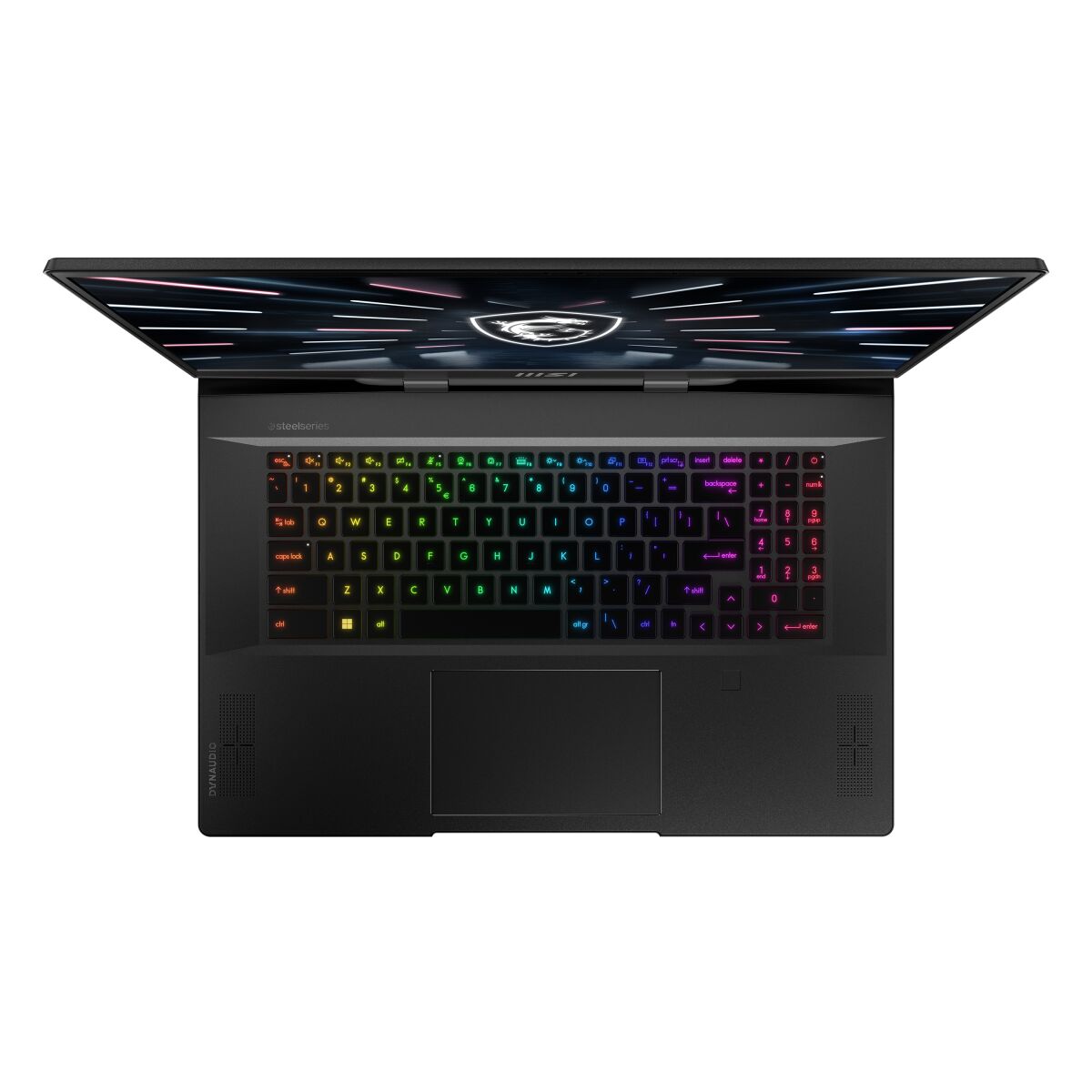
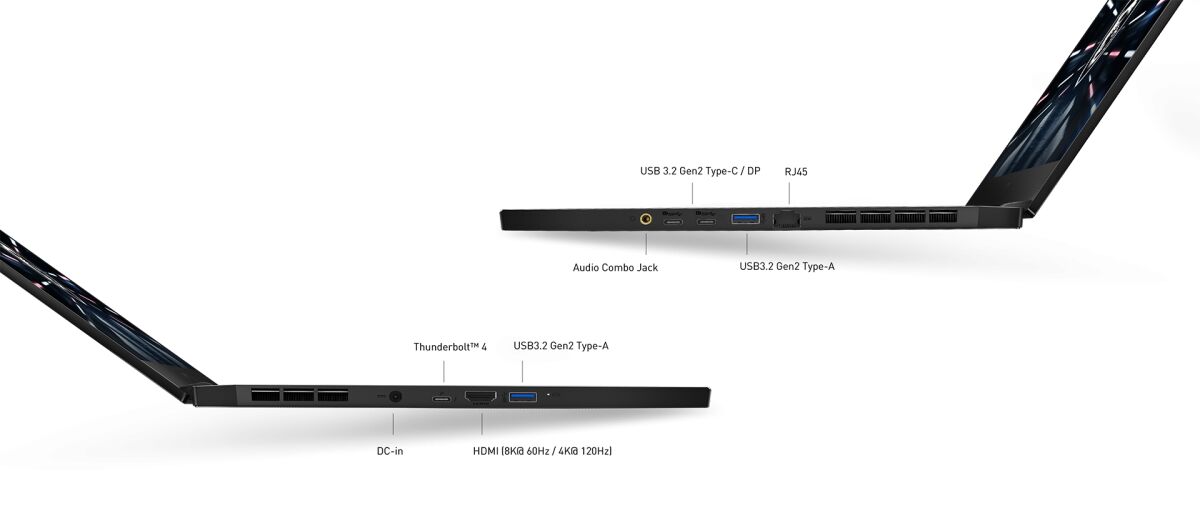
MSI GS77 gaming laptop supports DDR5-SDRAM memory upgrades with 2x SO-DIMM slots for maximum capacity of 64 GB. RAM specifications include DDR5 modules operating at 4800 MHz frequency. Compatible memory utilizes SO-DIMM form factor. Upgrade path allows installation of matching DDR5-SDRAM modules to expand system memory capacity. Maximum supported memory configuration reaches 64 GB total across both SO-DIMM slots on MSI GS77 platform.
Memory Upgrade Specifications
| Specification | Value |
|---|---|
| Memory slots | 2x SO-DIMM |
| Form factor | SO-DIMM |
| Memory type | DDR5-SDRAM |
| Frequency | 4800 MHz |
| Maximum RAM | 64 GB |
| Voltage | 1.1V |
| Number of pins | 262-pin |
| Interface | PC5 |
| PC Speed Rating | PC5-4800 (PC5-38400) |
| Bandwidth | 38.4 GB/s |
| Laptop Release date | 13 June 2022 |
Additional Notes
- DDR5 SO-DIMM modules operate at higher voltages (1.1V) than DDR4 equivalents, necessitating verification of power delivery subsystem compatibility before installation to prevent hardware damage.
- The 2-slot configuration creates a single-channel bottleneck if only 1 module is installed, reducing memory bandwidth by approximately 50% and degrading gaming frame rates and content creation performance compared to dual-channel operation.
- Thermal management becomes critical with 64 GB capacity; high-density modules generate elevated heat, potentially triggering thermal throttling in the MSI GS77 if airflow paths are obstructed or if the system lacks dedicated memory cooling.
- DDR5-4800 MHz specifications assume JEDEC compliance; Intel XMP 3.0 or AMD EXPO profiles may require BIOS updates to function reliably, and profile failures revert the system to 4800 MHz baseline speeds.
- Maximum capacity upgrades to 64 GB fill both SO-DIMM slots entirely, eliminating expansion capability; any future memory increase requires complete module replacement rather than supplemental additions.
- SO-DIMM modules are mechanially secured with spring-loaded ejectors; improper installation angles or excessive force during removal risks fracturing retention clips and rendering slots inoperable.
- Warranty retention typically requires installation by authorized service centers; self-installation of non-OEM memory may void coverage depending on manufacturer policy, warranting confirmation before proceeding.
- System BIOS may impose capacity recognition limits below the theoretical 64 GB maximum; firmware versions predating DDR5 support or high-density DIMM validation should be updated before installation.