MSI Katana 12UC-082XFR RAM upgrade specifications
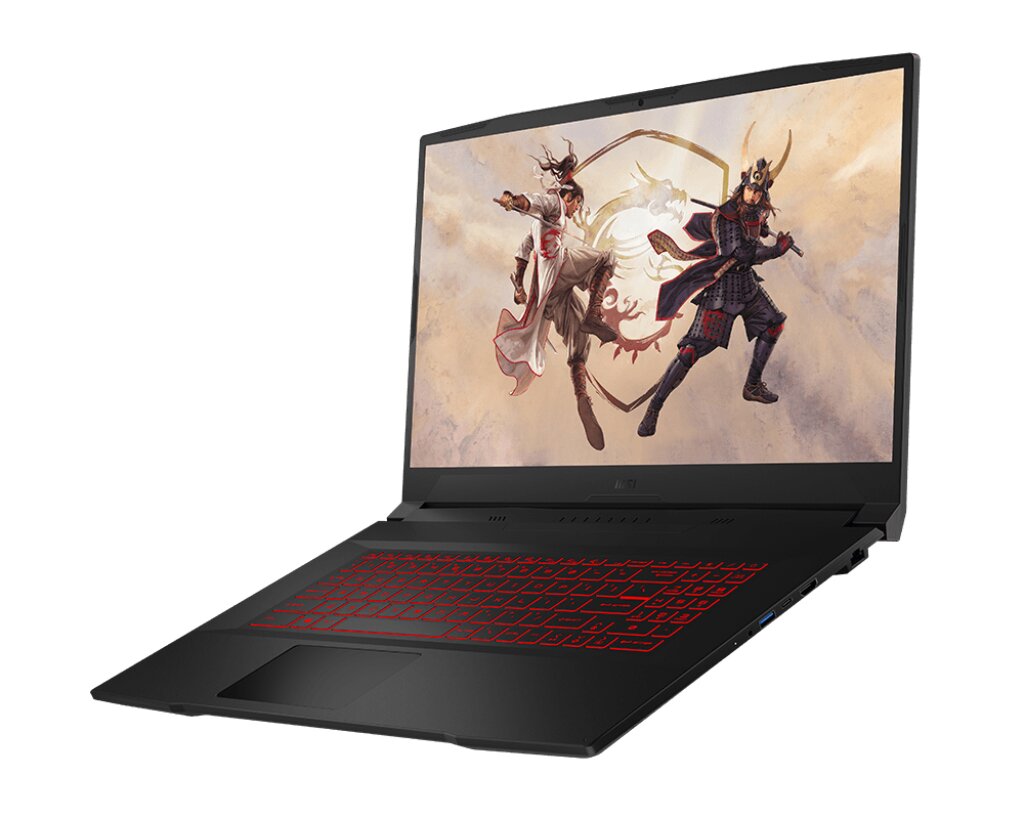
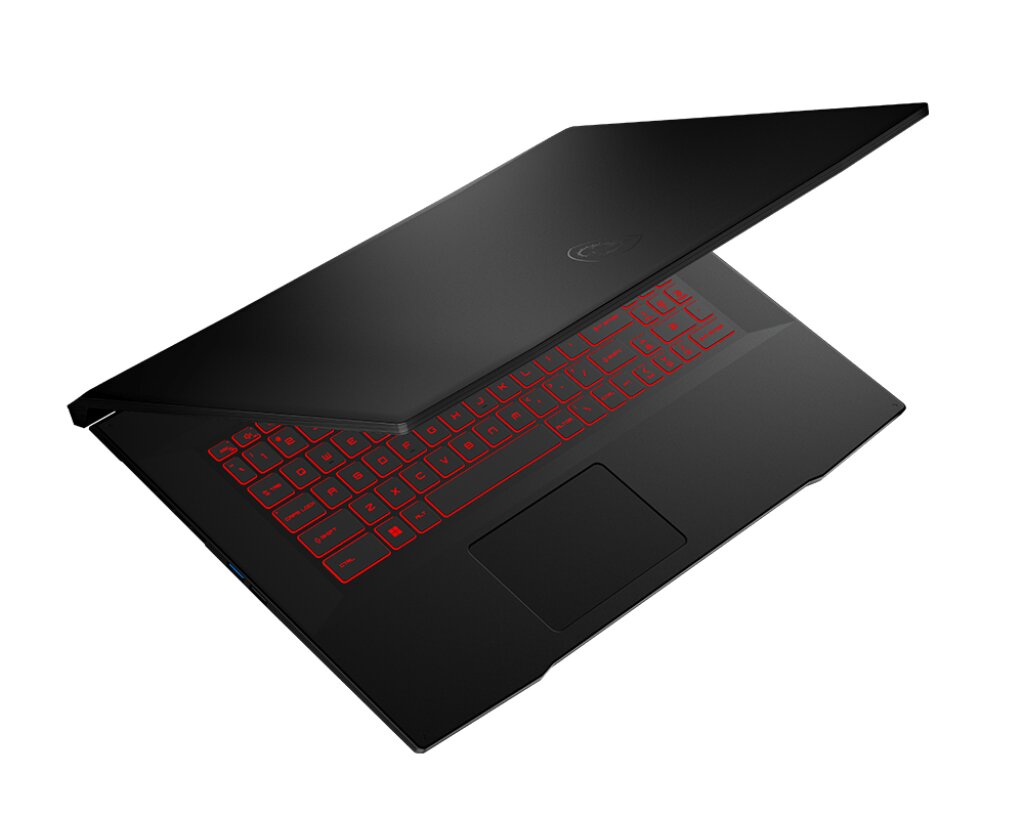
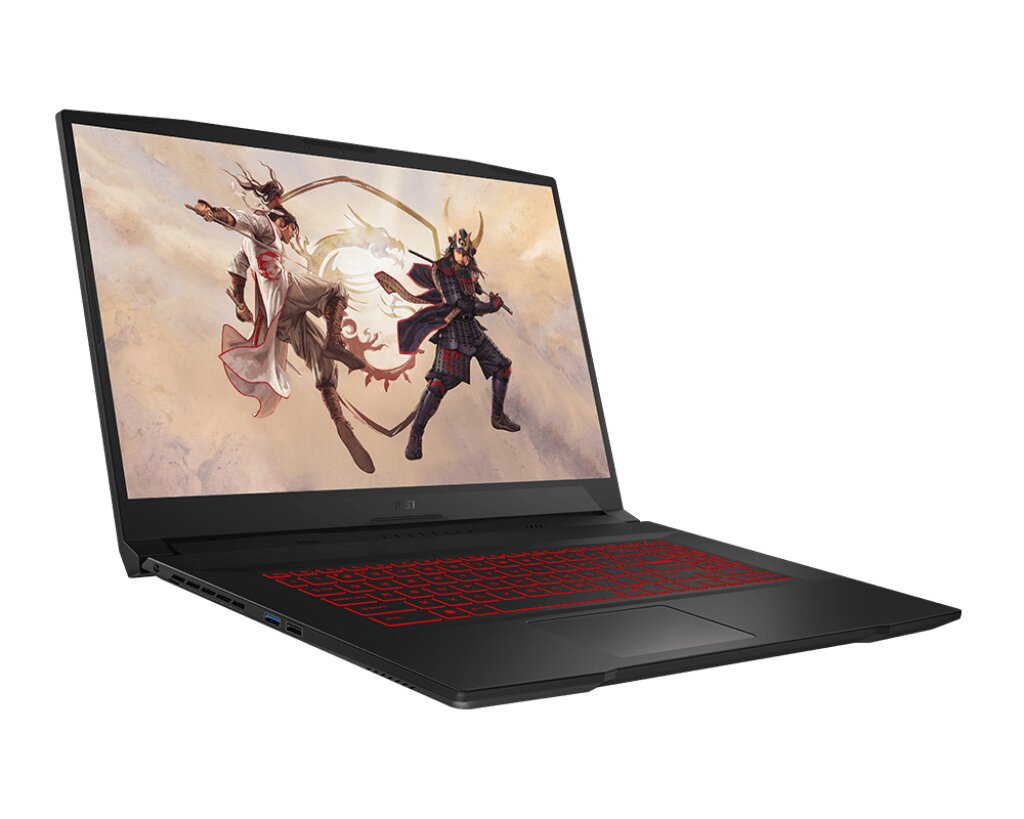
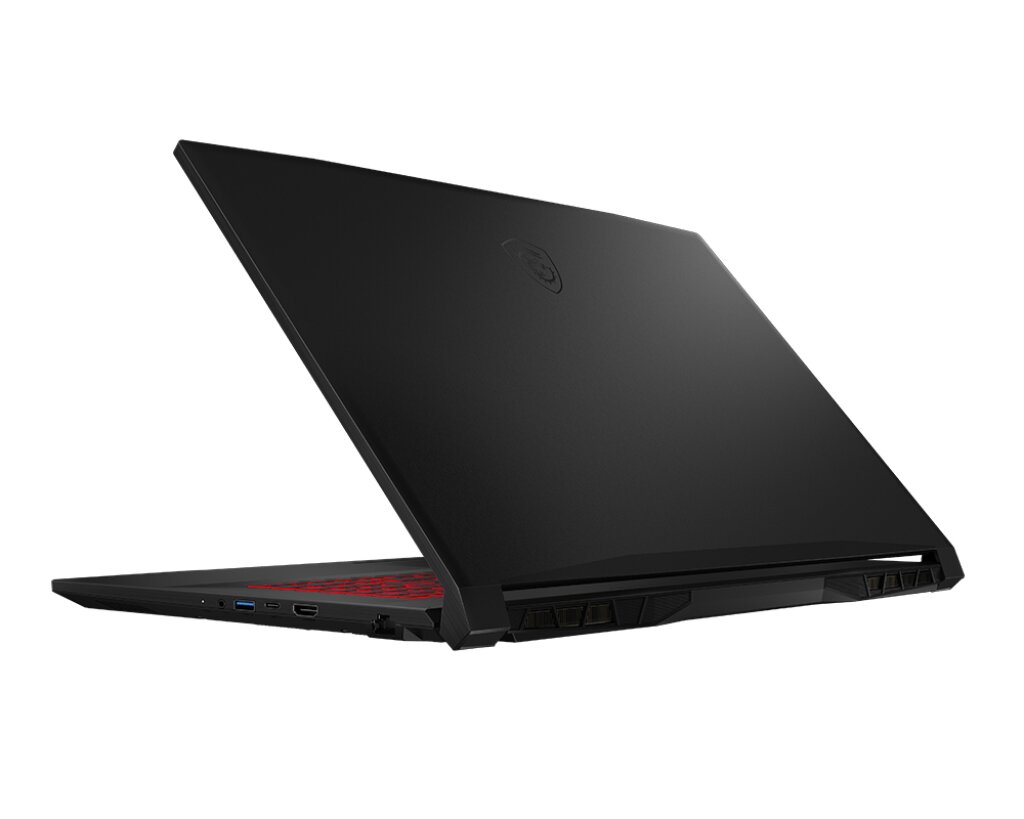
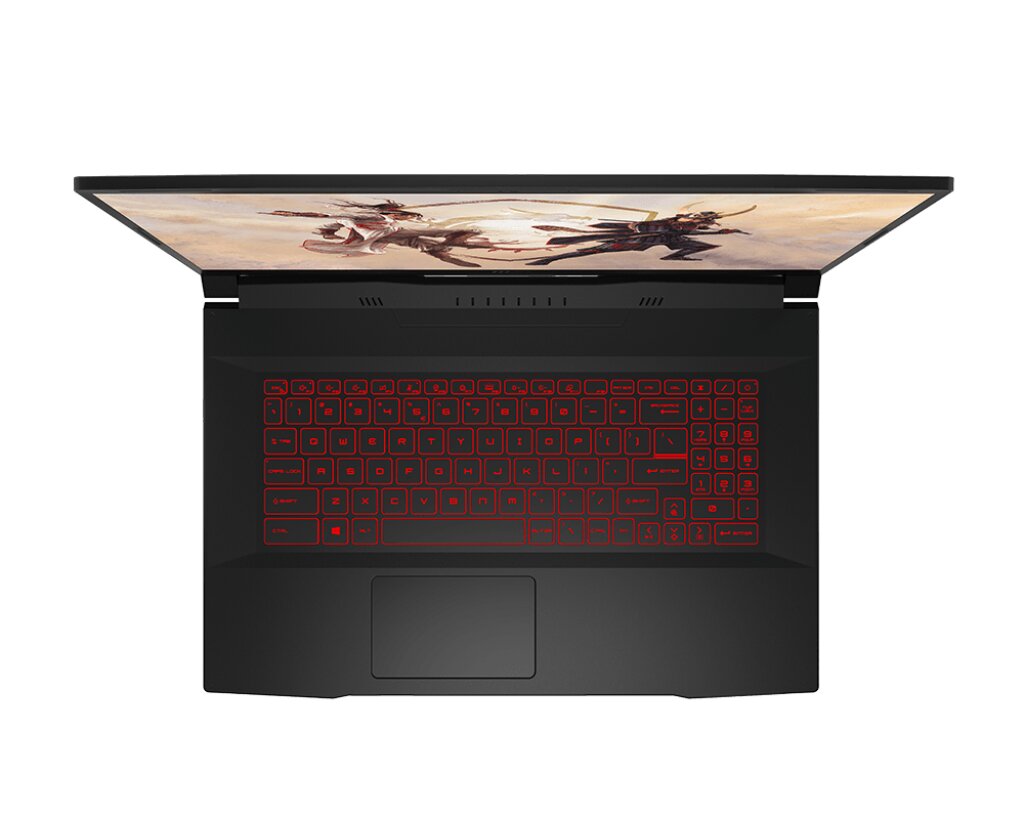
The MSI Katana GF76 12UC-082XFR features DDR4-SDRAM memory upgrade capabilities with two SO-DIMM slots supporting maximum RAM capacity of 64 GB. Memory specifications include 3200 MHz frequency operating at DDR4 standard. Compatible upgrades utilize SO-DIMM form factor modules. Current and expanded memory configurations require DDR4-compatible modules meeting specifications outlined for the GF76 series. Maximum supported capacity enables substantial memory expansion for this MSI laptop model.
Memory Upgrade Specifications
| Specification | Value |
|---|---|
| Memory slots | 2x SO-DIMM |
| Form factor | SO-DIMM |
| Memory type | DDR4-SDRAM |
| Frequency | 3200 MHz |
| Maximum RAM | 64 GB |
| Voltage | 1.2V |
| Number of pins | 260-pin |
| Interface | PC4 |
| PC Speed Rating | PC4-3200 (PC4-25600) |
| Bandwidth | 25.6 GB/s |
| Laptop Release date | 07 November 2022 |
Additional Notes
- The MSI Katana 12UC-082XFR contains 2 SO-DIMM slots, meaning both memory modules must be replaced simultaneously to upgrade beyond the current configuration. Single-slot upgrades are not possible.
- DDR4-3200 modules operate at fixed timing specifications. Pairing modules with different latency profiles (CAS latency, RAS-to-CAS, etc.) may trigger JEDEC downclocking to the slower module's specification, reducing effective bandwidth by up to 8%.
- SO-DIMM form factor limits physical clearance in the memory bay. Modules with tall heat spreaders may interfere with the heatsink assembly covering the processor, preventing secure seating even if electrical compatibility exists.
- The 64 GB ceiling indicates the chipset supports a maximum of 32 GB per slot. Purchasing 48 GB kits (1x48 GB + 1x16 GB configurations) will be incompatible; matched pairs must not exceed 32 GB individually.
- DDR4-3200 is a JEDEC standard frequency. Third-party modules rated above 3200 MHz (XMP/DOCP profiles) will downclock to 3200 MHz unless the BIOS explicitly enables overclocking mode, consuming warranty coverage on the chassis.
- Thermal cycling during memory replacement can degrade thermal interface material between the CPU and cooler. Reapplying thermal paste after module installation is not warranty-safe unless performed by authorized service technicians.