ASUS ROG G513RM-HQ016 RAM upgrade specifications

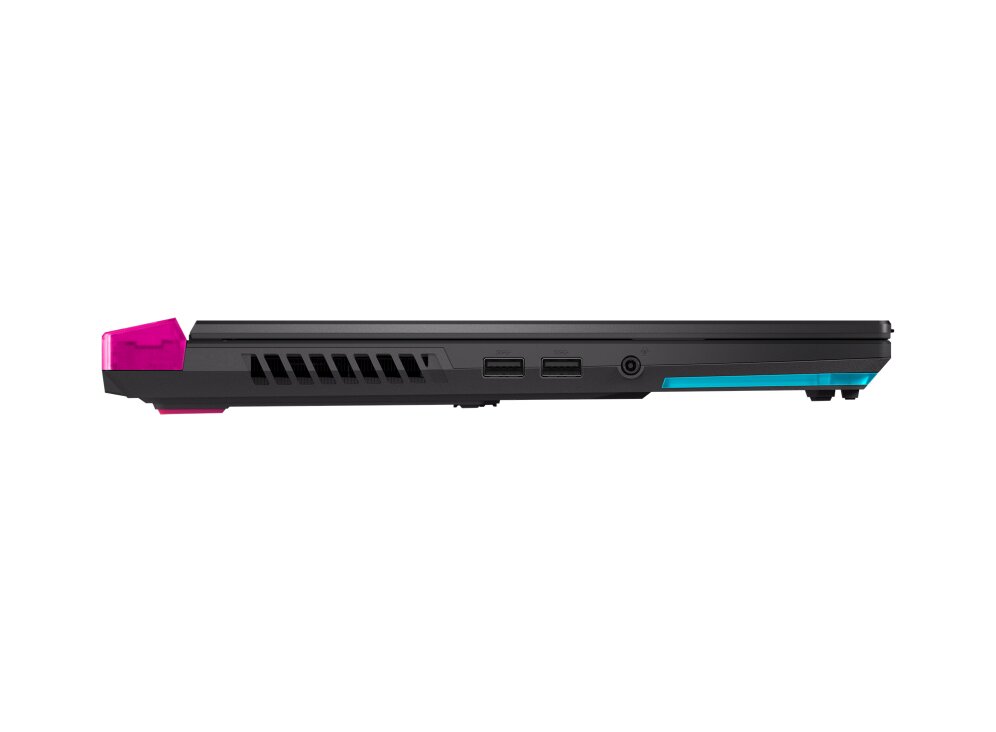
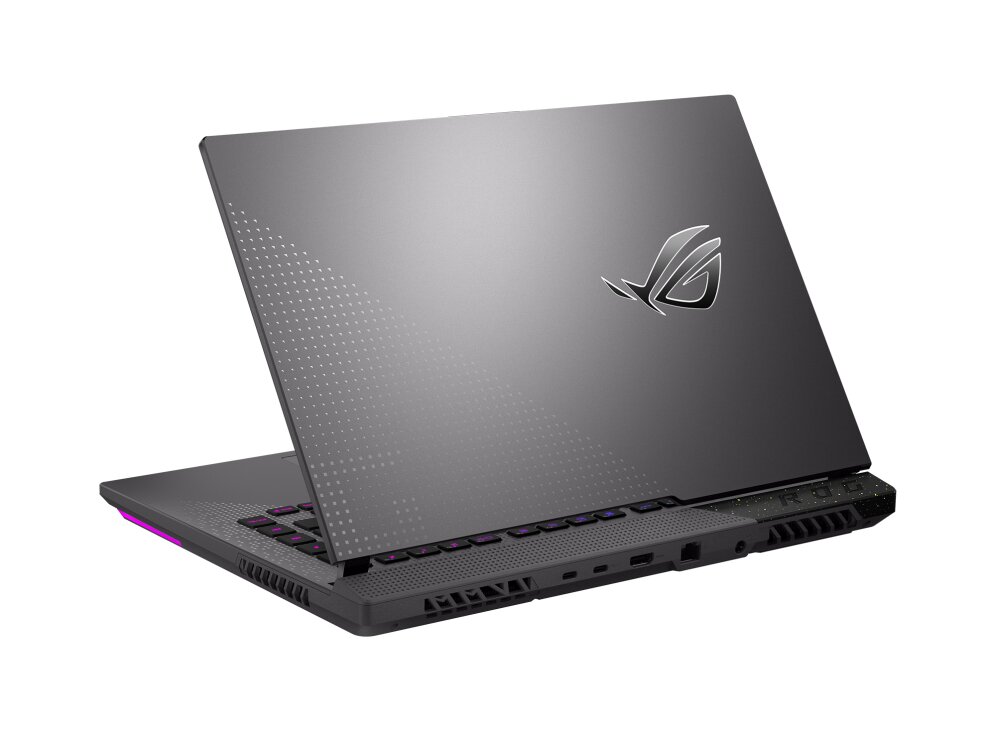
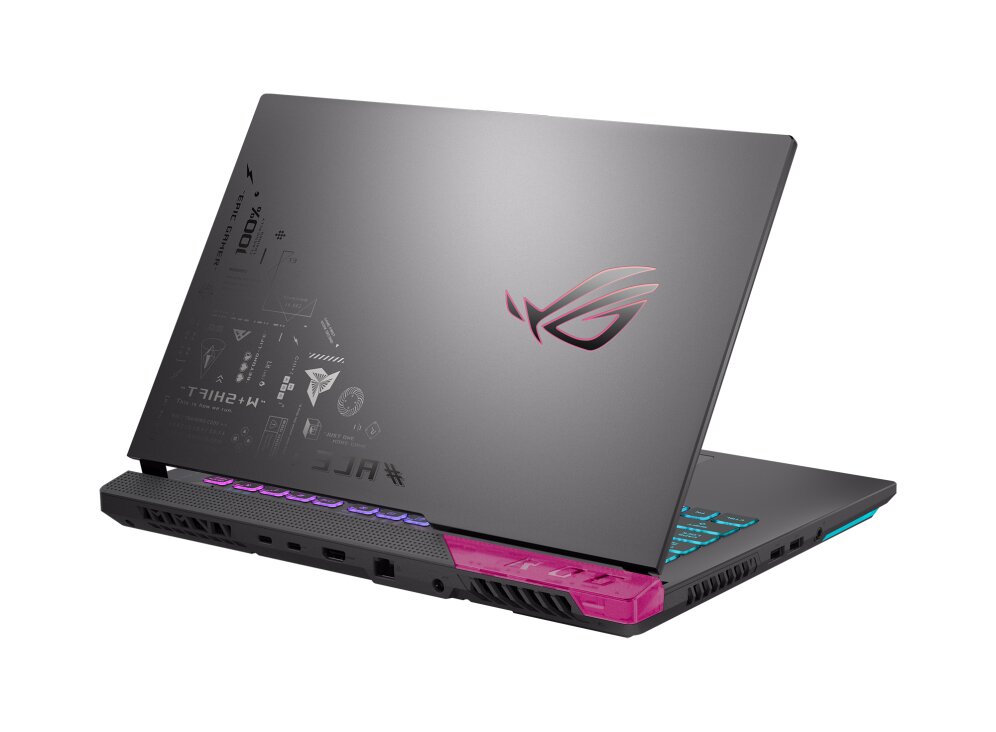
The ASUS ROG Strix G15 G513RM-HQ016 features DDR5-SDRAM memory upgrade specifications with two SO-DIMM slots supporting maximum capacity of 32 GB RAM. Compatible memory modules operate at 4800 MHz frequency. The laptop accommodates SO-DIMM form factor modules for memory expansion and upgrades. Specifications indicate DDR5 memory type with dual slot configuration enabling flexible RAM capacity configurations up to the maximum supported limit.
Memory Upgrade Specifications
| Specification | Value |
|---|---|
| Memory slots | 2x SO-DIMM |
| Form factor | SO-DIMM |
| Memory type | DDR5-SDRAM |
| Frequency | 4800 MHz |
| Maximum RAM | 32 GB |
| Voltage | 1.1V |
| Number of pins | 262-pin |
| Interface | PC5 |
| PC Speed Rating | PC5-4800 (PC5-38400) |
| Bandwidth | 38.4 GB/s |
| Laptop Release date | 17 February 2022 |
Additional Notes
- The absence of soldered memory on the ASUS G513RM-HQ016 motherboard ensures that the entire memory subsystem remains replaceable if a module suffers from parity errors or hardware failure.
- Dual channel architecture requires matching module capacities in both SO-DIMM slots to achieve the full theoretical bandwidth necessary for preventing CPU bottlenecks in memory intensive tasks.
- The DDR5 voltage regulation is managed on the memory module itself which reduces the motherboard power delivery complexity but increases the thermal output of the sticks during high frequency operations.
- Installing modules with lower latency timings than the factory defaults involves BIOS compatibility checks because many laptops in this category lack XMP or EXPO profile toggles for manual timing adjustments.
- The 32 GB threshold represents the maximum validated capacity by the manufacturer though the internal memory controller on the processor architecture typically supports higher densities if high density modules are recognized by the firmware.
- The transition to 4800 MHz signaling necessitates the use of high quality shielding inside the chassis to prevent electromagnetic interference with nearby wireless networking components.
- Physical access to the memory slots requires the removal of the bottom panel and careful disconnection of the internal battery to prevent short circuits during the installation process.
- Upgrading to higher capacity modules significantly reduces reliance on the Windows page file which extends the operational lifespan of the primary solid state drive by minimizing unnecessary write cycles.