ASUS ROG G513RS-HQ006W RAM upgrade specifications
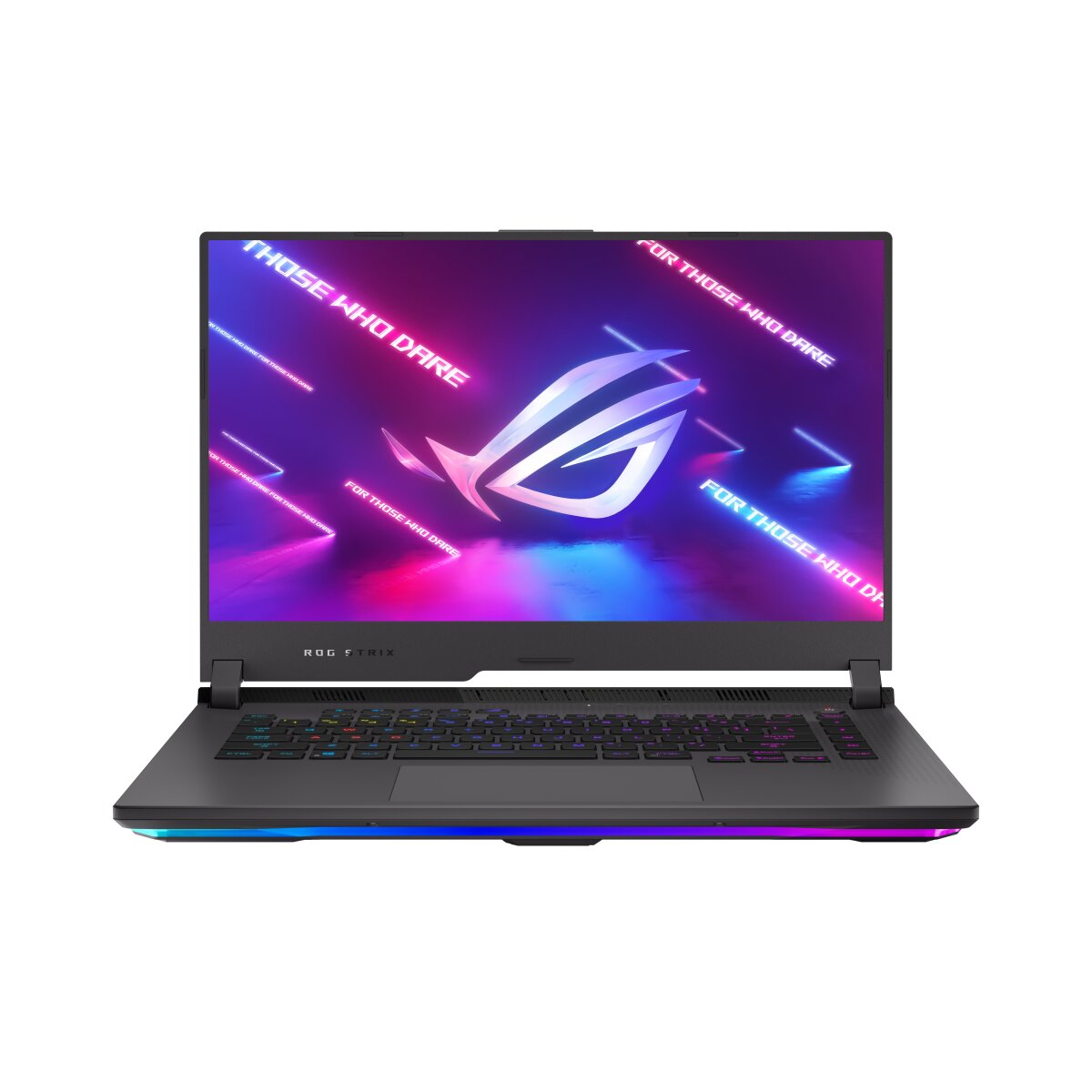


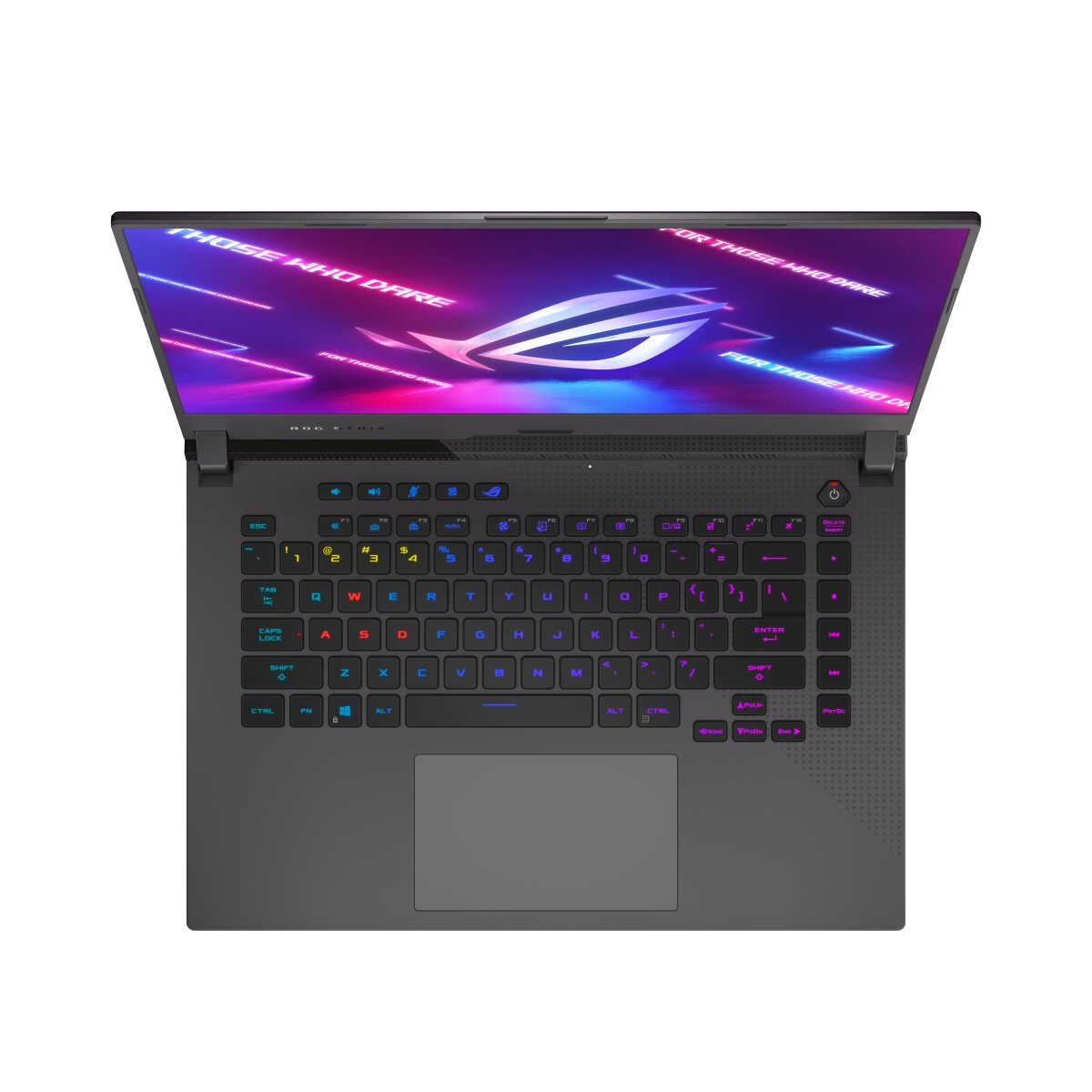
ASUS ROG Strix G15 G513RS-HQ006W compatible RAM upgrade specifications include DDR5-SDRAM memory modules in SO-DIMM form factor. Laptop features 2 upgrade slots supporting maximum capacity of 32 GB total memory. Compatible modules operate at 4800 MHz frequency. Specifications indicate DDR5 memory upgrade slots for performance enhancement of gaming and high-performance computing applications.
Memory Upgrade Specifications
| Specification | Value |
|---|---|
| Memory slots | 2x SO-DIMM |
| Form factor | SO-DIMM |
| Memory type | DDR5-SDRAM |
| Frequency | 4800 MHz |
| Maximum RAM | 32 GB |
| Voltage | 1.1V |
| Number of pins | 262-pin |
| Interface | PC5 |
| PC Speed Rating | PC5-4800 (PC5-38400) |
| Bandwidth | 38.4 GB/s |
| Laptop Release date | 16 July 2022 |
Additional Notes
- DDR5 memory operates at significantly higher latencies than DDR4 counterparts, meaning real-world performance gains from frequency increases alone remain marginal for non-gaming workloads until applications specifically leverage the bandwidth advantage.
- The ASUS ROG G513RS-HQ006W contains only 2 memory slots, creating a hard ceiling on expansion; users cannot add a 3rd or 4th module regardless of maximum capacity, forcing either single large-capacity replacement or acceptance of current configuration.
- SO-DIMM modules occupy physical space beneath the keyboard deck with restricted airflow paths; upgrading to higher-capacity sticks may marginally increase heat dissipation challenges during sustained CPU load, though DDR5 thermal output remains modest.
- Mixing DDR5 modules of different capacities in the 2-slot configuration (for example, 8GB plus 16GB) forces single-channel operation on the lower-capacity module, creating asymmetric memory bandwidth that reduces gaming performance by 5 to 15 percent compared to matched dual-channel pairs.
- The 4800 MHz specification represents standard JEDEC compliance; manufacturer BIOS profiles typically cannot safely exceed this frequency without voiding thermal and stability guarantees, eliminating overclocking as a viable upgrade path.
- Installation of replacement SO-DIMM modules requires removal of the bottom panel, which may void warranty coverage if performed by end users; factory service remains the only warranty-safe upgrade method for this model.