ASUS ROG G615JPR-S5105W RAM upgrade specifications
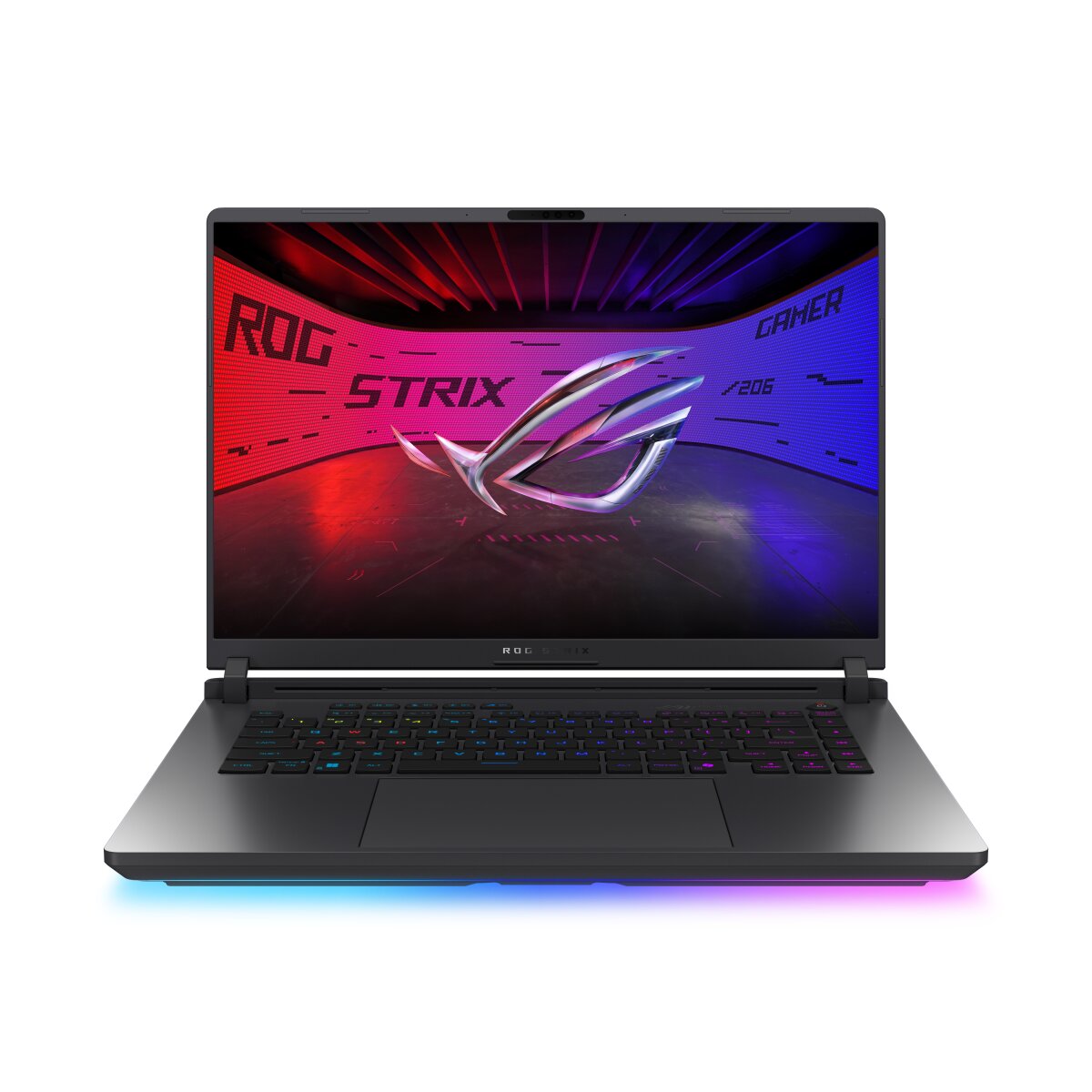
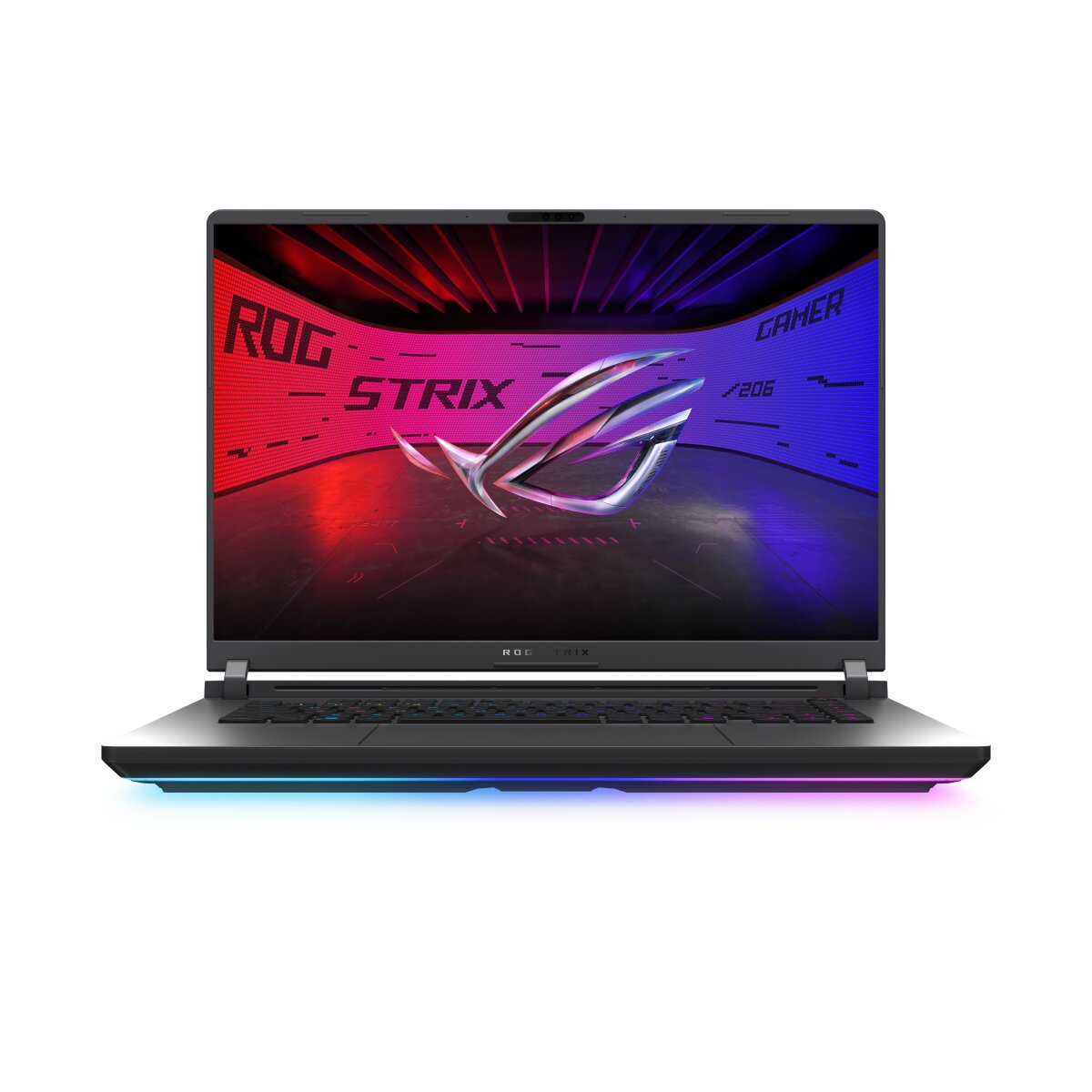


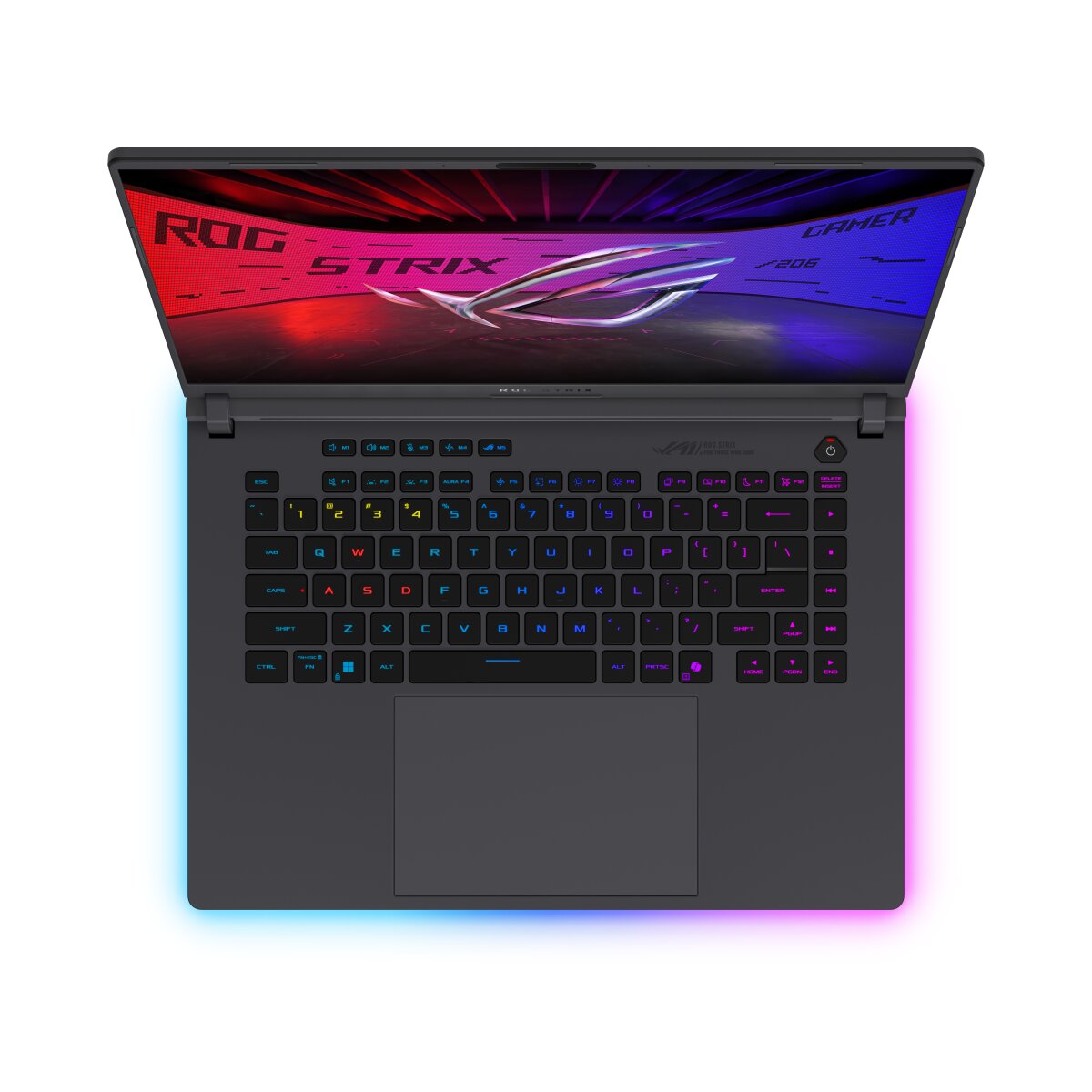
The ASUS ROG Strix G16 G615JPR-S5105W features DDR5-SDRAM memory upgrade specifications with two SO-DIMM slots supporting maximum capacity of 64 GB. Compatible RAM modules operate at 5600 MHz frequency. The laptop utilizes SO-DIMM form factor memory for upgrades. Current memory configuration and available slots allow users to expand system memory to achieve the specified maximum RAM capacity. Specifications indicate DDR5 technology compatibility for this gaming-focused ASUS model.
Memory Upgrade Specifications
| Specification | Value |
|---|---|
| Memory slots | 2x SO-DIMM |
| Form factor | SO-DIMM |
| Memory type | DDR5-SDRAM |
| Frequency | 5600 MHz |
| Maximum RAM | 64 GB |
| Voltage | 1.1V |
| Number of pins | 262-pin |
| Interface | PC5 |
| PC Speed Rating | PC5-5600 (PC5-44800) |
| Bandwidth | 44.8 GB/s |
Additional Notes
- The ASUS ROG G615JPR-S5105W contains 2 SO-DIMM slots operating at 5600 MHz, which establishes a hard ceiling of 64 GB total capacity. Exceeding this specification voids warranty coverage for memory-related failures.
- DDR5-5600 memory operates at reduced latency windows compared to standard DDR5 speeds, requiring tighter timing tolerances during installation. Modules rated below 5600 MHz will downclock to their native specification, resulting in bandwidth loss.
- SO-DIMM form factor restricts upgrade options to laptop-grade memory modules. Desktop DDR5 DIMMs are physically incompatible and cannot be force-fitted without permanent socket damage.
- The 2-slot configuration means that maximum capacity expansion requires replacing both existing modules simultaneously. Retaining a single original module while adding a second creates asymmetric channel architecture, reducing effective bandwidth by up to 15 percent.
- DDR5-5600 memory generates measurable heat output during sustained workloads. Upgrading to the full 64 GB capacity on both slots may require improved thermal clearance between the memory modules and any nearby heatspreaders or system components.
- Pairing mismatched DDR5 modules from different manufacturers voids most memory warranty coverage, as the system will downclock all installed modules to the lowest-rated frequency across both slots.