ASUS ROG GU502LV-AZ058T-LU RAM upgrade specifications
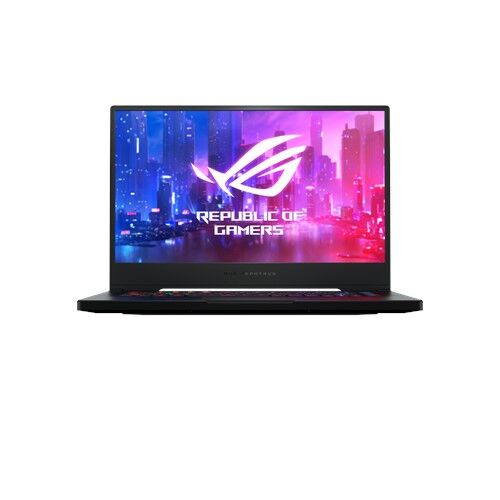

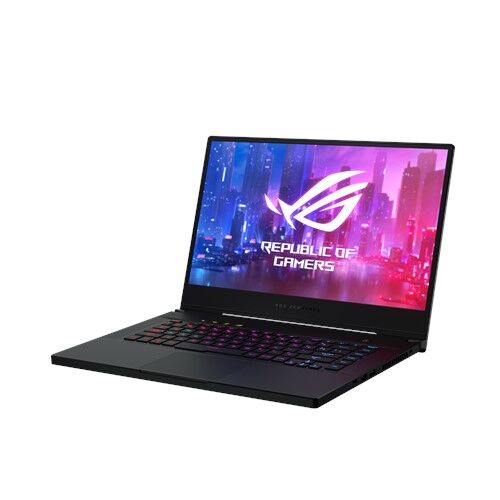
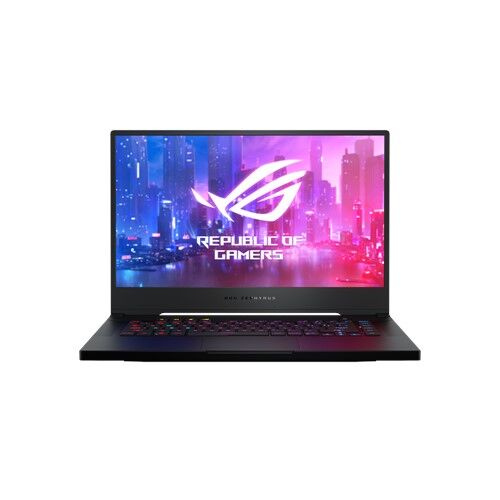
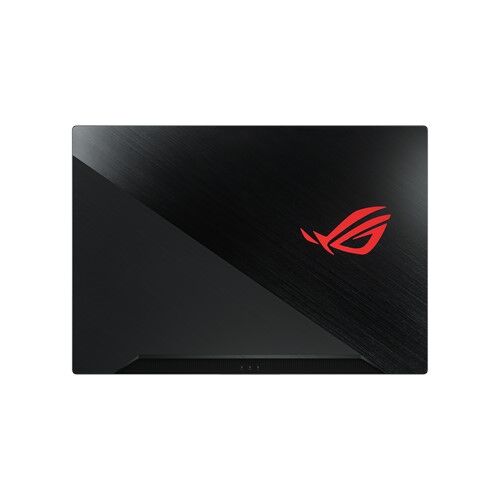
The ASUS ROG Zephyrus M GU502LV-AZ058T-LU laptop features DDR4-SDRAM memory upgrade specifications. The system contains one SO-DIMM slot for RAM expansion, compatible with 3200 MHz modules. Maximum supported memory capacity reaches 24 GB total, combining on-board and SO-DIMM components. This configuration allows users to upgrade the upgradeable memory slot to enhance system performance, with specifications supporting DDR4 technology standards for this gaming laptop model.
Memory Upgrade Specifications
| Specification | Value |
|---|---|
| Memory slots | 1x SO-DIMM |
| Form factor | On-board + SO-DIMM |
| Memory type | DDR4-SDRAM |
| Frequency | 3200 MHz |
| Maximum RAM | 24 GB |
| Voltage | 1.2V |
| Number of pins | 260-pin |
| Interface | PC4 |
| PC Speed Rating | PC4-3200 (PC4-25600) |
| Bandwidth | 25.6 GB/s |
| Laptop Release date | 22 July 2020 |
Additional Notes
- The ASUS ROG GU502LV-AZ058T-LU contains soldered memory on the motherboard, meaning only 1 SO-DIMM slot is available for user upgrades; the remaining capacity toward the 24 GB maximum is fixed and cannot be replaced.
- Upgrading to the 24 GB ceiling requires a single 16 GB DDR4-3200 SO-DIMM module, as this configuration supports 8 GB soldered plus 16 GB in the accessible slot.
- SO-DIMM DDR4-3200 modules must be sourced from third-party vendors since the factory configuration uses a smaller slot type than standard desktop DIMM form factors; compatibility is contingent on verifying the module's latency and voltage specifications match JEDEC DDR4 standards.
- Adding a 16 GB SO-DIMM will operate at 3200 MHz only if the new module meets the same timing specifications as the factory memory; mismatched latency values may force both channels into a lower speed profile or prevent recognition entirely.
- Physical installation requires complete removal of the base cover and access to the SO-DIMM slot beneath the keyboard deck; thermal paste or adhesive barriers around the slot area may require careful handling during extraction.
- Performing RAM upgrades on this model typically voids coverage if the manufacturer's warranty requires factory-sealed assembly status, though installing user-replaceable SO-DIMM components is generally considered warranty-safe if executed without physical damage to surrounding components.