ASUS TUF Gaming FX706HF-HX017W RAM upgrade specifications


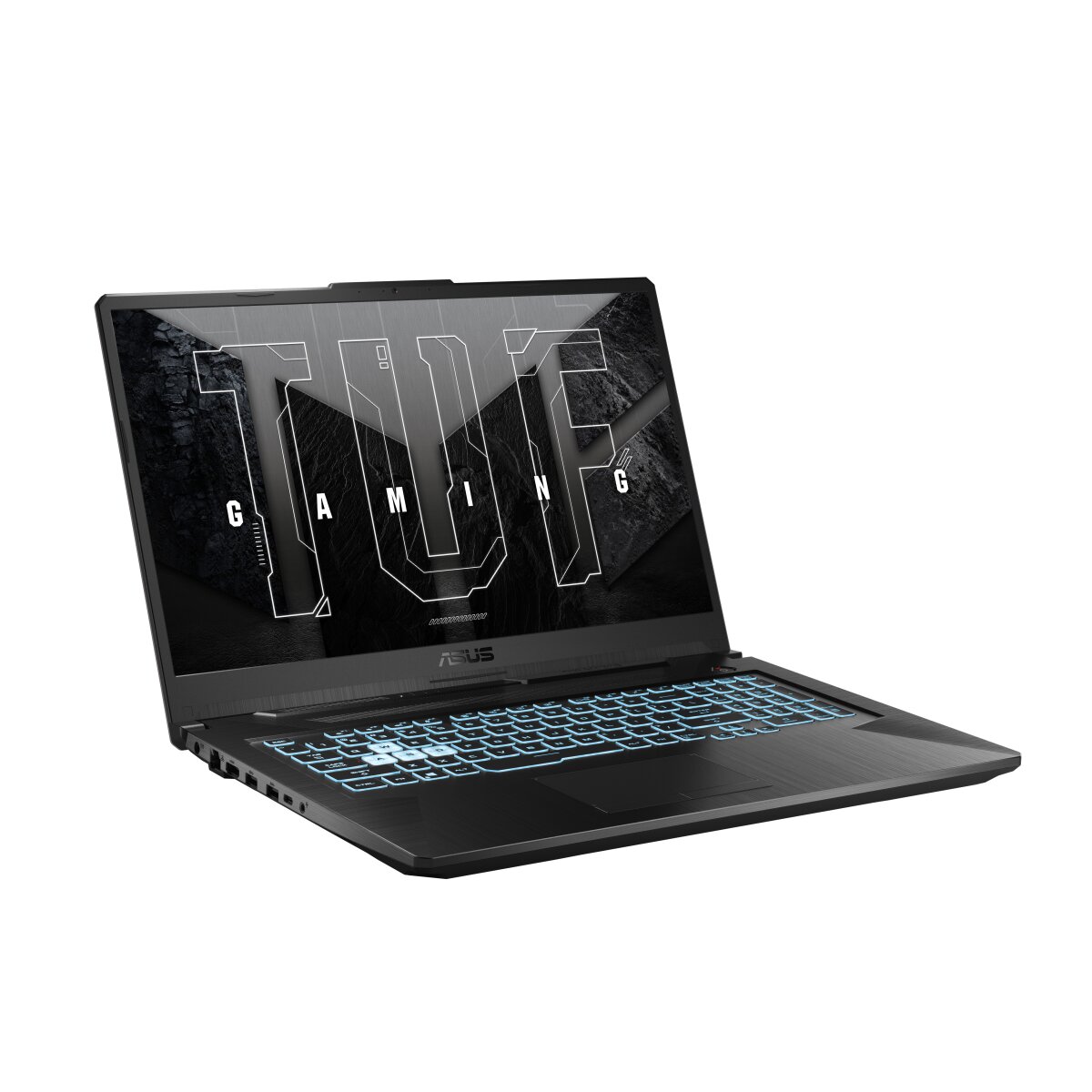
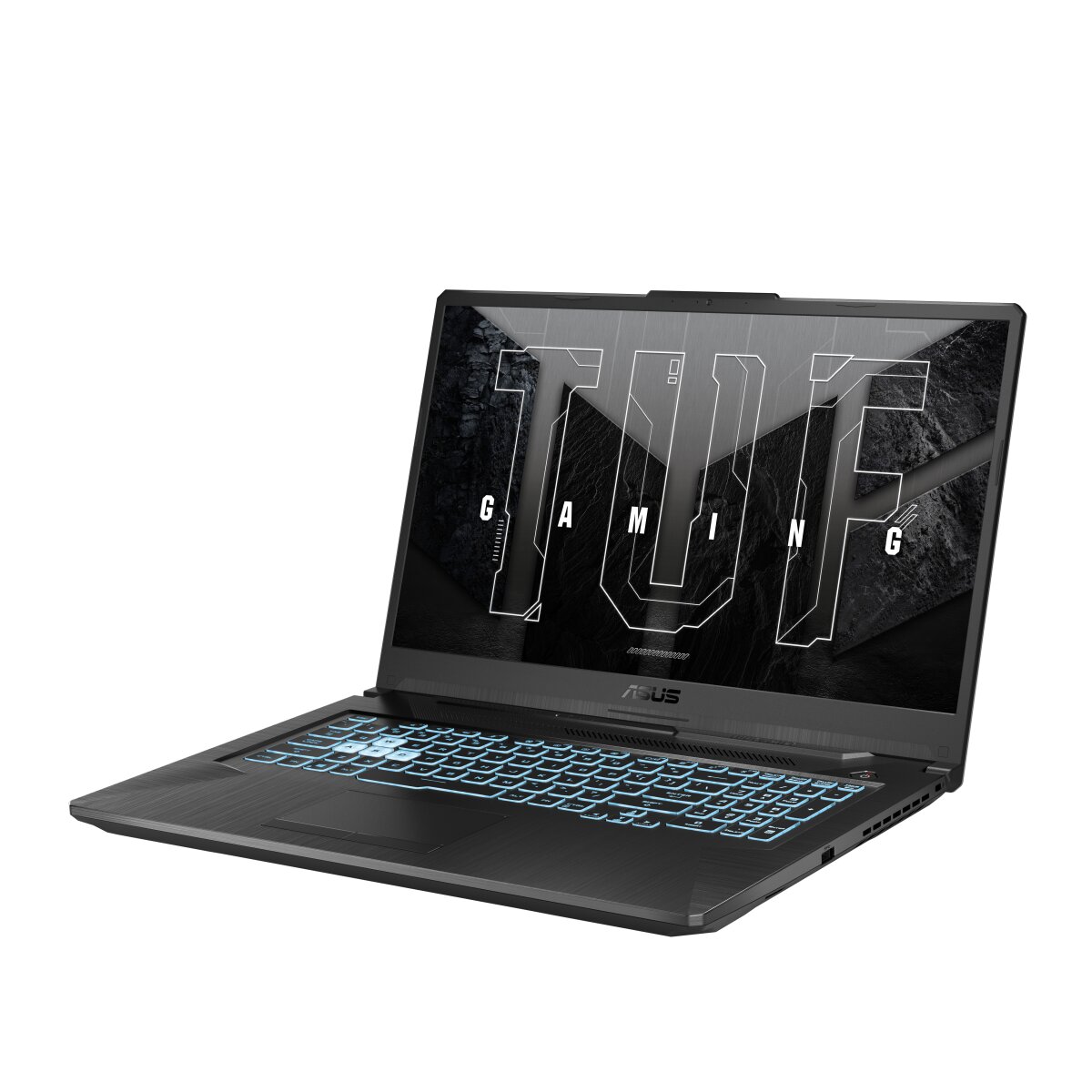
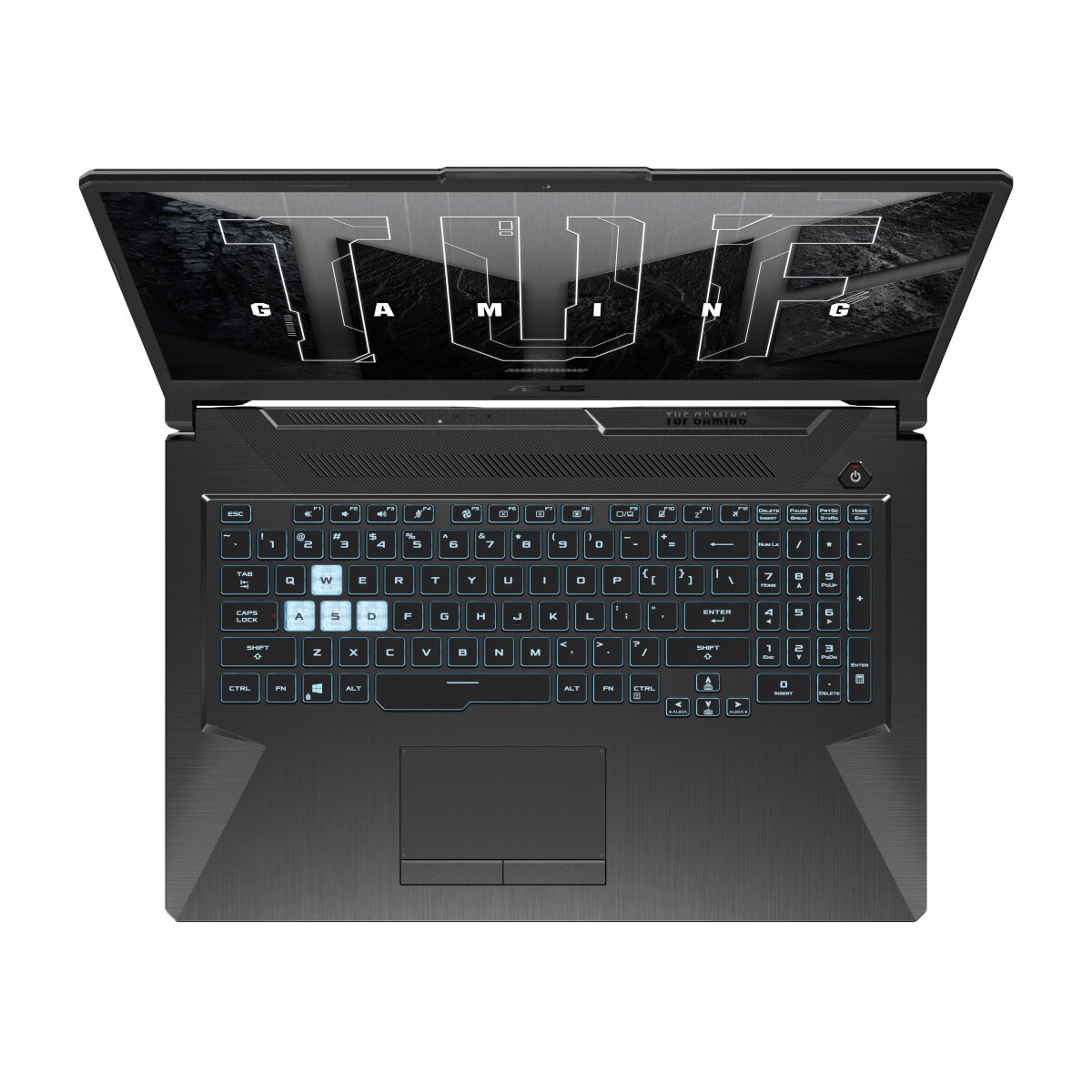
ASUS TUF Gaming FX706HF-HX017W laptop supports DDR4-SDRAM memory upgrades through dual SO-DIMM slots. Compatible upgrades accommodate maximum capacity of 32 GB RAM at 2700 MHz frequency. Specifications indicate SO-DIMM form factor memory modules required for this F17 series gaming notebook. RAM upgrade slots enable memory expansion from factory configuration to supported maximum specifications.
Memory Upgrade Specifications
| Specification | Value |
|---|---|
| Memory slots | 2x SO-DIMM |
| Form factor | SO-DIMM |
| Memory type | DDR4-SDRAM |
| Frequency | 2700 MHz |
| Maximum RAM | 32 GB |
| Voltage | 1.2V |
| Number of pins | 260-pin |
| Interface | PC4 |
| PC Speed Rating | PC4-2700 (PC4-21600) |
| Bandwidth | 21.6 GB/s |
| Laptop Release date | 09 February 2023 |
Additional Notes
- The ASUS TUF Gaming FX706HF-HX017W supports DDR4-3200 standard specifications, but the listed 2700 MHz frequency indicates the system operates at a reduced speed tier, which may reflect either conservative BIOS defaults or hardware-level limitations that constrain potential performance gains from higher-frequency memory upgrades.
- With 2 SO-DIMM slots and a 32 GB maximum capacity ceiling, the upgrade path is limited to dual-channel configurations only; single-slot population or asymmetrical capacity pairing (such as 8 GB + 16 GB) will not trigger quad-channel mode and leaves no headroom for future density increases beyond matching pairs of 16 GB modules.
- SO-DIMM form factor constraints restrict compatible modules to laptop-specific memory; desktop DDR4 UDIMM modules cannot be physically installed, and any third-party memory replacement requires exact specification matching to the 2700 MHz baseline to avoid BIOS compatibility warnings or unstable operation.
- The dual-slot architecture creates a memory bandwidth bottleneck; upgrading from single-channel to dual-channel configuration will yield measurable performance improvement, but the theoretical maximum bandwidth remains bounded by 2 slots versus the 4-slot configurations available in higher-end mobile workstations.
- Installation of mismatched frequency modules (such as DDR4-3200 in a system defaulting to 2700 MHz) may require manual BIOS adjustment; most laptops will downclock the faster module to match the slower installed module, negating the upgrade benefit and potentially voiding warranty coverage if non-factory settings are applied.
- Warranty-safe upgrades are limited to replacing existing modules with identical or lower-speed DDR4 SO-DIMM variants from component suppliers; OEM memory typically carries manufacturer support, while aftermarket modules may require proof of compatibility testing before claim eligibility.