DELL Inspiron 3502 RAM upgrade specifications
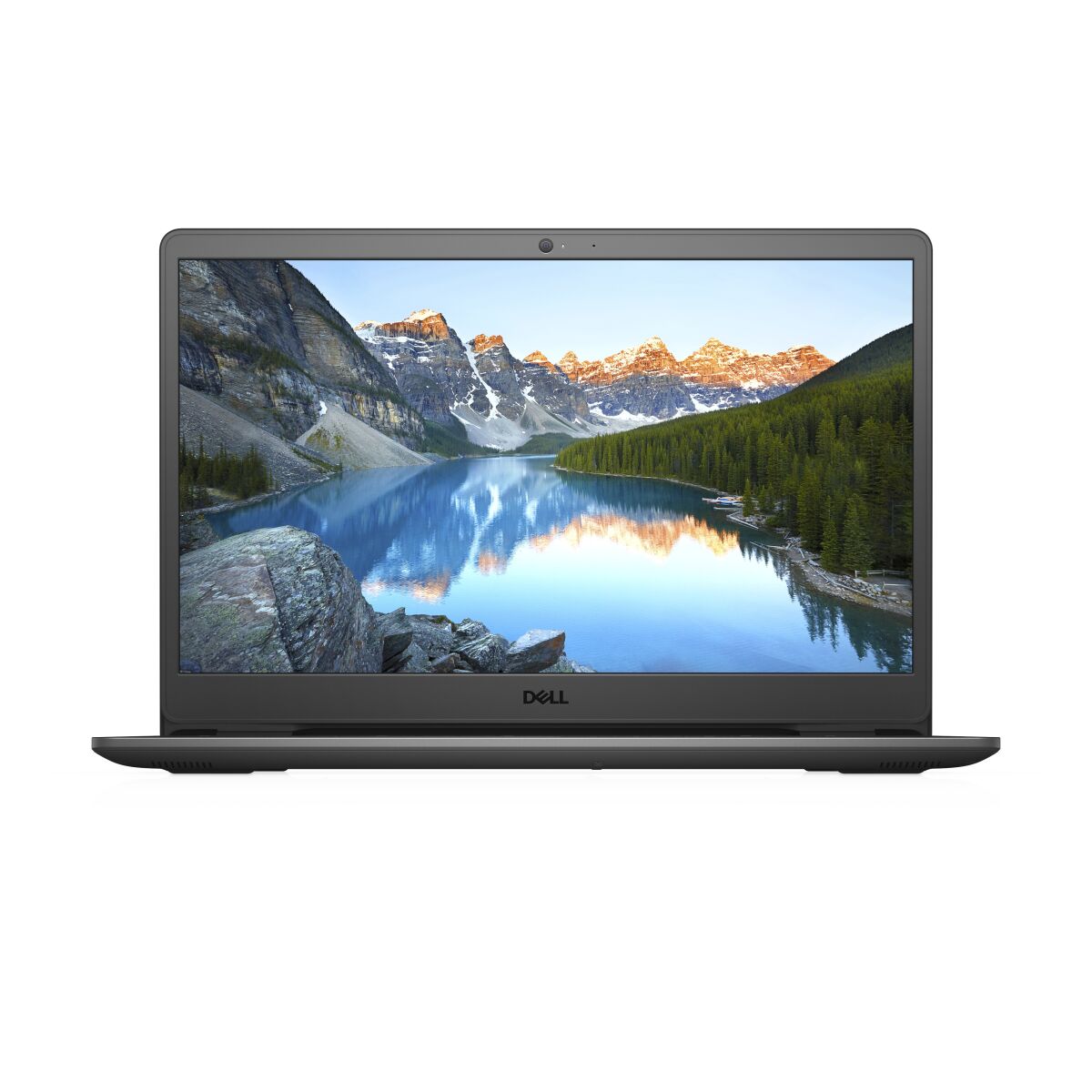
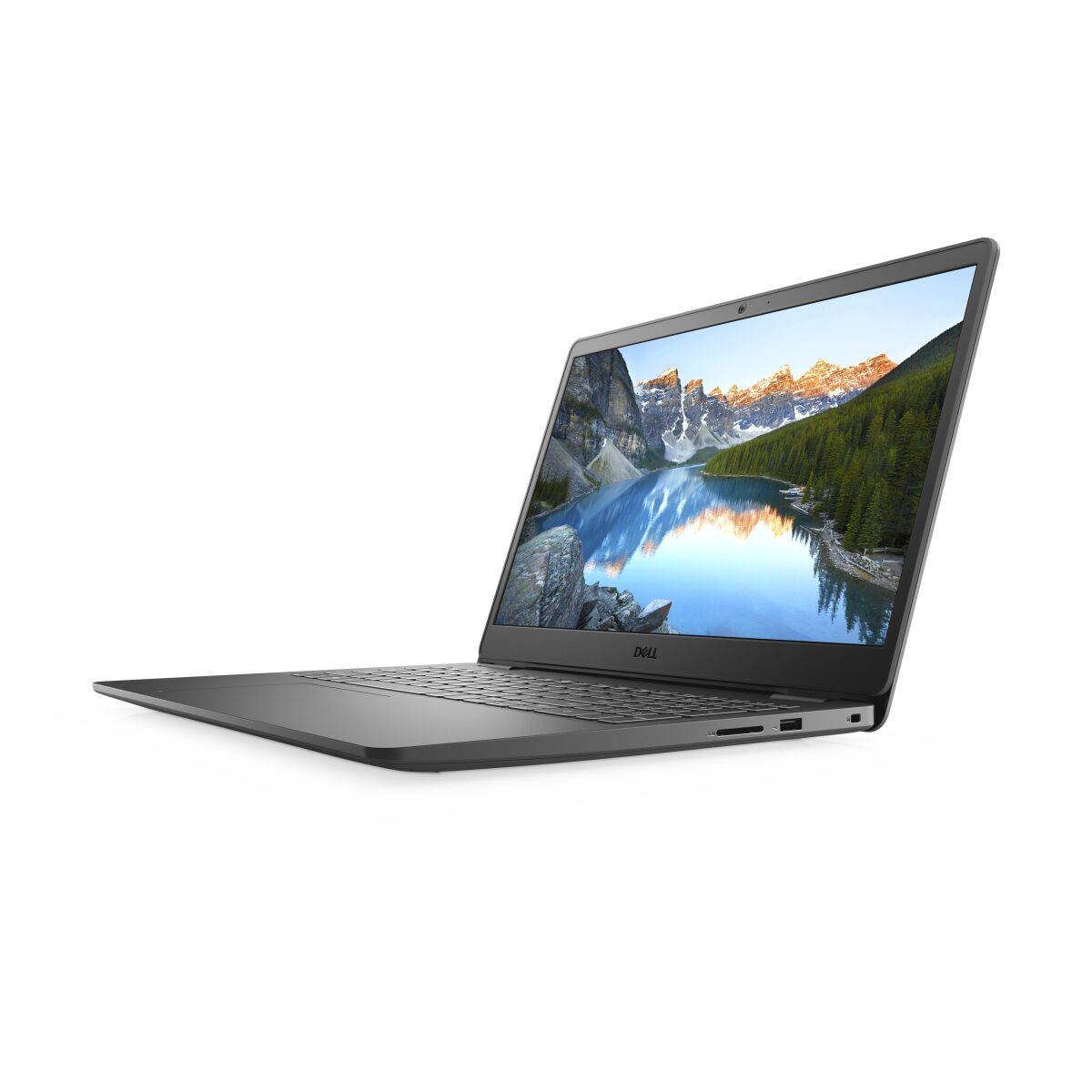
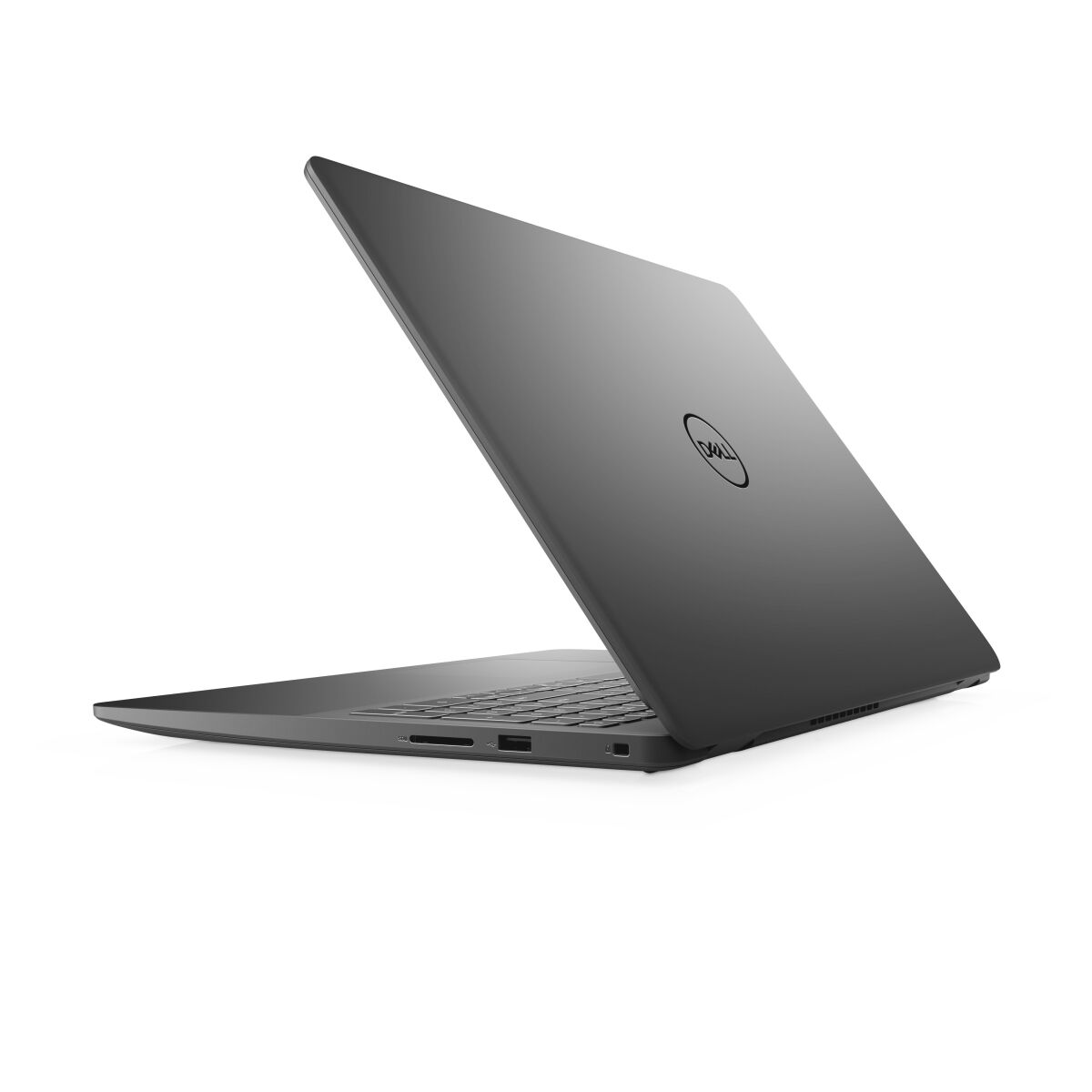
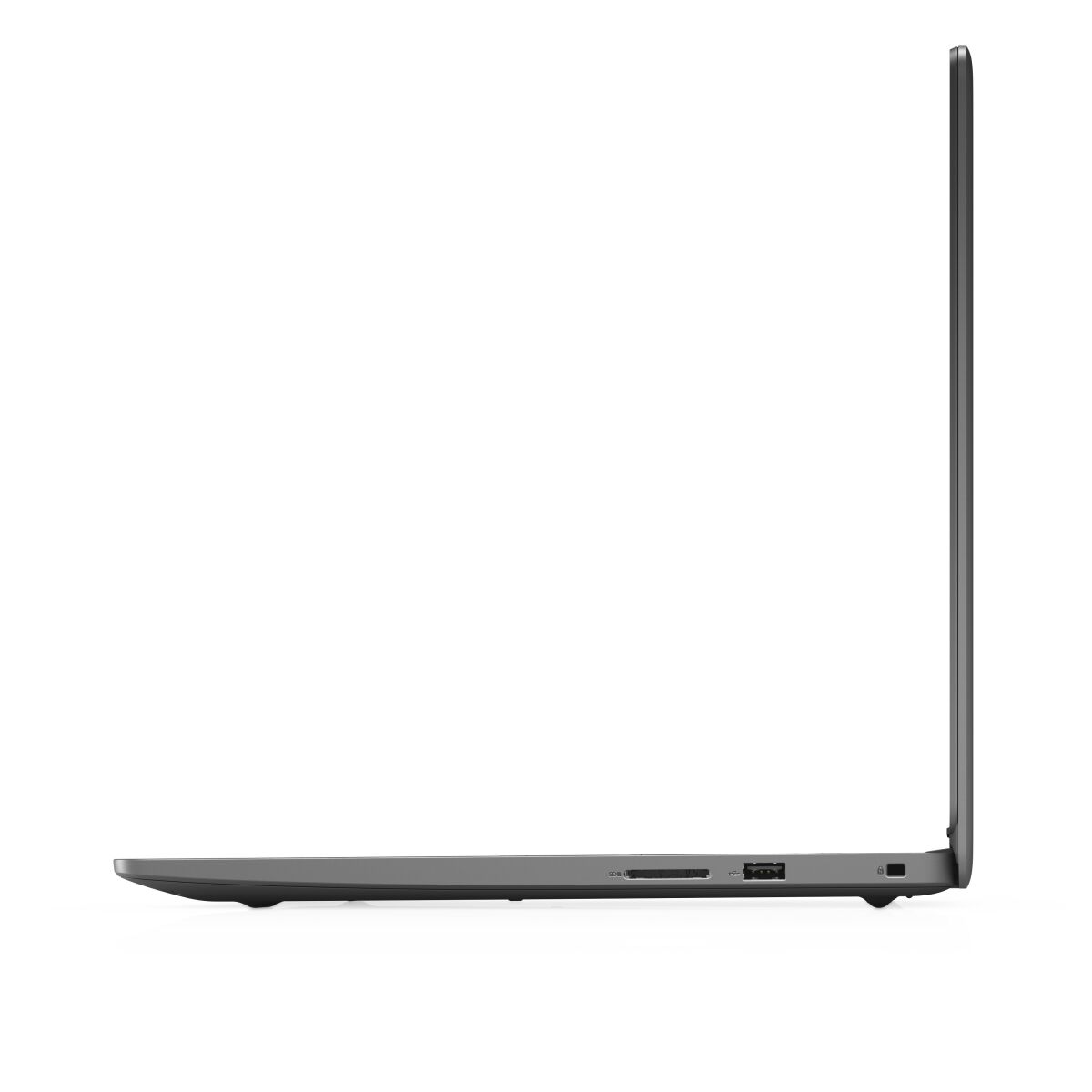
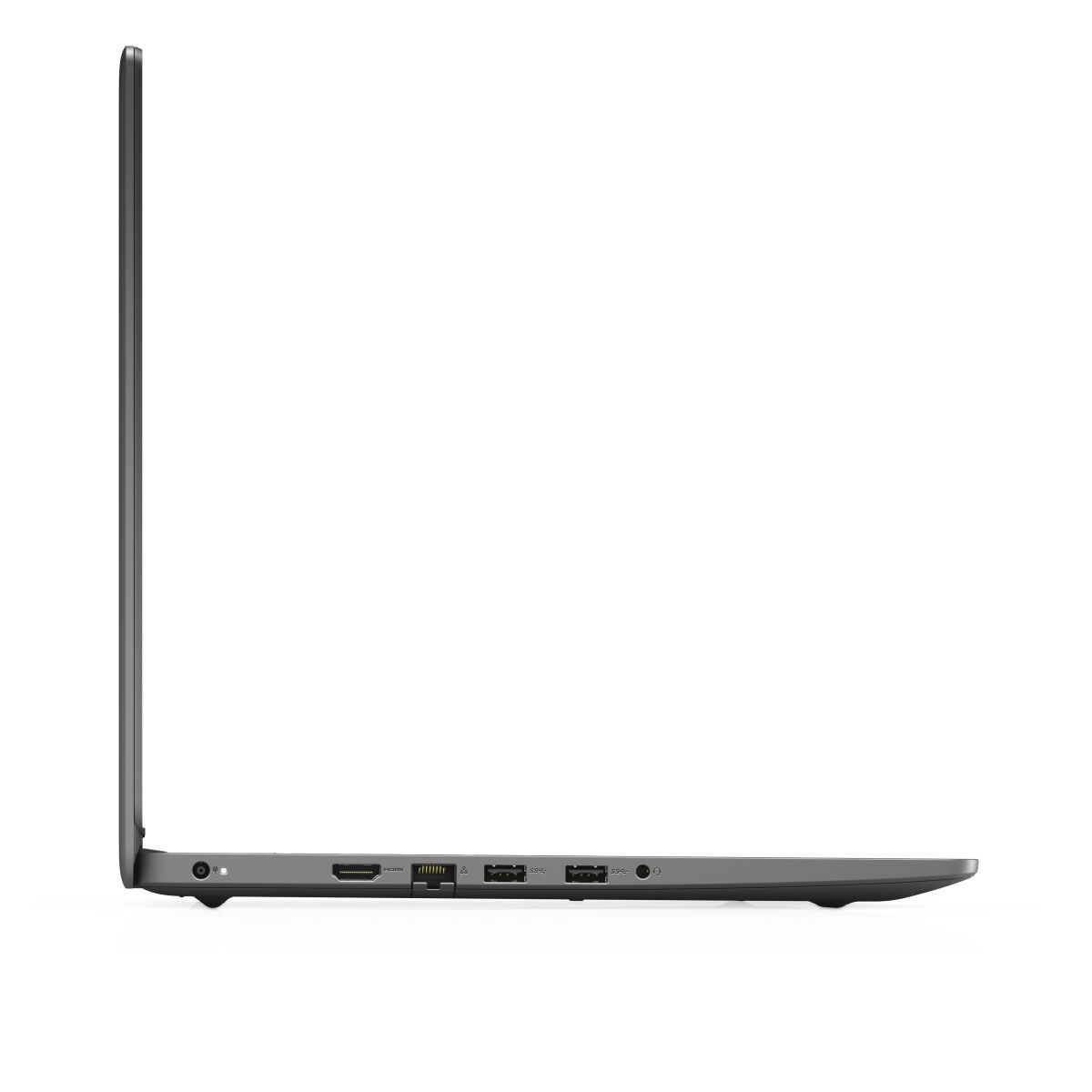
Dell Inspiron 3000 Series 3502 laptop RAM upgrade specifications include one SO-DIMM slot compatible with DDR4-SDRAM memory modules operating at 2400 MHz frequency. Maximum memory capacity for this model is 8 GB. The upgrade slot supports SO-DIMM form factor memory modules. Compatible memory specifications for Dell Inspiron 3502 are limited to the single available slot with 8 GB maximum capacity configuration.
Memory Upgrade Specifications
| Specification | Value |
|---|---|
| Memory slots | 1x SO-DIMM |
| Form factor | SO-DIMM |
| Memory type | DDR4-SDRAM |
| Frequency | 2400 MHz |
| Maximum RAM | 8 GB |
| Voltage | 1.2V |
| Number of pins | 260-pin |
| Interface | PC4 |
| PC Speed Rating | PC4-2400 (PC4-19200) |
| Bandwidth | 19.2 GB/s |
| Laptop Release date | 16 April 2021 |
Additional Notes
- The single SO-DIMM configuration in the DELL Inspiron 3502 eliminates dual-channel memory operation, resulting in reduced memory bandwidth that impacts integrated graphics performance and memory-intensive applications.
- Upgrading requires complete replacement of the existing module rather than addition, as the solitary slot prevents incremental capacity expansion.
- The 8 GB maximum capacity limitation stems from chipset restrictions or motherboard design constraints, rendering higher-density modules incompatible regardless of physical form factor matching.
- DDR4-2400 represents the baseline JEDEC standard speed, indicating the system does not support XMP profiles or overclocking features found in performance-oriented platforms.
- Installing DDR4 modules rated above 2400 MHz will result in automatic downclocking to the supported frequency, negating any speed advantage of premium-priced higher-speed memory.
- The SO-DIMM form factor restricts compatibility to notebook-specific modules, which typically carry price premiums compared to desktop DIMM equivalents with identical specifications.
- Accessing the single memory slot likely requires bottom panel removal, and depending on Dell's warranty terms for this model generation, user-performed upgrades may affect service coverage.
- Memory testing should occur immediately post-installation, as single-slot configurations lack redundancy that might mask partially defective modules in dual-slot systems.
- Thermal considerations become more critical in single-slot designs, as the entire memory workload concentrates on one module without heat distribution across multiple DIMMs.