HP Probook 445 RAM upgrade specifications
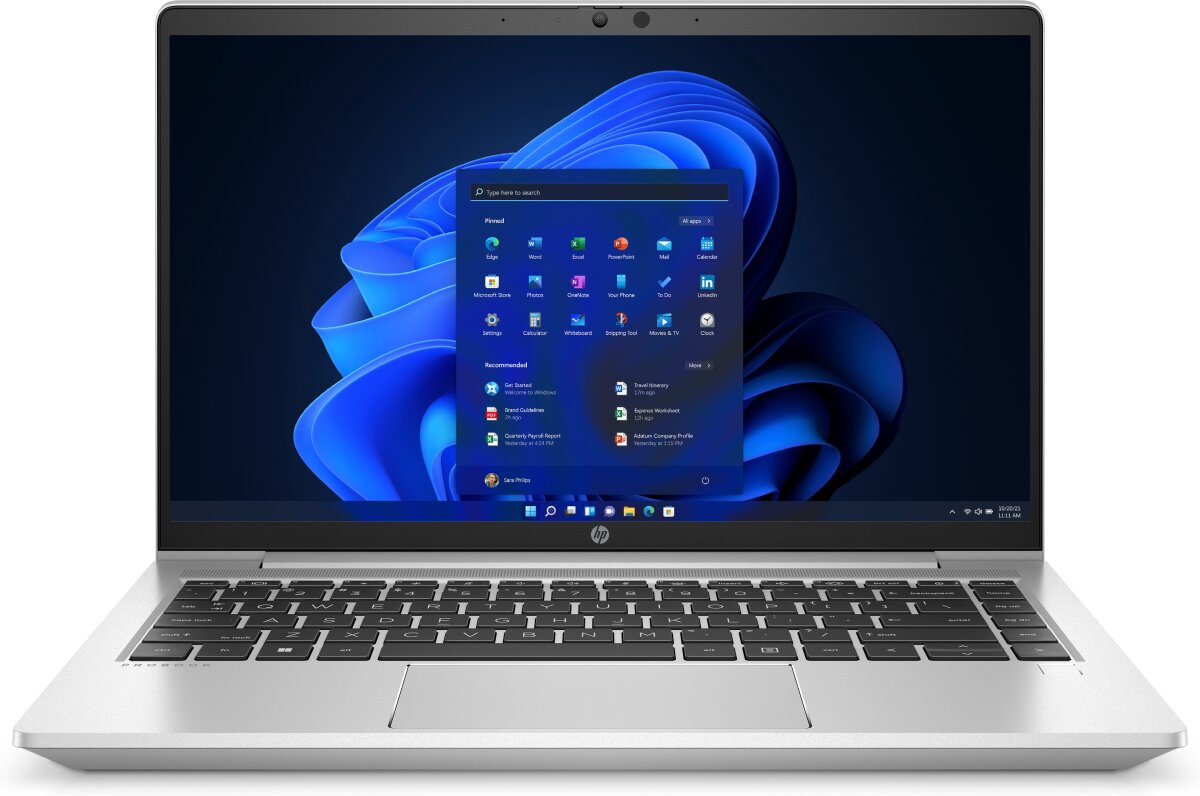
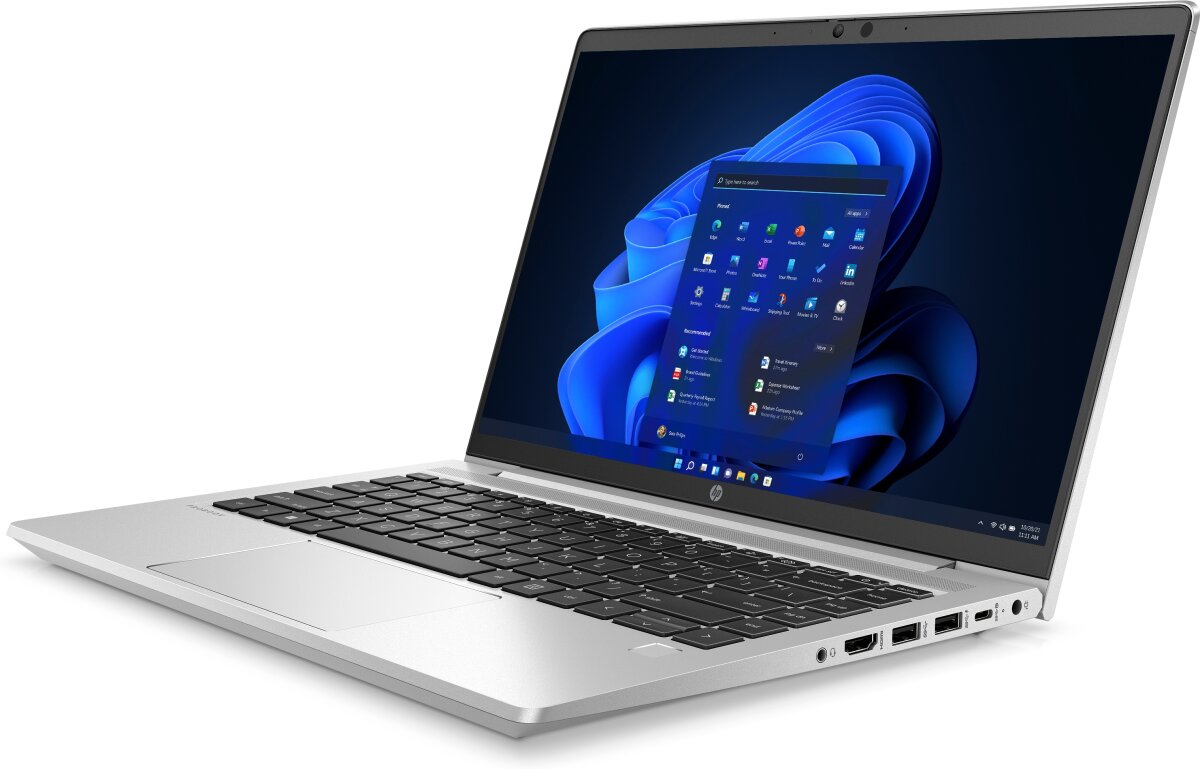
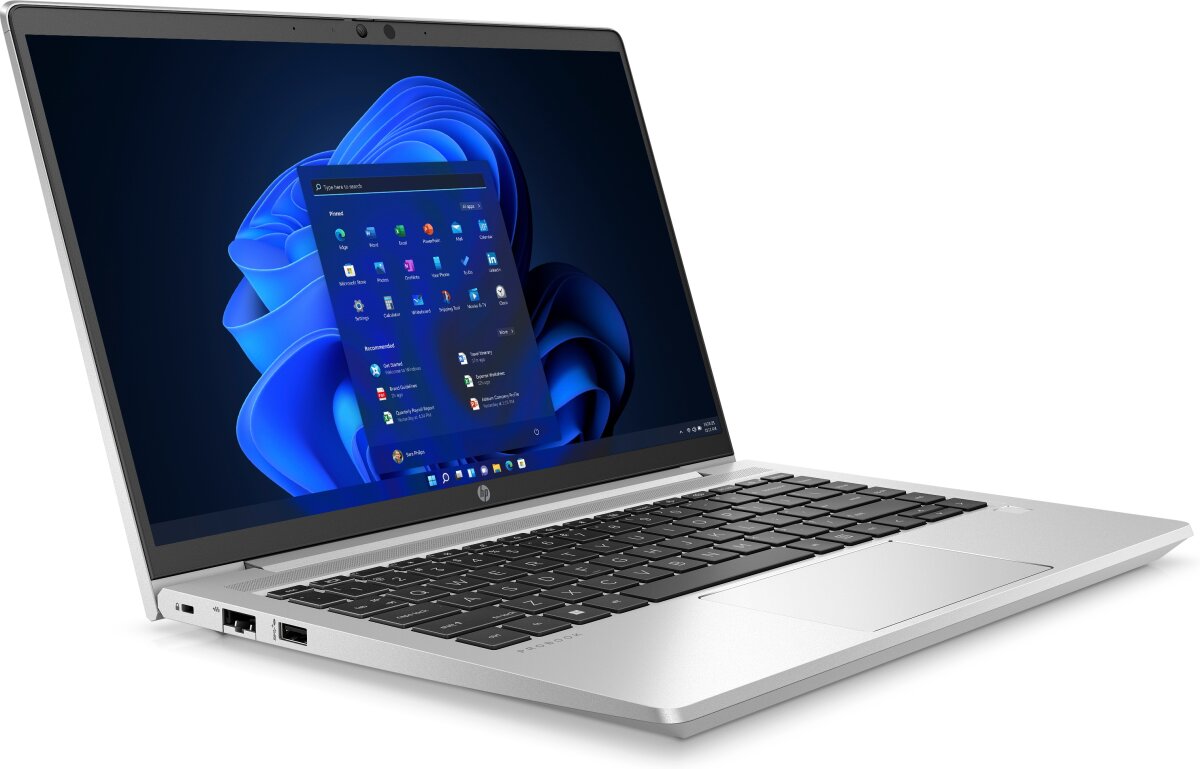

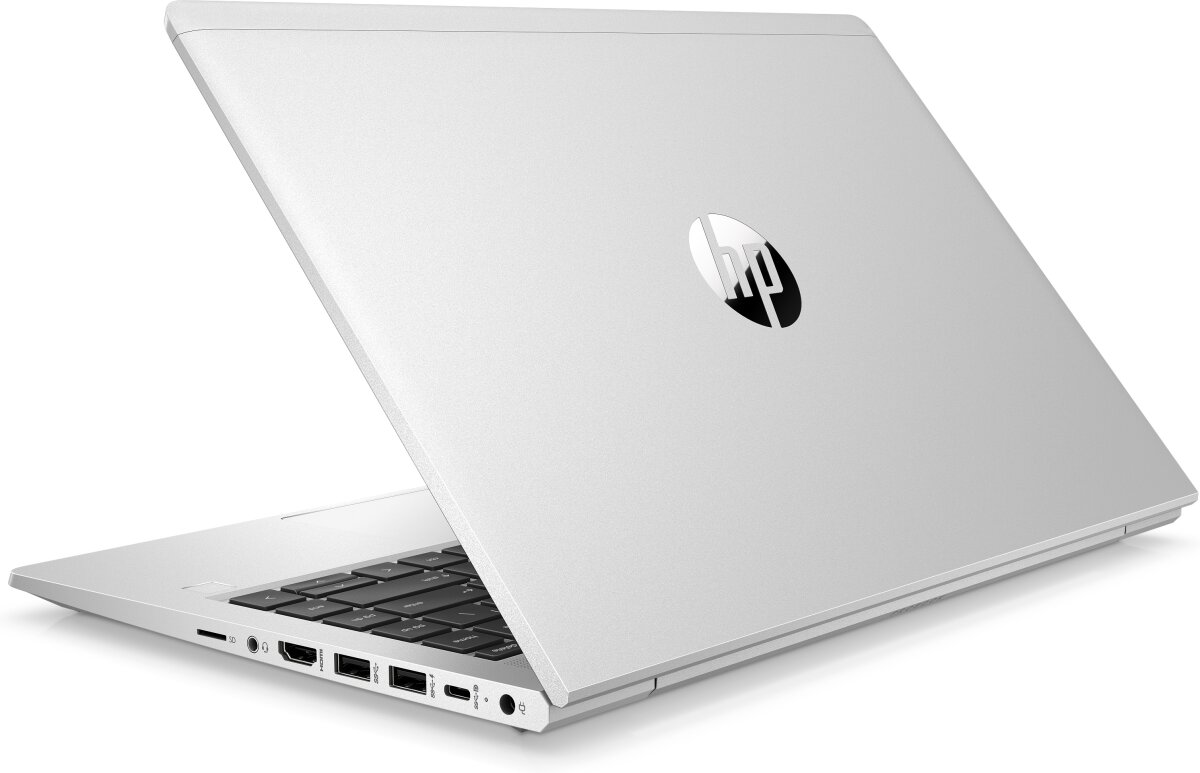
HP Probook 445 RAM upgrade specifications indicate DDR4-SDRAM memory compatibility. Laptop contains 2x SO-DIMM slots for memory expansion. Maximum supported capacity reaches 32 GB total RAM. Memory modules operate at 3200 MHz frequency with SO-DIMM form factor. Compatible RAM upgrades must match DDR4-SDRAM specifications for proper performance and system stability in HP Probook 400 series 445 model.
Memory Upgrade Specifications
| Specification | Value |
|---|---|
| Memory slots | 2x SO-DIMM |
| Form factor | SO-DIMM |
| Memory type | DDR4-SDRAM |
| Frequency | 3200 MHz |
| Maximum RAM | 32 GB |
| Voltage | 1.2V |
| Number of pins | 260-pin |
| Interface | PC4 |
| PC Speed Rating | PC4-3200 (PC4-25600) |
| Bandwidth | 25.6 GB/s |
| Laptop Release date | 01 June 2021 |
Additional Notes
- The 2 SO-DIMM slots in the HP Probook 445 support symmetric dual-channel configuration, enabling full bandwidth utilization only when both slots contain matching capacity modules. Populating a single slot will operate in single-channel mode, reducing effective memory throughput by approximately 50 percent regardless of total capacity.
- DDR4-SDRAM at 3200 MHz represents the upper frequency specification for this platform. Mixing modules of different speeds defaults to the slowest module's frequency, potentially leaving performance headroom unused if a 3200 MHz upgrade combines with any existing lower-frequency memory.
- The 32 GB maximum capacity ceiling restricts this system to 16 GB modules per slot. Any aftermarket module exceeding this per-slot limit will not initialize, making verification of module specifications essential before purchase.
- SO-DIMM form factor mandates compact laptop-specific memory modules rather than standard desktop DIMM architecture. This physical constraint eliminates cross-compatibility with desktop systems and limits available SKU options to the laptop memory subset, typically pricing 15 to 25 percent higher than equivalent desktop memory.
- Warranty preservation typically requires purchasing memory from the manufacturer's approved vendor list or a vendor offering manufacturer certification. Third-party modules may void coverage for hardware failures occurring within months of installation, even if the memory itself does not cause the failure.
- Accessing the memory slots requires removal of the bottom panel and potentially battery disconnection. This disassembly, while non-destructive, may reset BIOS settings or require re-authentication of security features depending on BIOS configuration, extending installation time beyond the 10 to 15 minutes of module insertion alone.