LENOVO ThinkPad L390 Yoga RAM upgrade specifications
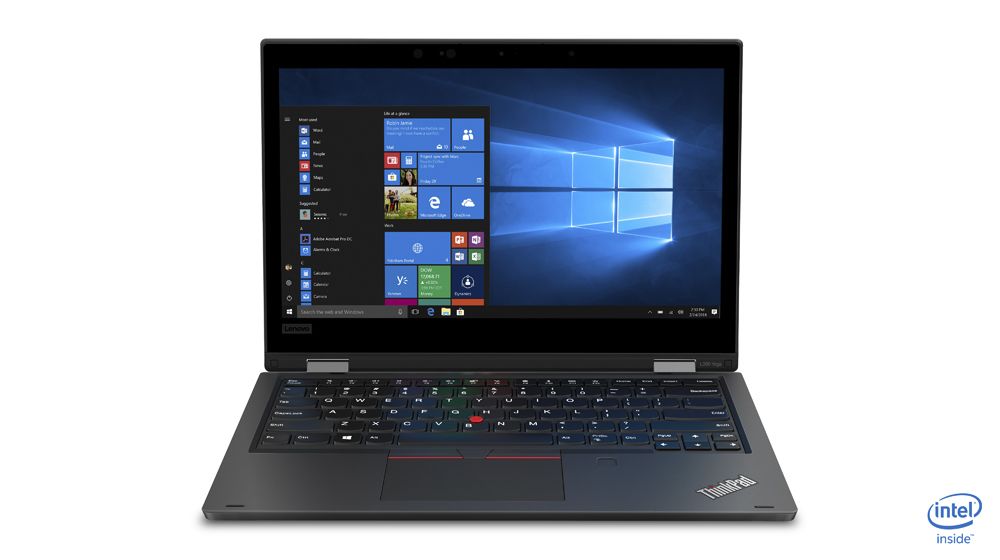
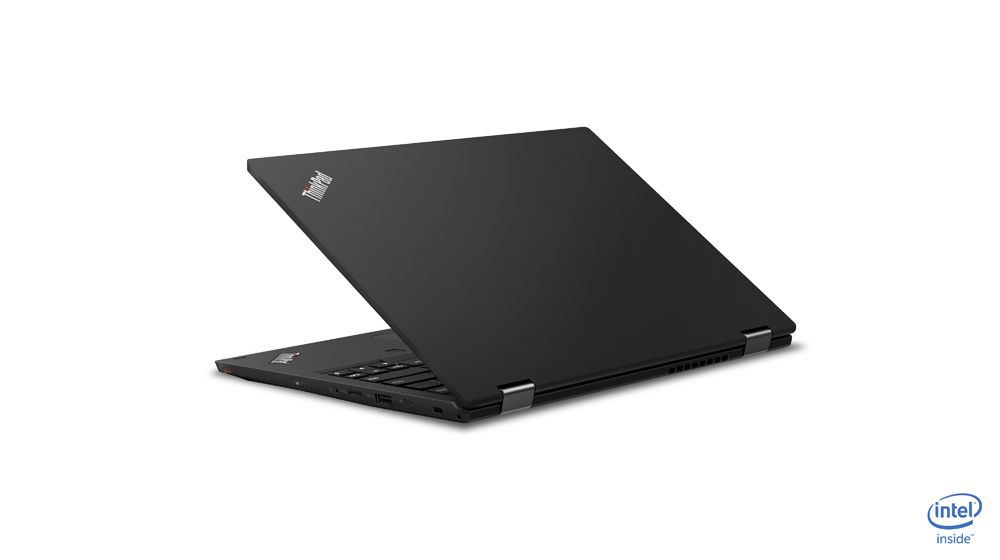
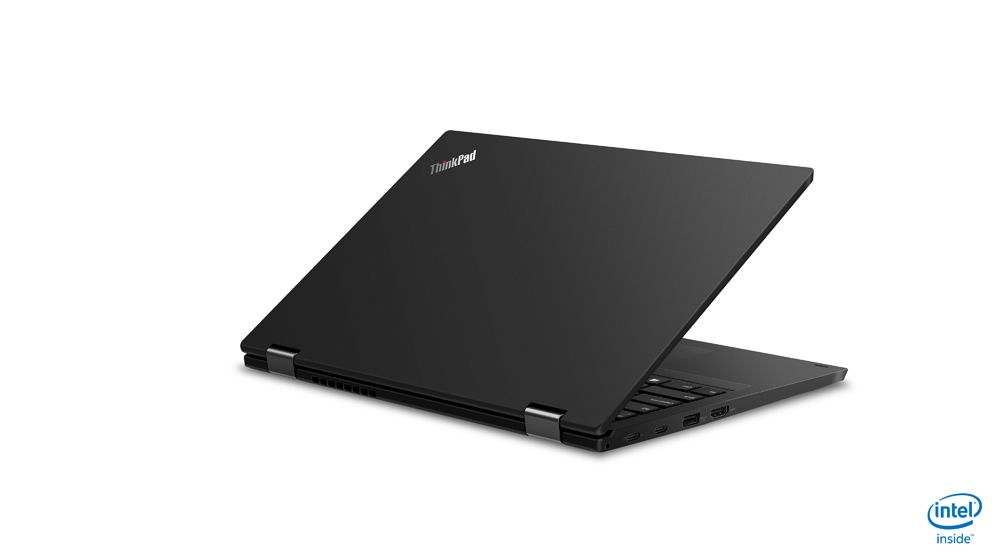
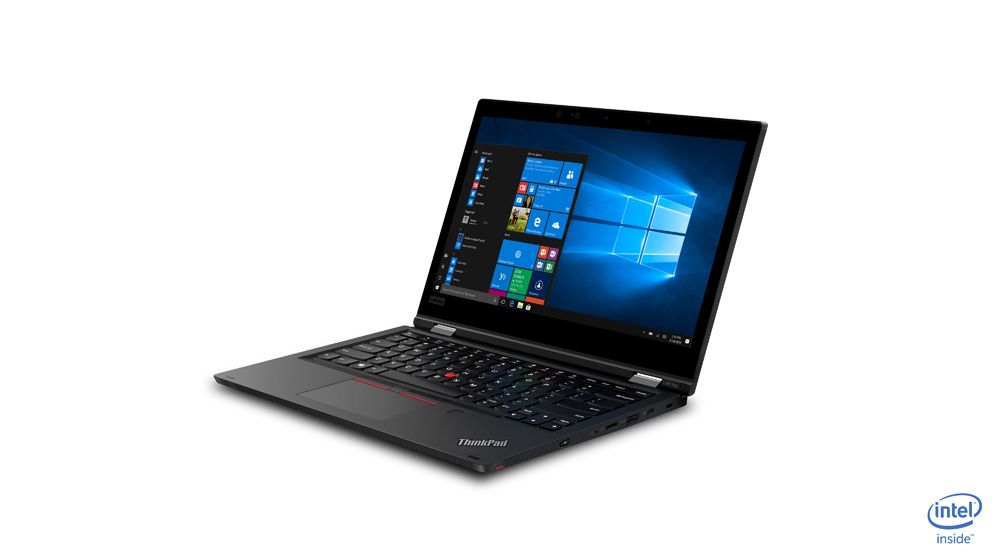
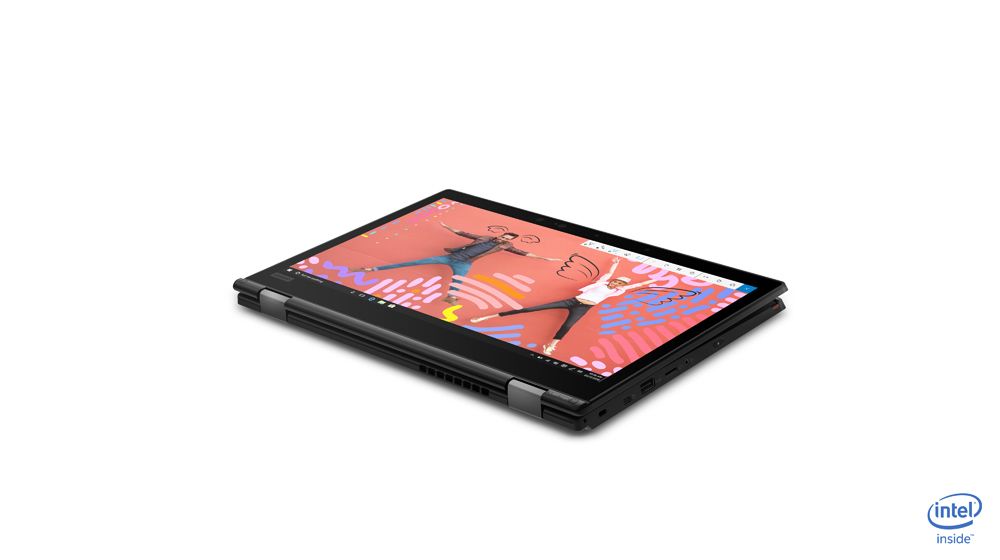
The Lenovo ThinkPad L Series L390 Yoga laptop features DDR4-SDRAM memory with two SO-DIMM slots supporting maximum RAM capacity of 32 GB. Memory upgrade specifications indicate compatible DDR4 modules operating at 2400 MHz frequency. The SO-DIMM form factor allows RAM upgrade installation for enhanced system performance. Maximum memory capacity reaches 32 GB total with dual slot configuration. Specifications confirm DDR4-SDRAM compatibility for RAM upgrades on the Lenovo ThinkPad L390 Yoga model.
Memory Upgrade Specifications
| Specification | Value |
|---|---|
| Memory slots | 2x SO-DIMM |
| Form factor | SO-DIMM |
| Memory type | DDR4-SDRAM |
| Frequency | 2400 MHz |
| Maximum RAM | 32 GB |
| Voltage | 1.2V |
| Number of pins | 260-pin |
| Interface | PC4 |
| PC Speed Rating | PC4-2400 (PC4-19200) |
| Bandwidth | 19.2 GB/s |
| Laptop Release date | 13 December 2018 |
Additional Notes
- The 2400 MHz frequency specification indicates memory qualified at DDR4-2400, which is below contemporary DDR4 standards (3200 MHz). Installation of faster modules will downclock to 2400 MHz, eliminating performance gains from higher-speed memory.
- SO-DIMM form factor limits upgrade sources to laptop-specific modules. Desktop DDR4 UDIMM sticks are physically incompatible and cannot be force-fitted without permanent damage to the connector.
- 2 slots with 32 GB maximum capacity means upgrade path is either 2x16 GB or retention of 1 original module paired with 1x16 GB. Mismatched capacity modules will function but may reduce stability in dual-channel configuration.
- Lenovo ThinkPad L-series typically implements memory SPD locked to OEM specifications. Third-party modules meeting DDR4-2400 SO-DIMM standard should function, but non-standard timings or ECC variants may trigger POST errors or require BIOS whitelist override.
- The 32 GB ceiling constraint means maximum addressable system memory cannot exceed this threshold regardless of module availability. Upgrades beyond this point require hardware replacement, not expansion.
- SO-DIMM installation requires system shutdown and battery disconnection. Unlike desktop systems, memory replacement cannot occur during normal operation or via hot-swap mechanisms.