MSI Gaming GE66 10SF-077 Raider RAM upgrade specifications



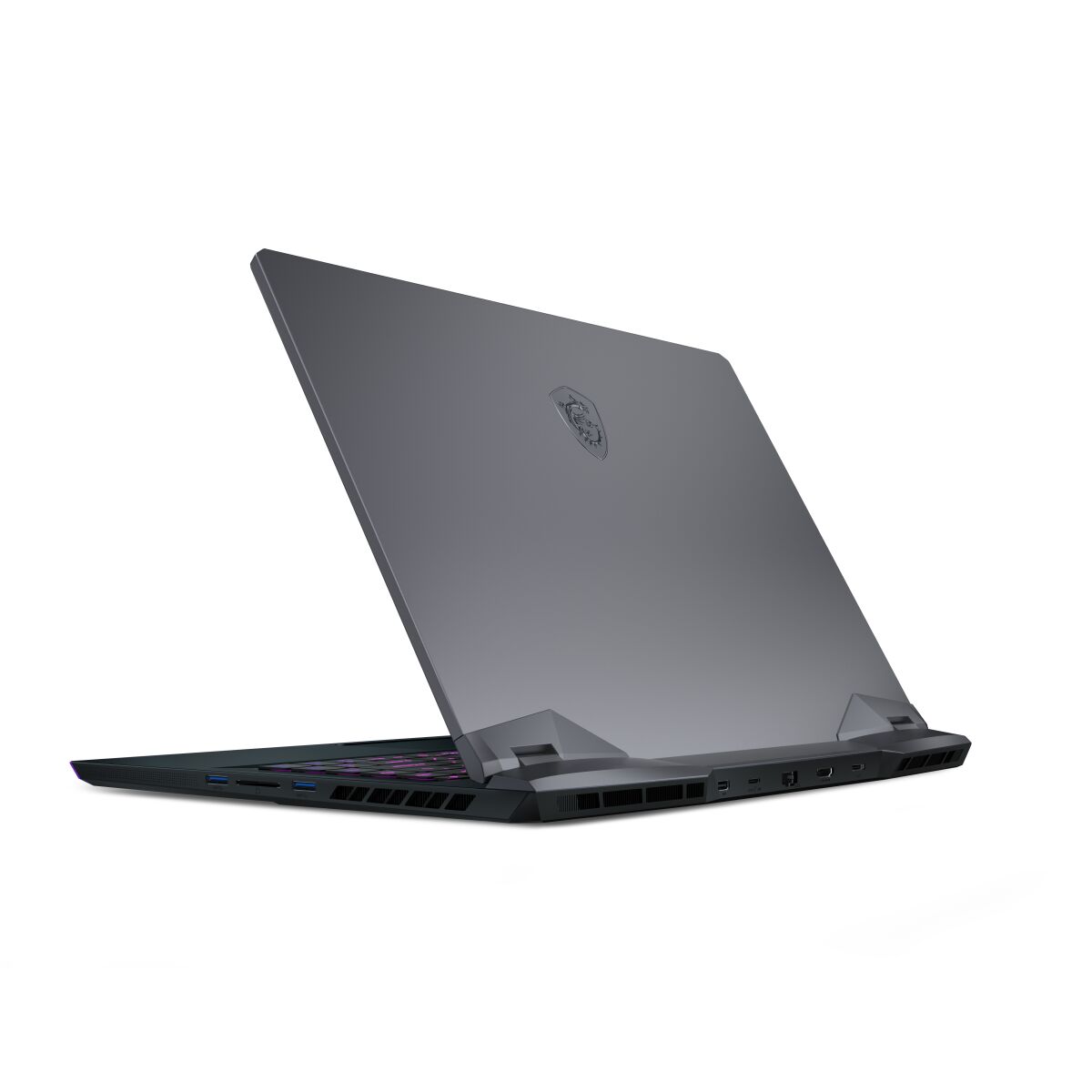
The MSI GE66 10SF-077 Raider Gaming series laptop features DDR4-SDRAM memory with two SO-DIMM slots supporting maximum capacity of 64 GB RAM. Upgrade specifications indicate compatible memory modules operate at 2666 MHz frequency. The Gaming GE series supports DDR4 SO-DIMM form factor upgrades, allowing expansion from factory-installed memory to reach the 64 GB maximum capacity limit. Memory upgrade slots accommodate standard laptop SO-DIMM modules meeting DDR4 specifications.
Memory Upgrade Specifications
| Specification | Value |
|---|---|
| Memory slots | 2x SO-DIMM |
| Form factor | SO-DIMM |
| Memory type | DDR4-SDRAM |
| Frequency | 2666 MHz |
| Maximum RAM | 64 GB |
| Voltage | 1.2V |
| Number of pins | 260-pin |
| Interface | PC4 |
| PC Speed Rating | PC4-2666 (PC4-21328) |
| Bandwidth | 21.3 GB/s |
| Laptop Release date | 29 May 2020 |
Additional Notes
- The MSI GE66 10SF-077 Raider accommodates only 2 memory slots, limiting upgrade capacity to 64 GB total and eliminating redundancy options if a single module fails.
- DDR4-2666 MHz frequency represents the baseline JEDEC standard for 10th-generation Intel mobile processors, meaning faster DDR4 modules (3200 MHz or above) will downclock to 2666 MHz, wasting premium pricing on incompatible rated speeds.
- SO-DIMM form factor requires laptop-specific memory modules rather than desktop equivalents, narrowing the supplier pool and typically increasing per-gigabyte costs compared to standard DIMM alternatives.
- The 2-slot architecture prevents capacity scaling beyond 64 GB without full module replacement, requiring the removal and repurposing of existing sticks to achieve higher configurations.
- Upgrading from stock configurations necessitates matching both frequency and latency specifications to the original installed memory to avoid potential stability issues, as mixed-generation or mixed-speed DDR4 modules may trigger compatibility warnings despite physical compatibility.
- SO-DIMM installation within a gaming laptop chassis typically requires removing the bottom panel and navigating around cooling components, demanding static discharge precautions and thermal paste reapplication if heatspreaders contact thermal interface materials.