MSI Gaming GE66 10SF-293CA Raider RAM upgrade specifications



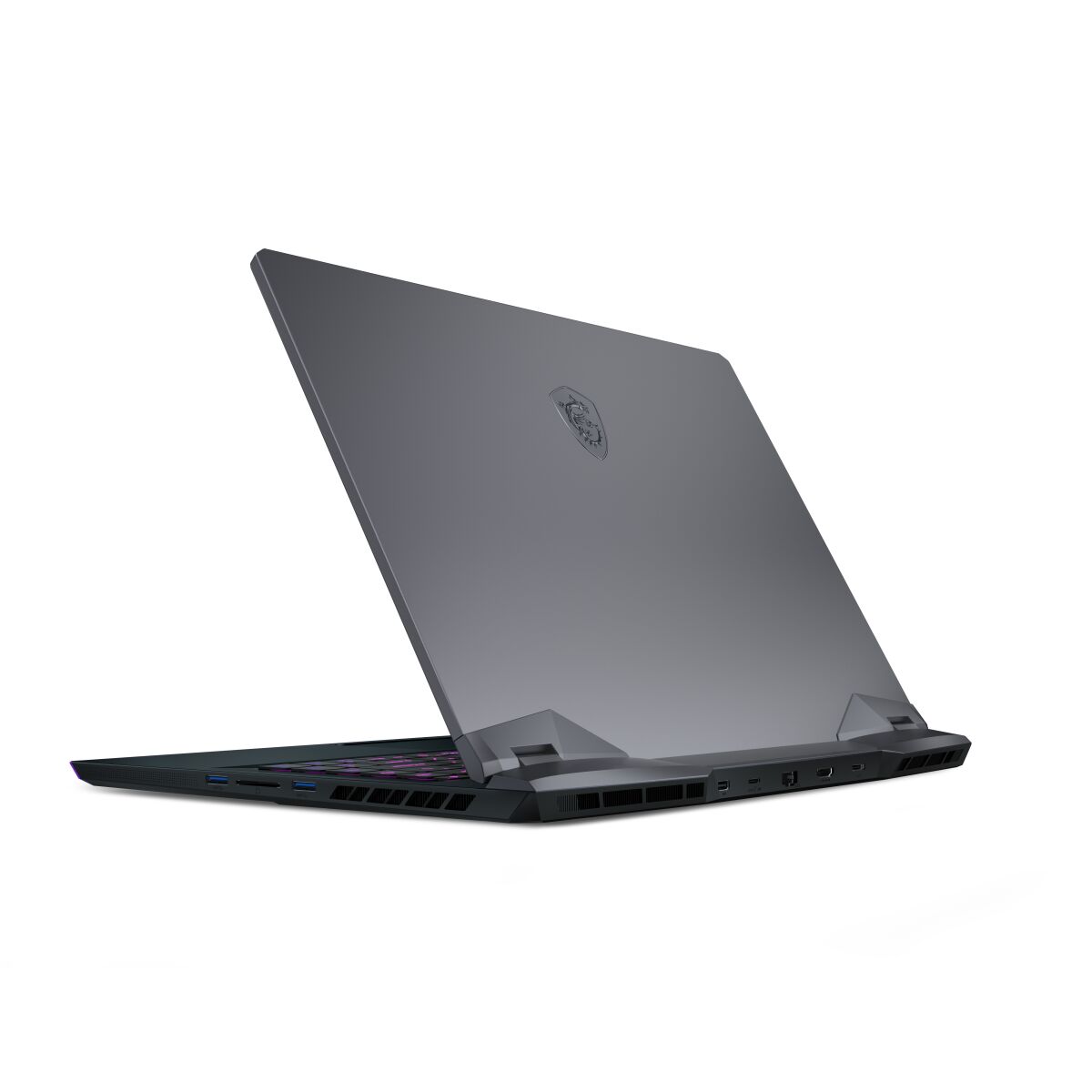
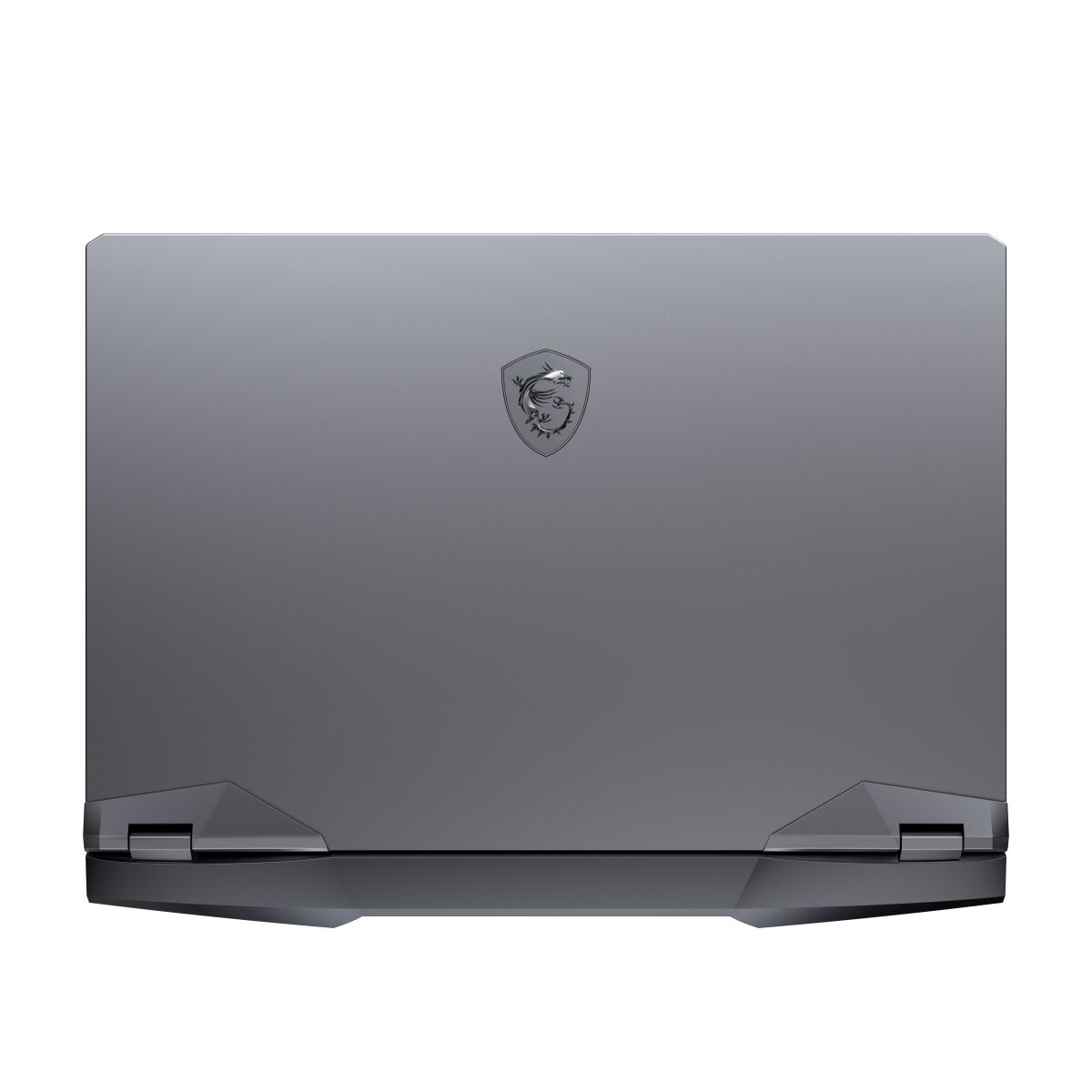
MSI GE66 10SF-293CA Raider Gaming series laptop memory upgrade specifications include two SO-DIMM slots supporting DDR4-SDRAM memory modules. Maximum RAM capacity reaches 64 GB total, with compatible modules operating at 3200 MHz frequency. Upgrade options accommodate standard SO-DIMM form factor memory, allowing users to expand from factory-installed configuration up to specified maximum capacity limits.
Memory Upgrade Specifications
| Specification | Value |
|---|---|
| Memory slots | 2x SO-DIMM |
| Form factor | SO-DIMM |
| Memory type | DDR4-SDRAM |
| Frequency | 3200 MHz |
| Maximum RAM | 64 GB |
| Voltage | 1.2V |
| Number of pins | 260-pin |
| Interface | PC4 |
| PC Speed Rating | PC4-3200 (PC4-25600) |
| Bandwidth | 25.6 GB/s |
| Laptop Release date | 08 October 2020 |
Additional Notes
- The MSI GE66 Raider supports only 2 memory slots, limiting maximum capacity to 64 GB total. Upgrading beyond 32 GB requires replacing both installed modules rather than adding a single stick, increasing replacement costs.
- SO-DIMM form factor confines compatible modules to laptop-grade memory. Desktop DDR4 modules cannot physically fit regardless of electrical compatibility, eliminating cost savings from bulk or surplus inventory channels.
- 3200 MHz frequency specification establishes the supported speed ceiling. Installing faster DDR4 modules operates them at reduced speed, wasting the performance premium paid for higher-frequency chips without benefit to system responsiveness.
- Dual-channel architecture with 2 slots means matched pairs deliver optimal bandwidth utilization. Mismatched capacities or speeds between slots reduce memory throughput and can trigger stability issues, making identical module selection critical during upgrades.
- The 64 GB maximum indicates memory controller constraints below theoretical DDR4 limits. Third-party vendors occasionally market incompatible 48 GB or higher configurations; validation against manufacturer qualified vendor lists prevents post-warranty troubleshooting liability.
- SO-DIMM modules require careful insertion angle and seating pressure during installation. Improper handling during self-service upgrades risks bent pins or slot damage, voiding coverage on memory-related failures even if components remain intact.