MSI Gaming GF75 9SC-037NL Thin RAM upgrade specifications


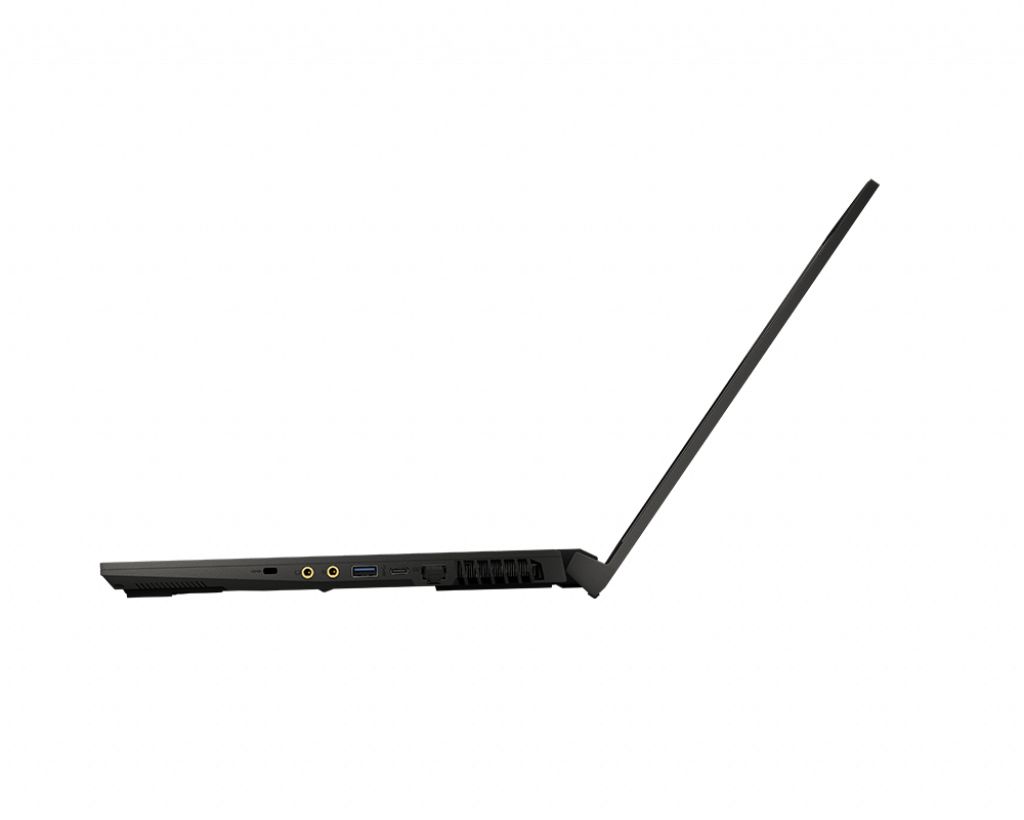
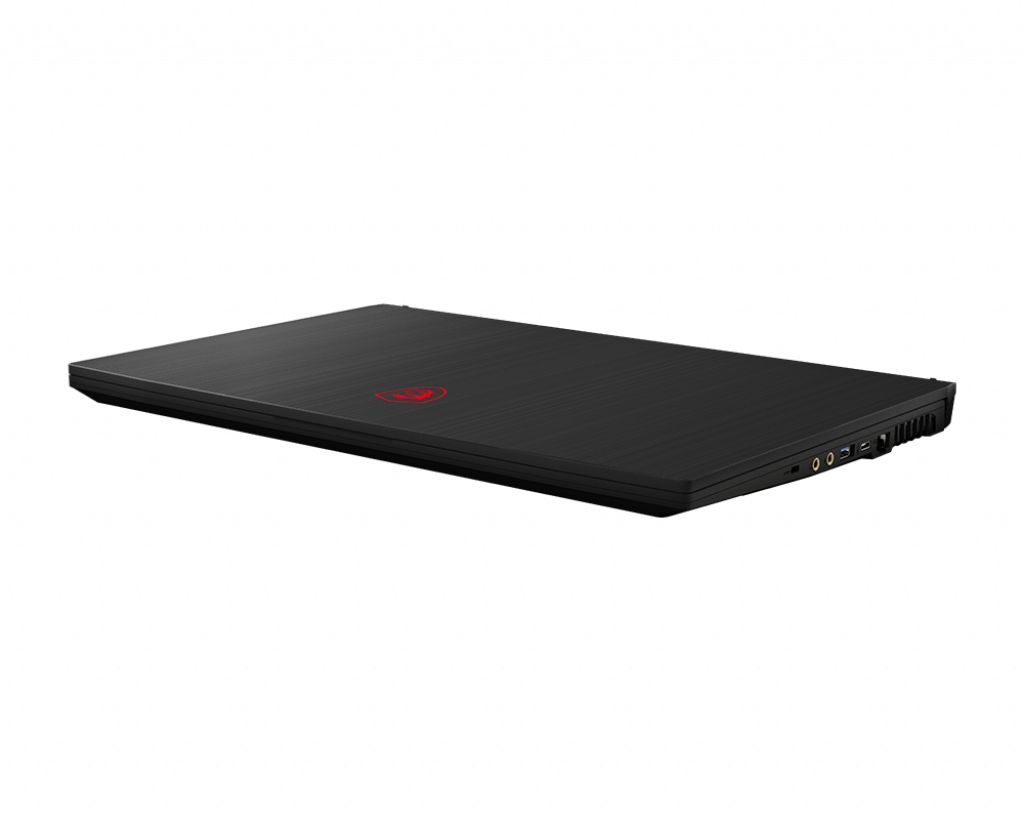
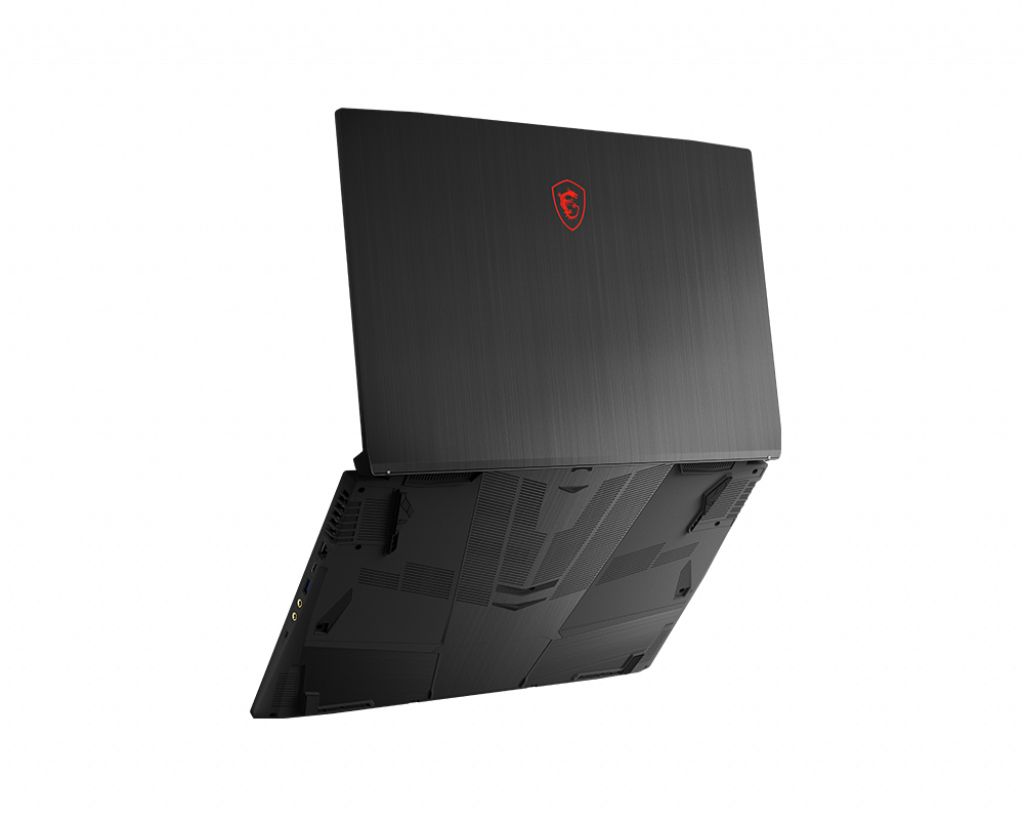
MSI GF75 9SC-037NL Thin Gaming series laptop supports DDR4-SDRAM memory upgrades. The system features 2x SO-DIMM slots with maximum capacity of 64 GB RAM. Compatible upgrade specifications include DDR4 memory modules operating at 2666 MHz frequency. SO-DIMM form factor ensures compatibility with gaming laptop upgrade requirements. Current memory configuration allows expansion to full 64 GB maximum capacity through dual slot installation.
Memory Upgrade Specifications
| Specification | Value |
|---|---|
| Memory slots | 2x SO-DIMM |
| Form factor | SO-DIMM |
| Memory type | DDR4-SDRAM |
| Frequency | 2666 MHz |
| Maximum RAM | 64 GB |
| Voltage | 1.2V |
| Number of pins | 260-pin |
| Interface | PC4 |
| PC Speed Rating | PC4-2666 (PC4-21328) |
| Bandwidth | 21.3 GB/s |
| Laptop Release date | 07 April 2019 |
Additional Notes
- The MSI GF75 9SC-037NL Thin accommodates only 2 memory slots, which means maximum expandable capacity is achieved through 32 GB modules rather than multiple smaller increments, limiting staged upgrade flexibility.
- DDR4-2666 MHz represents standard consumer-grade timing for 9th-generation Intel platforms; newer DDR4-3200 modules will operate at reduced 2666 MHz speeds due to controller limitations, eliminating performance gains from faster memory purchases.
- SO-DIMM form factor requires laptop-specific modules; desktop DDR4 components are physically incompatible and cannot be substituted regardless of matching frequency or capacity specifications.
- The 64 GB ceiling implies single-rank or dual-rank module constraints at higher capacities; 32 GB SO-DIMM availability varies significantly by manufacturer and may carry extended lead times compared to standard 16 GB variants.
- Upgrading beyond the factory configuration voids most manufacturer warranty coverage for memory-related defects; only matched pairs from the same production batch minimize compatibility risk in dual-slot systems.
- Removing both original modules simultaneously creates a critical window where the system contains no installed RAM; reinstalling in reverse order or testing one module at a time mitigates undetected failure scenarios during the upgrade process.