MSI Gaming GF75 9SC-052CA Thin RAM upgrade specifications
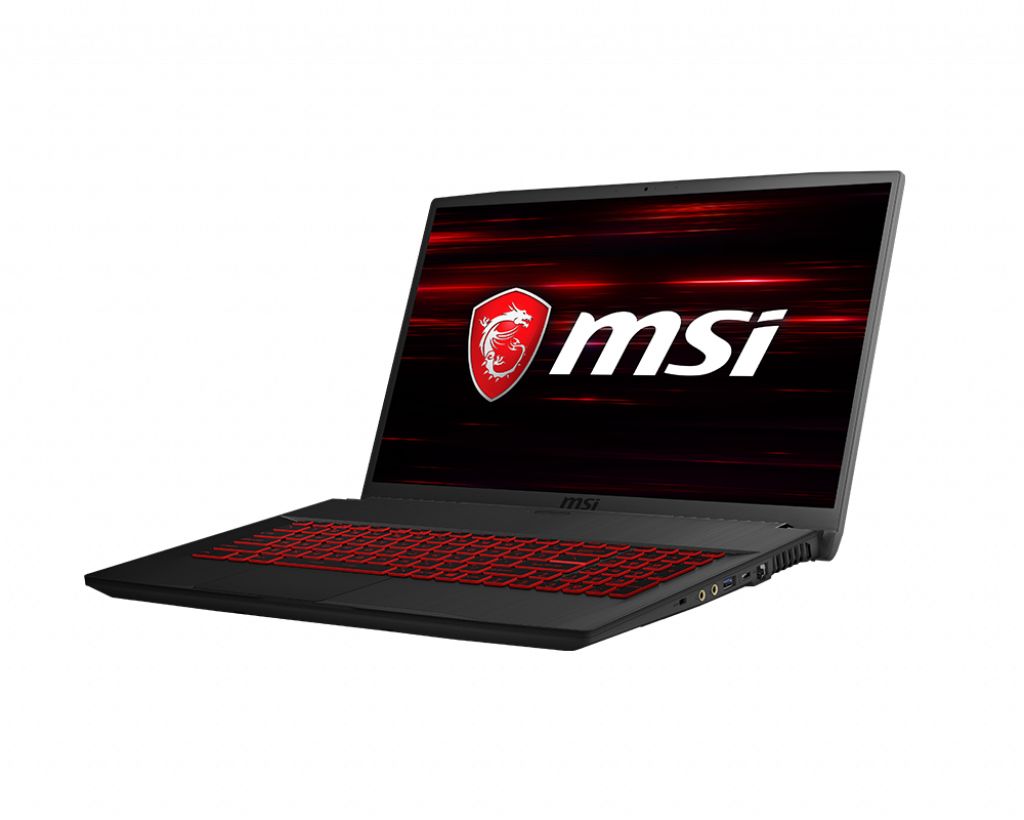
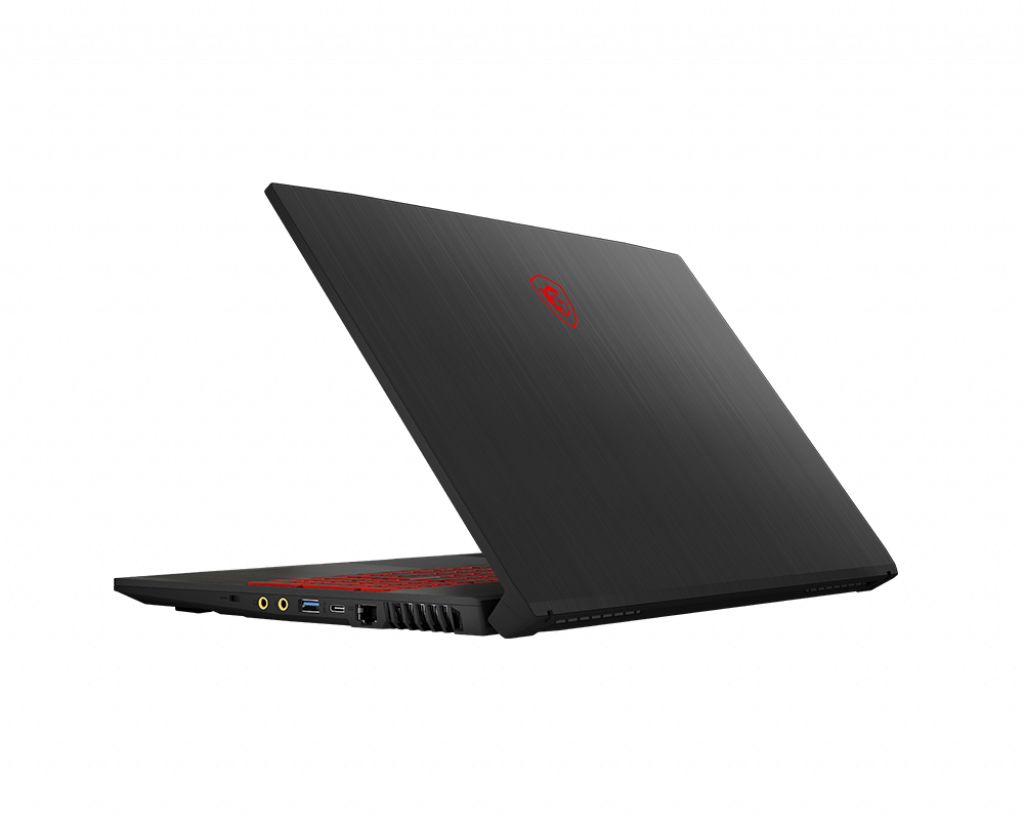
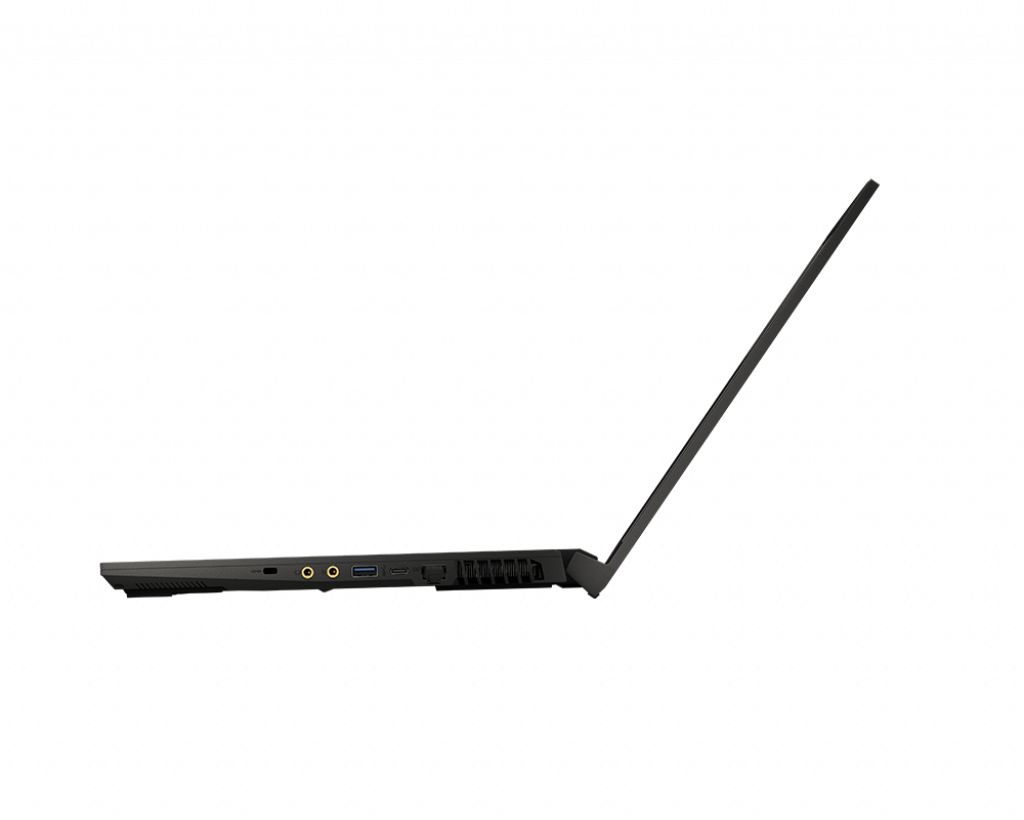
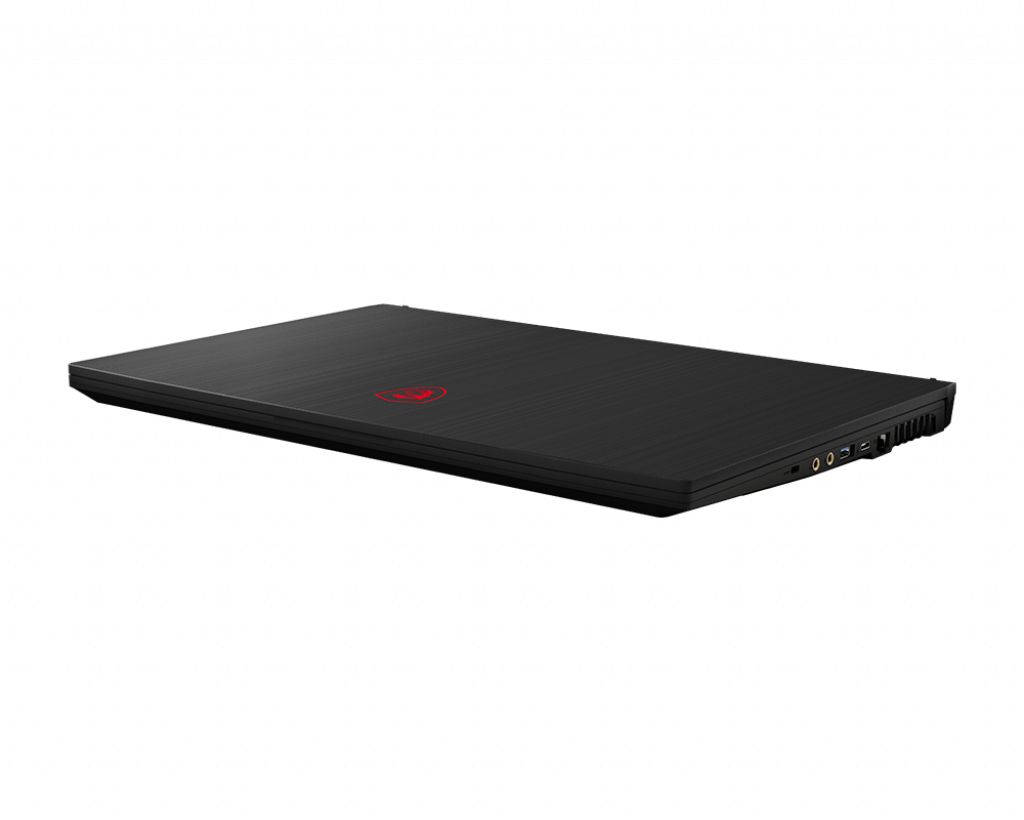
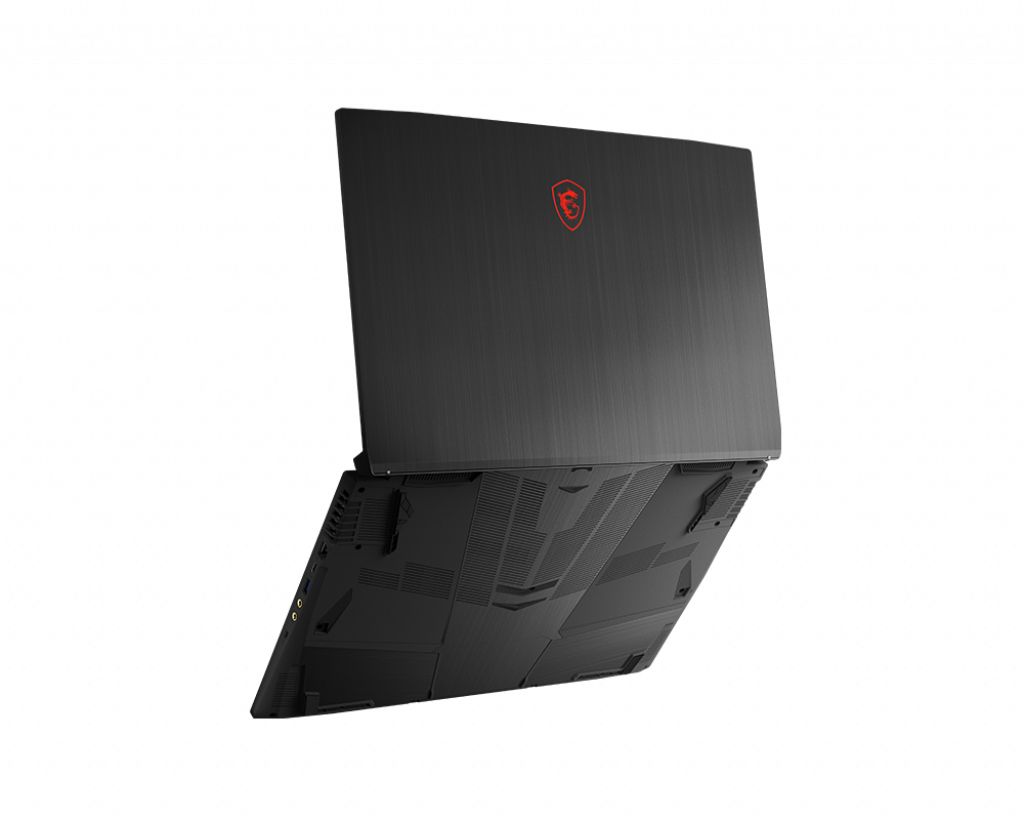
The MSI GF75 9SC-052CA Thin gaming laptop features DDR4-SDRAM memory specifications with 2x SO-DIMM slots supporting maximum RAM capacity of 64 GB. Memory upgrade compatibility includes DDR4 modules operating at 2666 MHz frequency. The GF series gaming family supports SO-DIMM form factor upgrades, allowing users to expand total system memory capacity from factory configurations up to the specified maximum threshold. Specifications confirm RAM expansion capability for enhanced multitasking and performance in the MSI GF75 9SC-052CA Thin model.
Memory Upgrade Specifications
| Specification | Value |
|---|---|
| Memory slots | 2x SO-DIMM |
| Form factor | SO-DIMM |
| Memory type | DDR4-SDRAM |
| Frequency | 2666 MHz |
| Maximum RAM | 64 GB |
| Voltage | 1.2V |
| Number of pins | 260-pin |
| Interface | PC4 |
| PC Speed Rating | PC4-2666 (PC4-21328) |
| Bandwidth | 21.3 GB/s |
| Laptop Release date | 25 November 2019 |
Additional Notes
- The dual slot configuration allows for a symmetrical dual channel memory architecture which doubles the available bandwidth for the processor compared to single stick installations.
- Installing modules with frequencies higher than 2666 MHz results in an automatic downclocking to the system bus limit determined by the Intel 9th Generation chipset architecture.
- Upgrading memory on the MSI GF75 9SC-052CA Thin requires the removal of the entire bottom chassis panel which may involve breaking a factory seal sticker depending on regional warranty policies.
- Total system capacity supports high density 32 GB modules in each slot providing sufficient headroom for memory intensive tasks like 4K video editing or running multiple virtual machines simultaneously.
- The SO-DIMM form factor necessitates 260 pin hardware exclusively as desktop 288 pin DIMMs are physically incompatible with this logic board layout.
- Latency performance depends on matching the CAS latency of both modules because the system defaults to the timings of the slowest installed stick.
- Maximum power efficiency is maintained by using 1.2V DDR4 modules as the motherboard is not designed for high voltage overclocking profiles.