MSI Gaming GL73 8SDK-200XRU RAM upgrade specifications
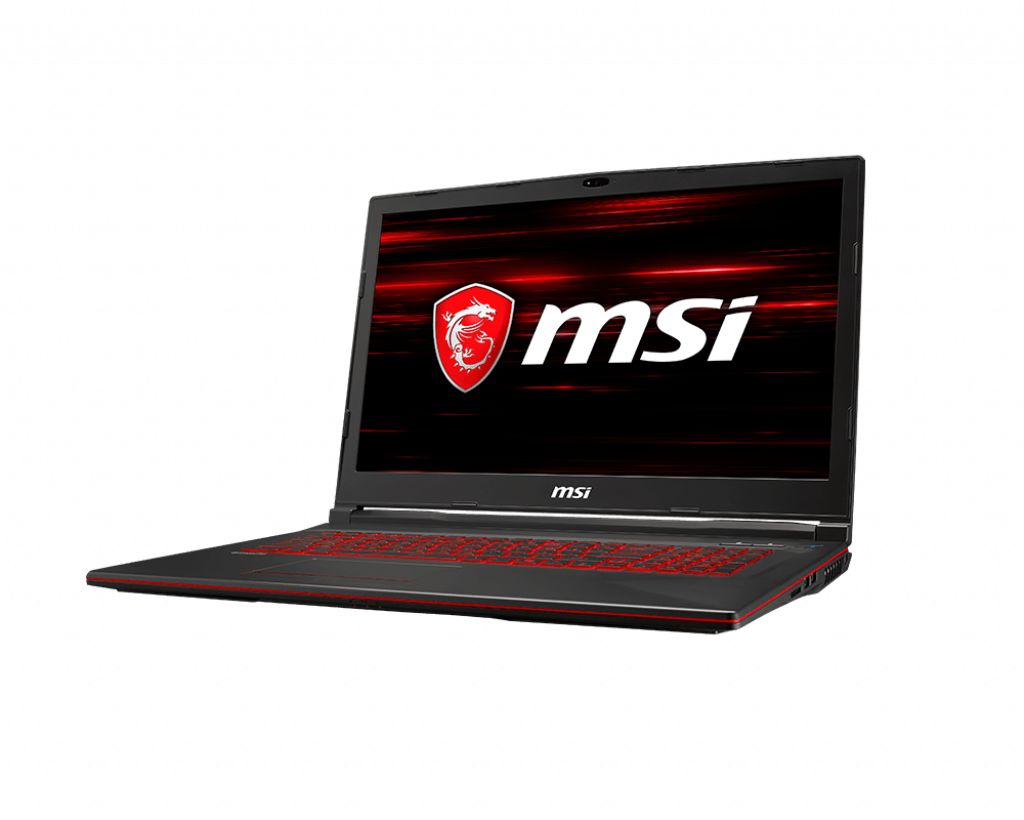
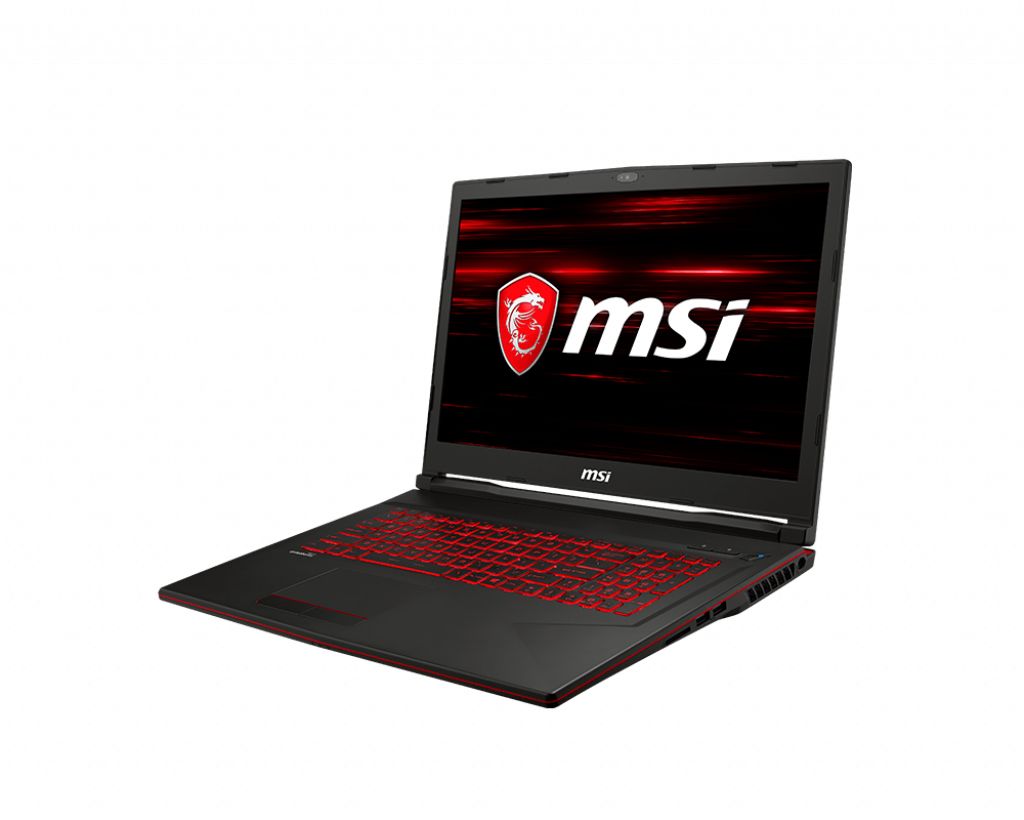


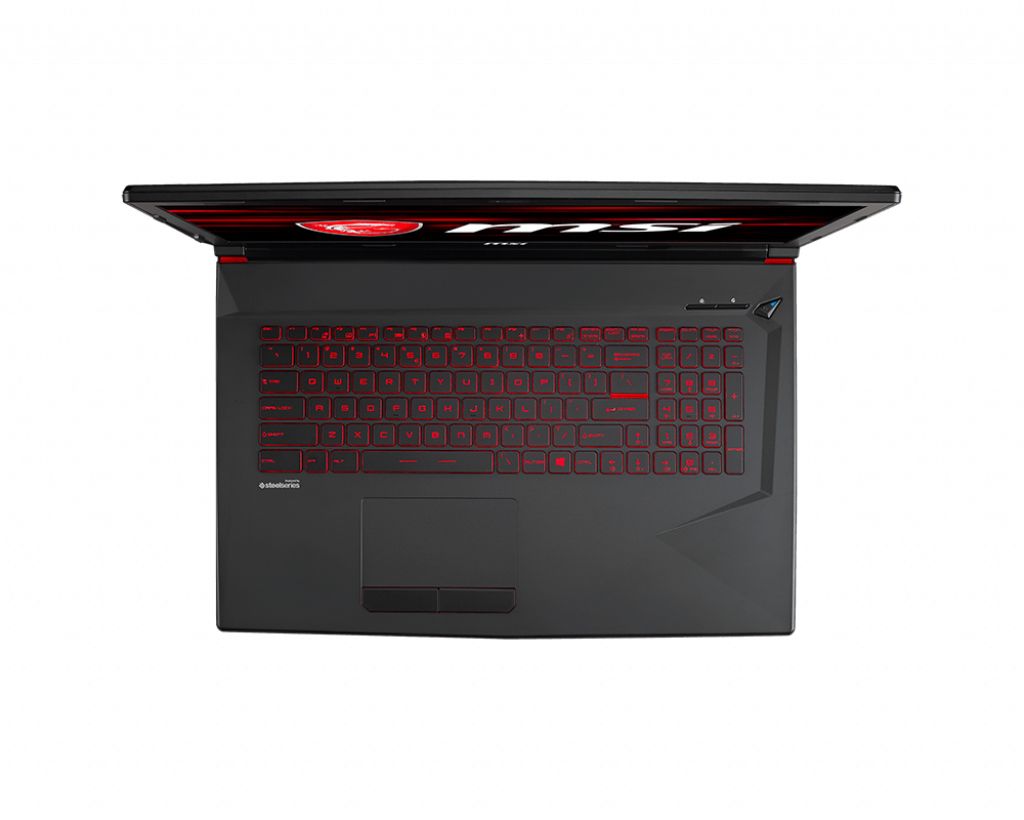
MSI GL73 8SDK-200XRU gaming laptop features DDR4-SDRAM memory upgrade capability with two SO-DIMM slots. Maximum RAM capacity reaches 32 GB total. Specifications support DDR4 memory modules operating at 2666 MHz frequency. Compatible memory upgrades must conform to SO-DIMM form factor standards for GL series gaming notebooks. Current configuration allows expansion through populated memory slots to achieve maximum supported capacity.
Memory Upgrade Specifications
| Specification | Value |
|---|---|
| Memory slots | 2x SO-DIMM |
| Form factor | SO-DIMM |
| Memory type | DDR4-SDRAM |
| Frequency | 2666 MHz |
| Maximum RAM | 32 GB |
| Voltage | 1.2V |
| Number of pins | 260-pin |
| Interface | PC4 |
| PC Speed Rating | PC4-2666 (PC4-21328) |
| Bandwidth | 21.3 GB/s |
| Laptop Release date | 13 May 2019 |
Additional Notes
- The MSI GL73 8SDK-200XRU supports only 2 DIMM slots, which means any RAM upgrade requires replacing existing modules rather than adding capacity alongside installed memory. This architecture leaves no room for additive expansion beyond the 32 GB ceiling.
- DDR4-2666 MHz specification indicates the system operates at an older JEDEC standard; newer DDR4 modules rated for 3000-3200 MHz will downclock to 2666 MHz compatibility, resulting in no performance gain from purchasing higher-frequency memory.
- SO-DIMM form factor constrains upgrade sourcing to laptop-specific memory modules. Desktop DDR4 DIMMs are physically incompatible and cannot be installed regardless of electrical compatibility, limiting available products to a smaller aftermarket subset.
- The 32 GB maximum capacity ceiling (16 GB per slot at 2 SO-DIMM architecture) reflects 8th generation Intel platform limitations. This hard limit cannot be exceeded through BIOS updates or alternative modules.
- Upgrading from factory-installed memory to the 32 GB maximum requires purchasing matched 16 GB SO-DIMM modules; mismatched capacities (e.g., 8 GB + 16 GB) will function but disable dual-channel operation, cutting effective bandwidth by half and reducing CPU-to-RAM throughput.
- SO-DIMM installation typically requires removing the bottom panel without disassembling the keyboard assembly, making this a lower-risk internal modification that generally maintains manufacturer warranty eligibility if performed without damaging clips or connectors.