MSI Gaming GL75 10SER-298IT Leopard RAM upgrade specifications
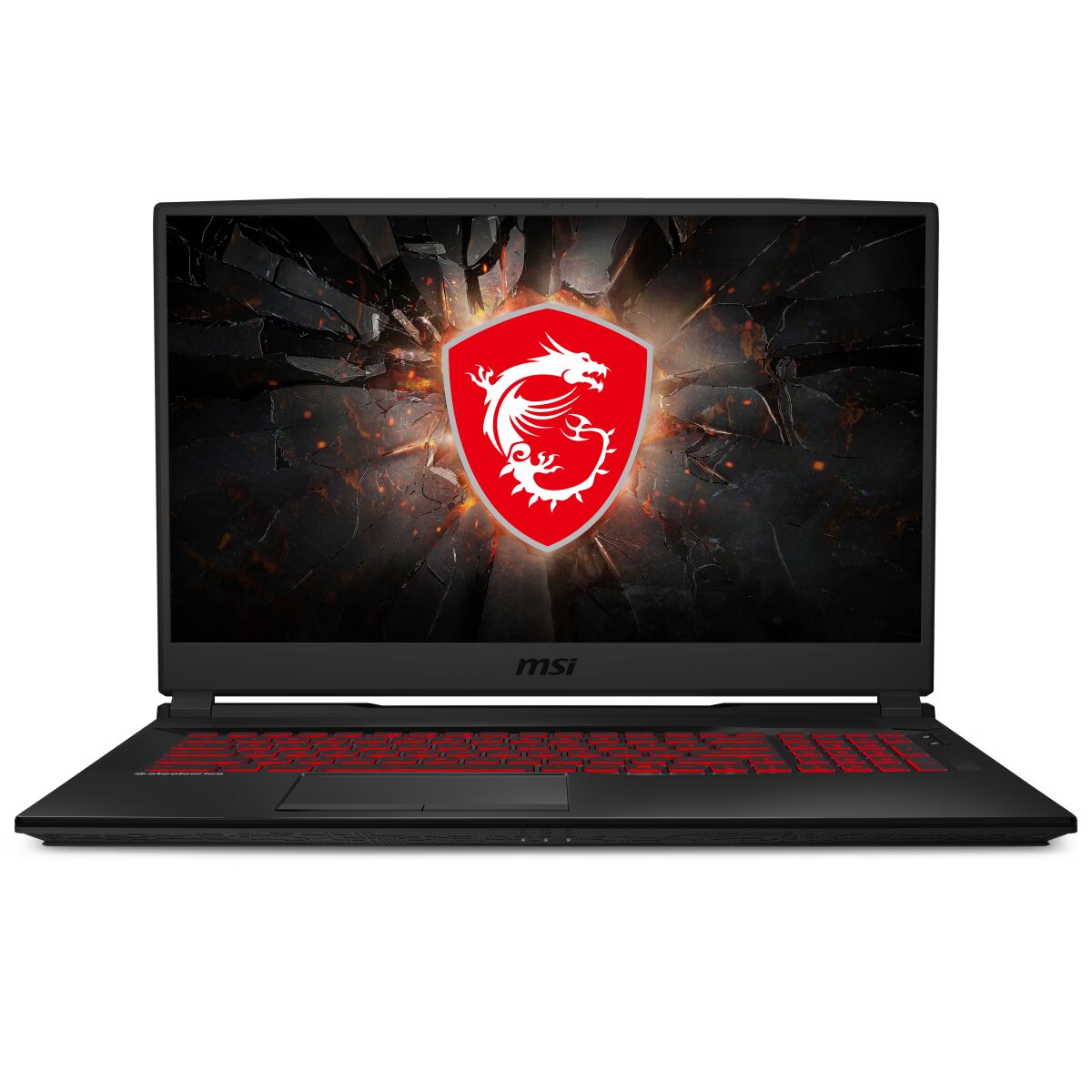
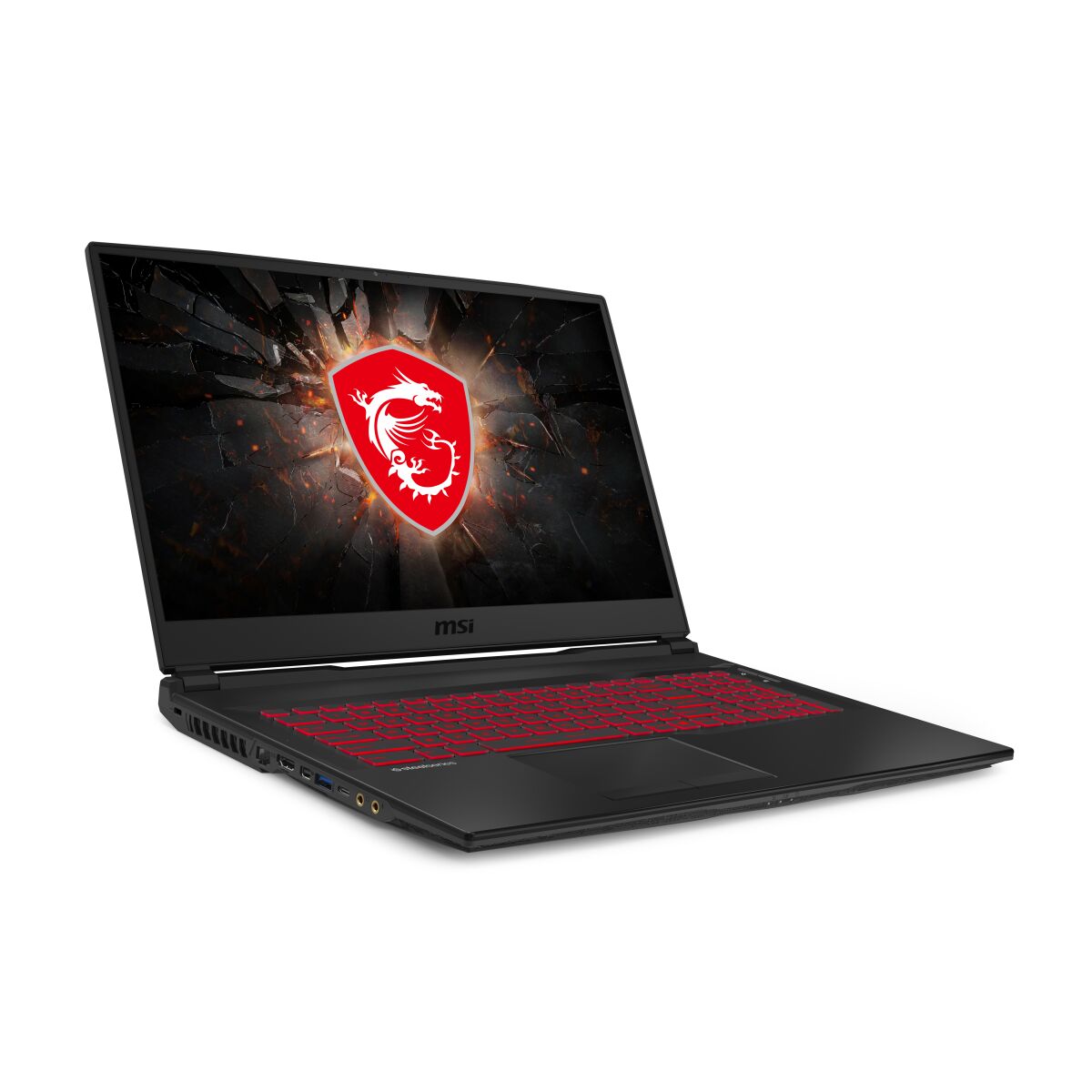
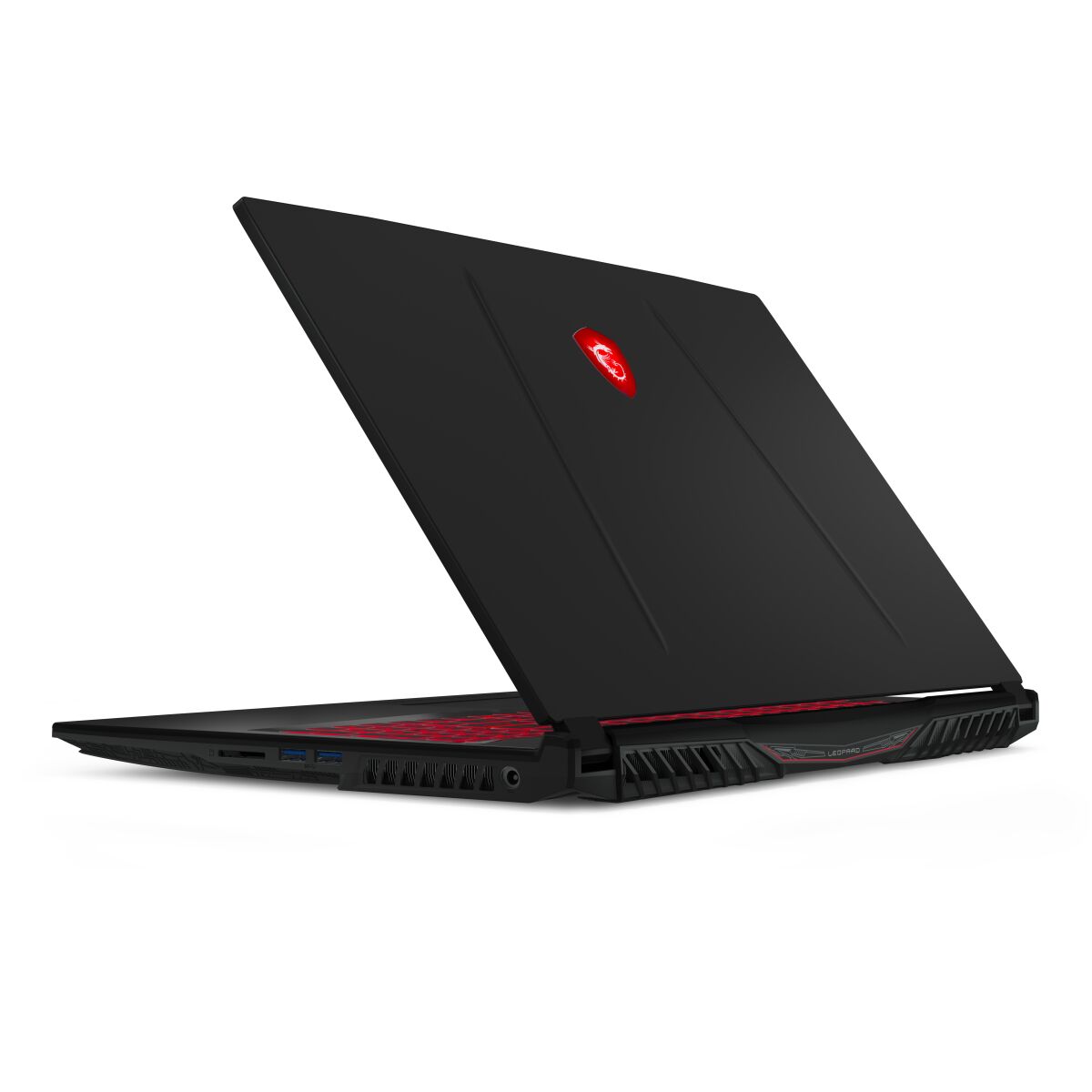
MSI GL75 10SER-298IT Leopard gaming laptop memory upgrade specifications include two SO-DIMM slots supporting DDR4-SDRAM memory modules. The system accommodates maximum RAM capacity of 64 GB total, with compatible modules operating at 2666 MHz frequency. Upgrade options utilize standard SO-DIMM form factor memory for this GL series gaming notebook. Current specifications define the compatible RAM parameters for expanding memory capacity in the GL75 10SER-298IT Leopard model.
Memory Upgrade Specifications
| Specification | Value |
|---|---|
| Memory slots | 2x SO-DIMM |
| Form factor | SO-DIMM |
| Memory type | DDR4-SDRAM |
| Frequency | 2666 MHz |
| Maximum RAM | 64 GB |
| Voltage | 1.2V |
| Number of pins | 260-pin |
| Interface | PC4 |
| PC Speed Rating | PC4-2666 (PC4-21328) |
| Bandwidth | 21.3 GB/s |
| Laptop Release date | 23 June 2020 |
Additional Notes
- The dual slot configuration requires removing the factory modules to reach the maximum 64 GB capacity because no empty sockets remain for expansion.
- Installing memory with frequencies higher than 2666 MHz results in automatic downclocking to match the motherboard bus speed limitations.
- Synchronous dual channel bandwidth is only achievable when installing pairs of modules with identical timings and densities in both SO-DIMM slots.
- The MSI GL75 10SER-298IT Leopard utilizes a standard 260-pin physical interface which precludes the use of older DDR3 or desktop-sized DIMM hardware.
- Accessing the internal memory sockets requires the removal of the entire bottom chassis panel which may involve breaking factory seal stickers in certain regional jurisdictions.
- High capacity 32 GB modules must utilize specific high-density DRAM chips to ensure compatibility with the 10th generation Intel chipset architecture.
- Voltage requirements are fixed at 1.2V meaning low voltage efficiency gains from specialized overclocking kits will not be realized without manual BIOS adjustments.