MSI Gaming GS66 10UH-042AU Stealth RAM upgrade specifications



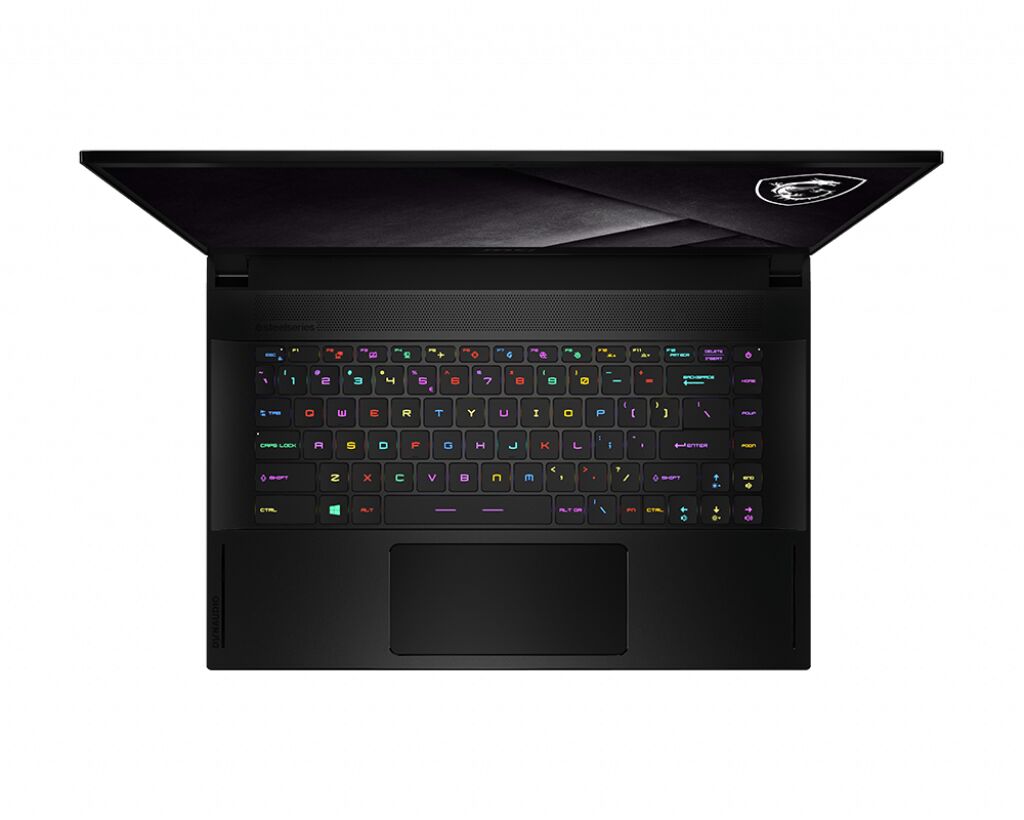
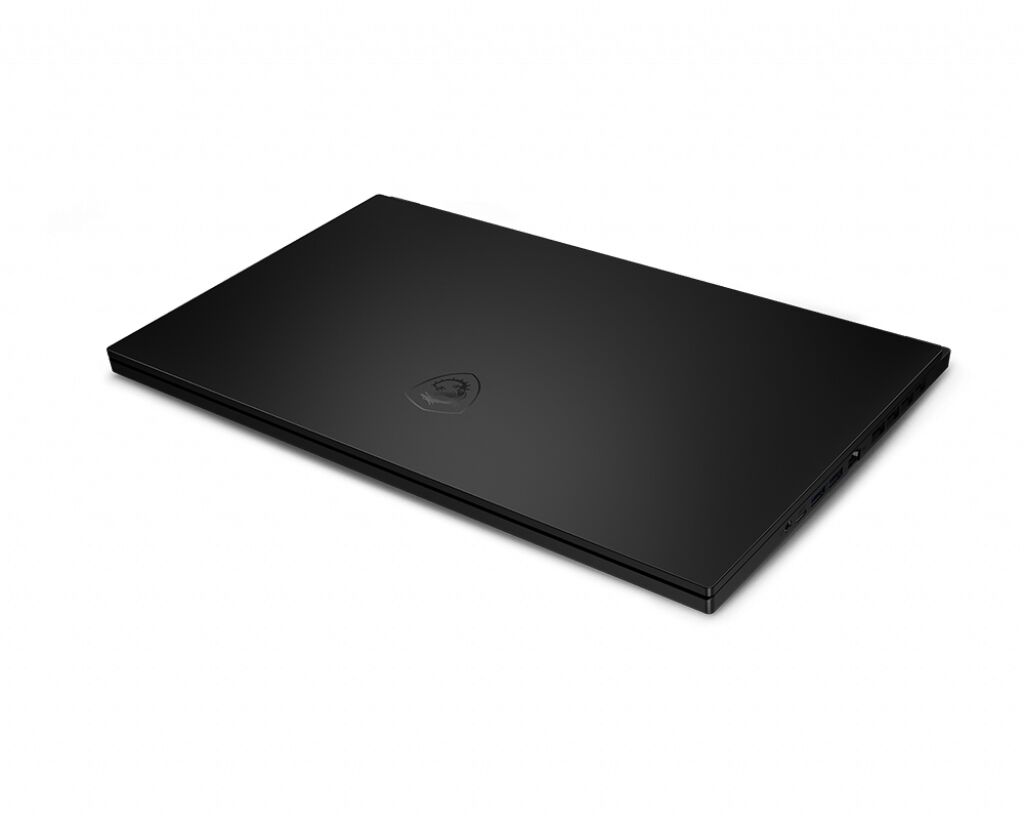
The MSI GS66 10UH-042AU Stealth Gaming series laptop features DDR4-SDRAM memory upgrade specifications with 2x SO-DIMM slots. The maximum RAM capacity supported is 64 GB at 3200 MHz frequency. Compatible memory modules utilize the SO-DIMM form factor. Upgrading the RAM on the GS66 10UH-042AU requires DDR4 specifications matching the native frequency for optimal performance and compatibility with the laptop's memory architecture.
Memory Upgrade Specifications
| Specification | Value |
|---|---|
| Memory slots | 2x SO-DIMM |
| Form factor | SO-DIMM |
| Memory type | DDR4-SDRAM |
| Frequency | 3200 MHz |
| Maximum RAM | 64 GB |
| Voltage | 1.2V |
| Number of pins | 260-pin |
| Interface | PC4 |
| PC Speed Rating | PC4-3200 (PC4-25600) |
| Bandwidth | 25.6 GB/s |
| Laptop Release date | 28 January 2021 |
Additional Notes
- Dual channel memory architecture requires installing matching modules in both SO-DIMM slots to achieve peak memory bandwidth and prevent CPU performance bottlenecks during high-end gaming tasks.
- The MSI GS66 10UH-042AU Stealth utilizes a physical layout that permits the replacement of existing modules without soldering constraints, ensuring a direct hardware path for reaching the maximum supported capacity.
- Installing modules with a frequency higher than 3200 MHz will result in a clock speed down-stepping to the architectural limit defined by the integrated memory controller.
- Reaching the 64 GB limit necessitates the removal of all factory-installed memory since both available slots must be occupied by 32 GB modules.
- The SO-DIMM form factor implies a compact 260-pin interface which restricts the use of desktop-grade DIMM hardware for internal upgrades.
- System thermal management likely relies on specific module thickness, meaning double-sided high-density RAM chips must fit within the physical clearance of the internal chassis heat shields.
- Latency timings should ideally match across both slots to avoid system instability or automatic downclocking to the lowest common denominator speed.