MSI Gaming GS75 9SE-283CA Stealth RAM upgrade specifications
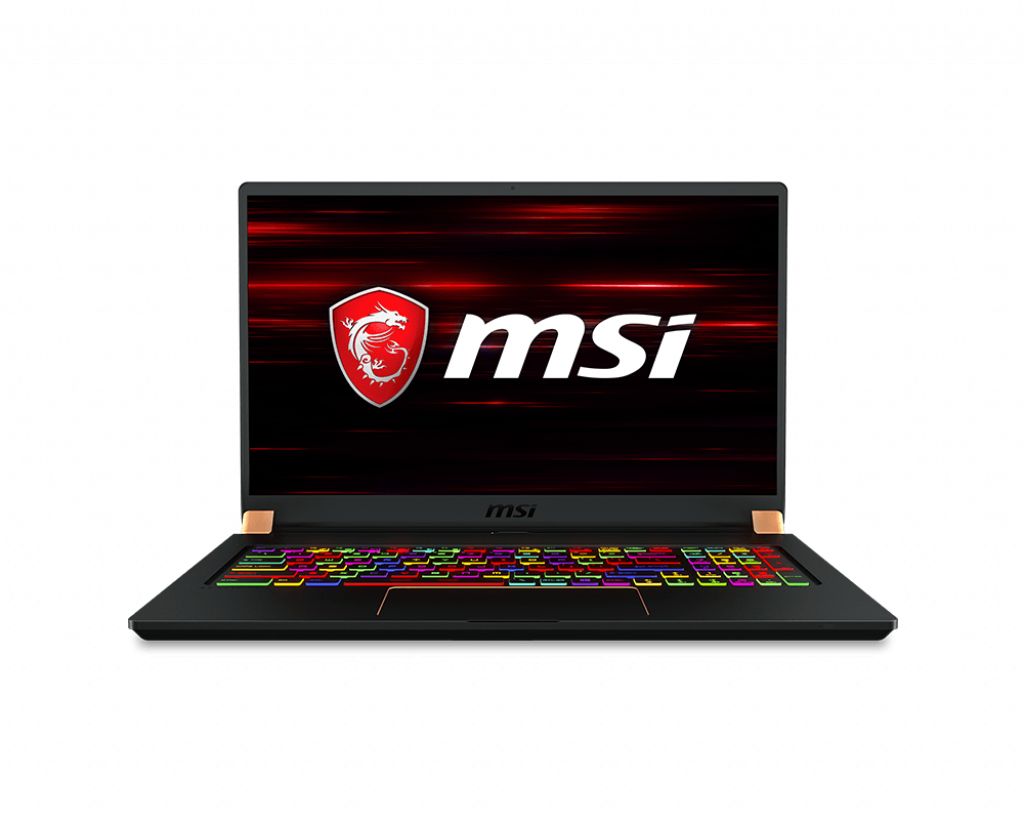
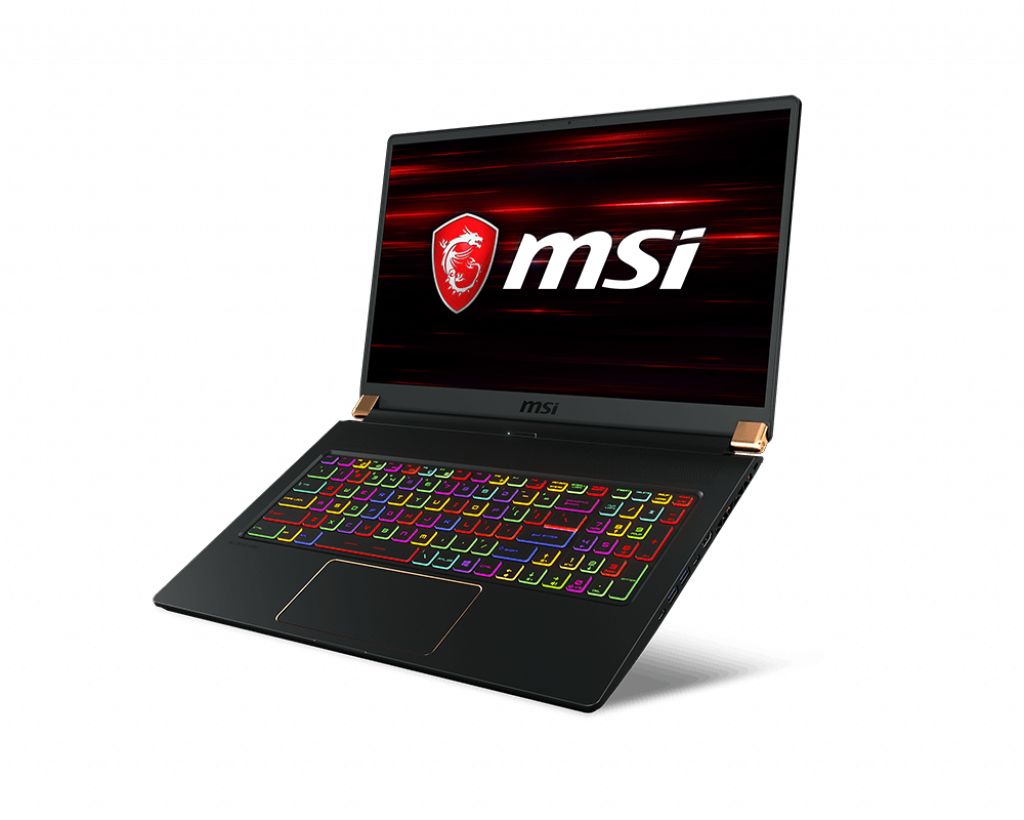
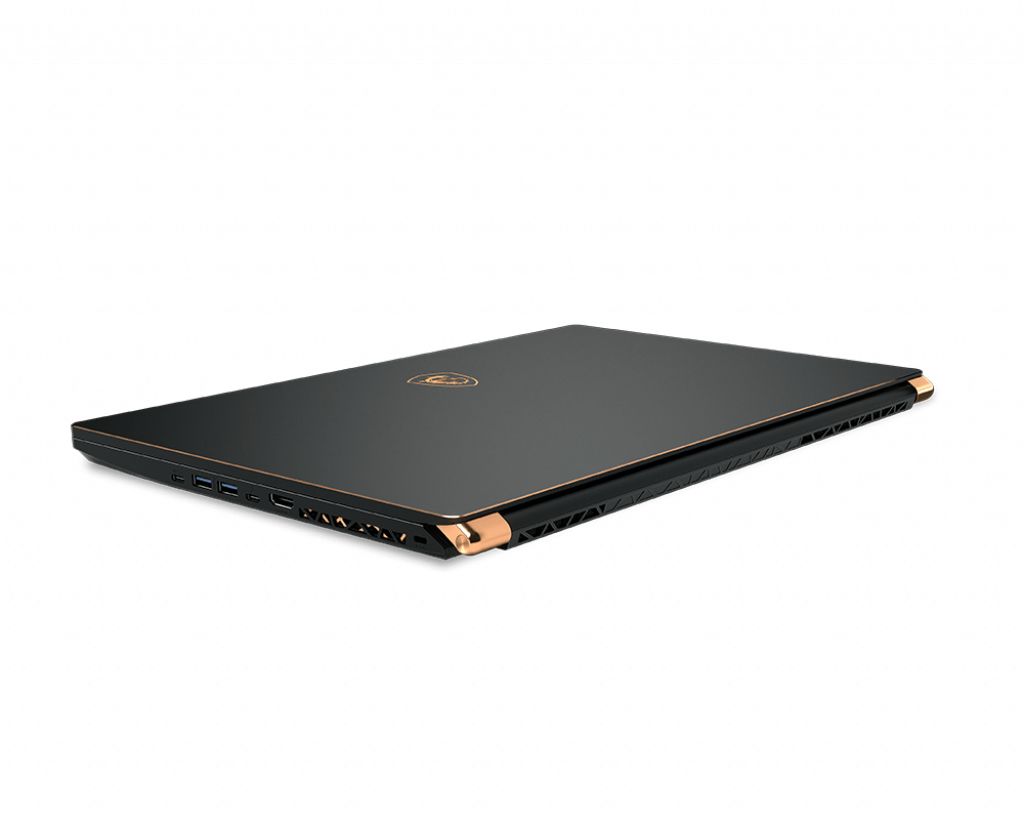
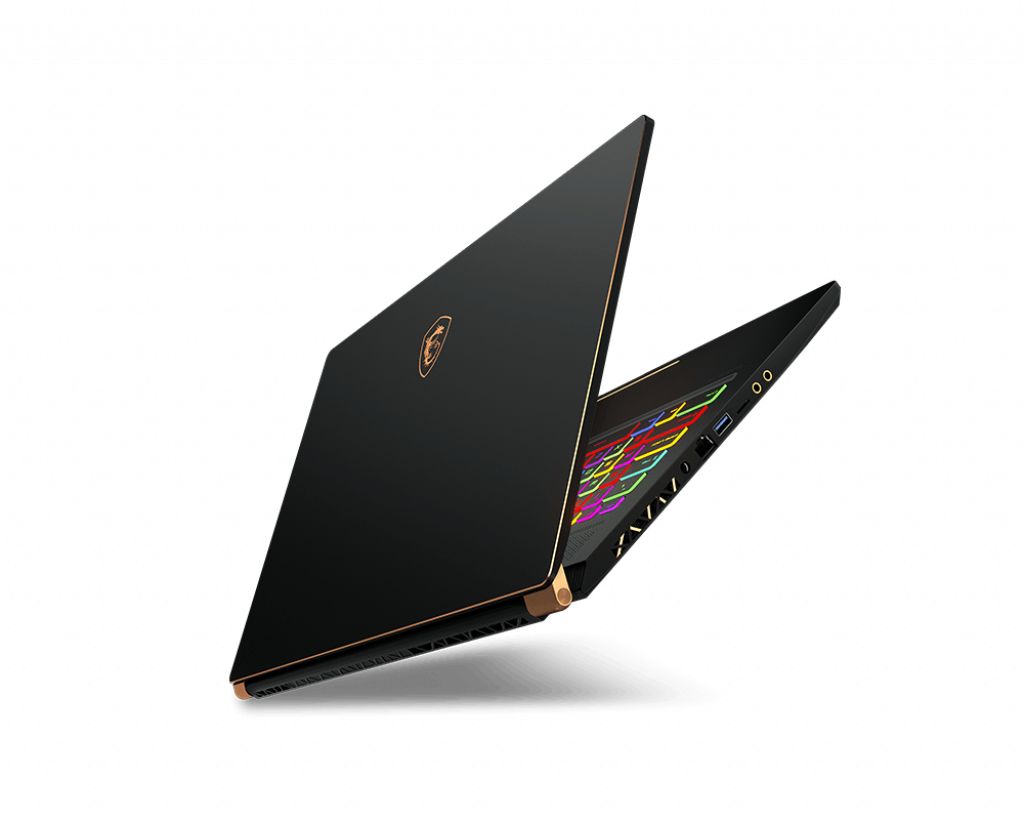
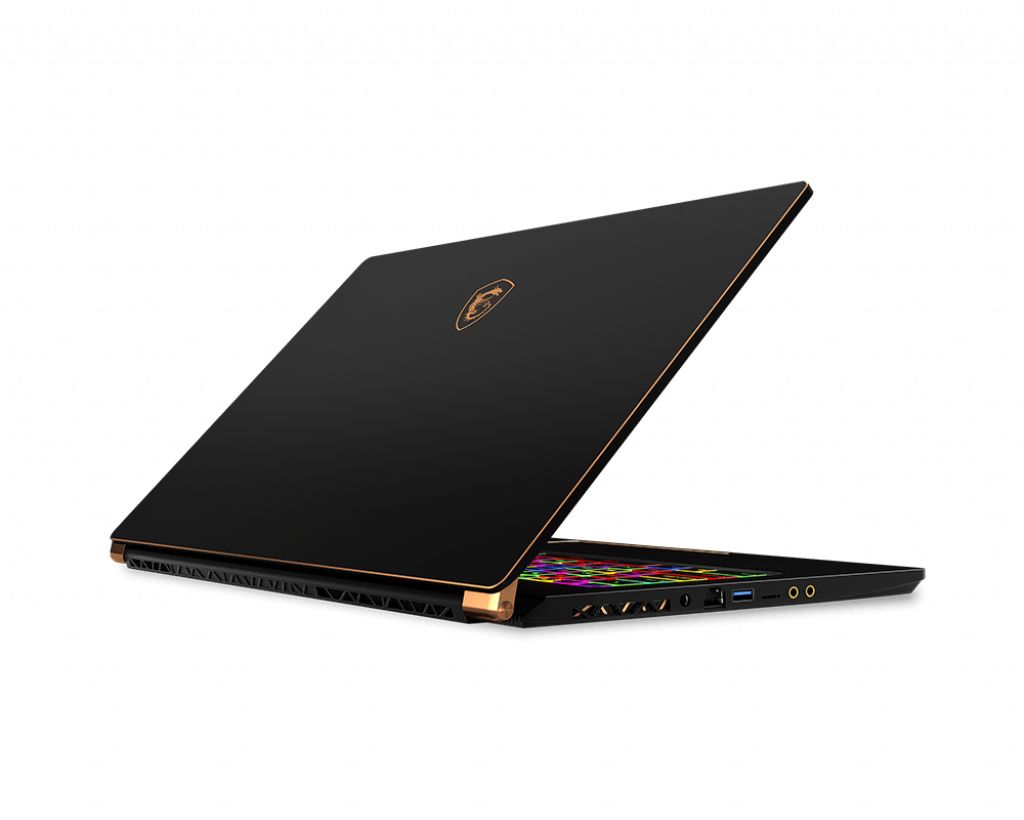
The MSI GS75 9SE-283CA Stealth Gaming series laptop supports DDR4-SDRAM memory upgrades through two SO-DIMM slots. Maximum RAM capacity reaches 64 GB, with compatible modules operating at 2666 MHz frequency. The upgrade specifications enable users to configure memory according to system requirements by installing additional or replacement SO-DIMM modules in the available slots.
Memory Upgrade Specifications
| Specification | Value |
|---|---|
| Memory slots | 2x SO-DIMM |
| Form factor | SO-DIMM |
| Memory type | DDR4-SDRAM |
| Frequency | 2666 MHz |
| Maximum RAM | 64 GB |
| Voltage | 1.2V |
| Number of pins | 260-pin |
| Interface | PC4 |
| PC Speed Rating | PC4-2666 (PC4-21328) |
| Bandwidth | 21.3 GB/s |
| Laptop Release date | 19 May 2019 |
Additional Notes
- The 2x SO-DIMM slot configuration in the MSI GS75 9SE-283CA Stealth allows for dual-channel memory operation, which doubles bandwidth compared to single-channel setups and reduces latency in memory-intensive gaming and content creation tasks.
- DDR4-2666 MHz represents the native supported frequency; third-party modules rated for DDR4-3000 or DDR4-3200 will operate at 2666 MHz unless manual BIOS overclocking is applied, resulting in no performance gain from premium modules without intervention.
- The 64 GB maximum capacity ceiling restricts long-term scalability; users cannot exceed this limit regardless of future SO-DIMM availability, making this a hard architectural boundary for the platform.
- SO-DIMM form factor indicates non-upgradeable soldered components elsewhere on the board; any additional onboard RAM is fixed and cannot be removed, so total system memory depends entirely on the 2 replaceable slots.
- Upgrading from factory configuration to 64 GB (2x32 GB modules) requires purchasing high-capacity SO-DIMM modules; 32 GB per stick options are less common in retail channels than mainstream 8 GB or 16 GB variants, potentially resulting in higher acquisition costs or sourcing delays.
- Existing factory RAM must be physically removed and retained or repurposed during upgrades; warranty coverage typically remains intact for the system if replacement modules meet MSI's DDR4 specifications, but component swapping should be documented if service claims arise.