MSI Gaming GS75 Stealth 9SF-268ES RAM upgrade specifications
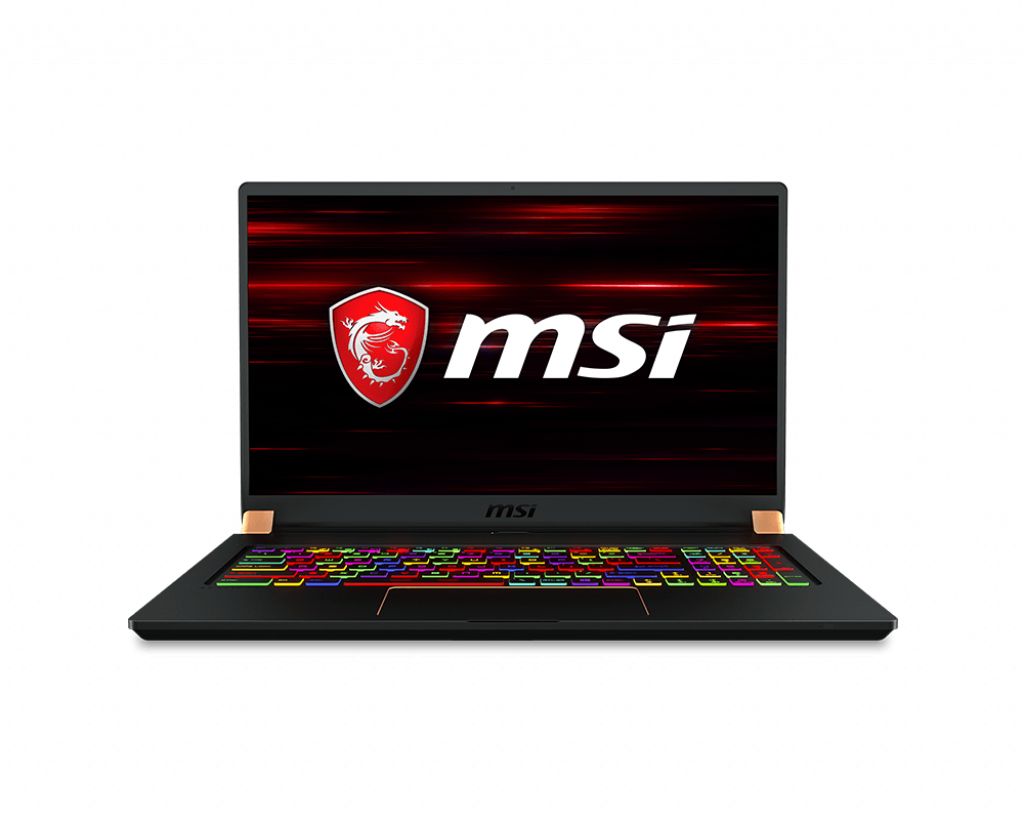
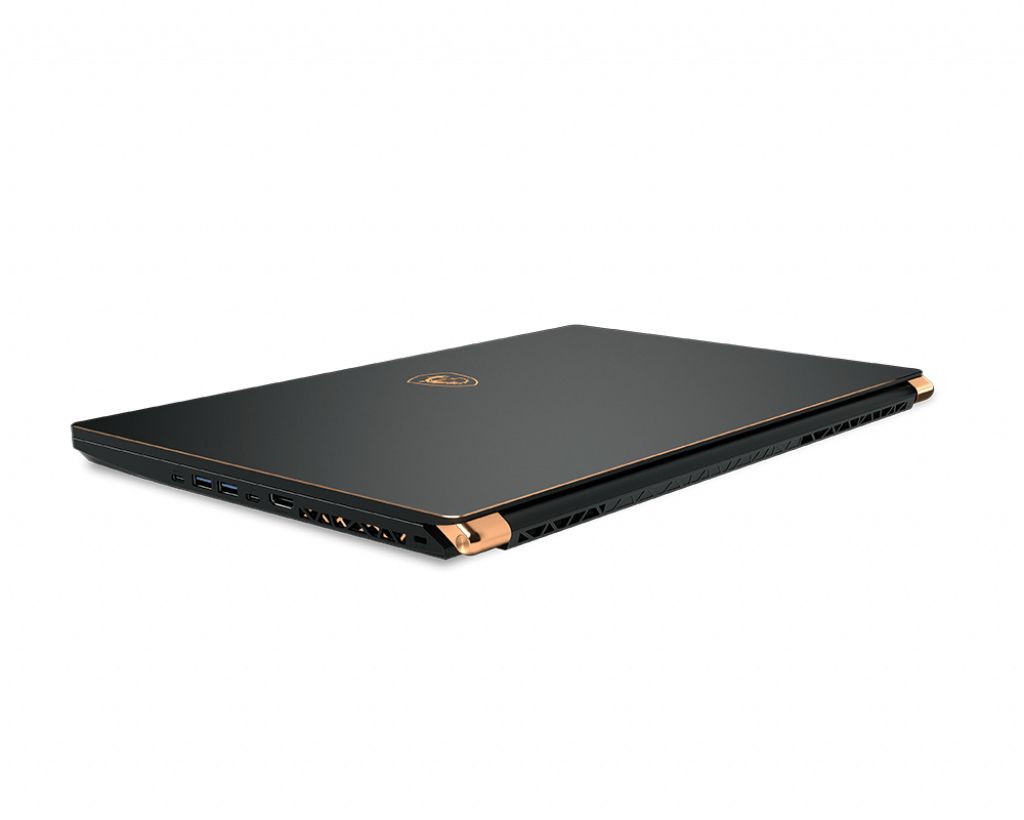
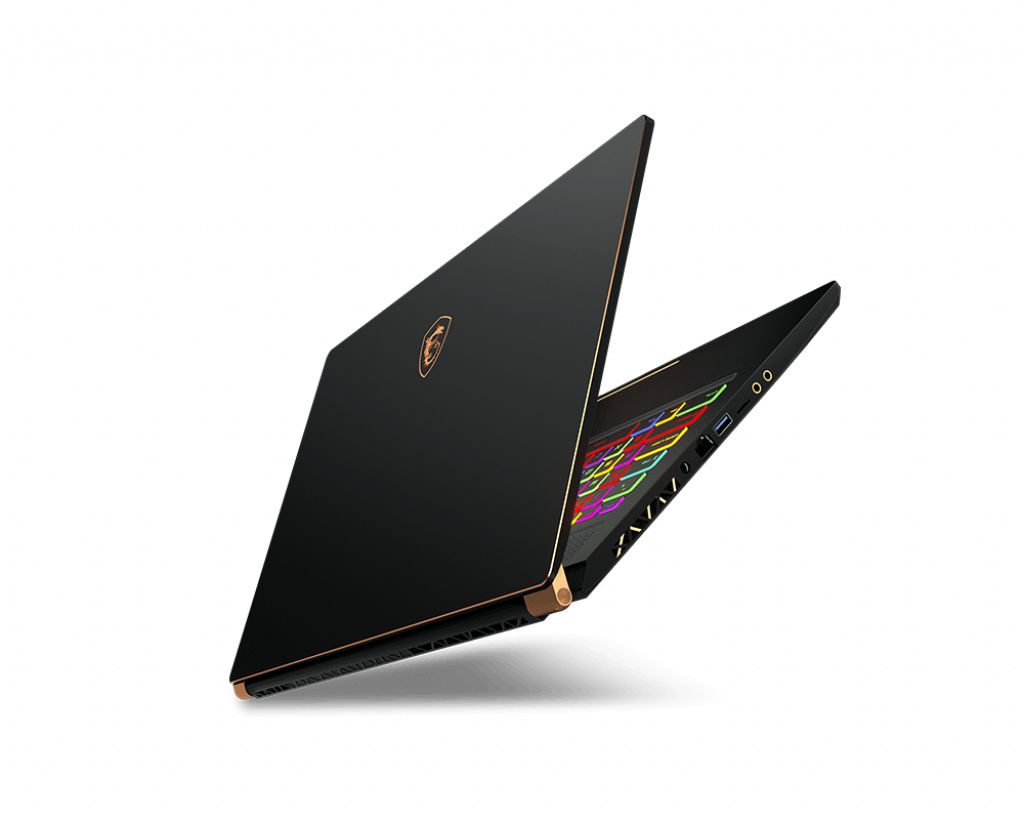
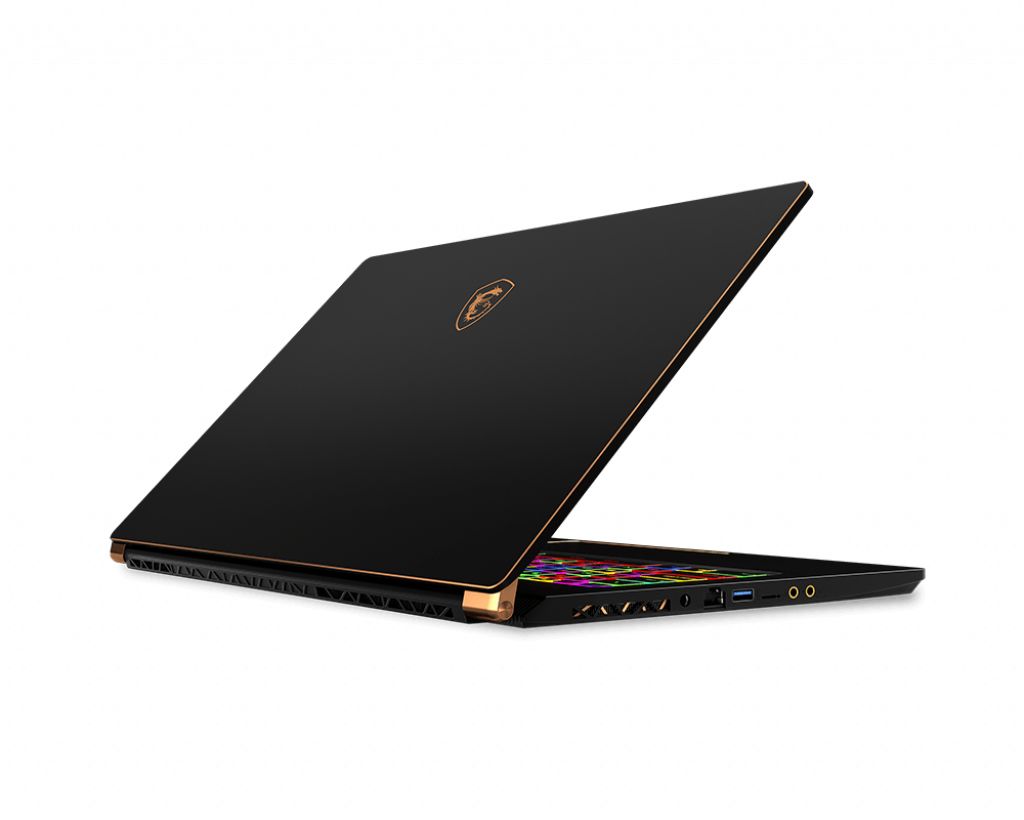
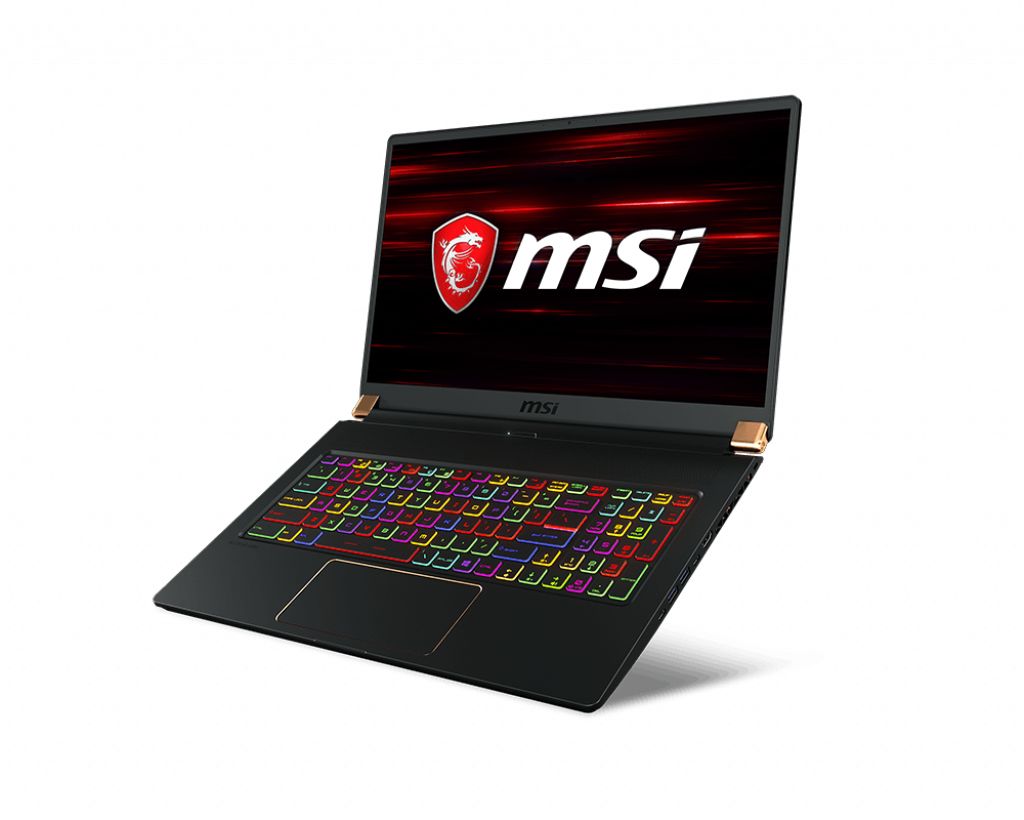
The MSI GS75 Stealth 9SF-268ES gaming laptop features DDR4-SDRAM memory with two SO-DIMM slots supporting maximum RAM capacity of 64 GB. This Gaming series model accepts SO-DIMM form factor modules operating at 2666 MHz frequency. RAM upgrade specifications for the GS75 Stealth 9SF-268ES indicate compatible memory modules can be installed in both available slots to achieve maximum memory capacity. The laptop's memory upgrade slots accommodate standard SO-DIMM modules for performance enhancement and multitasking capabilities.
Memory Upgrade Specifications
| Specification | Value |
|---|---|
| Memory slots | 2x SO-DIMM |
| Form factor | SO-DIMM |
| Memory type | DDR4-SDRAM |
| Frequency | 2666 MHz |
| Maximum RAM | 64 GB |
| Voltage | 1.2V |
| Number of pins | 260-pin |
| Interface | PC4 |
| PC Speed Rating | PC4-2666 (PC4-21328) |
| Bandwidth | 21.3 GB/s |
| Laptop Release date | 19 April 2019 |
Additional Notes
- The MSI GS75 Stealth 9SF-268ES contains 2 SO-DIMM slots with a combined maximum capacity of 64 GB, requiring both slots to be populated with matched 32 GB modules to reach the upper limit. Single-slot upgrades are possible but leave expansion potential unutilized.
- DDR4-2666 MHz represents the supported frequency ceiling. Modules rated above 2666 MHz will operate at reduced speed, creating no performance advantage from premium-tier memory and wasting upgrade budget on specifications the system cannot utilize.
- SO-DIMM form factor constrains the upgrade path to laptop-specific modules rather than desktop equivalents. This restriction eliminates cost advantages from bulk desktop pricing and requires careful vendor sourcing to ensure compatibility verification.
- Bandwidth saturation occurs at the memory controller level; the 2666 MHz limitation combined with a 64-bit bus width produces a theoretical maximum throughput of approximately 21 GB/s. Gaming workloads and video editing tasks may experience minimal gains beyond 32 GB total capacity due to this architectural ceiling.
- Existing memory configuration must be documented before removal. If the system shipped with mixed-capacity modules or runs in asymmetrical configuration, replacing only one DIMM without matching the installed module's specifications may trigger frequency downclocking or memory errors.
- Warranty implications warrant verification with MSI support before opening the memory compartment, as some gaming laptop warranty policies enforce sealed-case restrictions or require service center installation to preserve coverage terms.