MSI Gaming GS77 12UGS-034NL Stealth RAM upgrade specifications
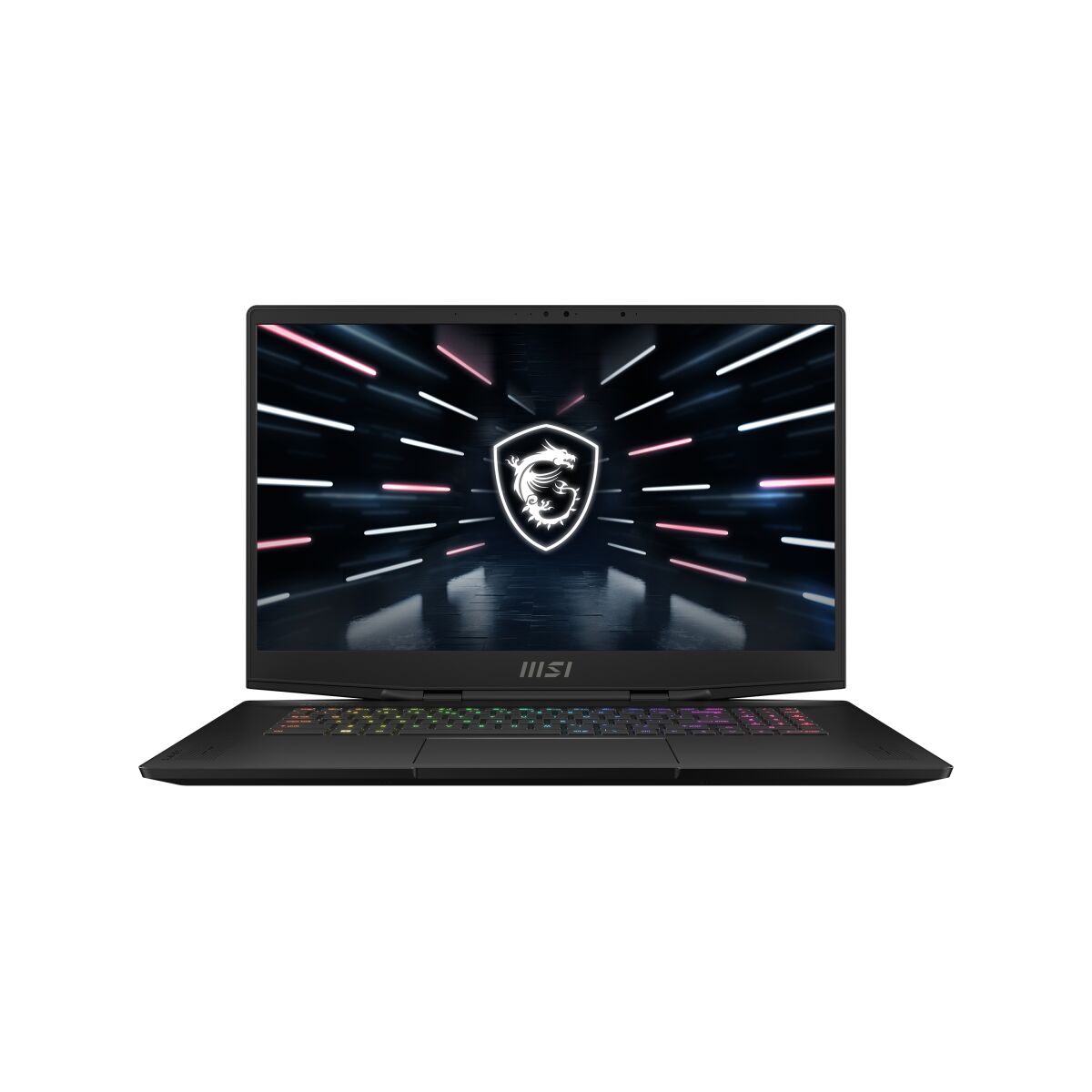
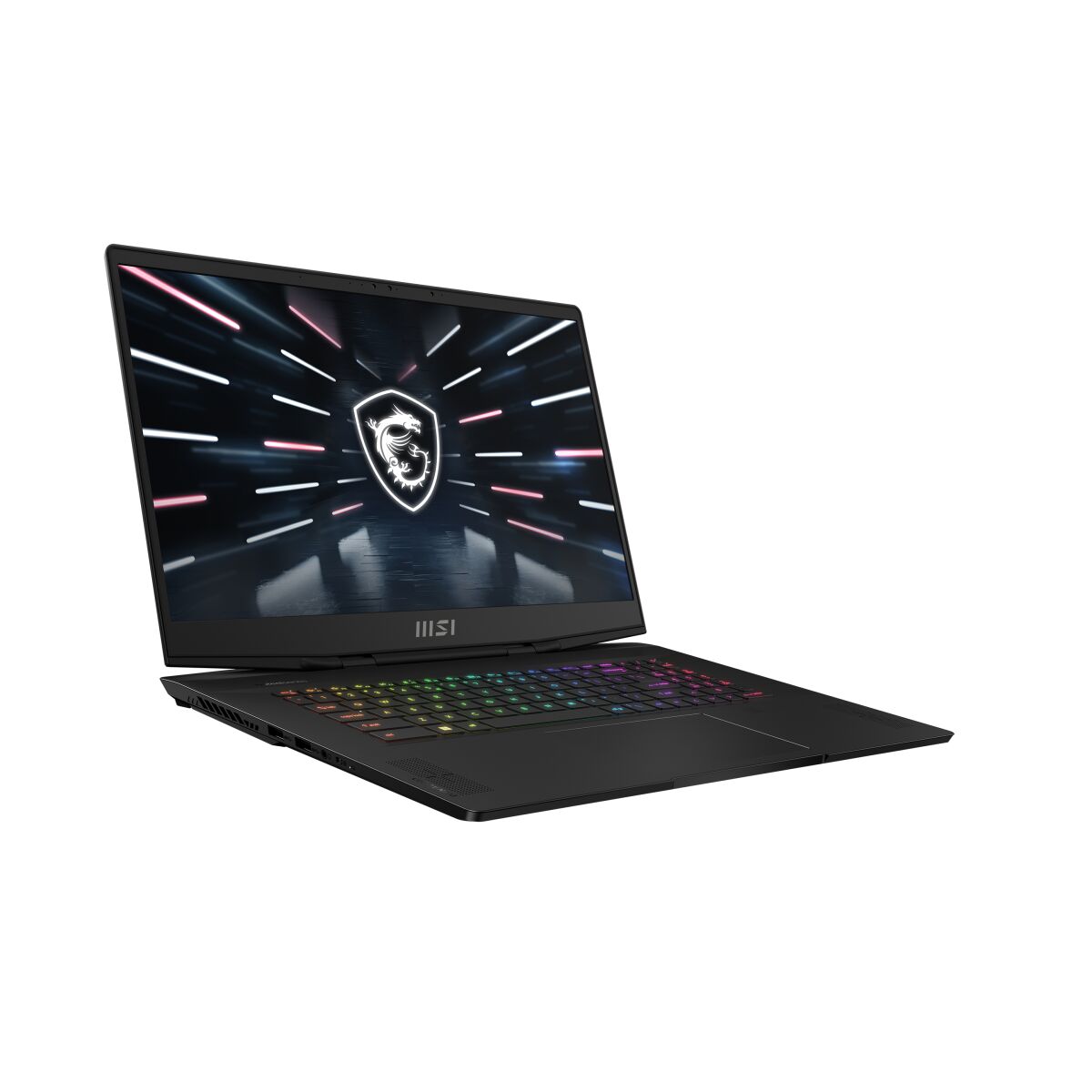
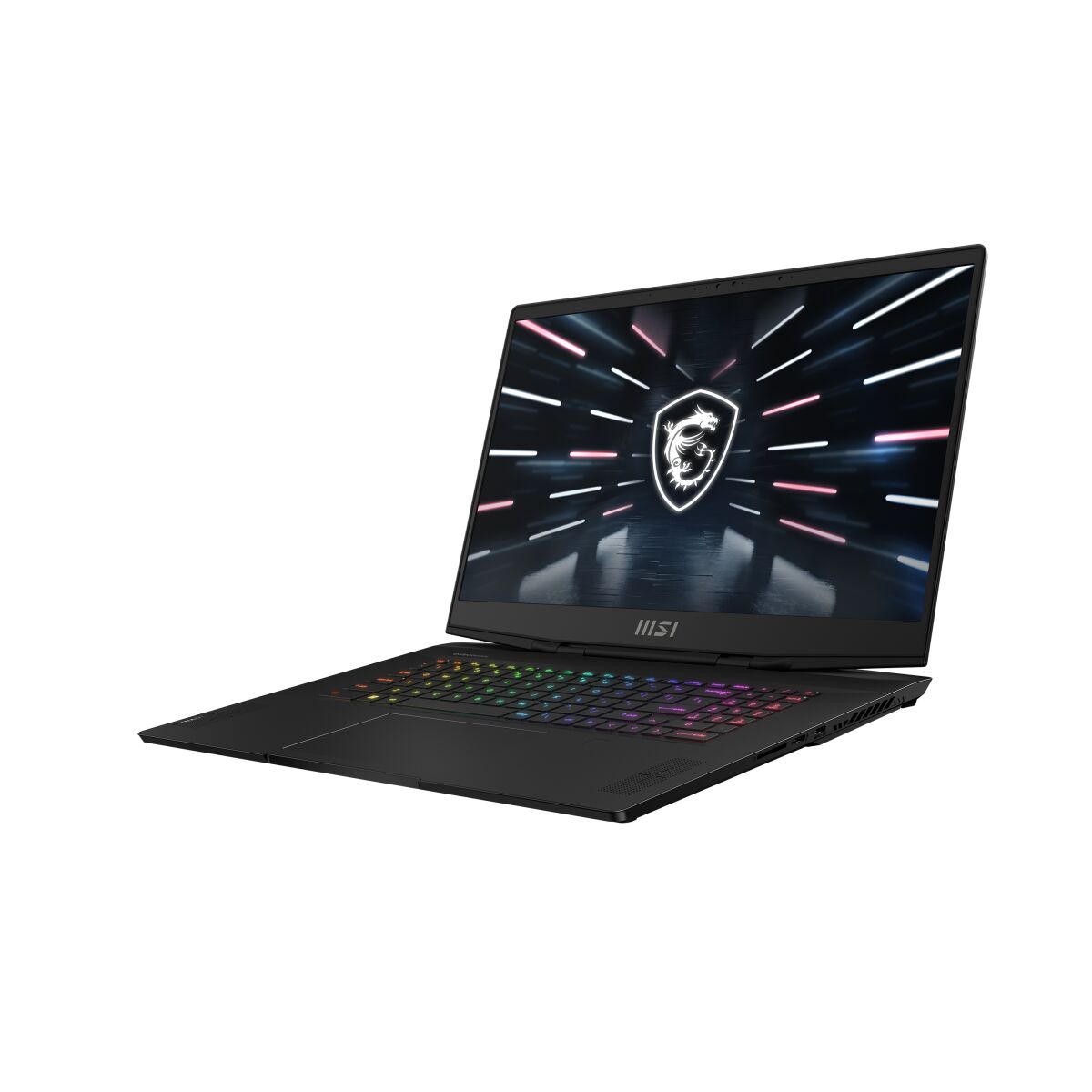
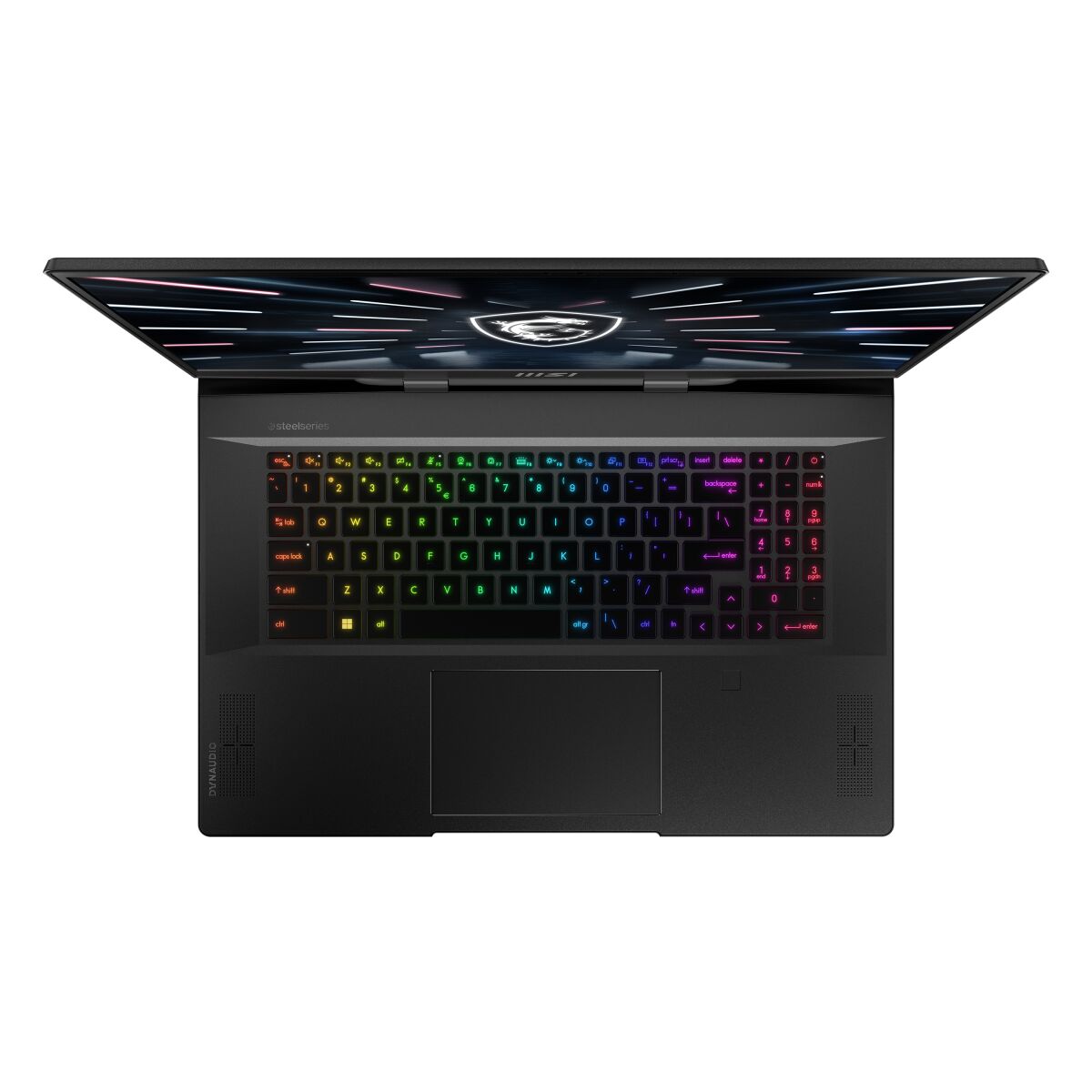
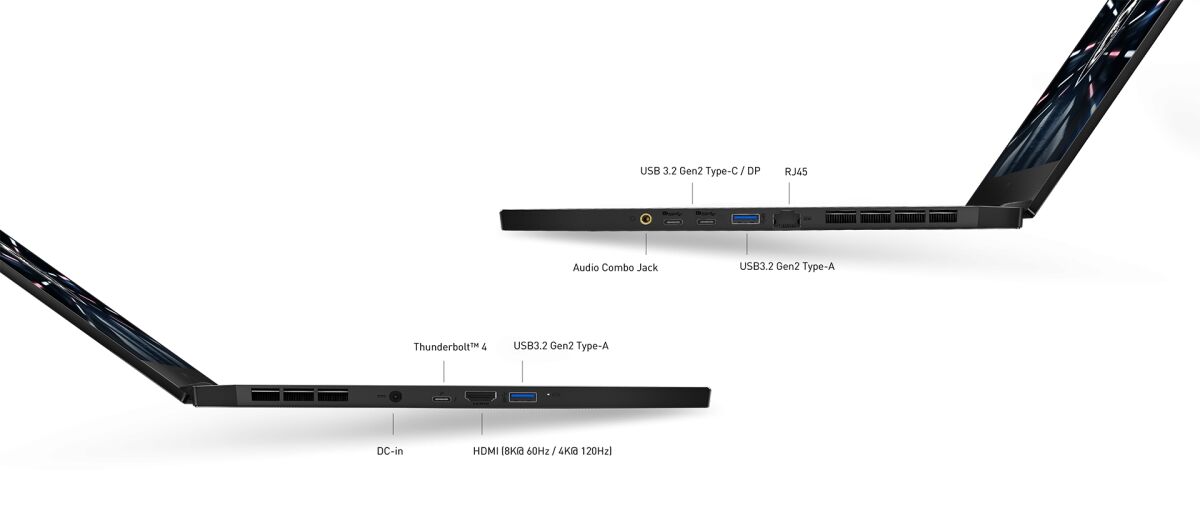
The MSI GS77 12UGS-034NL Stealth Gaming series laptop supports DDR5-SDRAM memory upgrades. The system features 2x SO-DIMM slots with a maximum RAM capacity of 64 GB. Compatible memory modules operate at 4800 MHz frequency. Specifications indicate SO-DIMM form factor for memory upgrades. The GS77 12UGS-034NL Stealth supports high-speed DDR5 technology with expandable memory slots allowing users to upgrade the laptop's RAM to the maximum 64 GB capacity for enhanced performance.
Memory Upgrade Specifications
| Specification | Value |
|---|---|
| Memory slots | 2x SO-DIMM |
| Form factor | SO-DIMM |
| Memory type | DDR5-SDRAM |
| Frequency | 4800 MHz |
| Maximum RAM | 64 GB |
| Voltage | 1.1V |
| Number of pins | 262-pin |
| Interface | PC5 |
| PC Speed Rating | PC5-4800 (PC5-38400) |
| Bandwidth | 38.4 GB/s |
| Laptop Release date | 26 January 2022 |
Additional Notes
- The MSI GS77 12UGS-034NL Stealth supports DDR5 memory at 4800 MHz, which establishes a performance ceiling for any memory upgrade. Modules rated above 4800 MHz will downclock to this frequency, making higher-tier DDR5 variants unnecessary and potentially wasteful in cost.
- 2 SO-DIMM slots with a 64 GB capacity limit indicates symmetric dual-channel architecture. Optimal performance requires equal-capacity modules in both slots; mismatched configurations reduce bandwidth efficiency and may trigger suboptimal memory interleaving.
- SO-DIMM form factor restricts upgrade options to laptop-specific memory modules. Standard desktop DDR5 DIMMs are physically incompatible and will not fit. Aftermarket memory must be explicitly validated as SO-DIMM DDR5 to ensure mechanical and electrical compatibility.
- The 64 GB maximum represents a hard boundary enforced by firmware and memory controller design. Attempting to install 2x 48 GB or higher-capacity modules will result in non-recognition or system failure; the platform cannot exceed this threshold regardless of module specifications.
- DDR5 memory operates at higher voltages and generates increased heat compared to DDR5 in many gaming platforms. Thermal management remains the responsibility of the laptop's existing cooling solution; users should verify that passive heatspreaders on aftermarket modules do not obstruct internal airflow paths within the narrow laptop chassis.
- Warranty coverage for memory upgrades varies by manufacturer policy. Performing a RAM upgrade typically voids or modifies warranty terms; documentation from MSI and the memory vendor should be reviewed prior to installation to confirm coverage under fault conditions.