MSI Gaming GT63 9SG-043 Titan RAM upgrade specifications
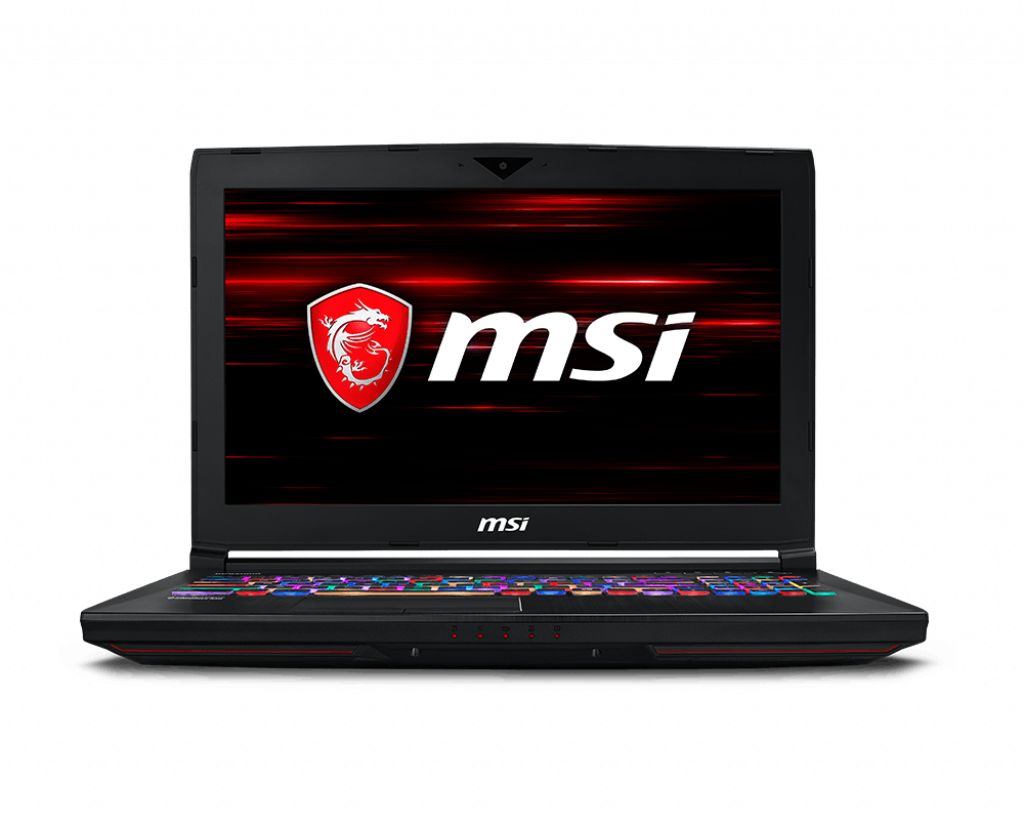
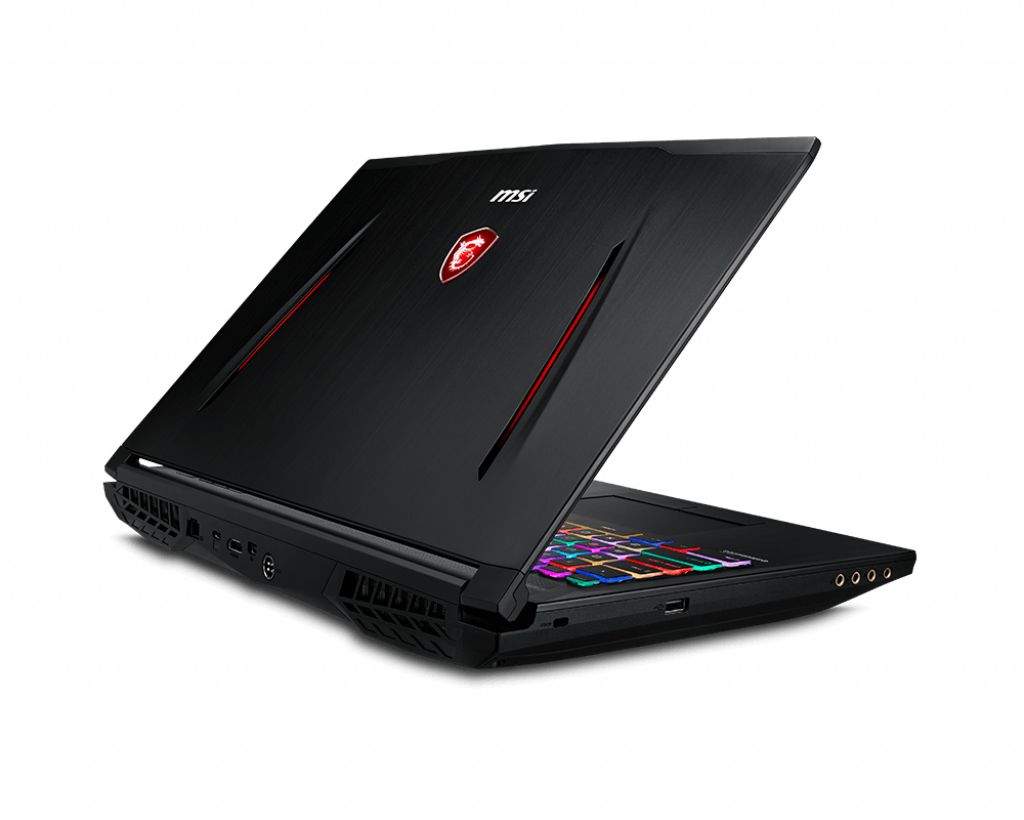
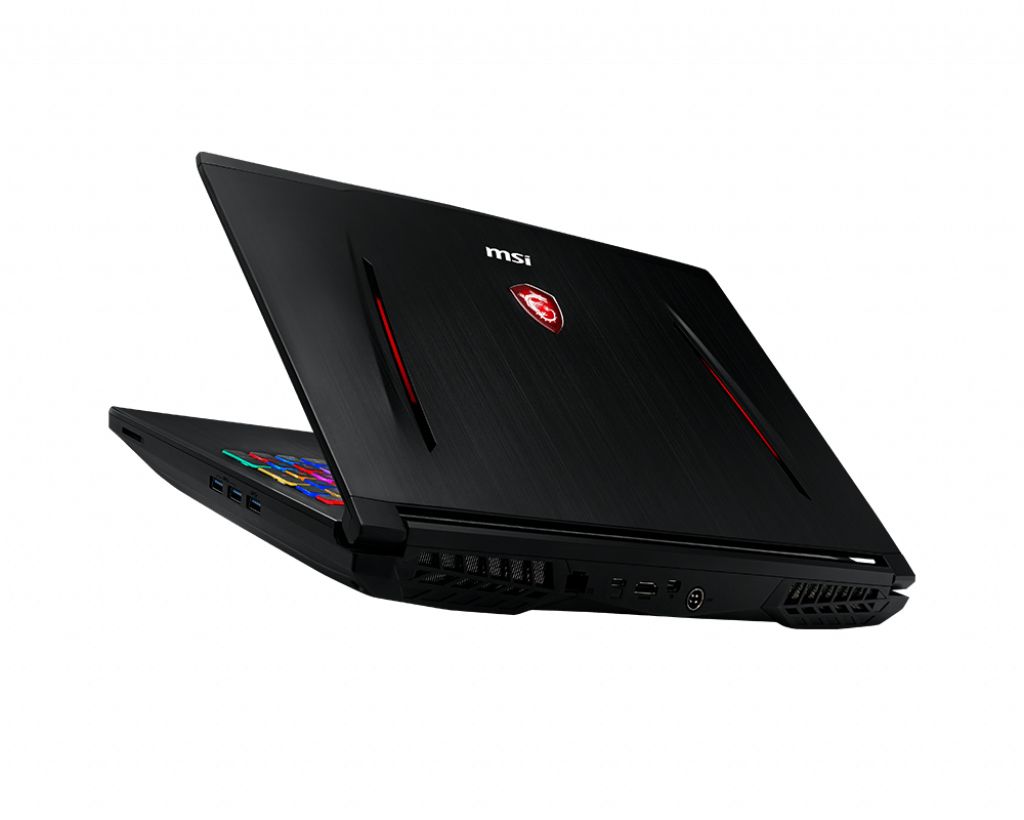
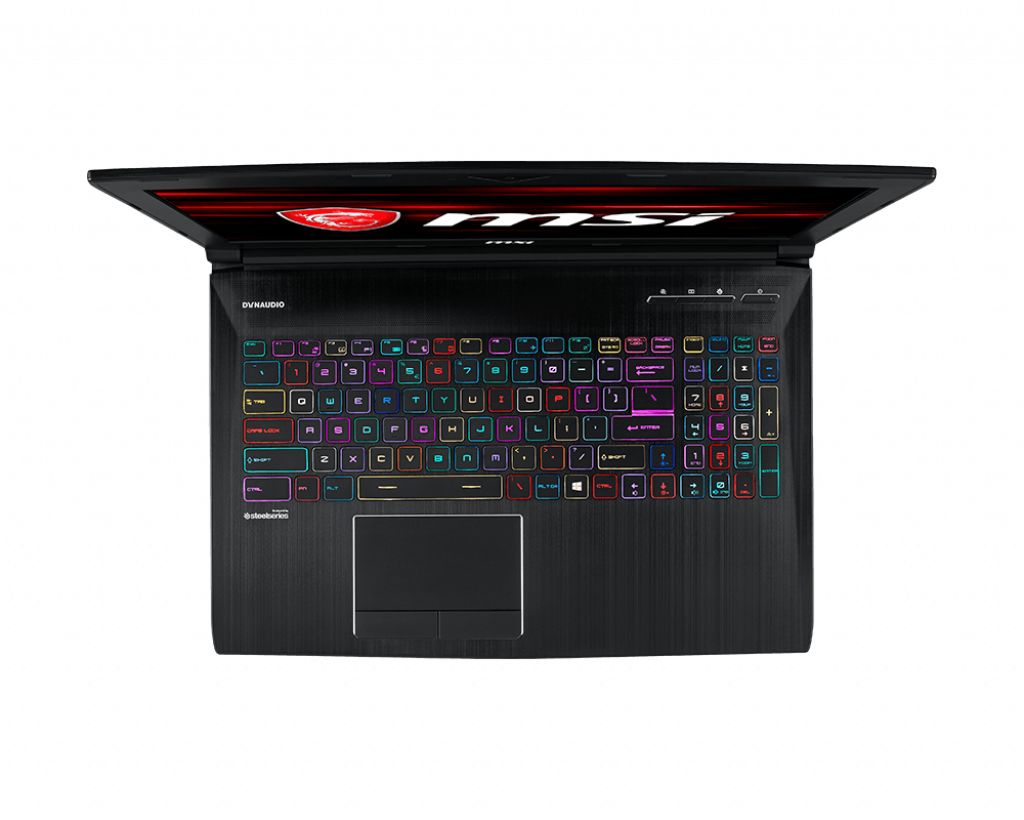
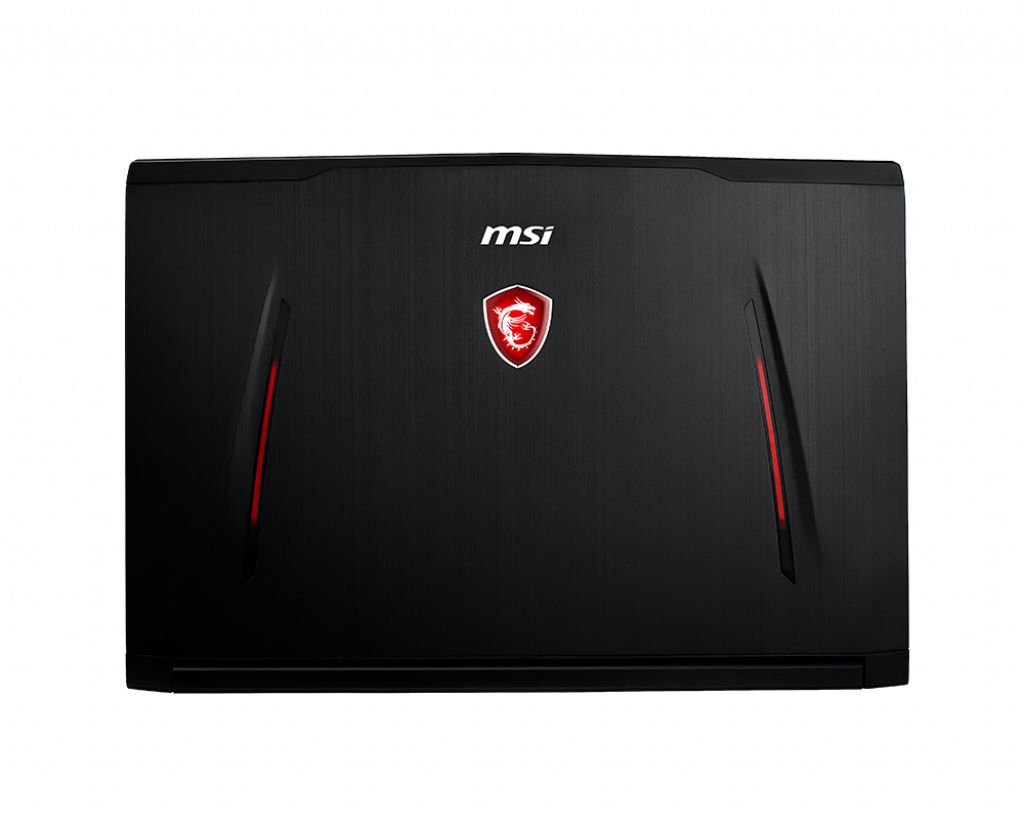
MSI GT63 9SG-043 Titan gaming laptop supports DDR4-SDRAM memory upgrades with four SO-DIMM slots for maximum RAM capacity of 128 GB. Compatible memory modules operate at 2666 MHz frequency. Upgrade specifications enable expansion from factory configuration to 128 GB total capacity through replacement or addition of DDR4 SO-DIMM modules in available slots. Memory type and slot configuration provide upgrade flexibility for enhanced multitasking and performance requirements.
Memory Upgrade Specifications
| Specification | Value |
|---|---|
| Memory slots | 4x SO-DIMM |
| Form factor | SO-DIMM |
| Memory type | DDR4-SDRAM |
| Frequency | 2666 MHz |
| Maximum RAM | 128 GB |
| Voltage | 1.2V |
| Number of pins | 260-pin |
| Interface | PC4 |
| PC Speed Rating | PC4-2666 (PC4-21328) |
| Bandwidth | 21.3 GB/s |
| Laptop Release date | 13 May 2019 |
Additional Notes
- The 4 SO-DIMM configuration in the MSI GT63 9SG-043 Titan allows for flexible capacity scaling without requiring immediate replacement of existing modules when upgrading.
- Supporting 128 GB maximum capacity indicates compatibility with individual 32 GB SO-DIMM modules, though availability and pricing of high-density modules may limit practical upgrade options.
- The 2666 MHz frequency constraint originates from the chipset or processor memory controller specifications, meaning modules rated at higher speeds will downclock to this limit automatically.
- Populating all 4 slots may increase memory access latency compared to dual-channel configurations using 2 slots due to additional electrical load on the memory controller.
- Non-ECC unbuffered SO-DIMM modules represent the only compatible module type, as registered or ECC memory will either fail to initialize or cause boot failures.
- Mixing different module capacities across slots remains functionally possible but may prevent optimal interleaving, potentially reducing bandwidth efficiency in specific workloads.
- The SO-DIMM form factor requires accessing the laptop's bottom panel or keyboard assembly for installation, depending on the manufacturer's chassis design for this model.
- Operating the system with mismatched module speeds will force all DIMMs to run at the lowest common frequency, negating any performance benefit from faster-rated modules.
- Warranty preservation typically requires avoiding physical damage to retention clips and ensuring proper seating angles during installation, as memory upgrades generally do not void coverage.
- Power consumption scales with total installed capacity and operating frequency, affecting thermal output and battery runtime under sustained memory-intensive operations.