MSI Modern 14 A10RB-605CA RAM upgrade specifications
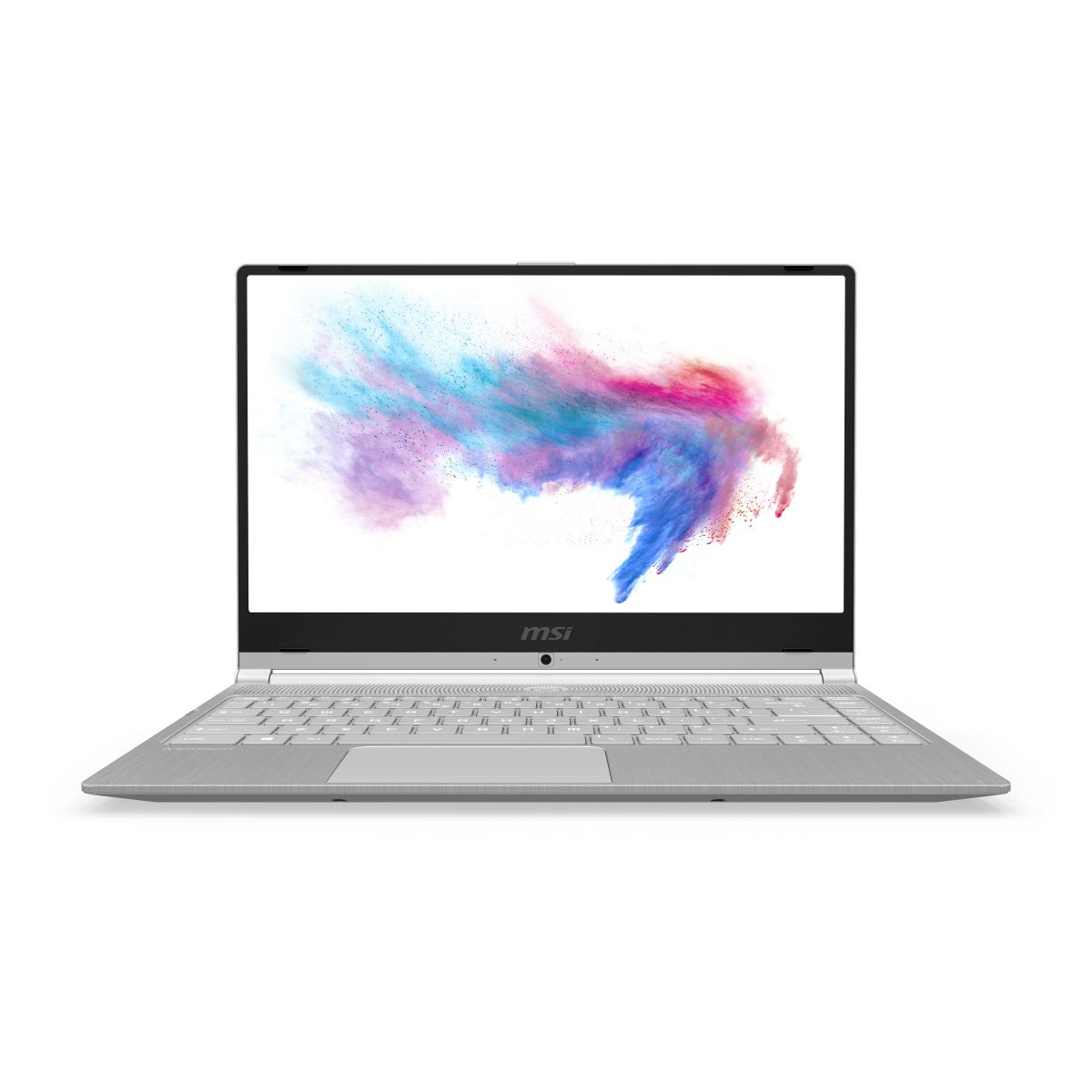
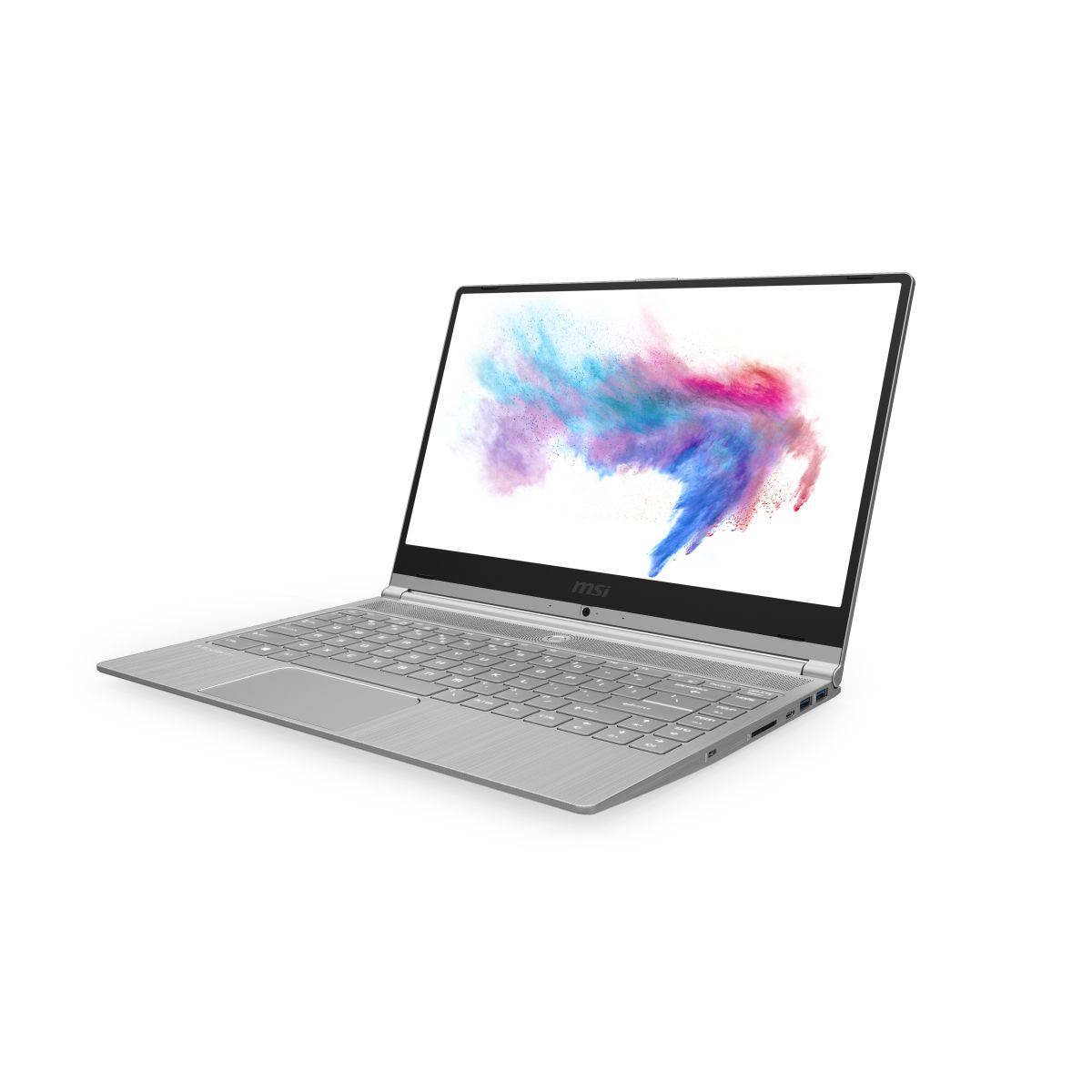
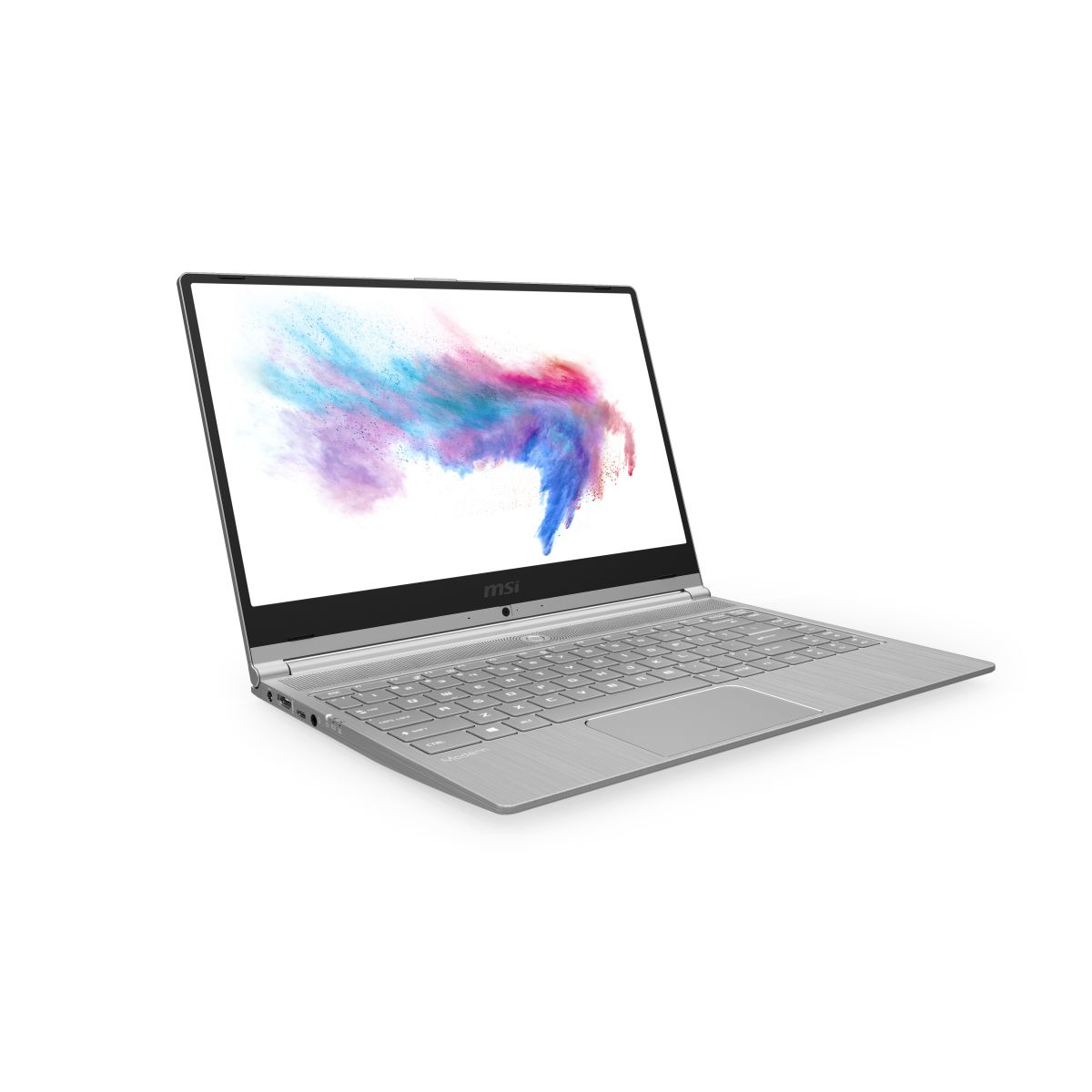
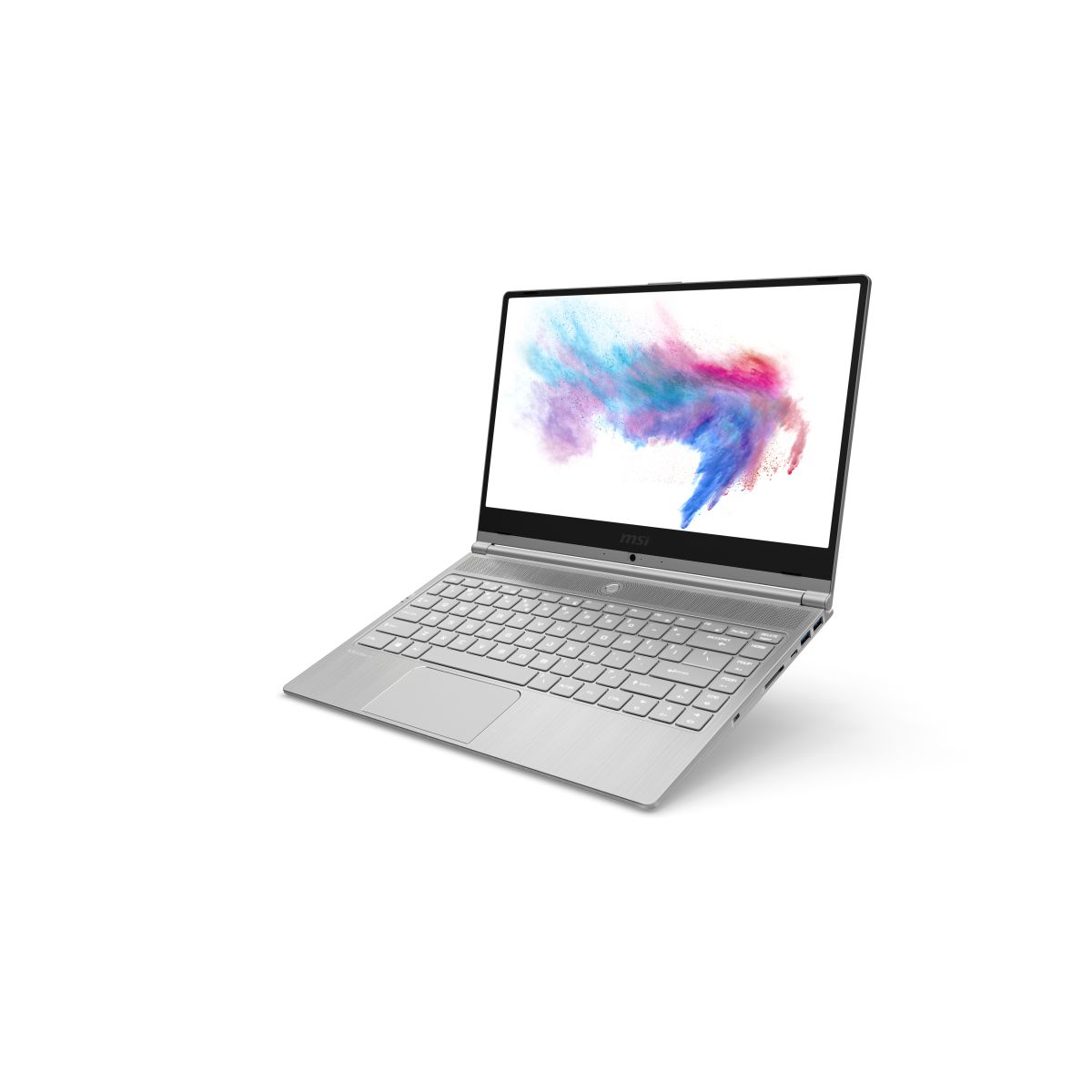
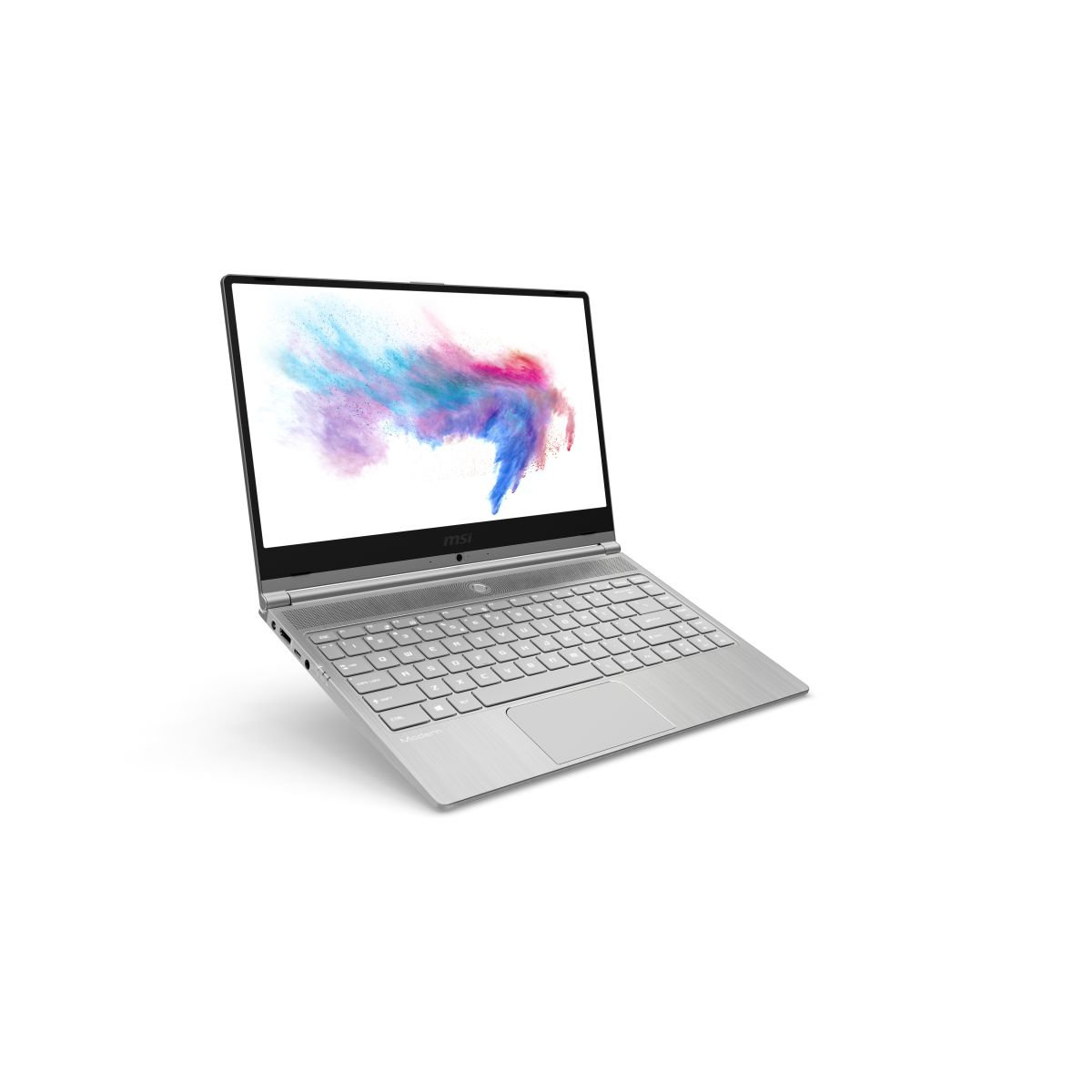
MSI Modern 14 A10RB-605CA laptop features one SO-DIMM slot supporting DDR4-SDRAM memory upgrade specifications. Maximum compatible RAM capacity reaches 32 GB with 2666 MHz frequency support. Upgrade slots accommodate standard SO-DIMM form factor memory modules. Specifications indicate single memory slot configuration for RAM expansion in this MSI Modern 14 series model.
Memory Upgrade Specifications
| Specification | Value |
|---|---|
| Memory slots | 1x SO-DIMM |
| Form factor | SO-DIMM |
| Memory type | DDR4-SDRAM |
| Frequency | 2666 MHz |
| Maximum RAM | 32 GB |
| Voltage | 1.2V |
| Number of pins | 260-pin |
| Interface | PC4 |
| PC Speed Rating | PC4-2666 (PC4-21328) |
| Bandwidth | 21.3 GB/s |
| Laptop Release date | 25 November 2019 |
Additional Notes
- The MSI Modern 14 A10RB-605CA contains a single memory slot, indicating that maximum capacity expansion requires complete replacement of the existing module rather than adding a second stick.
- DDR4-2666 MHz represents a mid-range specification for this generation, which constrains bandwidth to approximately 21.3 GB/s. This throttles sustained data transfer to system RAM during intensive workloads compared to newer DDR4-3200 or DDR5 implementations.
- SO-DIMM form factor is standard for 14-inch ultraportable systems but creates a physical constraint: replacement modules must use the identical low-profile connector standard, restricting options to laptop-specific memory products rather than desktop variants.
- Upgrading to the 32 GB ceiling requires purchasing a single SO-DIMM module rated for DDR4-2666 or higher. DDR4-3200 modules function at reduced 2666 MHz speeds due to JEDEC downclocking, incurring no compatibility risk but negating the speed advantage of premium memory.
- The single-slot architecture creates a latency vulnerability: if the installed module fails, the system loses all RAM functionality immediately, unlike dual-slot designs where one module can sustain basic operation.
- Warranty preservation typically requires purchasing memory from OEM-approved vendors or selecting modules with standard SPD profiles. Non-standard timings may trigger compatibility flags in BIOS, though functionality generally remains intact.