MSI Modern 15 A11M-050XFR RAM upgrade specifications
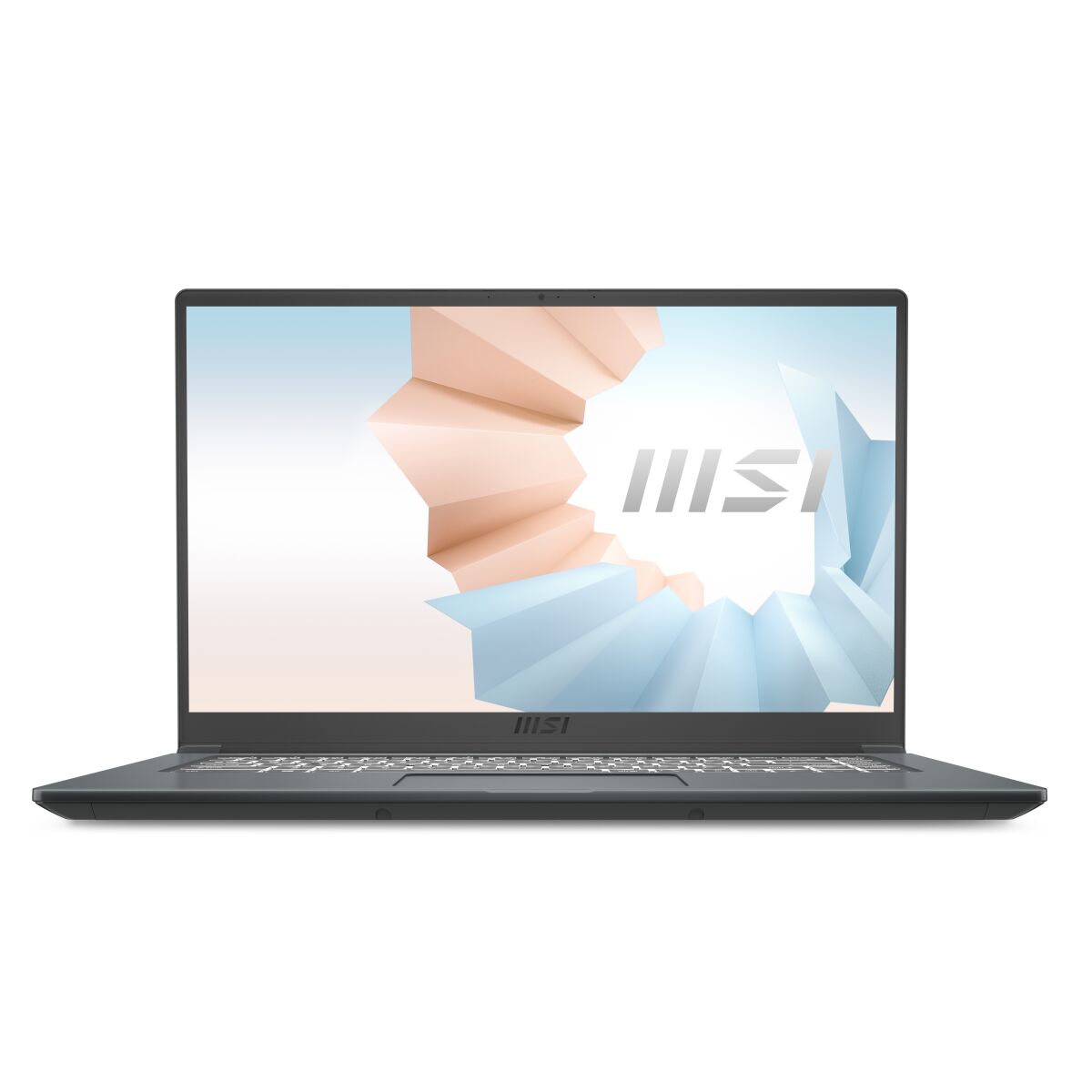
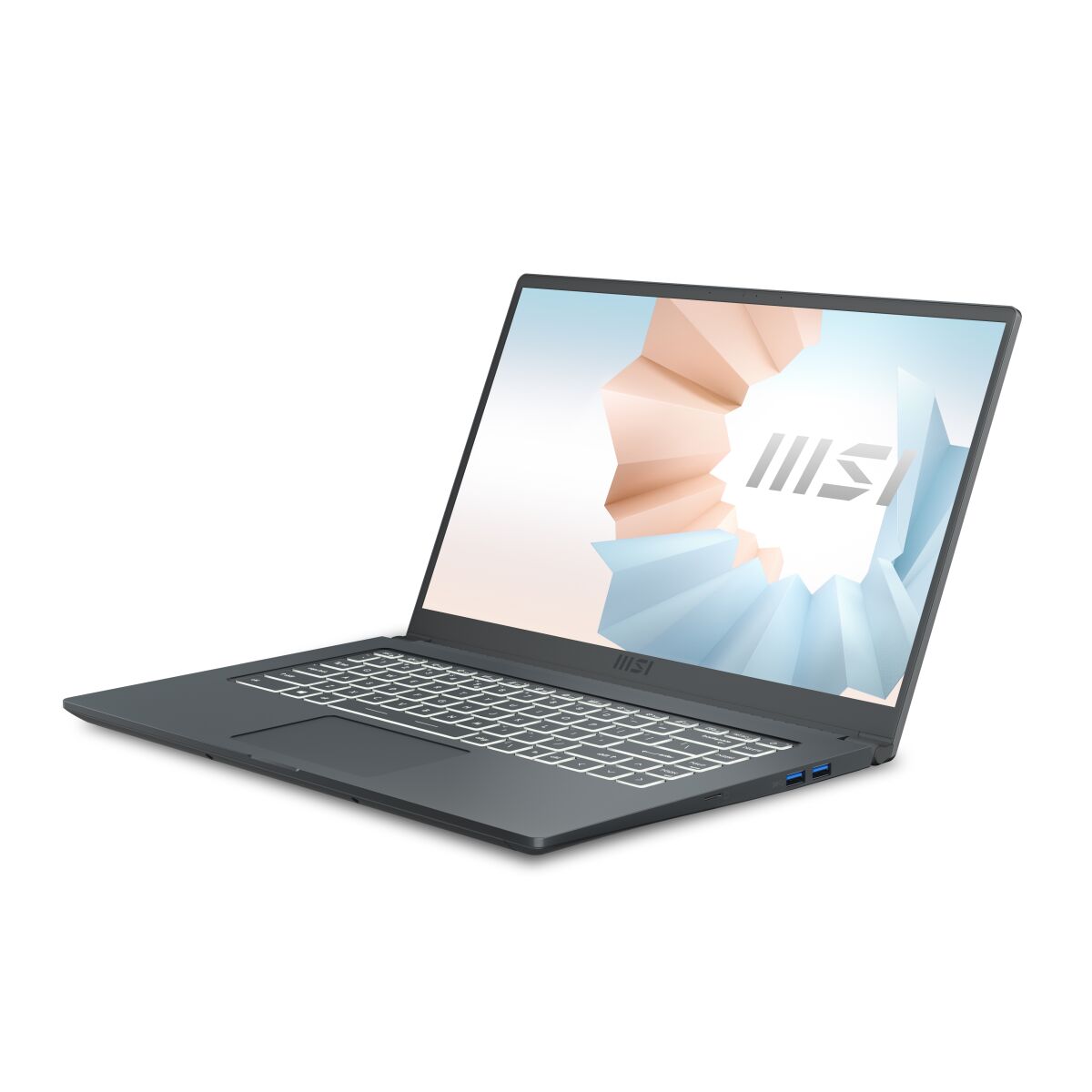
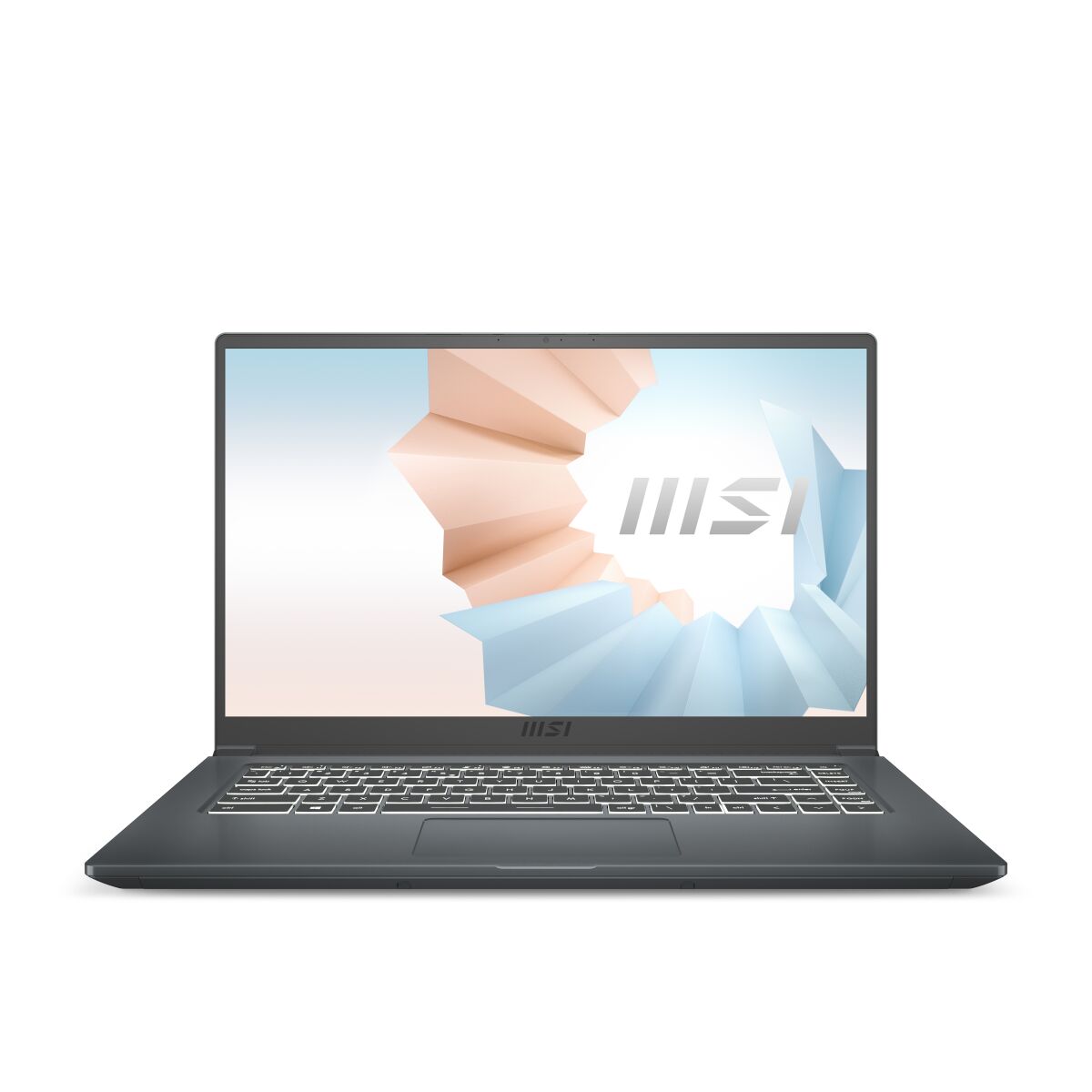
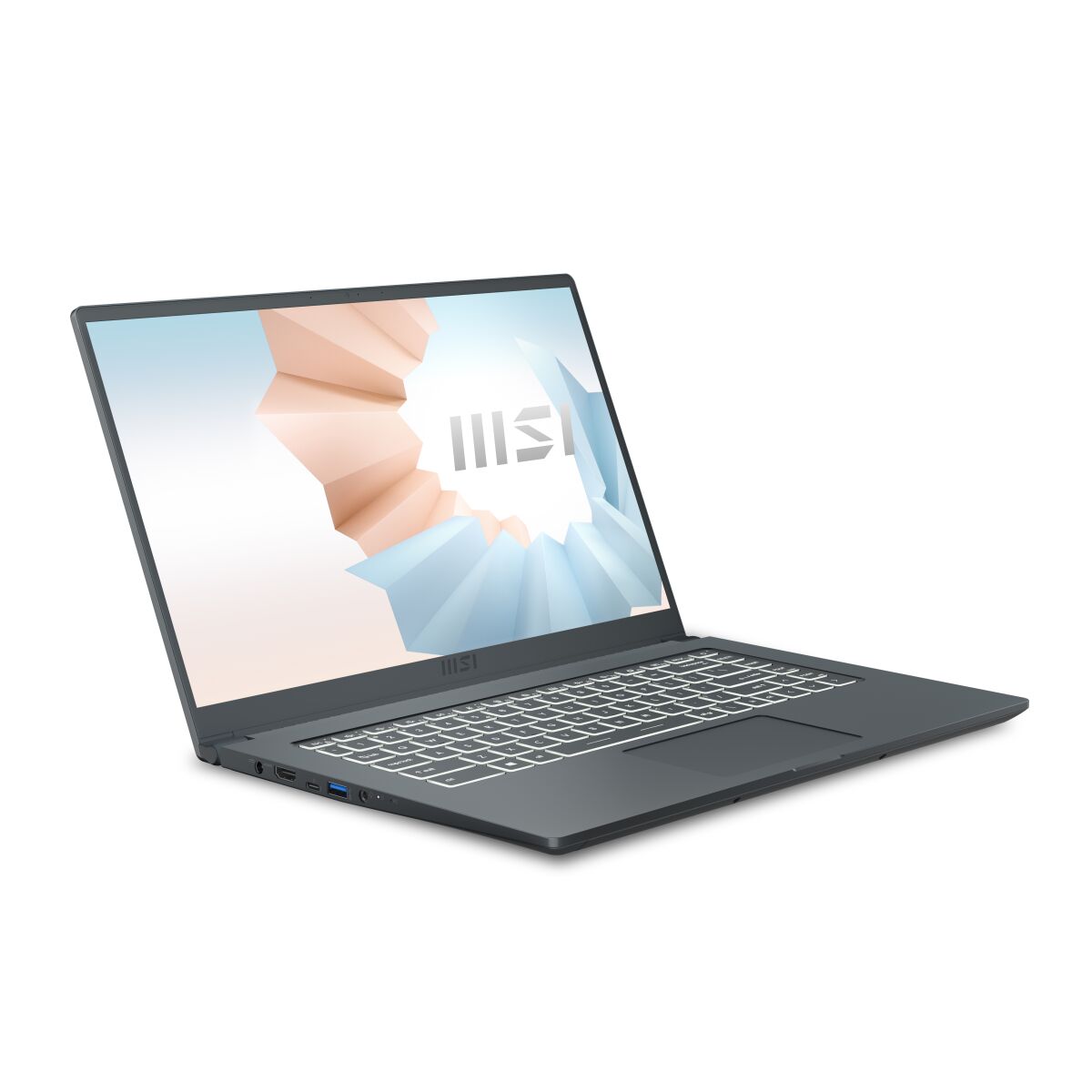
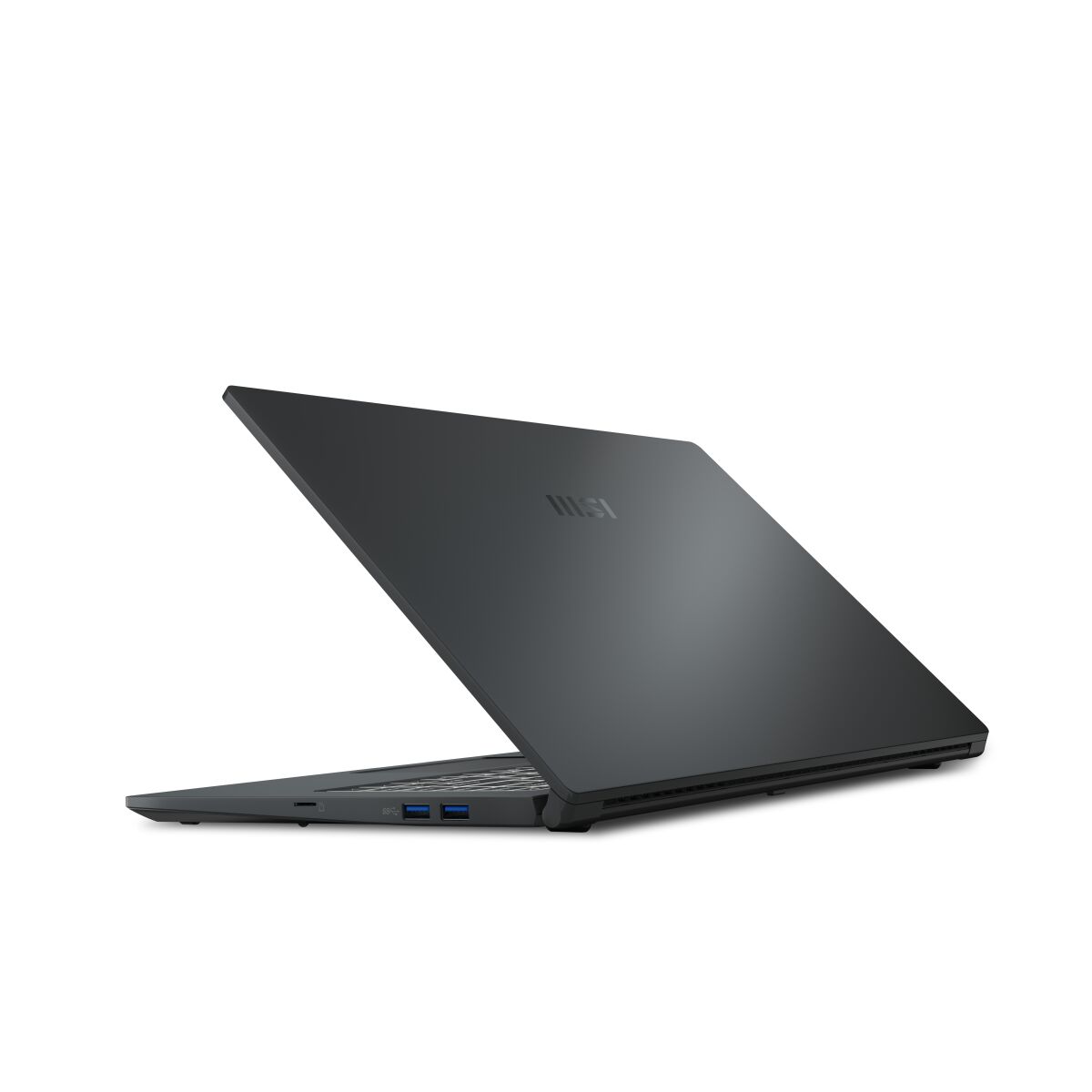
MSI Modern 15 A11M-050XFR laptop features two SO-DIMM memory slots for DDR4-SDRAM upgrade capacity. Compatible memory modules operate at 2666 MHz frequency specifications. Maximum RAM upgrade capacity reaches 64 GB total. This configuration supports standard DDR4 SO-DIMM form factor modules. Existing memory can be supplemented or replaced to achieve maximum specifications. Dual-slot architecture enables flexible memory expansion options for the A11M-050XFR model within specified compatibility parameters.
Memory Upgrade Specifications
| Specification | Value |
|---|---|
| Memory slots | 2x SO-DIMM |
| Form factor | SO-DIMM |
| Memory type | DDR4-SDRAM |
| Frequency | 2666 MHz |
| Maximum RAM | 64 GB |
| Voltage | 1.2V |
| Number of pins | 260-pin |
| Interface | PC4 |
| PC Speed Rating | PC4-2666 (PC4-21328) |
| Bandwidth | 21.3 GB/s |
| Laptop Release date | 28 September 2020 |
Additional Notes
- The MSI Modern 15 A11M-050XFR accommodates DDR4-SDRAM exclusively, which means DDR5 modules cannot be installed regardless of physical compatibility attempts.
- Dual SO-DIMM slots permit symmetric dual-channel configuration only when both slots contain matching capacity modules, optimizing memory bandwidth utilization for the 11th generation processor architecture.
- Maximum addressable capacity reaches 64 GB when populated with 2x32GB modules, though real-world availability of 32GB SO-DIMM DDR4 units remains limited and typically incurs substantial cost premiums relative to desktop equivalents.
- Native frequency specification of 2666 MHz establishes the baseline supported speed; higher frequency modules (3200 MHz, 3600 MHz) will operate but downclock to 2666 MHz, negating theoretical performance gains from premium memory selection.
- Factory configuration likely contains 2x8GB modules based on typical OEM provisioning, leaving 48 GB additional capacity available through matched pair replacement rather than incremental slot filling.
- SO-DIMM form factor dimensions (67.6 x 30 mm) require access to the bottom panel or keyboard assembly depending on internal layout; no standard upgrade requires soldered component removal or motherboard disassembly beyond RAM compartment exposure.
- Memory upgrade operations fall within standard user maintenance protocols and do not typically trigger warranty voiding when performed without collateral component damage or thermal paste disturbance.