MSI Workstation WS63 7RK-298CA RAM upgrade specifications
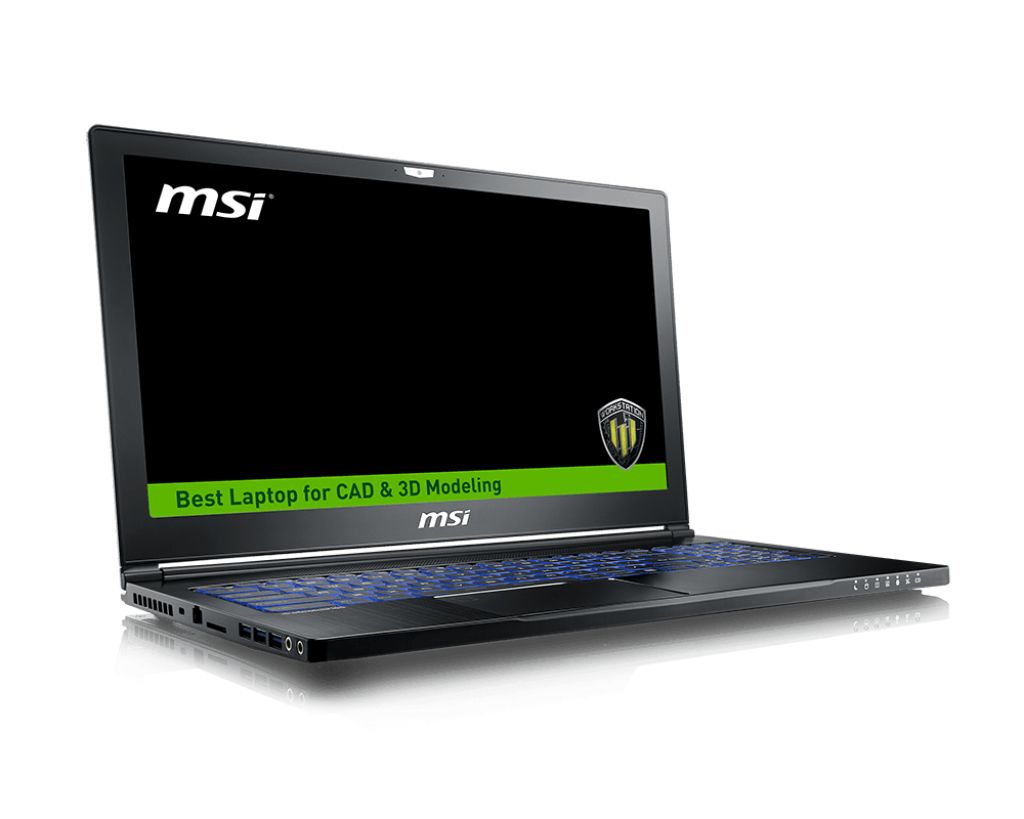
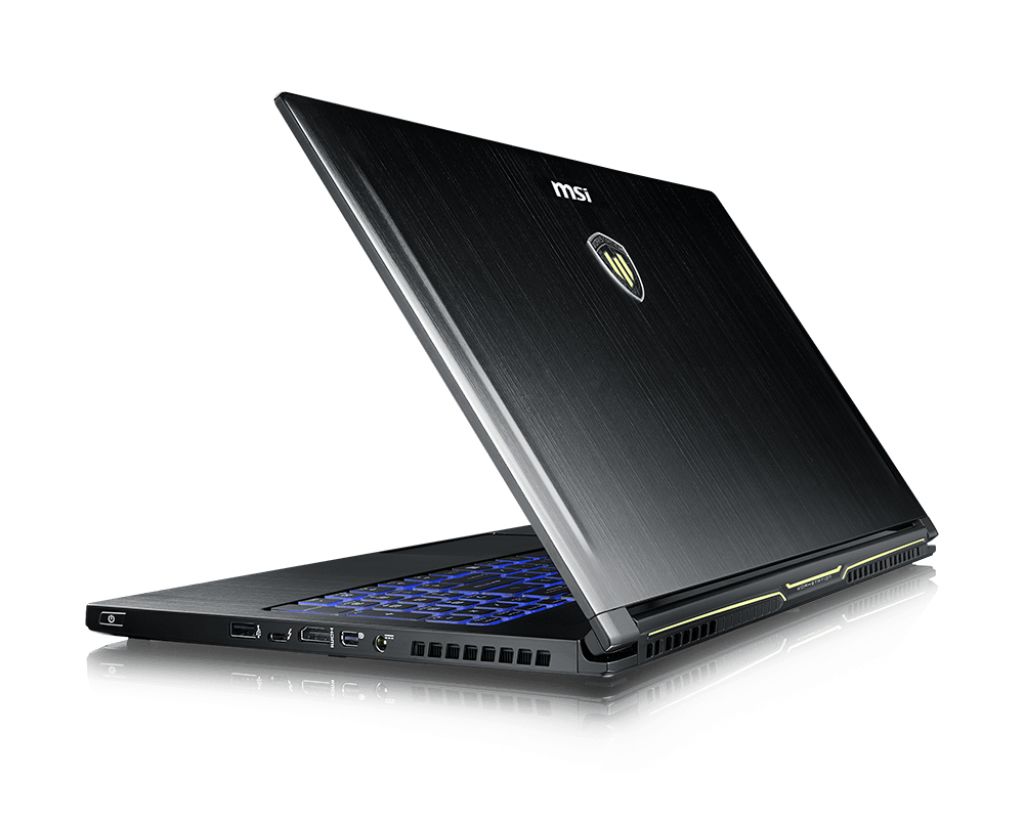
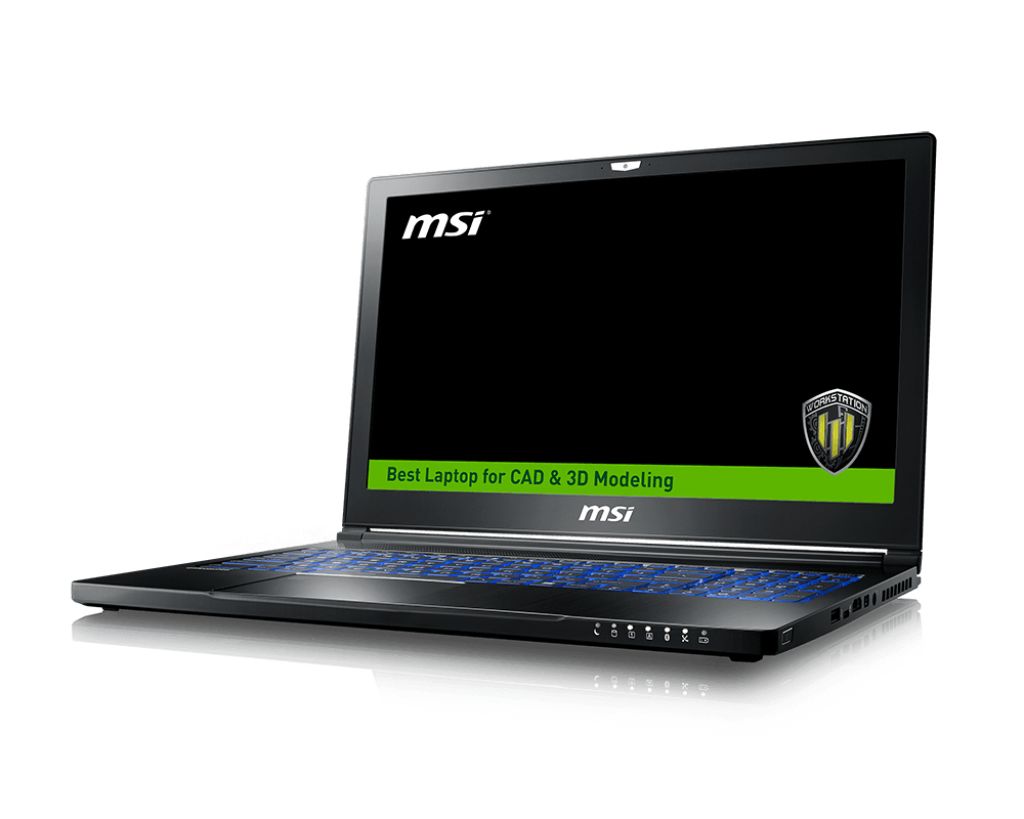
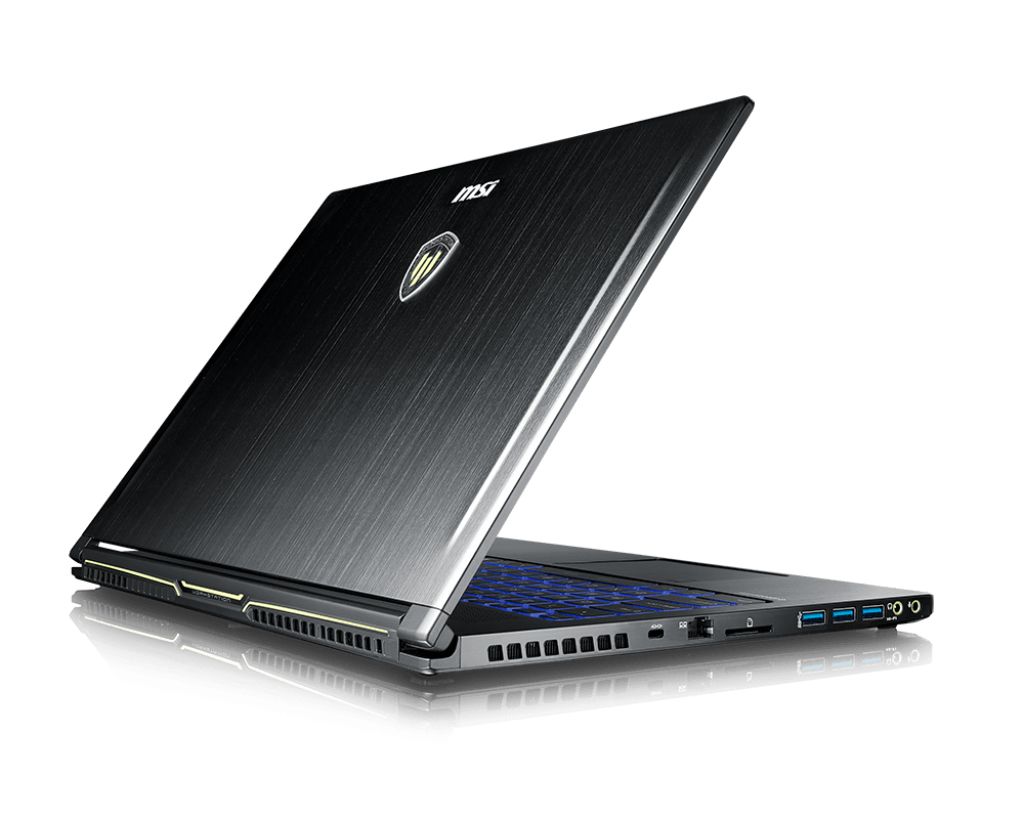
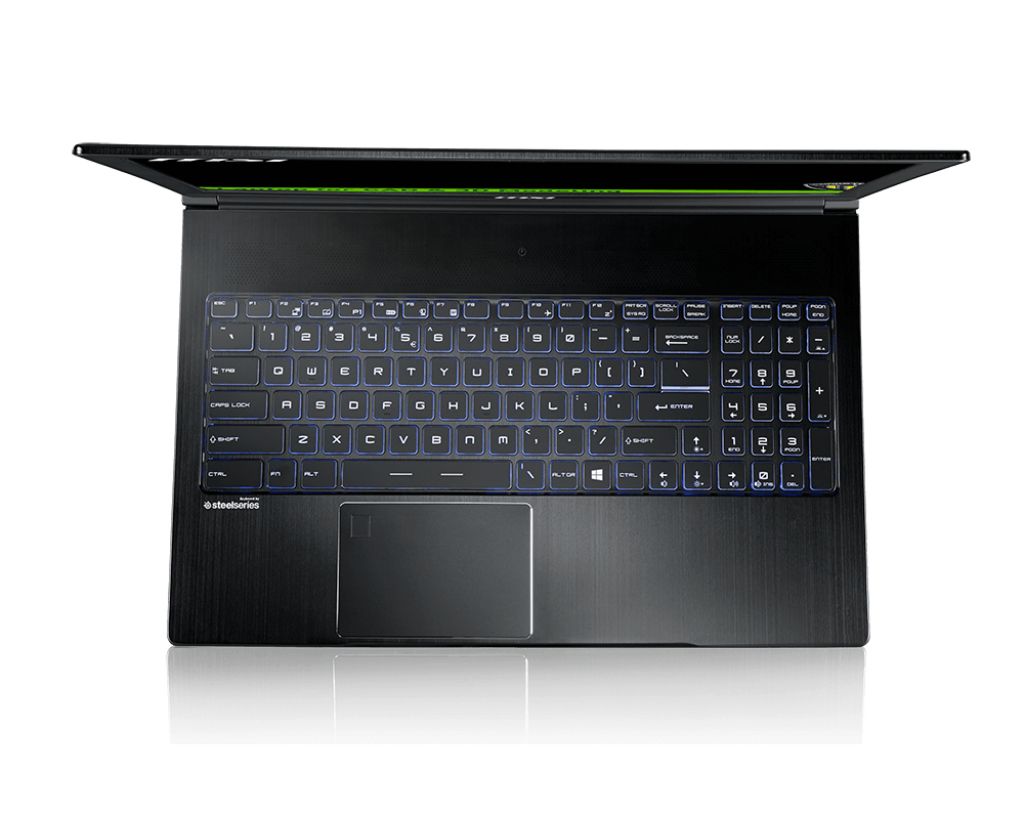
MSI WS63 7RK-298CA workstation features DDR4-SDRAM memory upgrade capability with 2x SO-DIMM slots supporting maximum capacity of 32 GB. Compatible memory operates at 2400 MHz frequency with SO-DIMM form factor. Upgrade specifications enable expansion from baseline configuration to maximum RAM capacity of 32 GB total, providing enhanced multitasking and workstation performance for professional applications.
Memory Upgrade Specifications
| Specification | Value |
|---|---|
| Memory slots | 2x SO-DIMM |
| Form factor | SO-DIMM |
| Memory type | DDR4-SDRAM |
| Frequency | 2400 MHz |
| Maximum RAM | 32 GB |
| Voltage | 1.2V |
| Number of pins | 260-pin |
| Interface | PC4 |
| PC Speed Rating | PC4-2400 (PC4-19200) |
| Bandwidth | 19.2 GB/s |
| Laptop Release date | 27 April 2017 |
Additional Notes
- The MSI WS63 7RK-298CA workstation uses dual SO-DIMM slots with a 32 GB ceiling, requiring matched pairs for optimal dual-channel performance; single-module upgrades will force single-channel operation and reduce memory bandwidth by approximately 50 percent.
- DDR4-2400 MHz specification indicates 7th-generation Intel Xeon or Core processor compatibility; newer DDR4-3200 modules will downclock to 2400 MHz, negating speed advantages and wasting investment in faster memory.
- SO-DIMM form factor restricts upgrade sources to laptop-grade memory; desktop DDR4 modules are physically incompatible and will not physically insert into the available slots.
- The 32 GB maximum capacity means upgrading from factory configuration (typically 8 GB or 16 GB) to 32 GB requires replacing both modules entirely rather than adding capacity; the original memory modules cannot be retained alongside new ones.
- Workstation-class hardware typically enforces strict memory compatibility validation during POST; non-ECC modules may post successfully but could cause data corruption in professional workloads without generating user-facing error messages.
- Memory slot accessibility in mobile workstations often requires removing the bottom panel; this action may void warranty coverage unless performed by authorized service centers, depending on MSI's specific terms for this model.