ASUS ExpertBook B2502CBA-BQ0434X RAM upgrade specifications
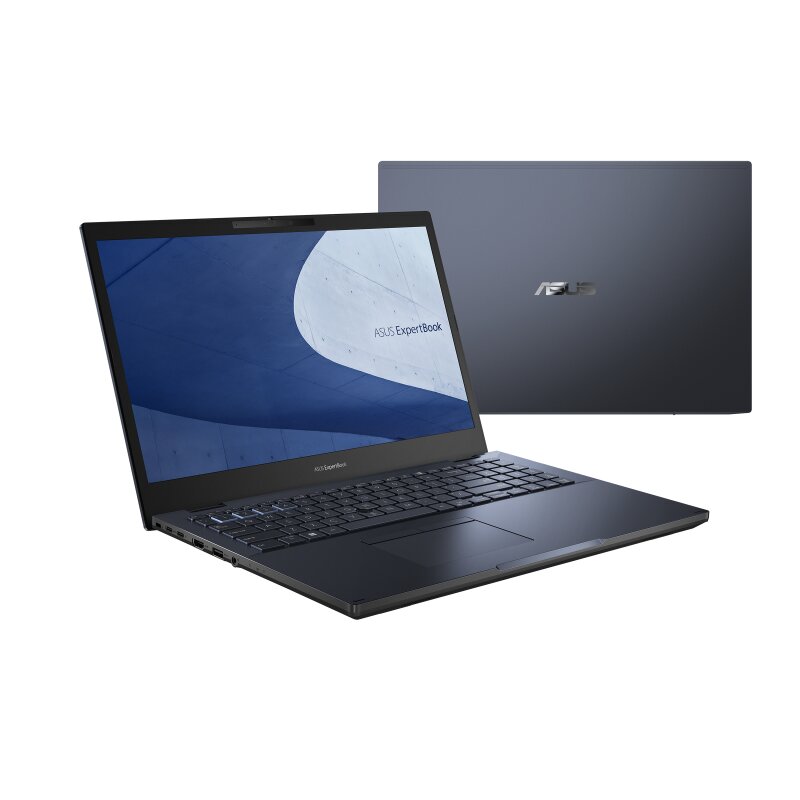
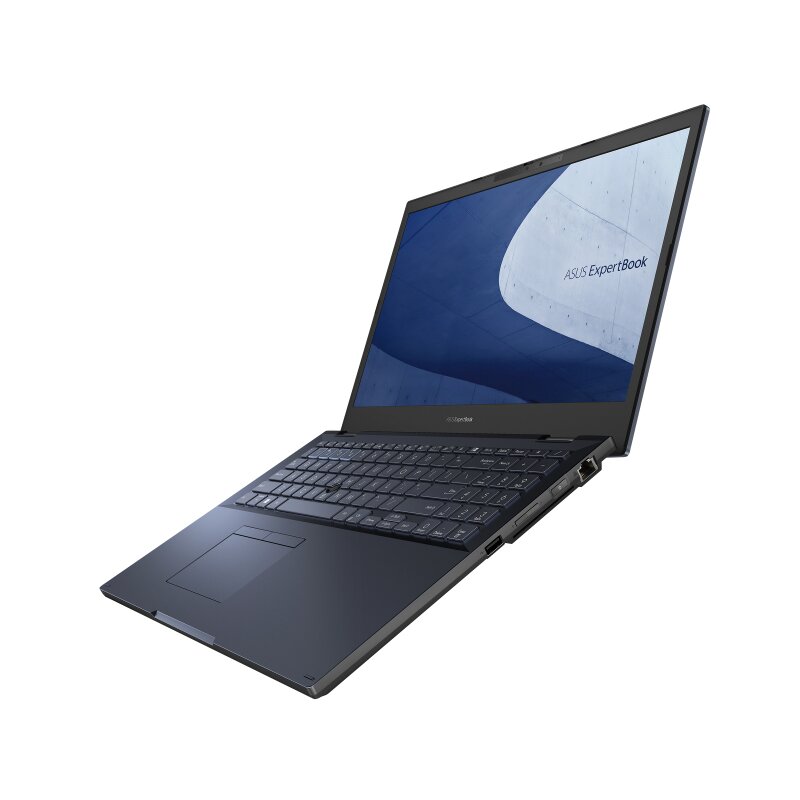
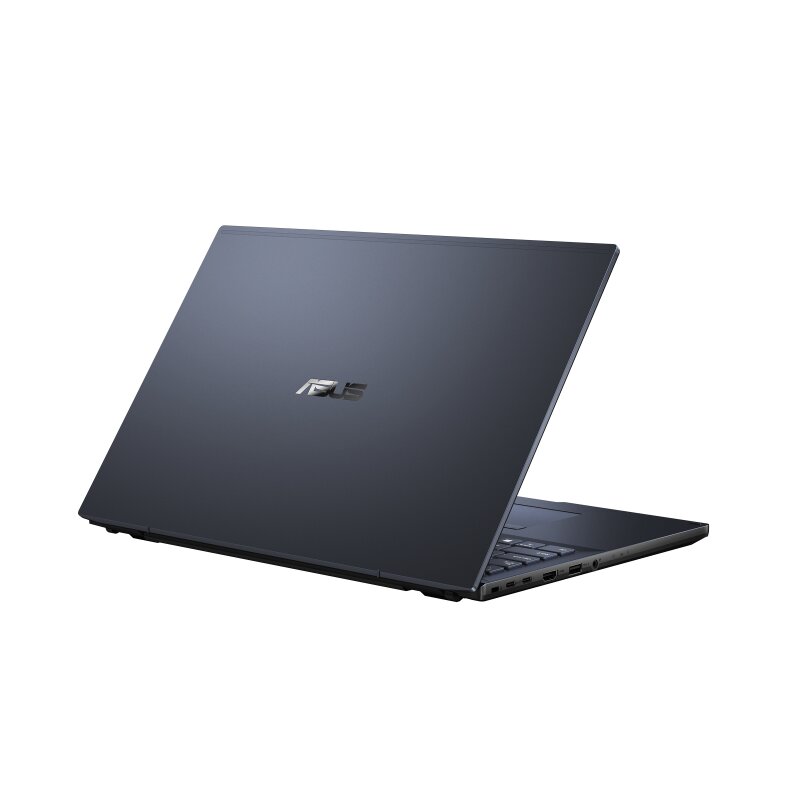
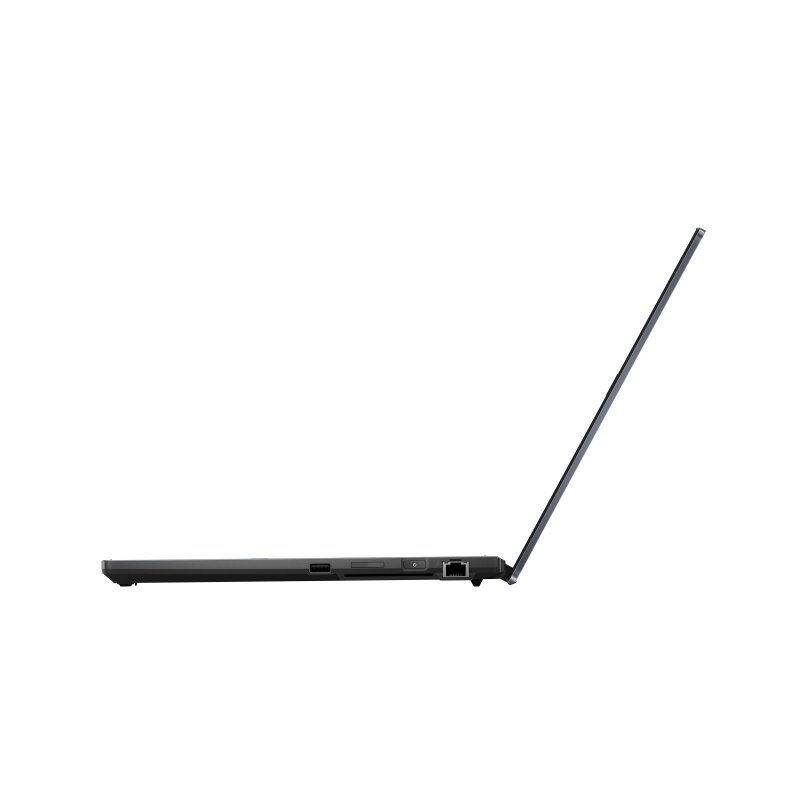
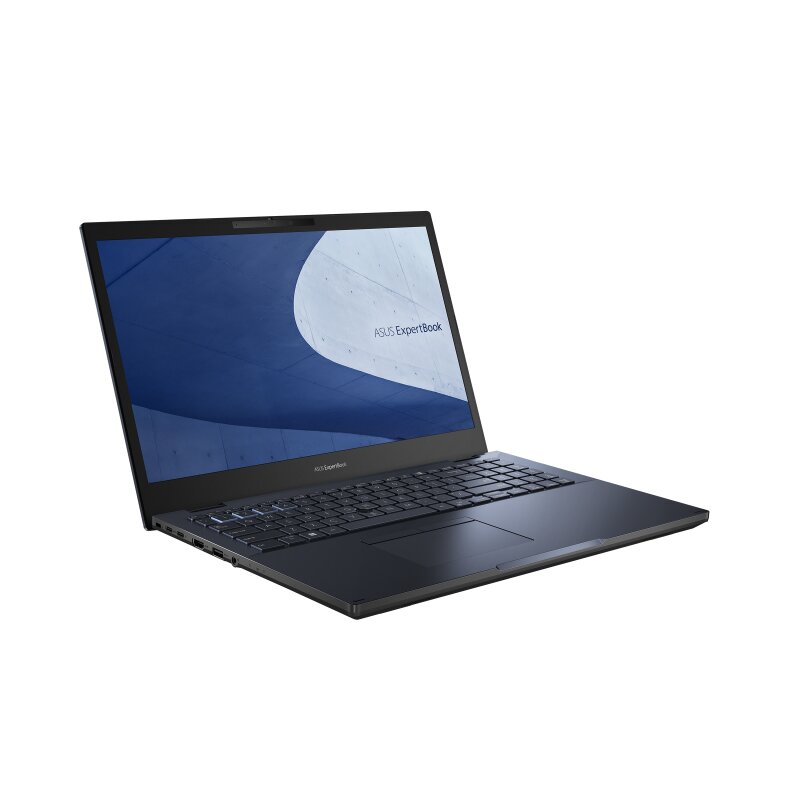
The ASUS ExpertBook B2 series model B2502CBA-BQ0434X supports DDR4-SDRAM memory upgrades. The laptop features two SO-DIMM slots for memory expansion. Maximum supported RAM capacity reaches 64 GB total. Compatible upgrades utilize DDR4 memory modules operating at 3200 MHz frequency. The SO-DIMM form factor specifications define the physical dimensions required for compatible memory modules. Current memory upgrade options allow users to expand the system's RAM capacity by replacing or supplementing existing modules within the available slots.
Memory Upgrade Specifications
| Specification | Value |
|---|---|
| Memory slots | 2x SO-DIMM |
| Form factor | SO-DIMM |
| Memory type | DDR4-SDRAM |
| Frequency | 3200 MHz |
| Maximum RAM | 64 GB |
| Voltage | 1.2V |
| Number of pins | 260-pin |
| Interface | PC4 |
| PC Speed Rating | PC4-3200 (PC4-25600) |
| Bandwidth | 25.6 GB/s |
| Laptop Release date | 25 October 2022 |
Additional Notes
- Dual channel architecture requires matching memory modules in both slots to optimize memory bandwidth and reduce system latency during intensive multitasking.
- The absence of soldered memory on the ASUS ExpertBook B2502CBA-BQ0434X motherboard allows for the replacement of both factory modules to reach the maximum 64 GB capacity.
- Installing memory with clock speeds exceeding 3200 MHz will result in the hardware downclocking to match the processor bus limitations.
- Physical installation requires standard small outline dual in-line memory modules and precludes the use of full sized desktop hardware or newer DDR5 technology due to physical pin alignment and voltage differences.
- Thermal performance may be impacted when utilizing high density 32 GB modules in each slot because of increased heat dissipation within the compact chassis area.
- System stability depends on utilizing non-ECC unbuffered modules as buffered server memory is electrically incompatible with this specific chipset.
- Accessing the SO-DIMM slots typically involves removing the bottom base cover which requires precision tools to avoid damaging the plastic clips or stripping the screw heads.