ASUS ROG G513QR-HF012 RAM upgrade specifications


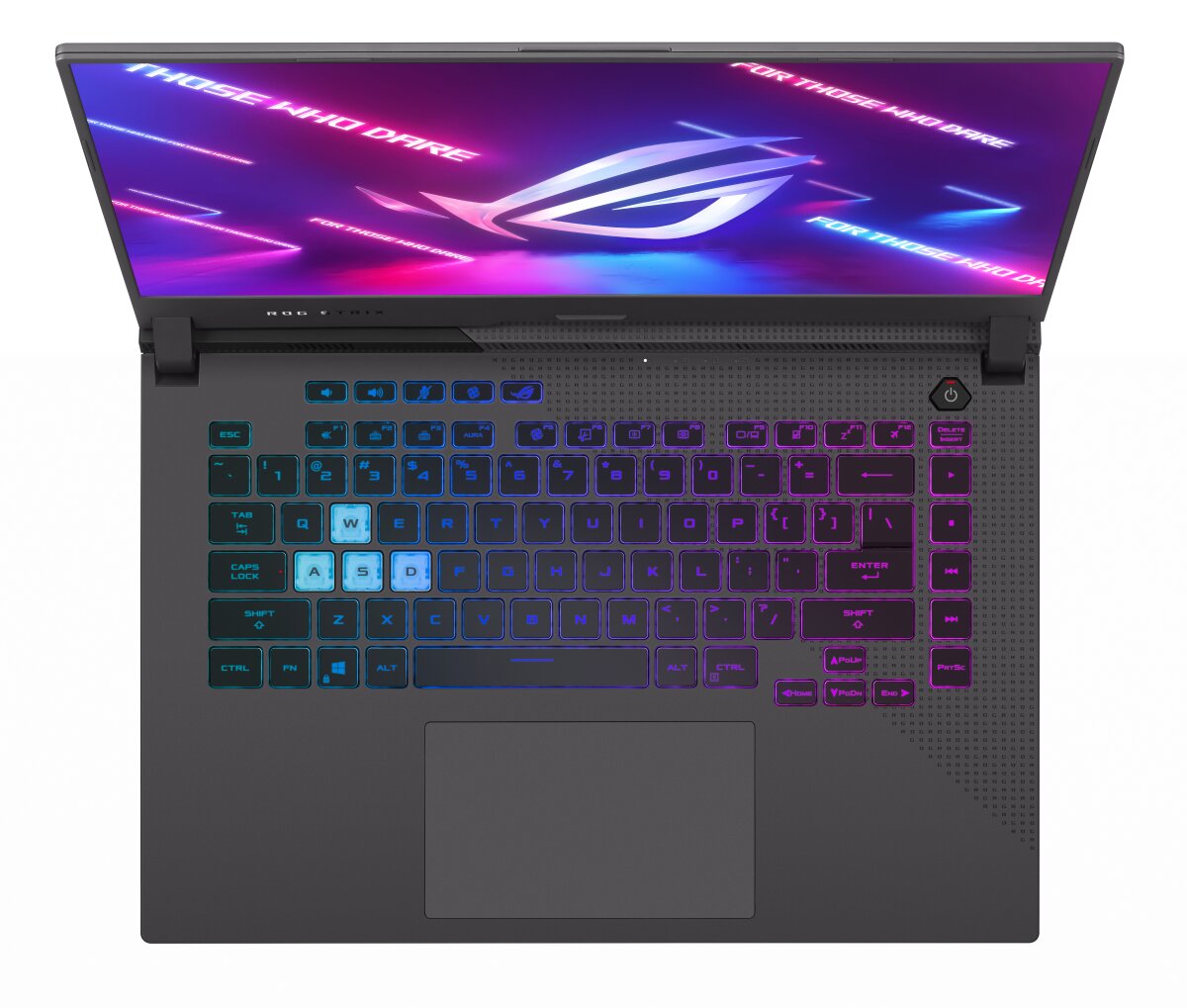
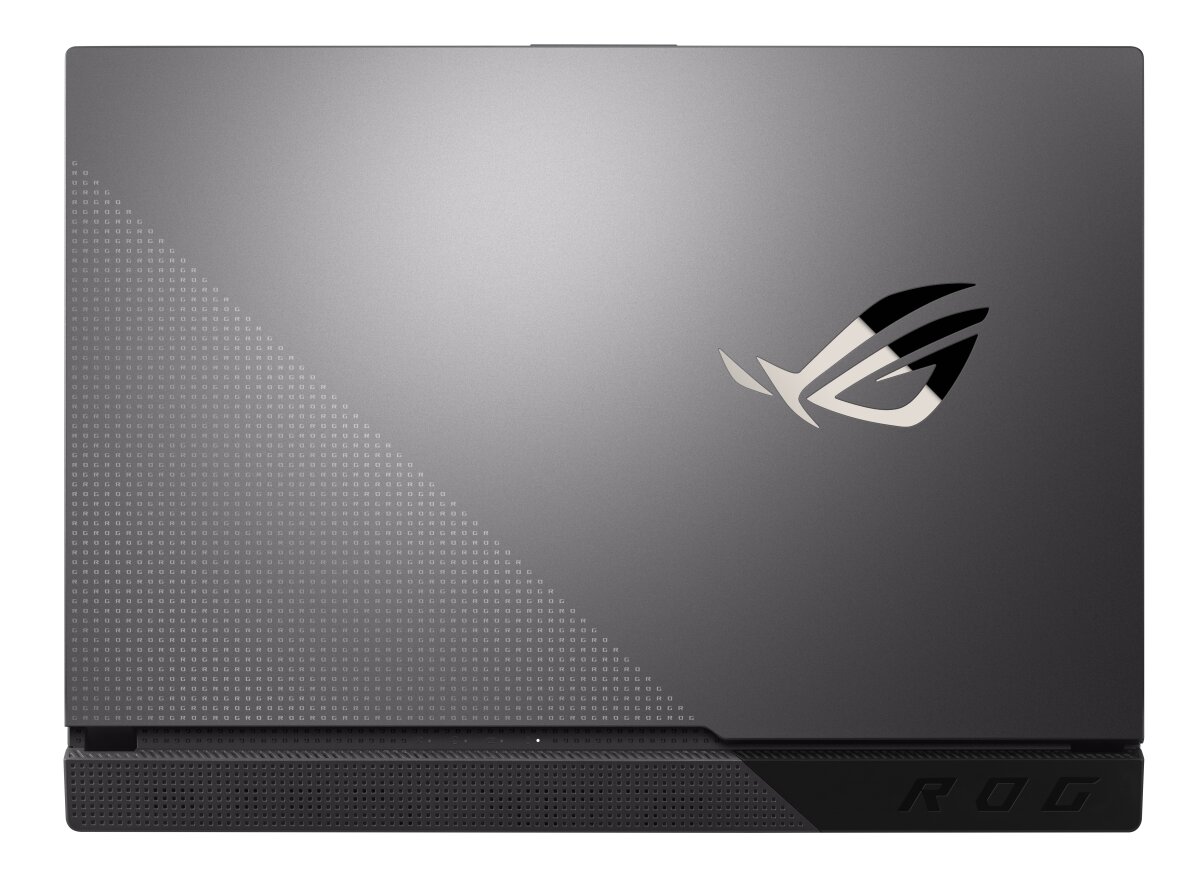
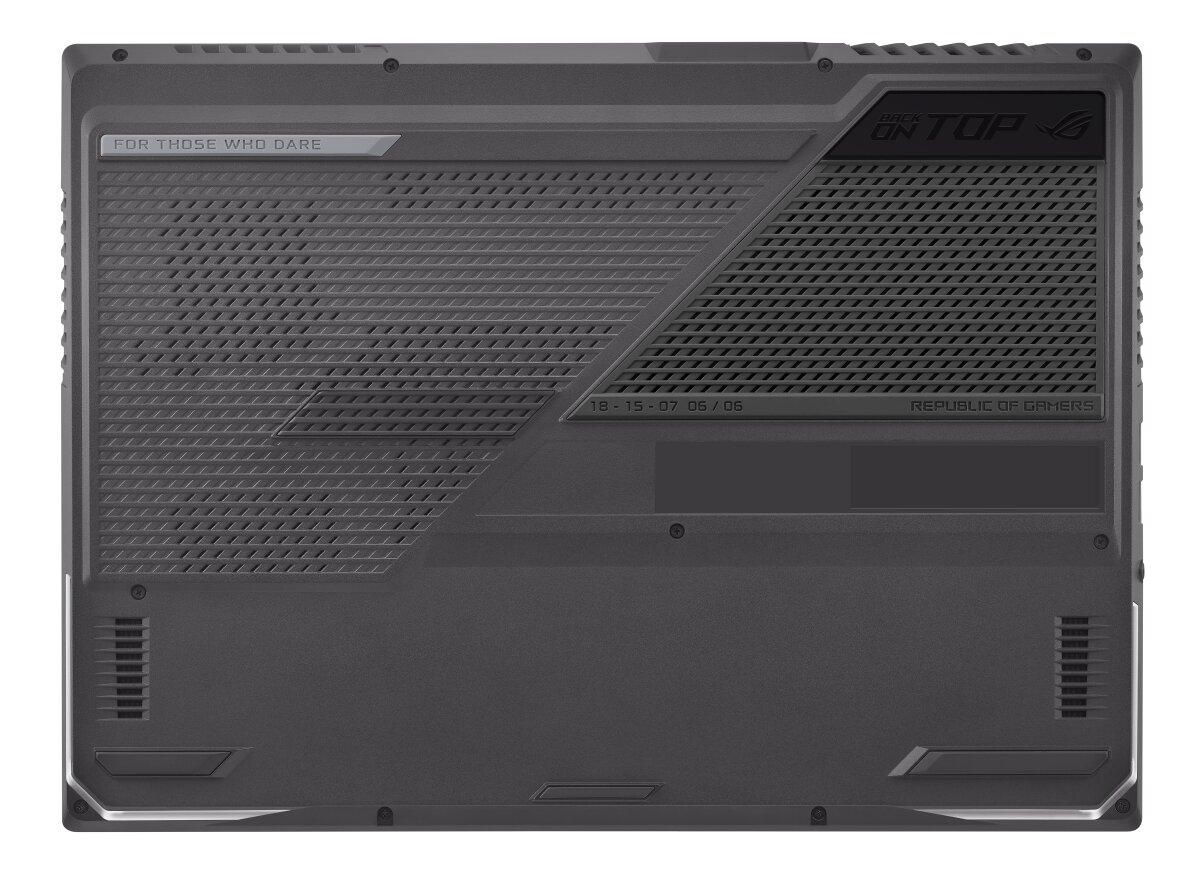
The ASUS ROG Strix G15 G513QR-HF012 features dual SO-DIMM slots supporting DDR4-SDRAM memory upgrades. Maximum RAM capacity reaches 32 GB total. Compatible memory modules operate at 3200 MHz frequency. The laptop specifications allow for memory expansion through replacement or addition of DDR4 SO-DIMM modules in the two available slots. Memory upgrade options enable users to increase system RAM capacity for enhanced multitasking and performance on the gaming-focused Strix G15 platform.
Memory Upgrade Specifications
| Specification | Value |
|---|---|
| Memory slots | 2x SO-DIMM |
| Form factor | SO-DIMM |
| Memory type | DDR4-SDRAM |
| Frequency | 3200 MHz |
| Maximum RAM | 32 GB |
| Voltage | 1.2V |
| Number of pins | 260-pin |
| Interface | PC4 |
| PC Speed Rating | PC4-3200 (PC4-25600) |
| Bandwidth | 25.6 GB/s |
| Laptop Release date | 14 July 2021 |
Additional Notes
- The ASUS ROG G513QR-HF012 architecture restricts total system memory to 32 GB due to chipset addressing limitations, preventing higher density module configurations beyond dual 16 GB sticks.
- DDR4-3200 represents the validated frequency ceiling, though physically faster modules may downclock automatically to this native speed without user intervention.
- Both SO-DIMM slots must maintain identical specifications (matching speed, latency, and capacity) to preserve dual-channel bandwidth, which effectively doubles memory throughput compared to single-channel operation.
- Mixing module capacities between slots forces asymmetric dual-channel mode, creating performance degradation in applications that exceed the capacity of the smaller module.
- The SO-DIMM form factor physically differs from standard DIMM desktop memory through reduced pin count and physical length, making desktop modules mechanically incompatible regardless of specification similarity.
- Accessing memory slots typically requires complete bottom panel removal, which may involve releasing multiple screw types and potentially disconnecting ribbon cables depending on chassis design.
- Installing non-qualified memory kits risks boot failures or thermal throttling if modules exceed the motherboard's voltage regulation or cooling capacity under sustained workloads.
- Warranty preservation depends on avoiding visible damage to slot retention clips or surrounding PCB traces during module installation, as physical installation errors constitute user-induced failures.
- System POST diagnostics automatically configure memory timings based on SPD chip data, though manual timing adjustments through BIOS remain restricted on most factory-locked firmware implementations.