ASUS ROG G713PV-HX054W RAM upgrade specifications
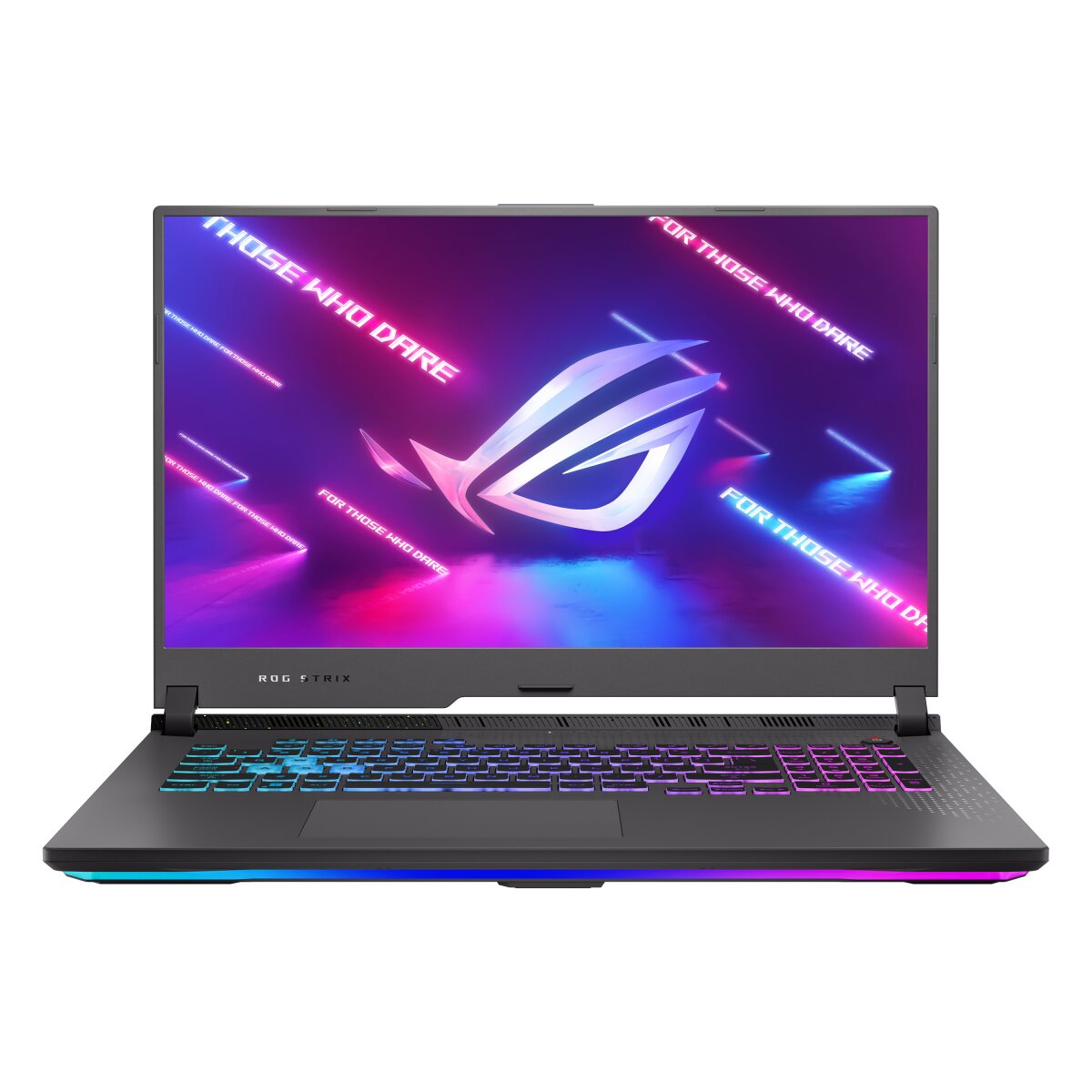
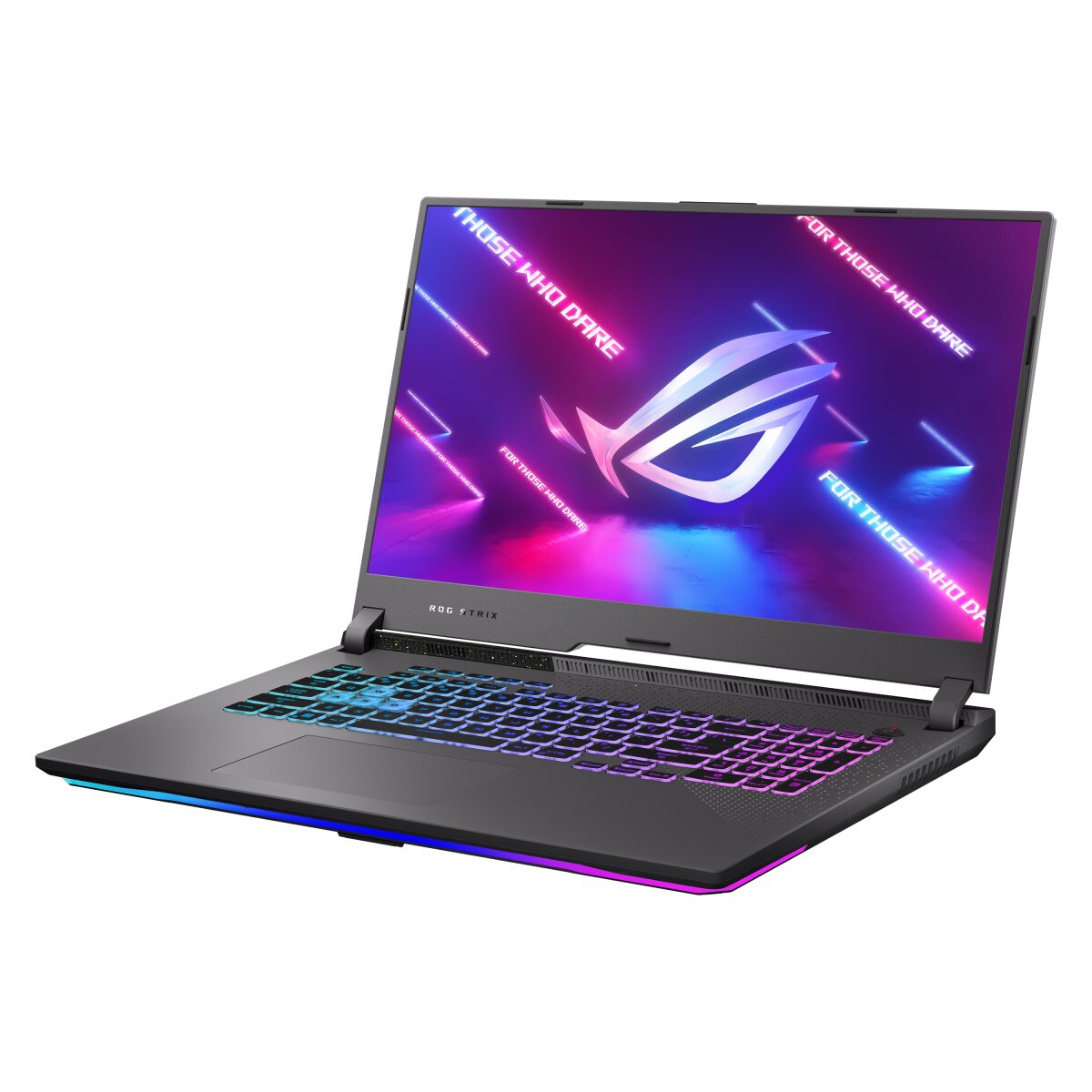
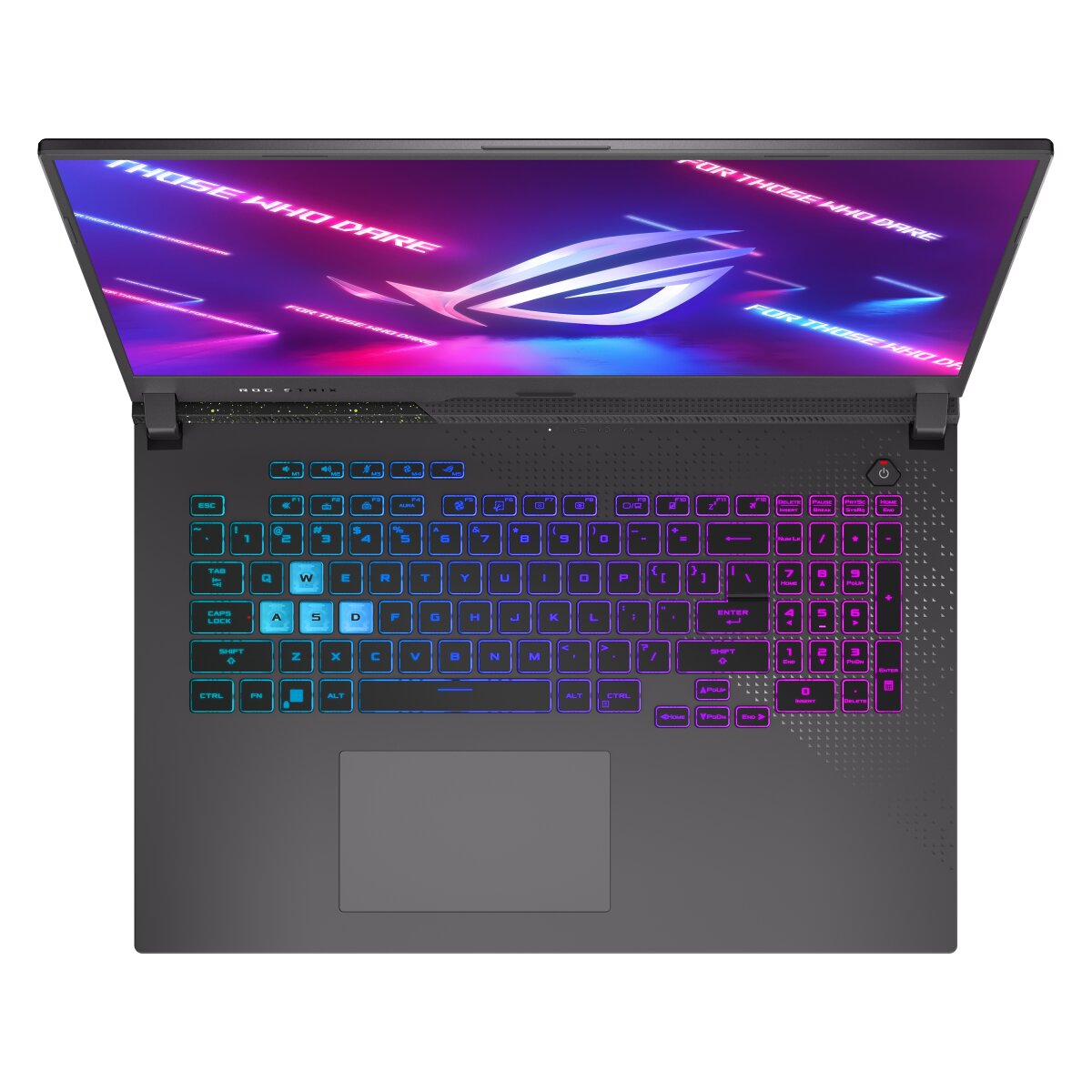

ASUS ROG Strix G17 G713PV-HX054W memory upgrade specifications include DDR5-SDRAM support across 2x SO-DIMM slots with maximum capacity of 32 GB. The laptop features compatible SO-DIMM memory modules operating at 4800 MHz frequency. Users can upgrade the RAM by replacing or adding modules in the available memory slots to achieve maximum RAM specifications. The DDR5-SDRAM memory type ensures high-speed performance suitable for gaming and professional applications.
Memory Upgrade Specifications
| Specification | Value |
|---|---|
| Memory slots | 2x SO-DIMM |
| Form factor | SO-DIMM |
| Memory type | DDR5-SDRAM |
| Frequency | 4800 MHz |
| Maximum RAM | 32 GB |
| Voltage | 1.1V |
| Number of pins | 262-pin |
| Interface | PC5 |
| PC Speed Rating | PC5-4800 (PC5-38400) |
| Bandwidth | 38.4 GB/s |
| Laptop Release date | 09 February 2023 |
Additional Notes
- The ASUS ROG G713PV-HX054W contains 2 SO-DIMM slots with a 32 GB aggregate capacity ceiling, meaning each individual module cannot exceed 16 GB without violating manufacturer specifications.
- DDR5-4800 MHz memory operates at a latency disadvantage relative to desktop DDR5 standards (which commonly reach 6000 MHz or higher), resulting in reduced bandwidth availability for GPU-intensive workloads despite the mobile platform's thermal constraints justifying this frequency tier.
- Both SO-DIMM slots must be populated with matching capacity and timing specifications to activate dual-channel mode; asymmetrical configurations (for example, 8 GB plus 16 GB) force single-channel operation on the smaller module, halving effective bandwidth for that capacity portion.
- Replacement modules require SO-DIMM form factor compliance; standard UDIMM desktop memory is physically incompatible due to length and notch positioning, eliminating accidental installation of incorrect components.
- The 32 GB maximum specification represents a hard firmware limitation enforced by BIOS, not a physical constraint; exceeding this capacity (such as installing 2x32 GB modules totaling 64 GB) will not be recognized by the system regardless of module compatibility.
- Upgrade procedures typically require full system power-down and battery removal for safe SO-DIMM extraction; warranty coverage generally remains intact when using manufacturer-approved memory brands, but improper installation technique voids coverage on RAM modules themselves.