ASUS ROG G814FP-S9013W RAM upgrade specifications
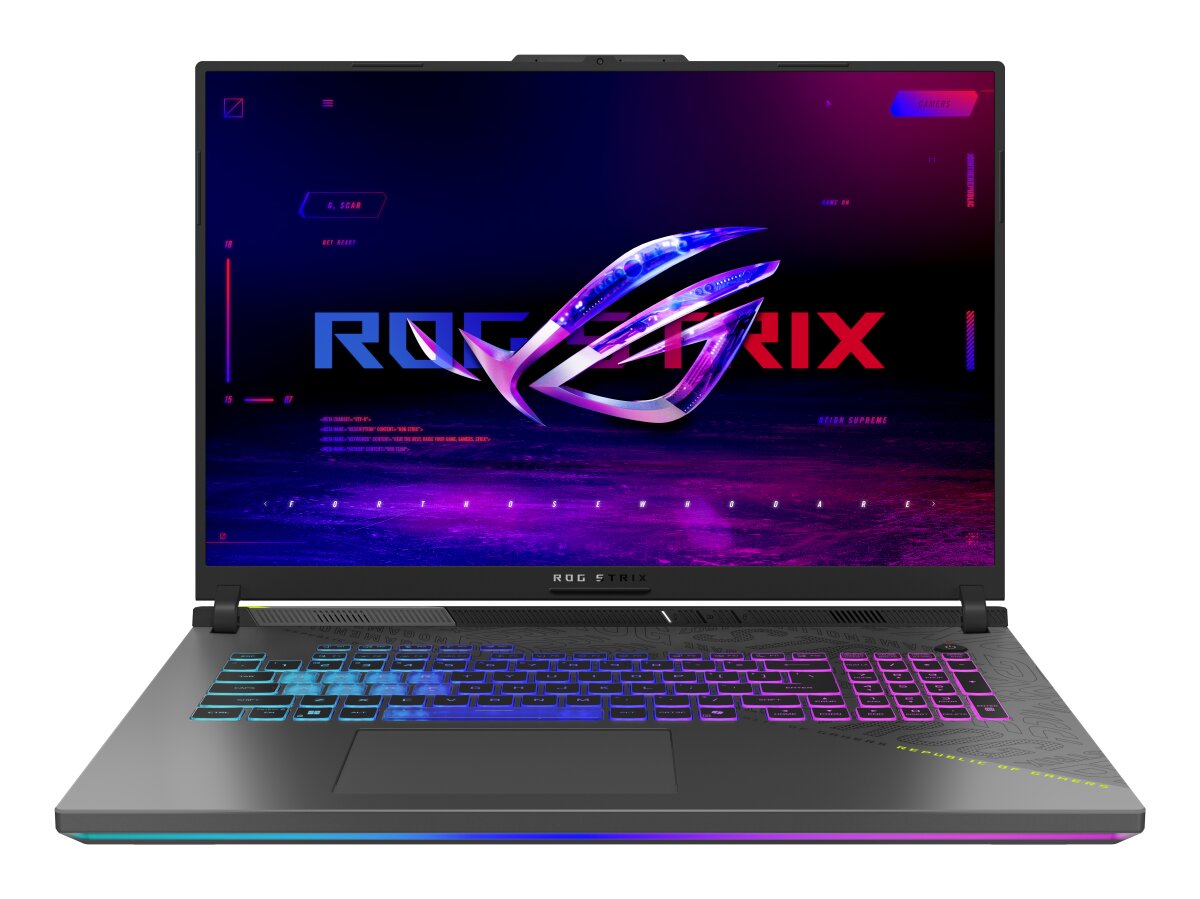
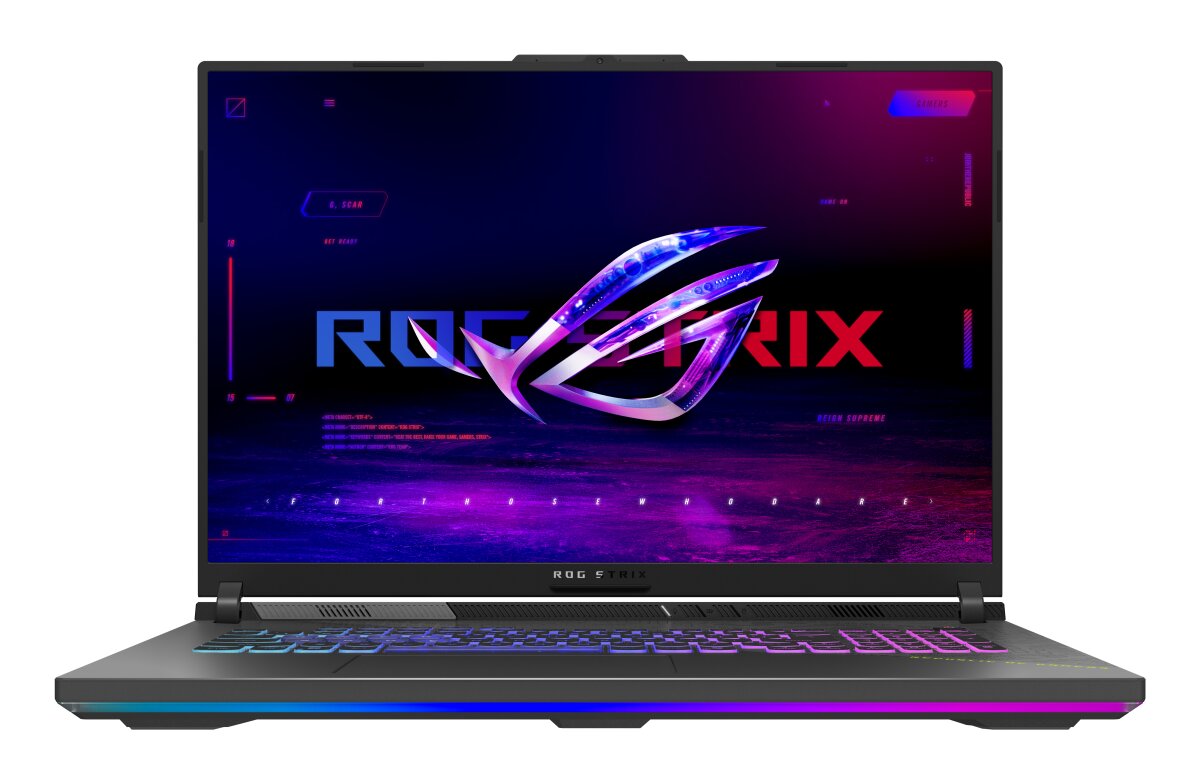
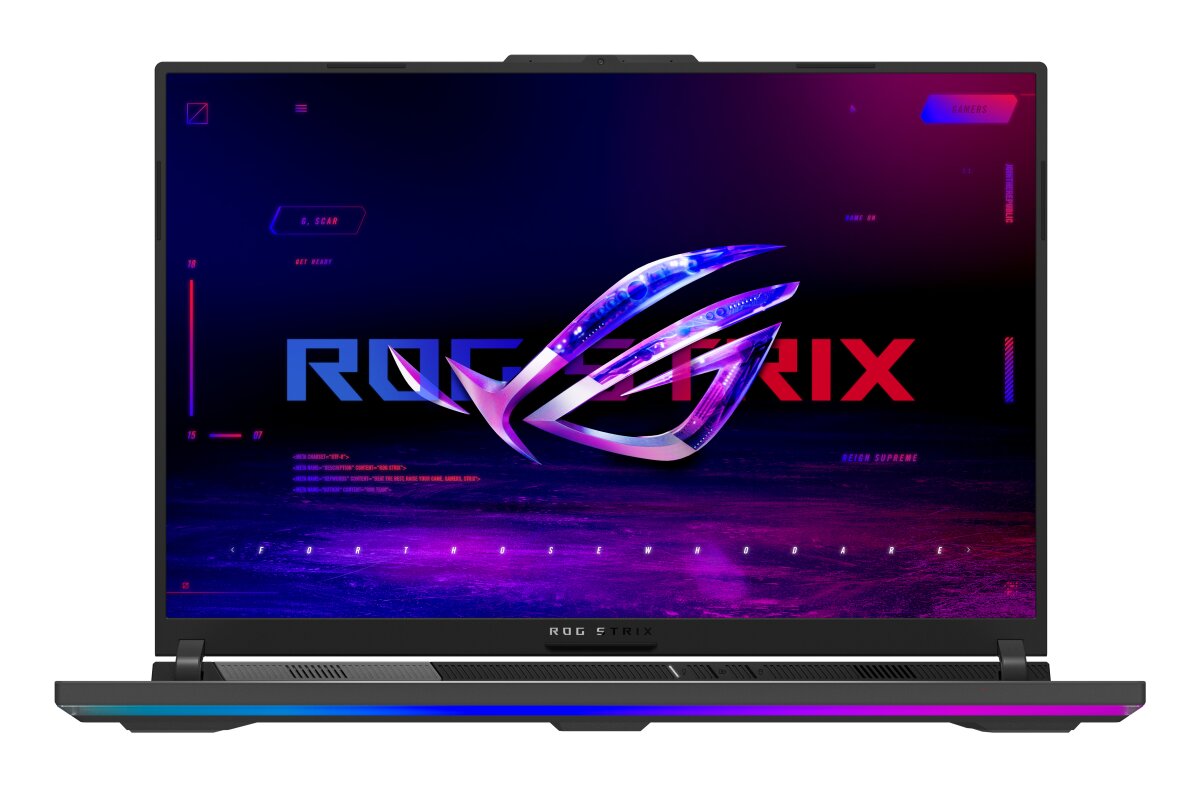

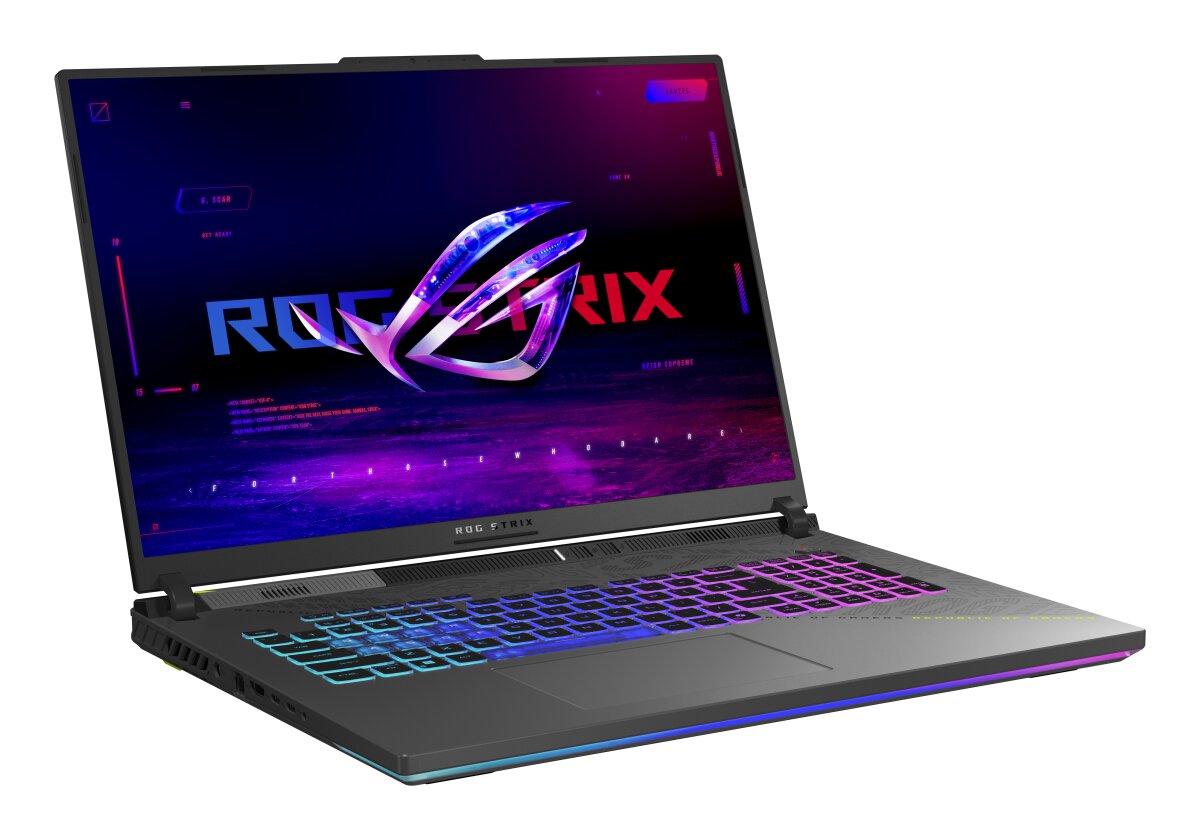
ASUS ROG Strix G18 G814FP-S9013W laptop features DDR5-SDRAM memory upgrade capacity. The device contains 2x SO-DIMM slots supporting maximum RAM of 32 GB total. Memory specifications include DDR5-SDRAM modules operating at 5600 MHz frequency. Compatible RAM upgrades utilize SO-DIMM form factor modules. Specifications indicate upgrade slots accommodate DDR5 technology for enhanced performance capabilities on the ASUS gaming laptop model.
Memory Upgrade Specifications
| Specification | Value |
|---|---|
| Memory slots | 2x SO-DIMM |
| Form factor | SO-DIMM |
| Memory type | DDR5-SDRAM |
| Frequency | 5600 MHz |
| Maximum RAM | 32 GB |
| Voltage | 1.1V |
| Number of pins | 262-pin |
| Interface | PC5 |
| PC Speed Rating | PC5-5600 (PC5-44800) |
| Bandwidth | 44.8 GB/s |
Additional Notes
- The ASUS ROG G814FP-S9013W supports DDR5 SO-DIMM modules at 5600 MHz, which means replacement modules must match this exact frequency specification to maintain rated performance and avoid potential stability issues from frequency mismatches.
- With 2 SO-DIMM slots and a 32 GB maximum capacity ceiling, the only warranty-safe upgrade path involves replacing both existing modules with higher-capacity pairs, as adding a single module would leave one original DIMM in place and create asymmetrical memory configurations.
- SO-DIMM form factor constrains the upgrade to laptop-specific memory modules; desktop DDR5 UDIMM modules cannot be physically inserted into these slots regardless of frequency or capacity ratings.
- The 5600 MHz specification indicates this system operates below the theoretical maximum for DDR5 (which can reach 7200+ MHz in consumer applications), potentially leaving performance headroom that cannot be accessed without replacing the motherboard.
- Upgrading from the stock configuration to the 32 GB maximum requires sourcing 2x16 GB SO-DIMM modules rated for DDR5-5600, as intermediate capacity modules (such as 2x8 GB) would not utilize the available memory bandwidth for applications with large working sets.
- Warranty implications apply to the upgrade process; most manufacturers permit RAM replacement by end users, but installation should follow the motherboard manual to avoid electrostatic discharge damage to the SO-DIMM connectors or adjacent components.