ASUS ROG G814JI-N5237W RAM upgrade specifications
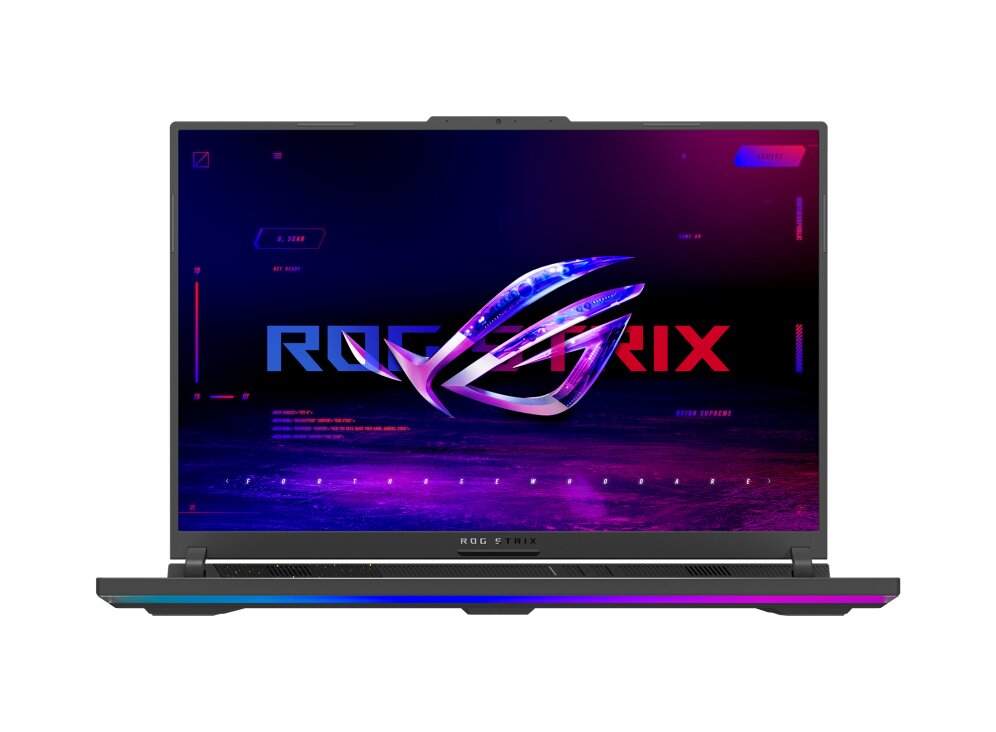

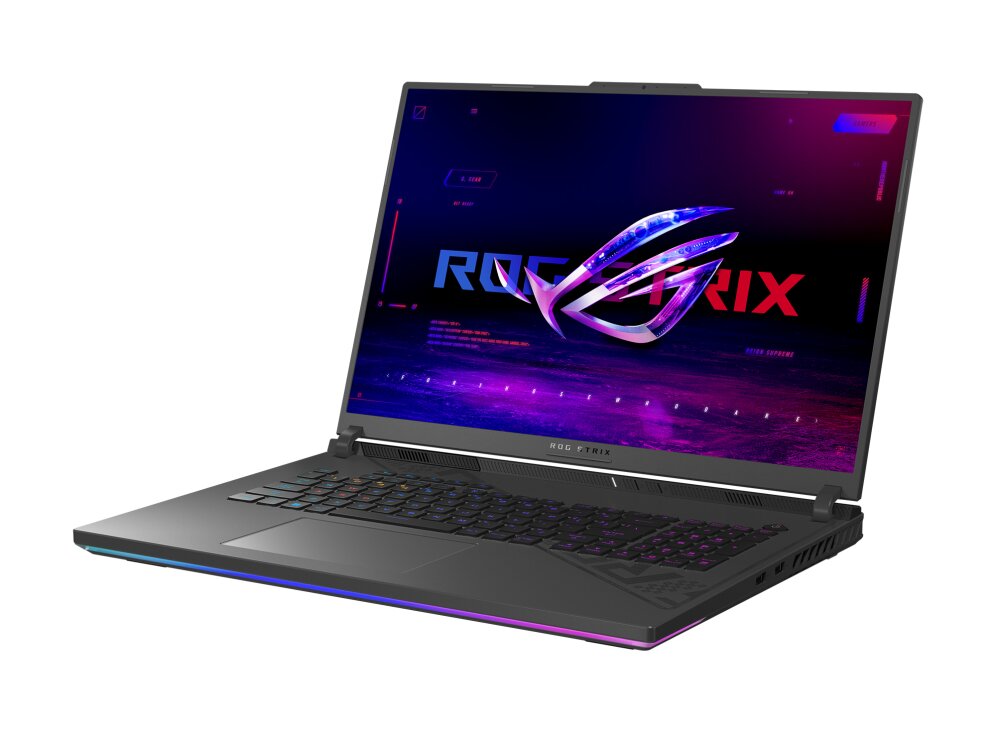
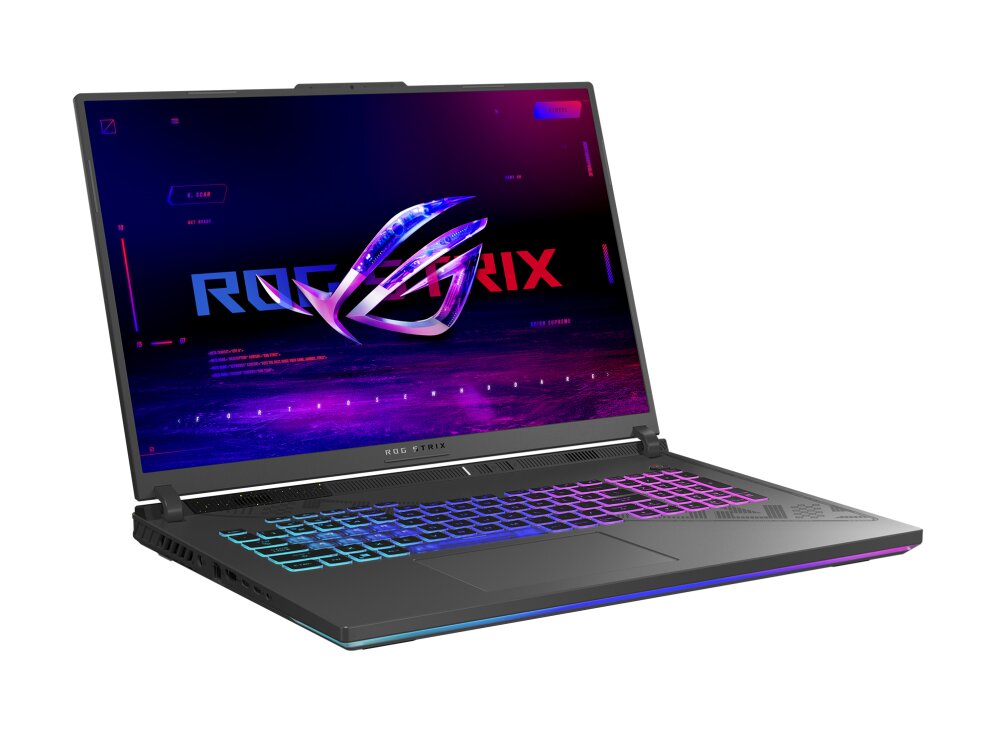
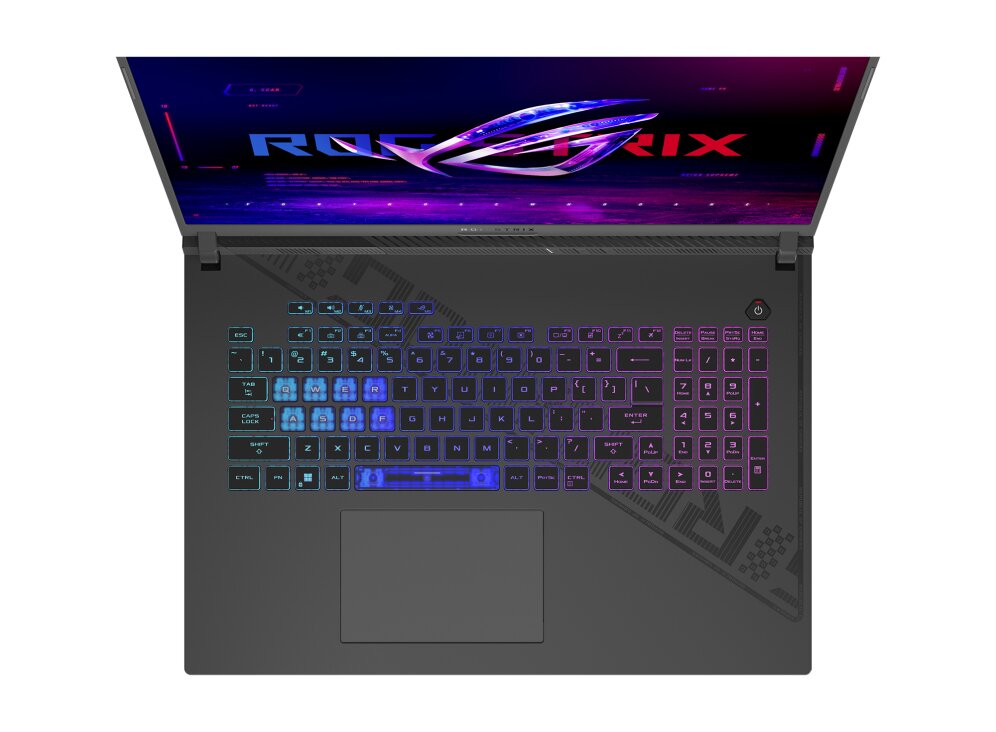
ASUS ROG Strix G18 G814JI-N5237W laptop features DDR5-SDRAM memory upgrade specifications with 2x SO-DIMM slots supporting maximum capacity of 32 GB total. Compatible RAM modules operate at 4800 MHz frequency with SO-DIMM form factor. Memory upgrade configurations enable enhanced multitasking and performance optimization for gaming and professional applications on this mobile workstation platform.
Memory Upgrade Specifications
| Specification | Value |
|---|---|
| Memory slots | 2x SO-DIMM |
| Form factor | SO-DIMM |
| Memory type | DDR5-SDRAM |
| Frequency | 4800 MHz |
| Maximum RAM | 32 GB |
| Voltage | 1.1V |
| Number of pins | 262-pin |
| Interface | PC5 |
| PC Speed Rating | PC5-4800 (PC5-38400) |
| Bandwidth | 38.4 GB/s |
Additional Notes
- The ASUS ROG G814JI-N5237W accommodates DDR5 memory exclusively, rendering DDR4 modules incompatible regardless of physical similarity. Backward compatibility with previous memory generations is not possible.
- With 2 SO-DIMM slots and a 32 GB ceiling, the upgrade path is binary: either 2x16GB configuration or retention of existing single modules. Mixed capacity pairing (8GB + 16GB) functions but leaves maximum addressable capacity underutilized.
- DDR5-4800 MHz represents JEDEC standard specification for this platform. Memory modules rated above 4800 MHz operate at reduced frequencies unless BIOS-level XMP/DOCP profiles are enabled; profile availability depends on firmware version and may void warranty coverage during overclocked states.
- SO-DIMM form factor restricts the upgrade to laptop-specific modules; full-size UDIMM desktop memory cannot physically install. Vendor qualification lists should be consulted prior to purchase, as not all DDR5 SO-DIMM products maintain compatibility with this specific model's memory controller.
- Adding capacity beyond the currently installed amount increases overall system power draw and heat dissipation in the memory subsystem. Thermal impact remains minimal but cumulative with other thermal loads from GPU and CPU during sustained gaming workloads.
- Installation requires partial disassembly of the chassis base. Most manufacturers permit end-user RAM upgrades without voiding hardware warranty; however, documentation verification is necessary before proceeding, as seal breakage or incorrect reinsertion can trigger coverage restrictions.