ASUS ROG G814JI-N6004 RAM upgrade specifications
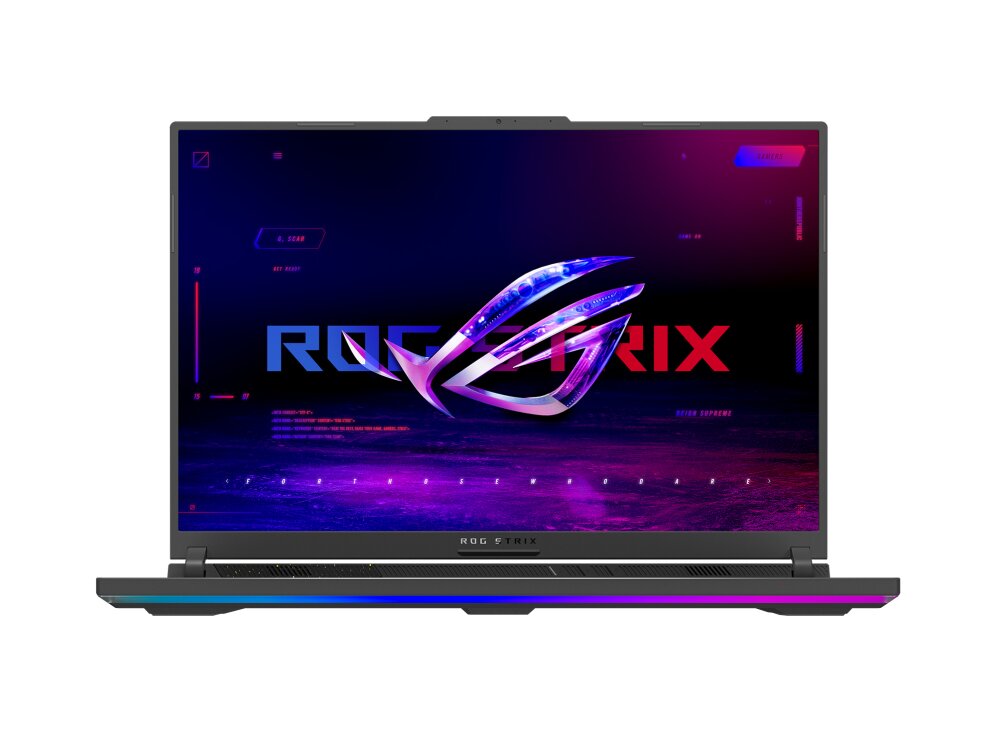
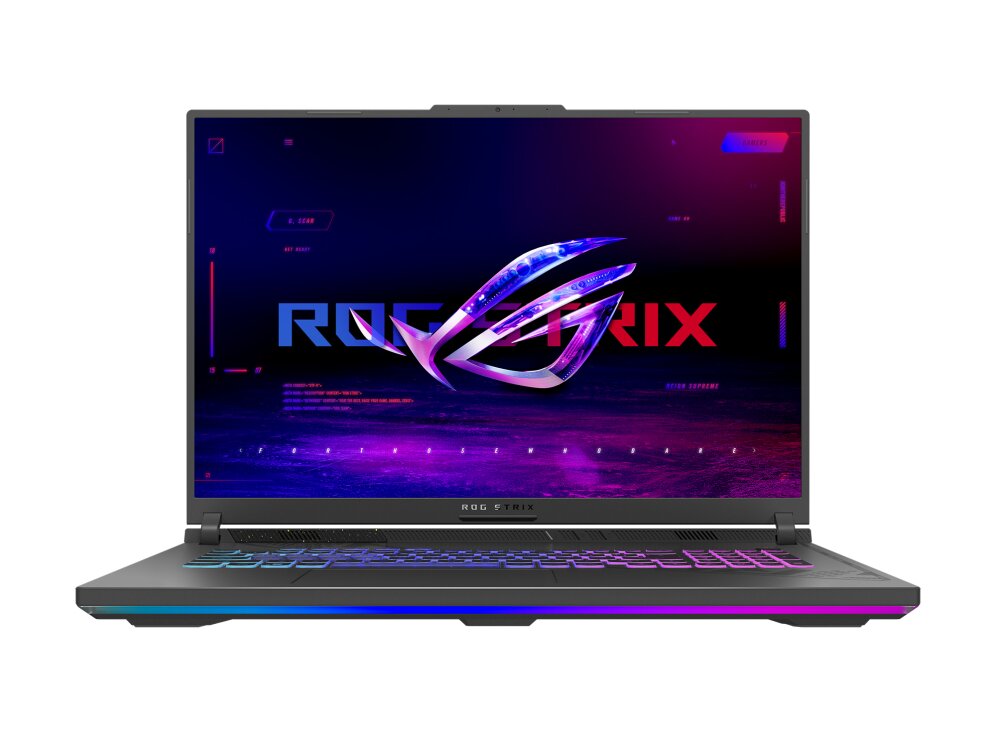
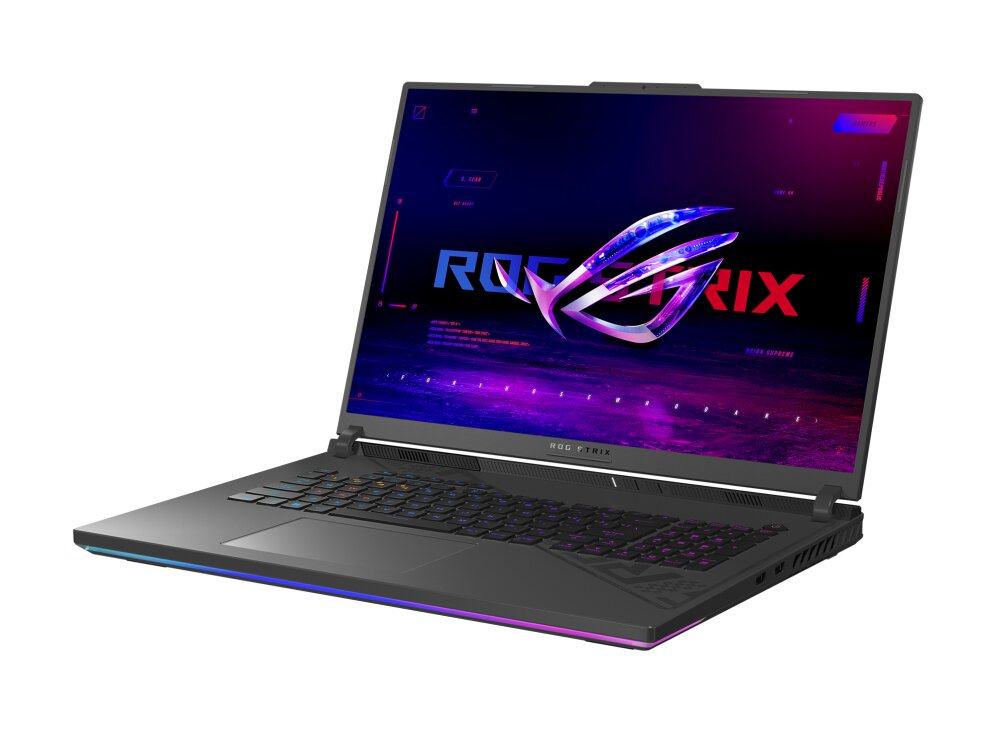
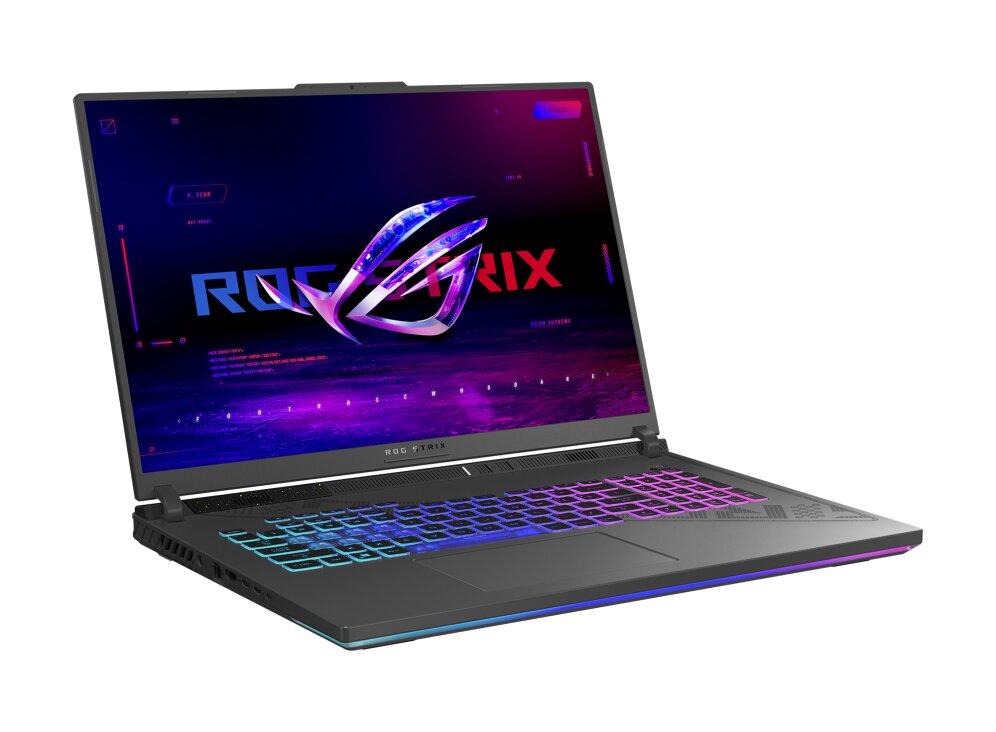
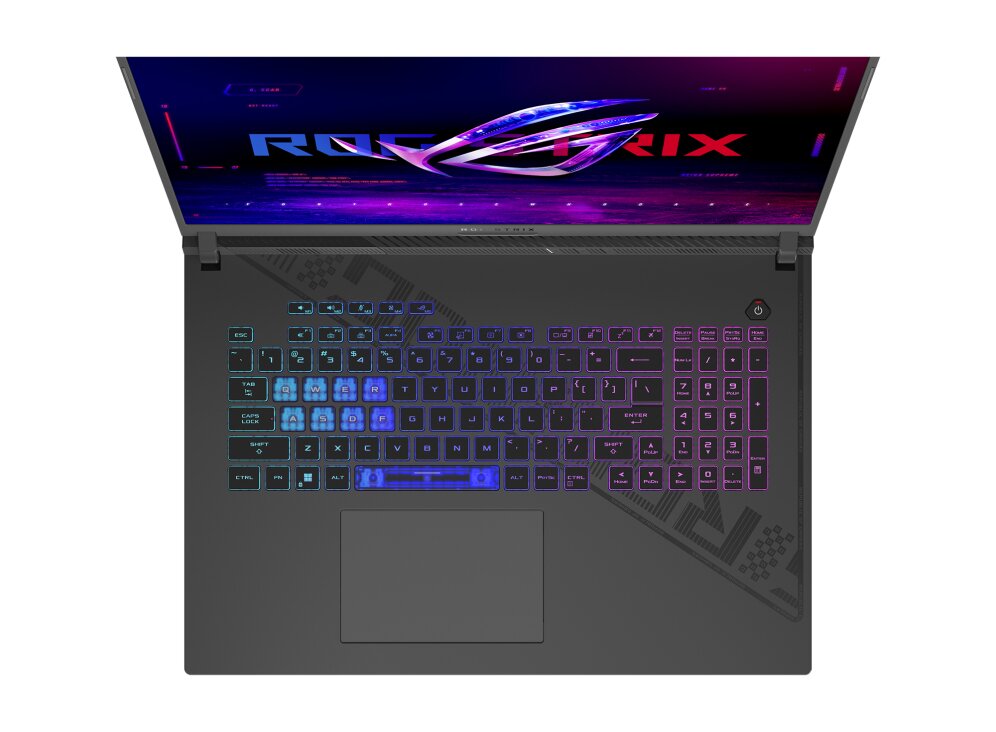
The ASUS ROG Strix G814JI-N6004 gaming laptop features DDR5-SDRAM memory with two SO-DIMM slots for RAM upgrades. The machine supports a maximum memory capacity of 32 GB total, operating at 4800 MHz frequency. Compatible RAM upgrades utilize the SO-DIMM form factor, enabling users to expand the laptop's memory specifications for enhanced performance and multitasking capabilities. The dual-slot configuration allows for flexible memory upgrade options while maintaining the device's portable design.
Memory Upgrade Specifications
| Specification | Value |
|---|---|
| Memory slots | 2x SO-DIMM |
| Form factor | SO-DIMM |
| Memory type | DDR5-SDRAM |
| Frequency | 4800 MHz |
| Maximum RAM | 32 GB |
| Voltage | 1.1V |
| Number of pins | 262-pin |
| Interface | PC5 |
| PC Speed Rating | PC5-4800 (PC5-38400) |
| Bandwidth | 38.4 GB/s |
| Laptop Release date | 11 January 2023 |
Additional Notes
- The presence of 2 SO-DIMM slots allows for dual-channel memory architecture which doubles the communication bandwidth between the processor and the memory controller.
- The 32 GB limitation indicates a firmware or motherboard restriction that prevents the usage of high-density 32 GB or 48 GB modules in a single slot.
- Upgrading the **ASUS ROG G814JI-N6004** requires removing the existing modules if both slots are currently occupied because there are no additional expansion bays.
- The 4800 MHz frequency serves as a hardware ceiling where installing higher rated modules will result in the system downclocking the RAM to match the motherboard bus speed.
- DDR5 memory architecture utilizes on-module Power Management Integrated Circuits which shifts voltage regulation tasks away from the motherboard to the RAM sticks themselves.
- Mismatching the internal timings or densities between the 2 slots can cause the system to default to a secondary JEDEC profile and reduce overall stability.
- The SO-DIMM form factor necessitates a 262-pin interface which is physically incompatible with desktop DIMM or older DDR4 laptop slots.
- Physical access to the memory slots typically requires the removal of the bottom chassis cover which may involve navigating internal ribbon cables or thermal pads.