ASUS ROG G814JIR-N6113W RAM upgrade specifications




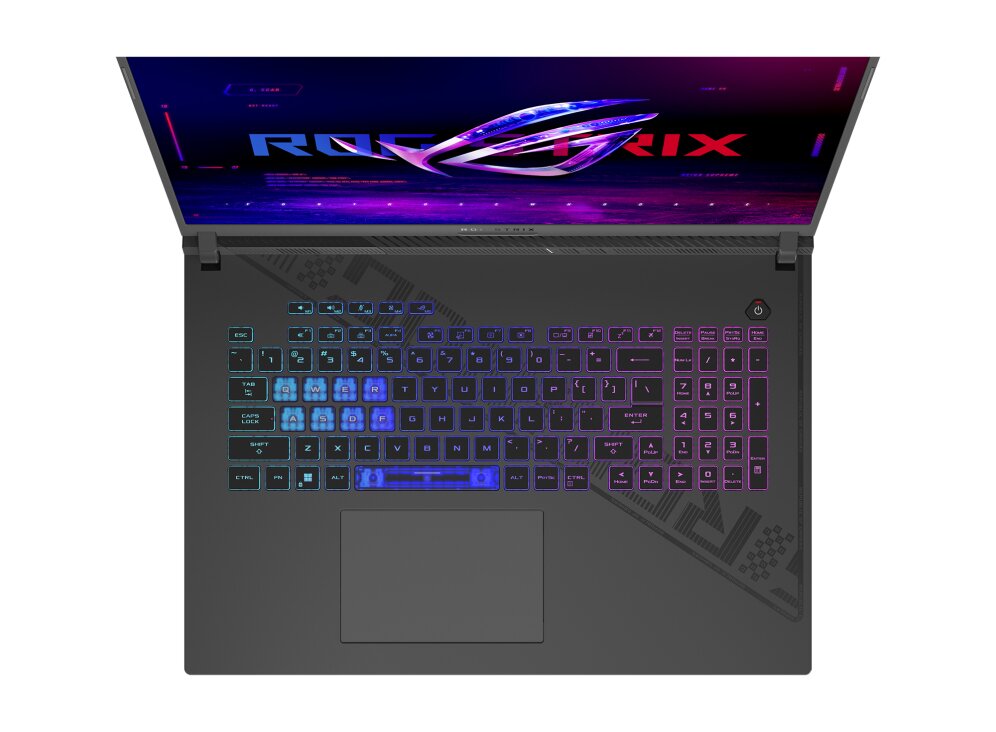
The ASUS ROG Strix G18 G814JIR-N6113W features DDR5-SDRAM memory upgrades across two SO-DIMM slots. Maximum RAM capacity reaches 32 GB total, supporting DDR5 modules operating at 5600 MHz frequency. Compatible memory upgrades utilize SO-DIMM form factor specifications for this gaming laptop model. The upgrade slots accommodate standard DDR5 SO-DIMM memory modules, enabling memory expansion for enhanced system performance and multitasking capabilities on the Strix G18 series.
Memory Upgrade Specifications
| Specification | Value |
|---|---|
| Memory slots | 2x SO-DIMM |
| Form factor | SO-DIMM |
| Memory type | DDR5-SDRAM |
| Frequency | 5600 MHz |
| Maximum RAM | 32 GB |
| Voltage | 1.1V |
| Number of pins | 262-pin |
| Interface | PC5 |
| PC Speed Rating | PC5-5600 (PC5-44800) |
| Bandwidth | 44.8 GB/s |
Additional Notes
- The ASUS ROG G814JIR-N6113W operates with DDR5 memory, which requires compatible modules; DDR4 RAM will not function in this system due to different electrical signaling and physical slot incompatibility.
- The 2 SO-DIMM slot configuration means both memory slots must be populated simultaneously to achieve 32 GB capacity; a single 32 GB module cannot be installed, as SO-DIMM form factor limits individual stick density to 16 GB per slot under current manufacturing standards.
- Bandwidth throughput reaches approximately 89.6 GB/s with DDR5-5600 operation; however, actual sustained performance depends on CPU and chipset controller specifications, which may not fully utilize this theoretical maximum in all workloads.
- Memory replacement requires removing the system base or keyboard assembly; this disassembly process may void certain warranty provisions unless performed by authorized service centers, depending on regional terms.
- Mixing memory modules of different speeds or capacities within the 2 slots will force the system to operate at the speed of the slowest installed module, reducing effective bandwidth compared to matched pairs.
- The SO-DIMM physical footprint occupies minimal motherboard real estate, leaving minimal margin for error during manual installation; improper seating contacts can cause boot failures or data corruption without triggering visible damage indicators.