ASUS ROG G733QS-HG003T RAM upgrade specifications
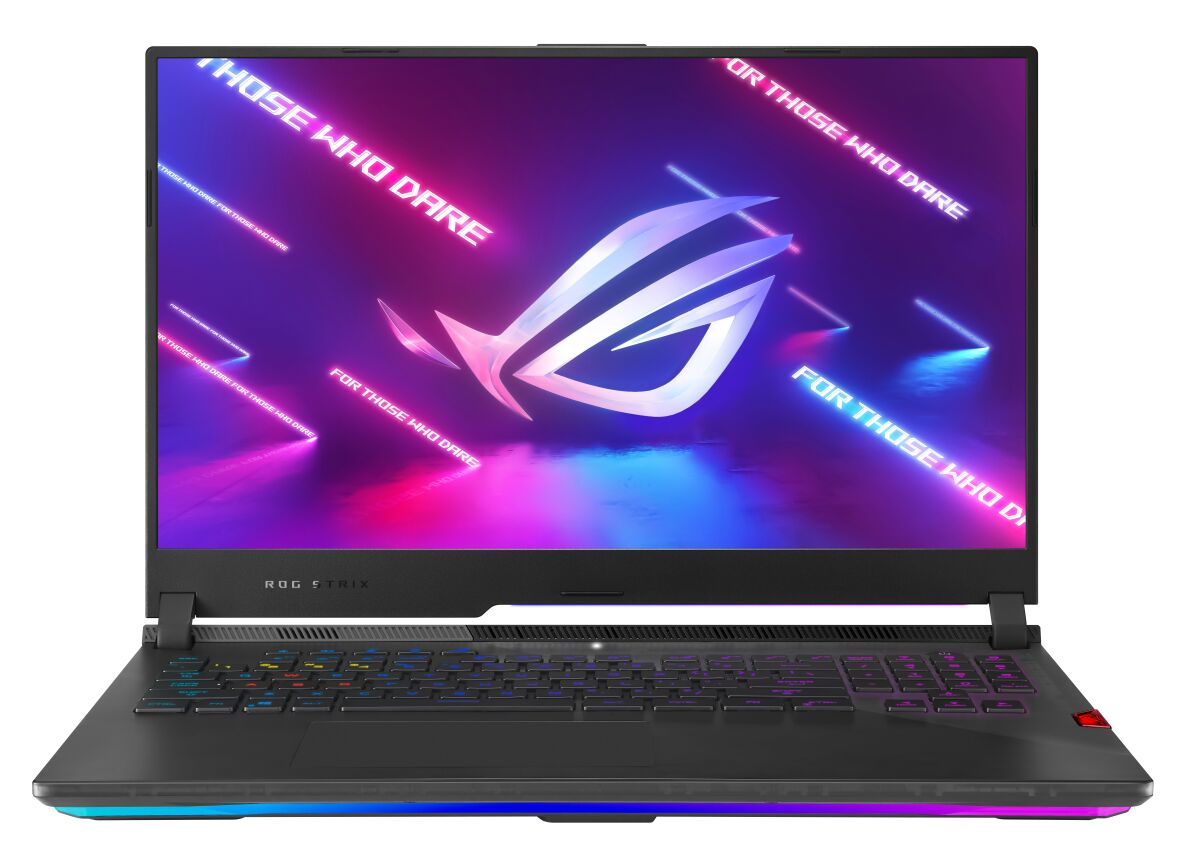
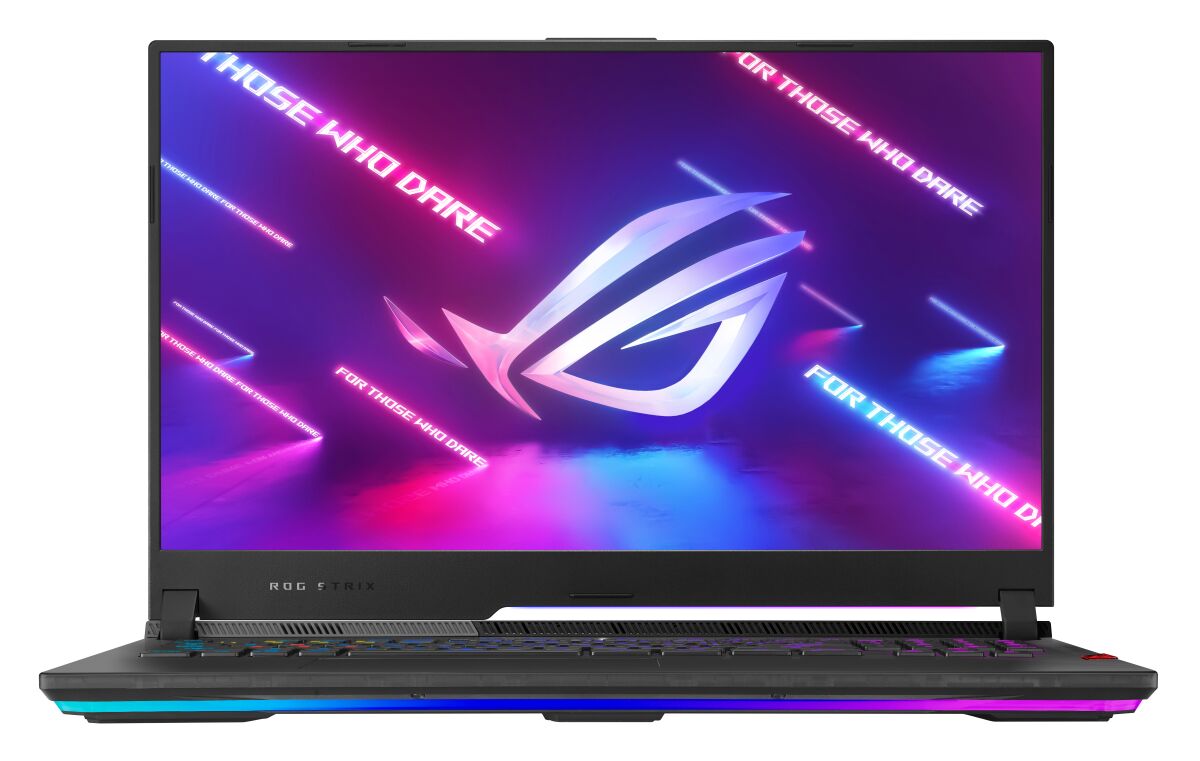
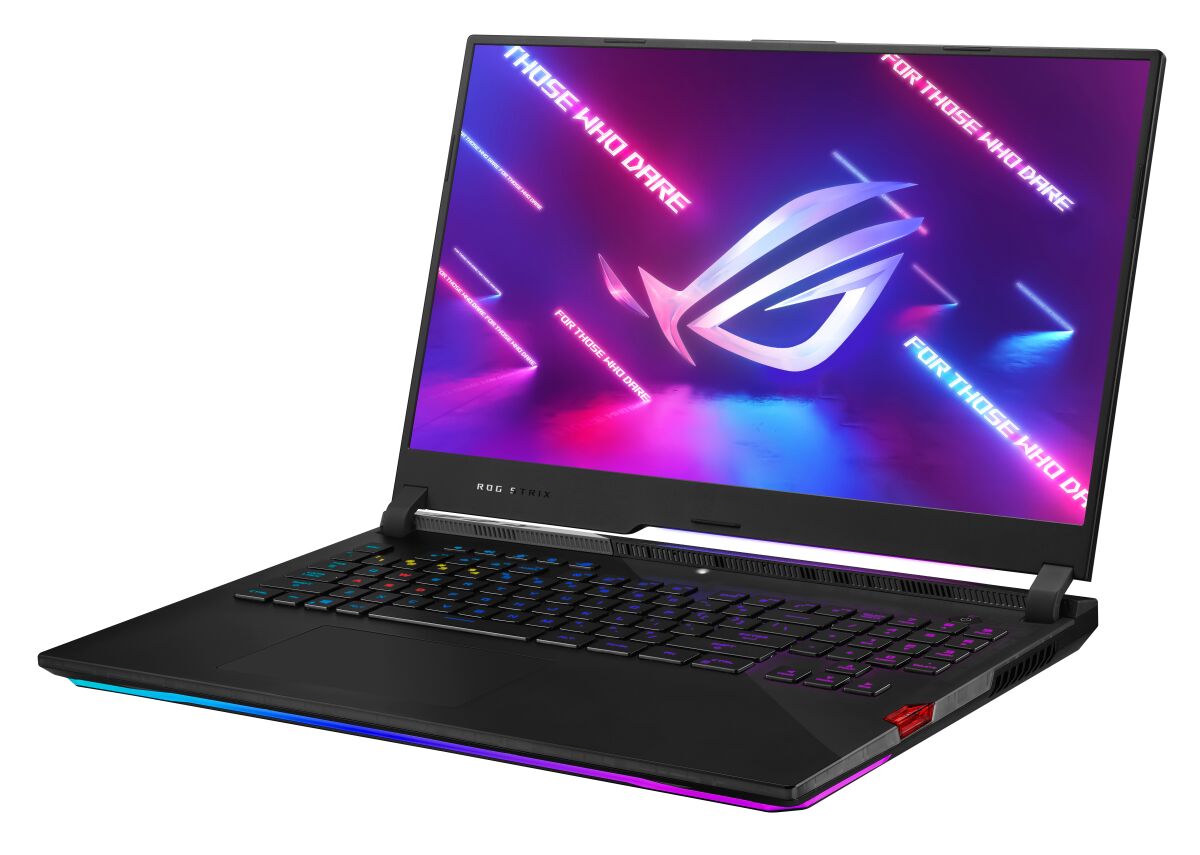
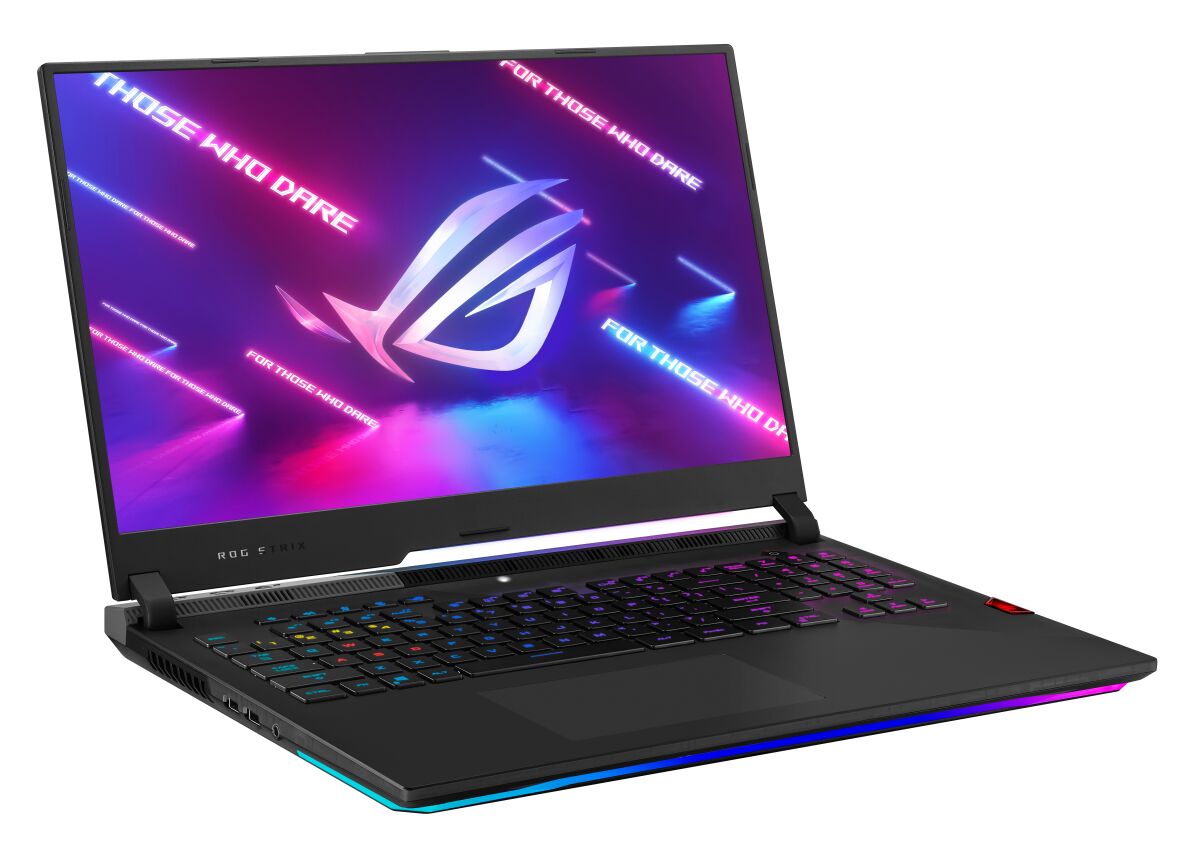
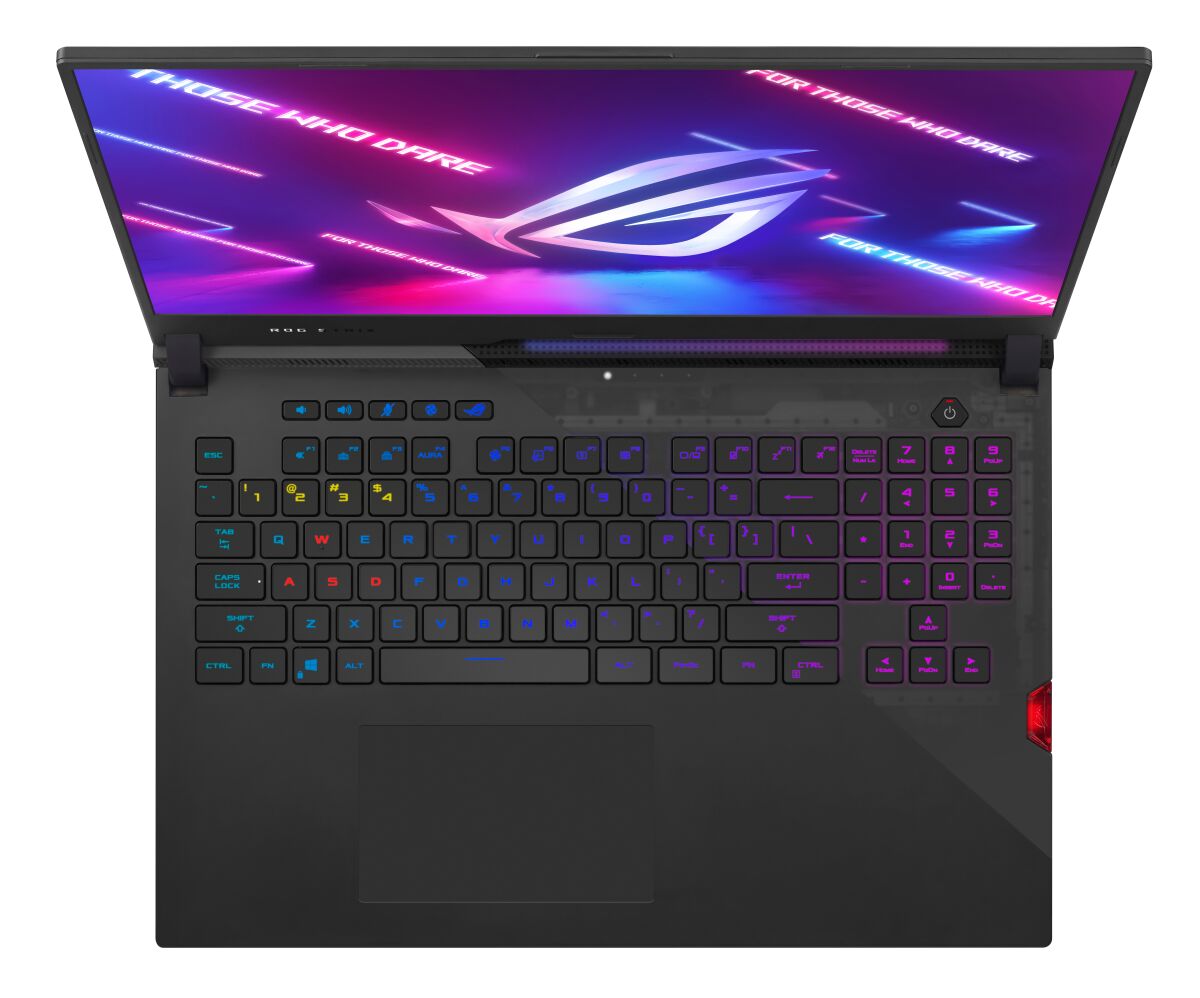
The ASUS ROG Strix SCAR 17 G733QS-HG003T supports DDR4-SDRAM memory upgrades with two SO-DIMM slots available for expansion. Maximum supported capacity reaches 64 GB total memory. Compatible RAM operates at 3200 MHz frequency. Upgrade specifications indicate SO-DIMM form factor modules are required for this gaming laptop model. Existing memory configuration permits installation of higher-capacity modules within maximum specifications.
Memory Upgrade Specifications
| Specification | Value |
|---|---|
| Memory slots | 2x SO-DIMM |
| Form factor | SO-DIMM |
| Memory type | DDR4-SDRAM |
| Frequency | 3200 MHz |
| Maximum RAM | 64 GB |
| Voltage | 1.2V |
| Number of pins | 260-pin |
| Interface | PC4 |
| PC Speed Rating | PC4-3200 (PC4-25600) |
| Bandwidth | 25.6 GB/s |
| Laptop Release date | 31 January 2021 |
Additional Notes
- The ASUS ROG G733QS-HG003T accommodates memory modules only in SO-DIMM form factor, which eliminates compatibility with standard desktop DDR4 DIMMs and restricts selection to laptop-grade modules.
- Dual-slot configuration limits total capacity expansion to 64 GB, meaning each slot must accept 32 GB modules to achieve maximum density. Single-sided 32 GB SO-DIMMs are less common in market availability than dual-sided variants.
- DDR4-3200 MHz specification indicates the system controller enforces this frequency ceiling. Faster modules (3600 MHz, 4000 MHz) will downclock to 3200 MHz, rendering premium memory pricing ineffective and creating no performance advantage.
- Upgrading from factory configuration requires complete DIMM replacement rather than additive expansion, as both slots must be populated simultaneously for optimal dual-channel bandwidth. Retaining original modules alongside new ones may trigger timing conflicts or force the system to operate at reduced frequency.
- SO-DIMM modules generate higher heat density than full-size DIMMs due to compact construction. Thermal paste or thermal pads between modules and internal chassis components will impact upgrade planning and may require removal during installation.
- RAM upgrade does not require BIOS modification on this platform, but firmware updates should be applied before memory installation to ensure compatibility databases are current and prevent potential POST failures or memory detection errors.