ASUS ROG G712LV-H1124 RAM upgrade specifications
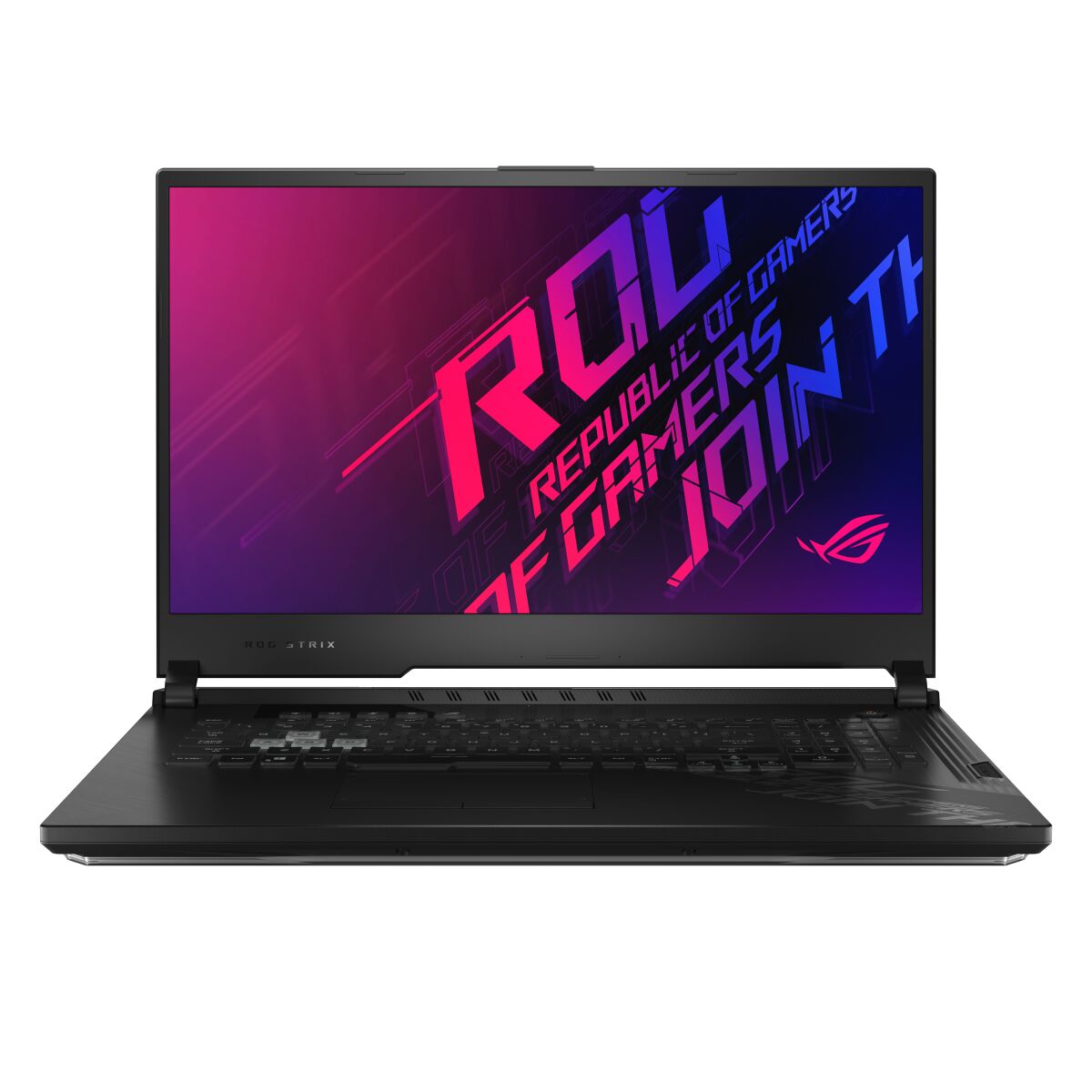

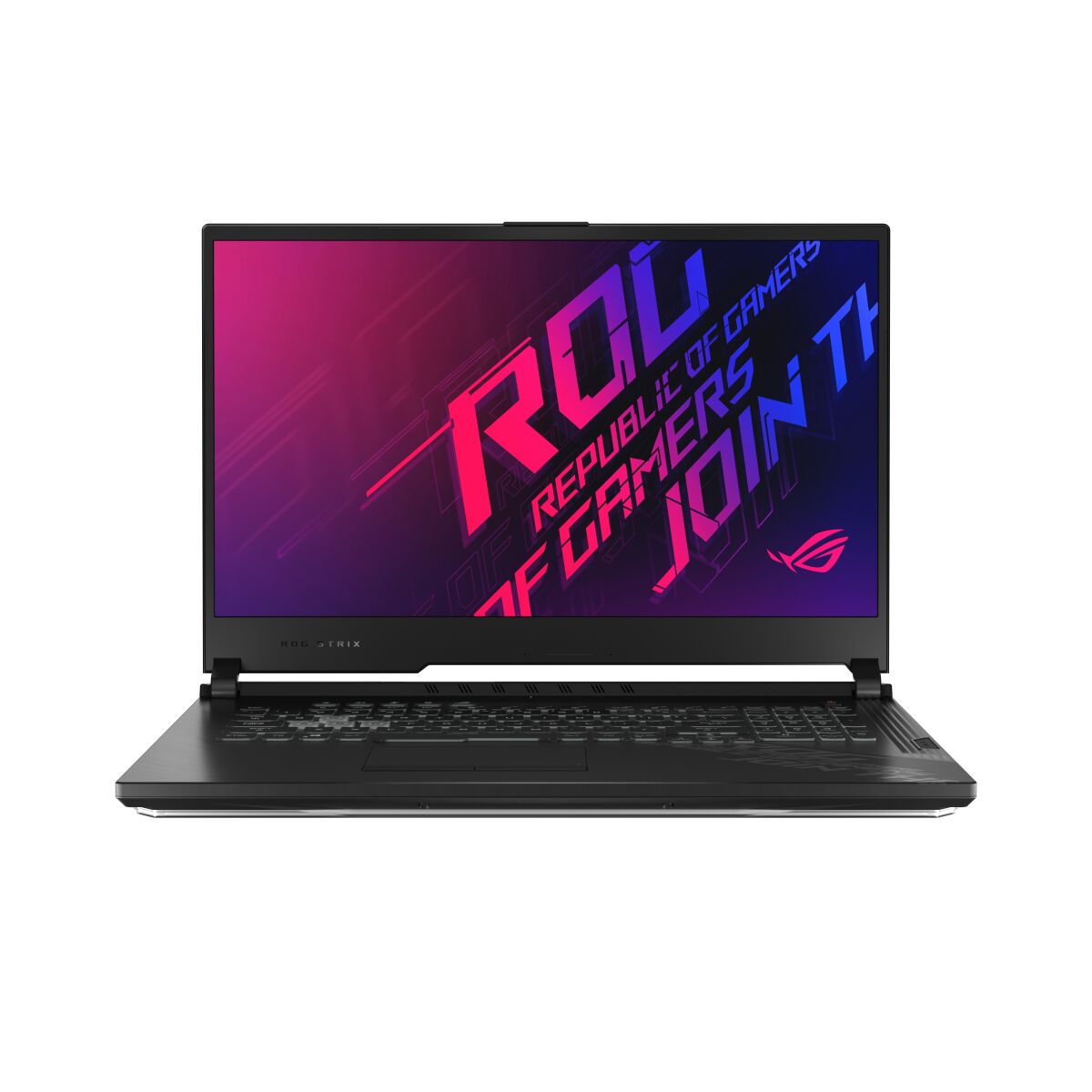
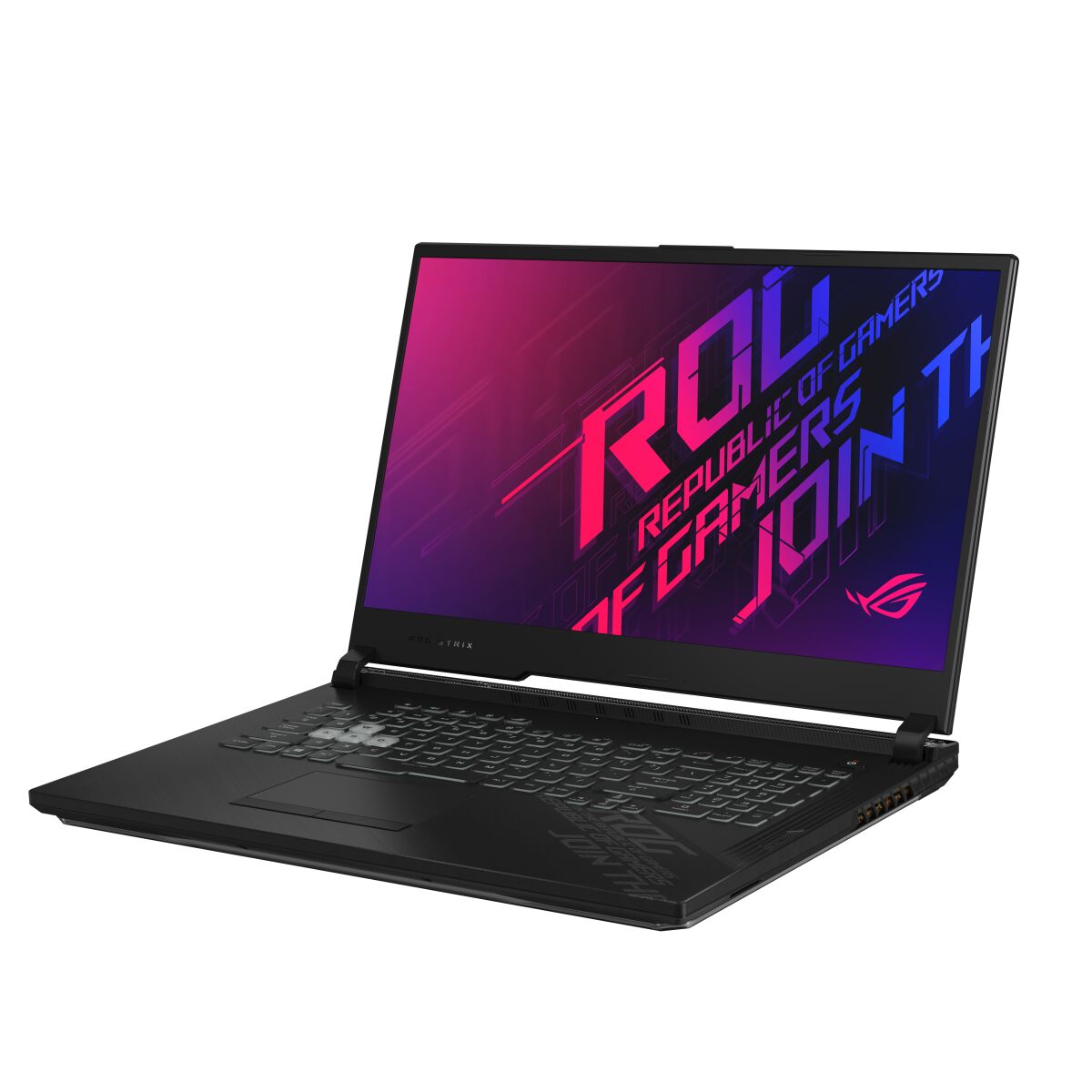
ASUS ROG Strix G712LV-H1124 laptop memory upgrade specifications include DDR4-SDRAM compatible modules with SO-DIMM form factor. The system features 2 memory slots supporting maximum RAM capacity of 32 GB total. Compatible memory operates at 3200 MHz frequency. Upgrade options allow installation of higher-capacity SO-DIMM modules within specifications to enhance system performance. Memory slots accommodate standard laptop DDR4 upgrades meeting compatibility requirements.
Memory Upgrade Specifications
| Specification | Value |
|---|---|
| Memory slots | 2x SO-DIMM |
| Form factor | SO-DIMM |
| Memory type | DDR4-SDRAM |
| Frequency | 3200 MHz |
| Maximum RAM | 32 GB |
| Voltage | 1.2V |
| Number of pins | 260-pin |
| Interface | PC4 |
| PC Speed Rating | PC4-3200 (PC4-25600) |
| Bandwidth | 25.6 GB/s |
| Laptop Release date | 28 October 2020 |
Additional Notes
- The dual slot configuration requires the removal of existing modules to reach the maximum 32 GB capacity since no memory is permanently soldered to the motherboard.
- Performance peaks when utilizing two identical modules to enable dual channel bandwidth which significantly reduces data processing latency compared to single channel setups.
- Installing memory with a frequency higher than 3200 MHz results in automatic downclocking to match the hardcoded limits of the chipset.
- Accessing the SO-DIMM slots on the ASUS ROG G712LV-H1124 involves removing the bottom chassis cover which may house delicate ribbon cables for integrated lighting systems.
- The 32 GB threshold indicates a firmware or motherboard limitation that prevents the stable use of high density 32 GB sticks for a 64 GB total.
- Thermal management remains a factor during high intensity tasks as closely packed RAM modules lack dedicated heat spreaders within the compact internal housing.
- Upgrading memory provides the necessary overhead for complex multitasking and high resolution video editing without triggering virtual memory swapping on the storage drive.