ASUS ROG GL704GW-EV021T Scar II RAM upgrade specifications
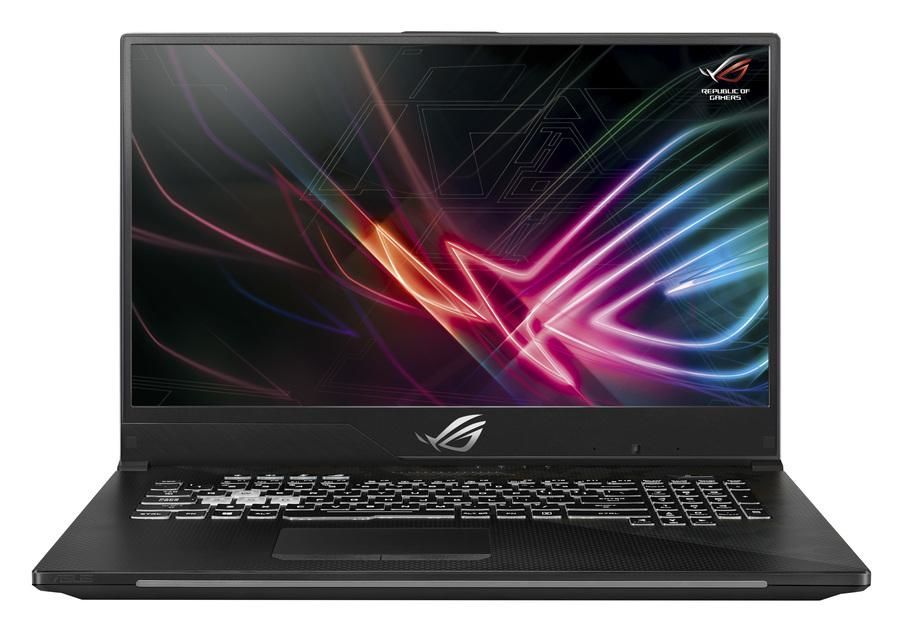
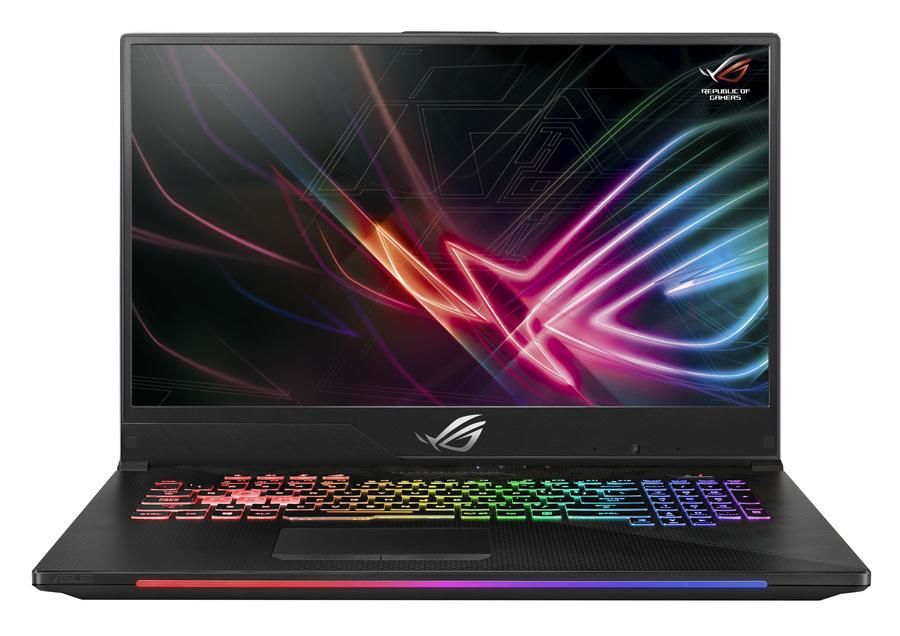
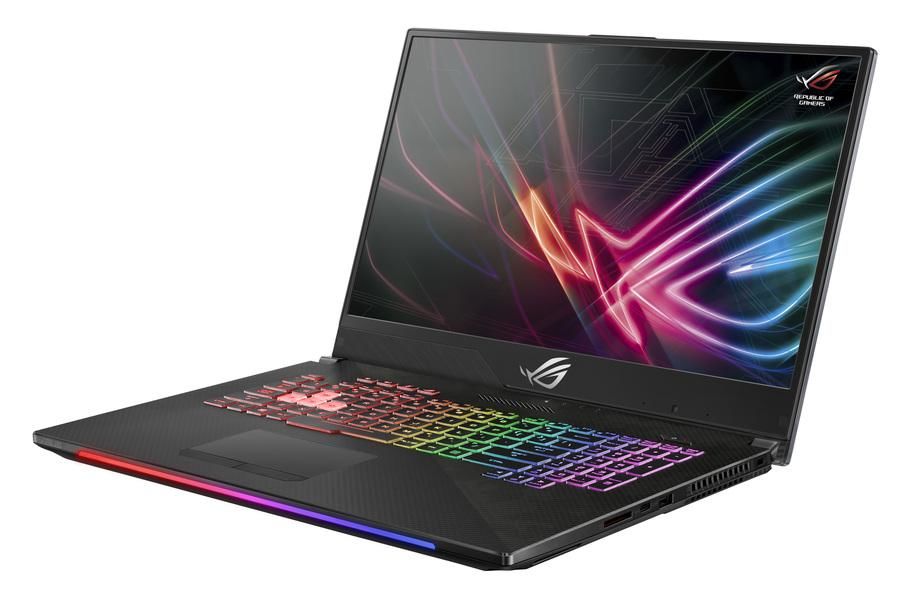

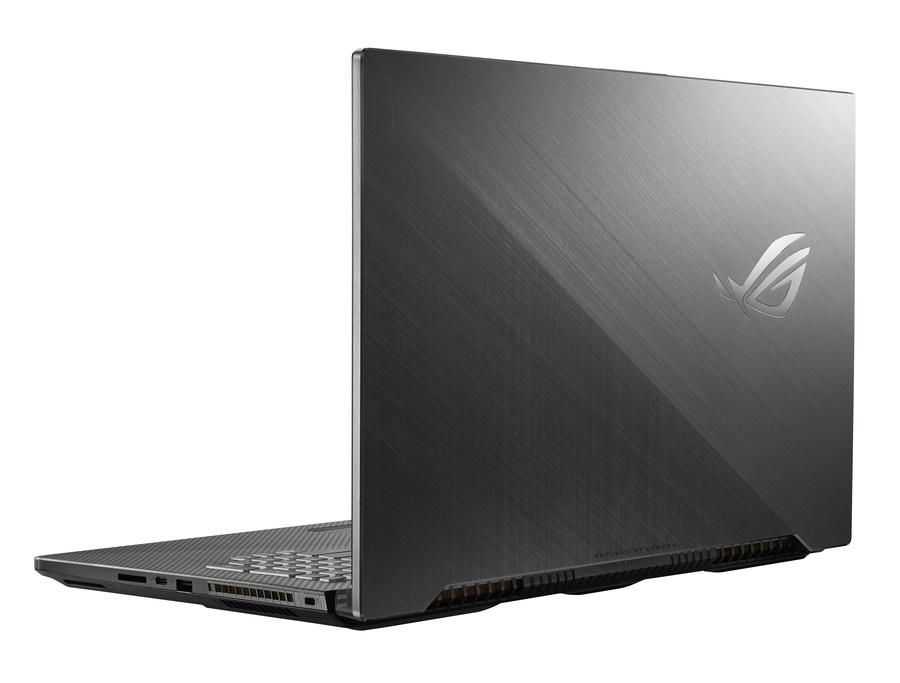
ASUS ROG Strix GL704GW-EV021T Scar II RAM upgrade specifications detail memory configuration compatible with this gaming laptop model. The system features two SO-DIMM slots supporting DDR4-SDRAM memory modules at 2666 MHz frequency. Maximum RAM capacity reaches 32 GB total, enabling users to expand memory from factory-installed configuration. SO-DIMM form factor specifications define the physical and electrical requirements for compatible memory upgrades. These RAM specifications establish the upgrade parameters and maximum supported memory capacity for the ASUS ROG Strix GL704GW-EV021T Scar II laptop model.
Memory Upgrade Specifications
| Specification | Value |
|---|---|
| Memory slots | 2x SO-DIMM |
| Form factor | SO-DIMM |
| Memory type | DDR4-SDRAM |
| Frequency | 2666 MHz |
| Maximum RAM | 32 GB |
| Voltage | 1.2V |
| Number of pins | 260-pin |
| Interface | PC4 |
| PC Speed Rating | PC4-2666 (PC4-21328) |
| Bandwidth | 21.3 GB/s |
| Laptop Release date | 24 September 2018 |
Additional Notes
- Dual channel memory architecture requires installing matching pairs of modules to maximize the available data bus bandwidth for the ASUS ROG GL704GW-EV021T Scar II.
- The 2666 MHz frequency limit dictates that higher speed modules will automatically downclock to match the hardware controller ceiling.
- Populating both slots to reach the 32 GB limit necessitates the replacement of existing modules since no additional expansion headers exist.
- Storage of system critical data occurs across SO-DIMM interfaces which lack ECC support, making this hardware unsuitable for error-correcting server workloads.
- Heat spreader height on aftermarket memory modules must remain within standard profile limits to avoid contact with the internal heat pipes or chassis panel.
- The 32 GB capacity cap is a firmware level restriction that prevents the utilization of 32 GB high density single sticks.
- Accessing the memory slots requires the removal of the entire bottom shroud, involving specialized plastic prying tools to avoid damaging the integrated lighting cables.